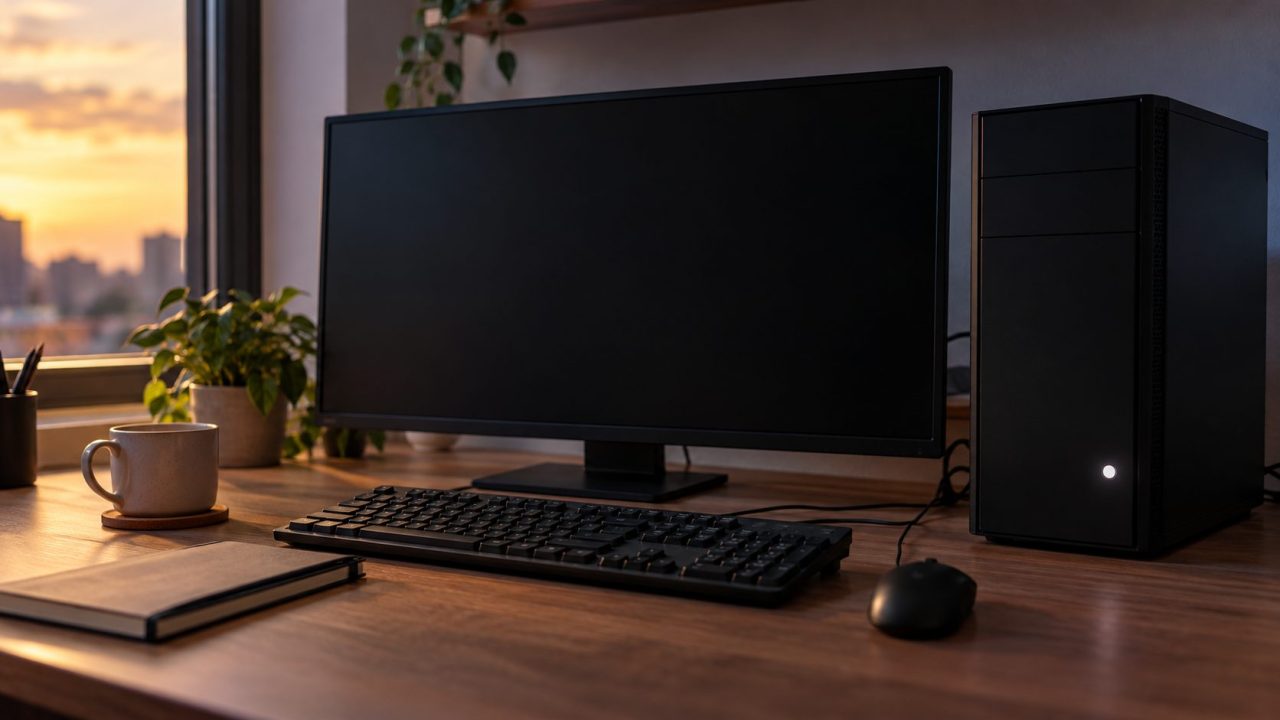
Windows 11 Won’t Wake From Sleep? Fix Black Screens and Dead Keyboards
Black screen or dead keyboard after sleep? One Caps Lock test shows which, then fix wake permission, USB power, the graphics driver, the monitor or a Modern Standby rule.


Windows PCs, laptops, drives and hardware problems, solved in the right order.
Black screen or dead keyboard after sleep? One Caps Lock test shows which, then fix wake permission, USB power, the graphics driver, the monitor or a Modern Standby rule.
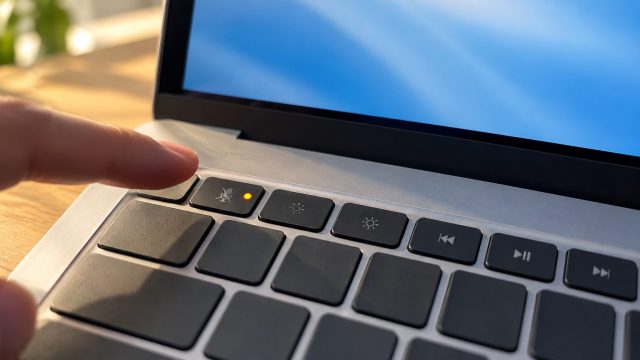
Mic silent, too quiet or echoing on calls? Work through the mute key, Windows privacy switches, the input test, app settings and drivers in an order that saves time.
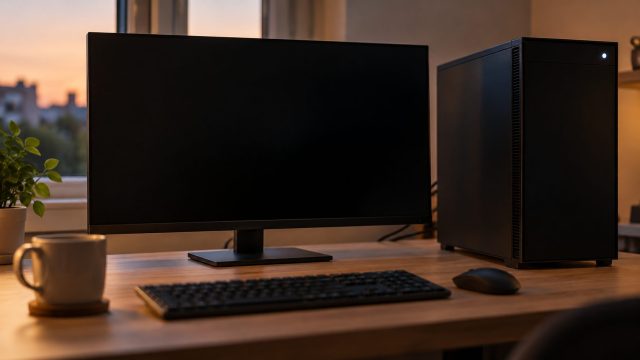
Random restarts and shut-offs leave clues in Windows. Read Event 41 and 1074 to tell a hidden crash from power loss, heat or updates, then fix the right cause.
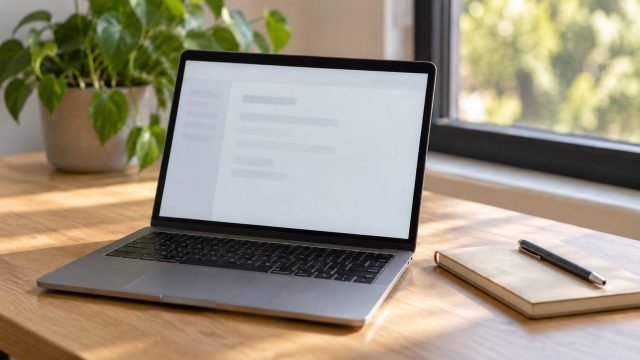
One line in Windows Settings shows whether your laptop is x64, x86 or ARM64. Here's what each reading means, which installer to pick, and how to check a MacBook.

How far off the clock is tells you the cause. Fix the time zone, daylight saving, a dual-boot clash, a failing sync or the CMOS battery on Windows 11 and 10.
Windows quietly recompresses JPEG wallpapers, and Fill enlarges any picture smaller than your screen. Here's how to tell which one blurs yours and fix it.
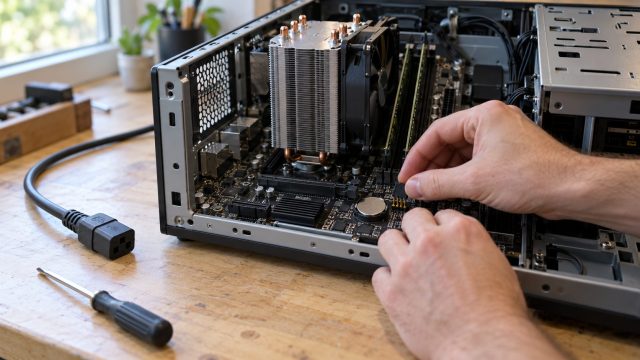
Reset BIOS with the CMOS jumper, button or coin cell the safe way, then fix a PC stuck booting to BIOS, a missing SSD boot option or an XMP crash.
One dead port or all of them? Prove where the fault is, then work through cables, Windows errors, power saving, drivers, USB-C icons and physical damage.
A tingle while charging, a high-pitched whine under load and a real rattle have different causes. Sort yours with four quick checks, then fix it safely.
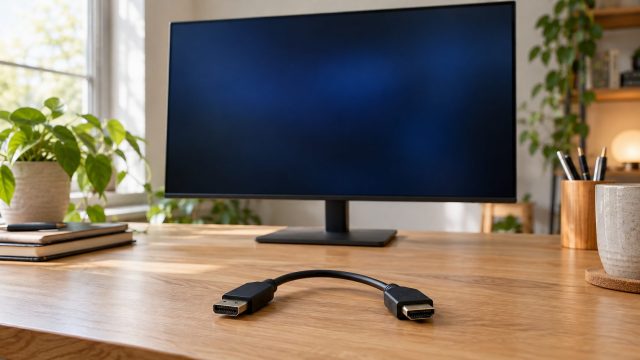
Video adapters convert one way only. Match the source and monitor ends, power an active converter, check DP++ and VGA limits, then test the adapter itself.
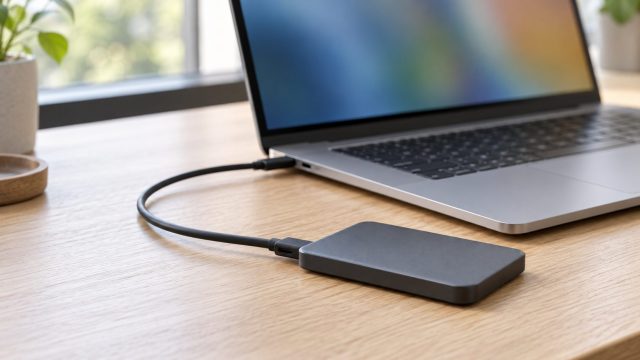
Trace a missing external SSD through System Information, Disk Utility and Finder, fix the approval, cable, mount or NTFS problem, and copy files off before any erase.
Where Setup stops tells you why: a TPM or boot-mode setting, an old or wrongly booted USB stick, an MBR disk, or a driver or app behind a rollback code.