
Windows 11 Won’t Restart? When to Wait, When to Force It, What to Fix
Spinning dots, a stuck update or no Restart option? How to tell a busy PC from a hung one, when holding the power button is OK, and the fixes in a safe order.


Windows PCs, laptops, drives and hardware problems, solved in the right order.
Spinning dots, a stuck update or no Restart option? How to tell a busy PC from a hung one, when holding the power button is OK, and the fixes in a safe order.
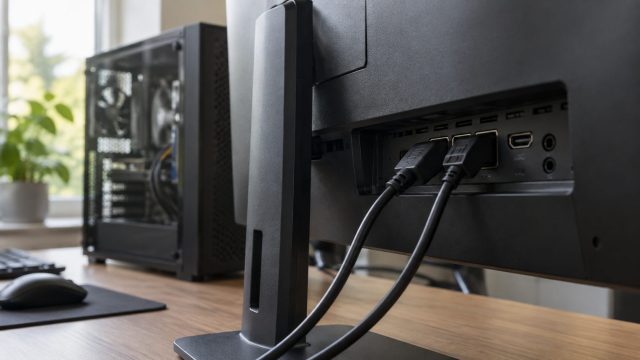
Check what Windows is really sending, match your port and cable to your resolution, clear monitor-menu, driver and dock limits, and try custom modes with a way back.

Three powercfg commands show what blocks sleep, what wakes your PC and which sleep it supports, plus fixes for laptops that sleep, lock or hibernate too soon.
Magnifier, a wrong scale or resolution, or a zoomed browser: three quick tests tell them apart, plus fixes for blurry screens, stuck Ctrl keys and touchpad zoom.

Why Windows 11's Shut down is a partial hibernation with Fast Startup on, how to spot a crash, a wake setting or a stuck app, and the command that forces a full shutdown.
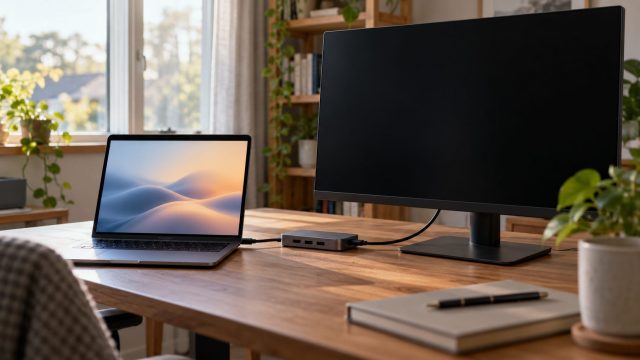
Driver first, session second: why xrandr misleads on Wayland, how to install NVIDIA drivers the Ubuntu way, and fixes for hybrid laptops, docks, KDE, Mint and Fedora.

Why your PC suddenly wants a 48-digit key at startup, how to read the reason off the recovery screen, where your key is likely saved, and what to do if it's gone.
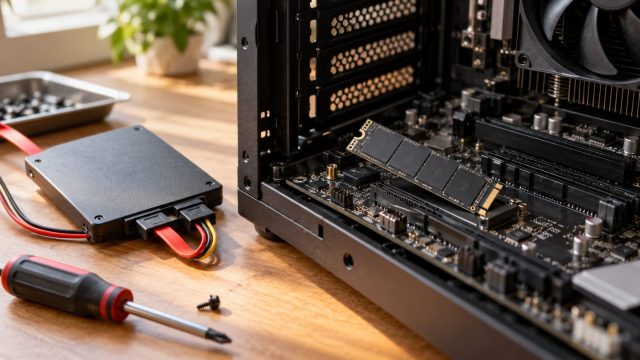
Where your drive goes missing tells you why. A step-by-step order of checks for SSDs missing from the BIOS, Disk Management or Windows 11 Setup, or showing the wrong size.