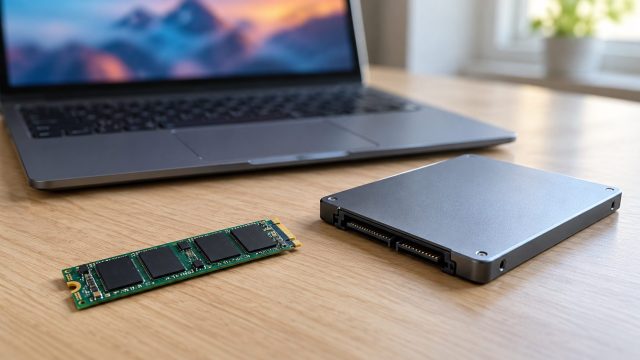
SSD Not Showing Health? How to Check SSD Health and Speed in Windows
Blank health readings usually mean the wrong tool or connection, not a dying drive. Four ways to read SSD health in Windows, what the numbers mean, and speed fixes.


Windows PCs, laptops, drives and hardware problems, solved in the right order.
Blank health readings usually mean the wrong tool or connection, not a dying drive. Four ways to read SSD health in Windows, what the numbers mean, and speed fixes.

Yellow, gray, inverted and flashing screens each have their own cause. Match the tint to Night light, a monitor preset, a color filter or the cable, then fix it.

HDMI and DisplayPort carry no USB, so a monitor's hub needs its own upstream cable. Then check pairing, KVM, USB-C Prioritization, Windows or Mac settings and audio.

A floppy screen, a creaking lid that cracks the case, or a bulging gap: match the symptom, then tighten, replace or repair without tearing the display cable.

Read the Windows status and port lights first, then fix the cable, a 100 Mbps cap, the driver and power-saving dropouts. A damaged jack comes last.

Wrong input, a tired cable, a box in the chain or a mode the monitor can't show: console-to-monitor fixes for Xbox, PS5, Switch and Steam Deck, cheapest first.
Startup beeps, blinking lights, keys that beep instead of typing, random chimes or a UPS on battery: what yours means and which fixes are safe to try.

A 2-minute test to find what is turning your laptop down, then fixes for app sliders, call ducking, Loudness Equalization, maker audio apps and Bluetooth.
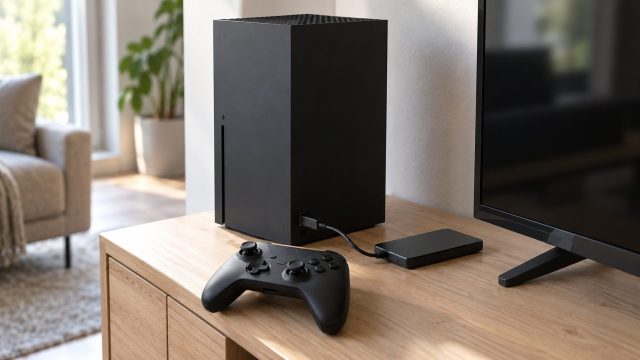
A missing console drive often breaks a storage rule. On Xbox, check size, USB speed and the format prompt, then updates and ports; on PS5, the port, hub and M.2 fit.
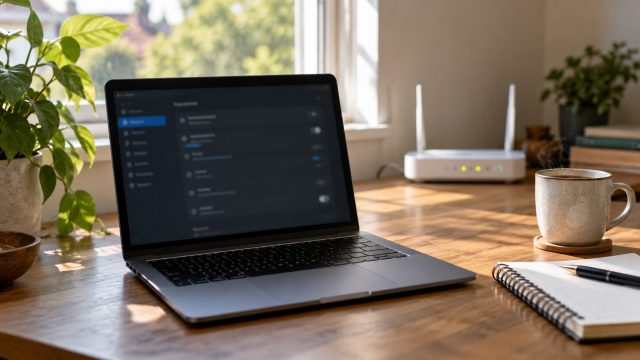
No Wi-Fi button, a missing network, "Can't connect to this network" or constant drops: each has its own cause. Here's how to tell them apart and fix the PC side.
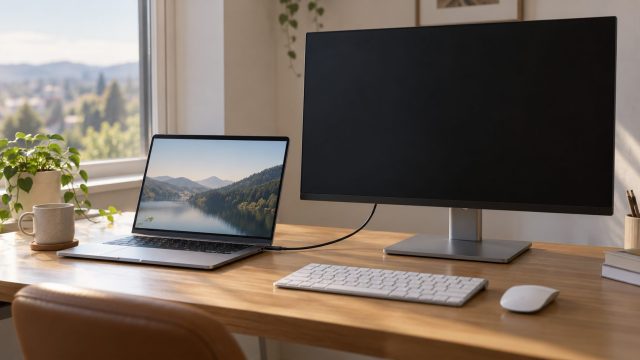
An external display that stays dark on a MacBook usually comes down to the chip's display limit or a cable without video. Here's what to check, in order.
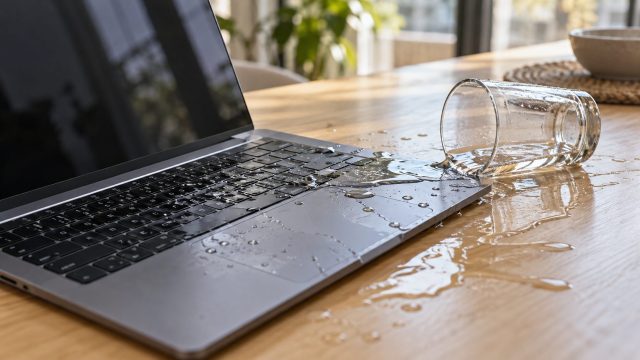
The first minute and first hour after a spill, why soda needs a same-day repair while plain water may dry out, and how to protect your files before a repair.