

Why Is My Laptop Quiet Even at Full Volume? Low Sound Fixes
A 2-minute test to find what is turning your laptop down, then fixes for app sliders, call ducking, Loudness Equalization, maker audio apps and Bluetooth.
Why is my laptop quiet when the volume icon says 100%? That icon is one of several volume controls, and any of them can hold the sound down: an app’s own slider, a call that lowered everything else, the maker’s audio preset, or a speaker grille pressed into a blanket. The checks below run cheapest first.
This guide covers Windows 11 laptops where sound plays, just too quietly; Windows 10 (out of support since October 14, 2025) gets side notes. No sound at all? Press Win + Ctrl + V and check the output device first.
Why Is My Laptop Quiet? Run a 2-Minute Bottleneck Test
Play one clip you know well at a fixed level. Each test swaps one link in the chain, turning a vague “why is my laptop quiet” into one cause.
Headphones vs speakers
Loud in wired headphones, quiet on the speakers? See enhancements, the maker’s app and the speakers. Quiet on both means a software level is down.
Only after calls
Sound dropped when Teams, Zoom or Discord connected and stayed low? That’s ducking.
Why Is My Laptop Quiet at Full Volume? The Sliders Multiply
The main slider reads 100%, so why is my laptop quiet? Windows keeps a separate level for every app, and Microsoft’s audio documentation shows those levels multiply: an app at 0.8 under a system level of 0.5 plays at 0.4.
These levels only turn sound down. Per Microsoft, two levels of 0.5 stack to 12 dB quieter, even with the master at 100%. That’s how laptop volume gets so low even on max:
- Volume mixer. Win + Ctrl + V shows a quick version; the full page is Settings > System > Sound > Volume mixer, or press Win + R and enter:
ms-settings:apps-volume
Raise System and each app, unmute anything muted, and check each app’s output device. - The player’s slider. YouTube, Spotify, browser tabs and games have their own, stacked on top.
- Balance. Open your speakers in Sound settings, then Output settings > Volume. Left and Right should match, typically at 100.
Volume Drops During Calls or Changes on Its Own? Turn Off Ducking
Why is my laptop quiet right after a Teams or Zoom call? When a call app opens a communication stream, Windows lowers other sounds by 80% by default. They return only when every communication stream closes.
- In Settings > System > Sound, under Advanced, select More sound settings.
- On the Communications tab, choose Do nothing (or a smaller reduction) and select OK.
Discord ducks too: in the desktop app, set Settings > Voice & Video > Attenuation to 0%.
Windows 11 Insider Preview Build 26340.9354 (Experimental channel, September 2026) brings an “Adaptive communication sound levels” option into Settings > System > Sound. Released Windows 11 still uses the Communications tab.
Audio Enhancements vs Loudness Equalization: Test Both Ways
Microsoft’s low-sound checklist says turn audio enhancements off, since they can reduce or distort volume; others say turn Loudness Equalization on. Both can help, as separate tests. Loudness Equalization is one effect that may or may not be in your maker’s bundle.
Loudness Equalization brings loud and quiet sounds closer to an average level. Dialogue gets easier to hear, but peak output doesn’t rise.
| Separate test | Where (Windows 11) | Try it when |
|---|---|---|
| A: Audio enhancements Off | Settings > System > Sound > your speakers > Audio enhancements | Everything sounds low or dull |
| B: Loudness Equalization On | Win + R, mmsys.cpl > Playback > double-click speakers > Enhancements | Speech is hard to hear, loud scenes are fine |
| C: A different default format | Your speakers > Advanced > Default format | Nothing else helped; a wrong format can play quietly |
Don’t stack A and B. Turning Audio enhancements Off also disables Loudness Equalization and, usually, the maker’s effects. To run test B, set Audio enhancements back to Device Default Effects first (on the classic tab, untick Disable all enhancements).
Some builds show an Enhance audio switch instead of the drop-down. No Loudness Equalization box, even with enhancements on, usually means your driver doesn’t offer it. On Windows 10: right-click the volume icon > Sounds > Playback, select your speakers > Properties > Enhancements.
Dolby, Realtek, Waves, B&O: When the Maker’s Audio App Caps Volume
Makers can swap Microsoft’s effects for their own, shipped with the driver and tuned in a companion app. On some laptops, a preset there is the real answer to “why is my laptop quiet?” Menus vary by model.
Dolby Access
A Microsoft Store app built around custom profiles. Compare profiles with one test clip.
Realtek Audio Control
A Store app on many Realtek-based laptops. Test with its effects on and off.
Waves MaxxAudio
Found on some Dell models. Try its presets, then reset to defaults.
HP and B&O audio
Check the selected preset, then reset to defaults if offered.
Keep the maker’s driver if you can. Windows defines a Speaker Protection effect that turns the signal down when it exceeds certain levels, and makers choose which effects run. The generic High Definition Audio Device driver can drop that protection and the tuning, so don’t use it as a fix.
Why is my laptop quiet after a Windows Update?
An update may have replaced the maker’s driver. In Device Manager > Sound, video and game controllers, double-click the device > Driver > Roll Back Driver. If that’s grayed out, use Update driver, or download your model’s driver from the maker’s site first, then uninstall the current one and install it. The Audio troubleshooter is in Settings > System > Troubleshoot > Other troubleshooters.
Bluetooth Speaker or Earbuds Quiet on a Laptop
Why is my laptop quiet through a speaker that’s loud on a phone? Microsoft’s guidelines ask Bluetooth accessories to share one level with Windows (absolute volume), so the device’s buttons move the Windows slider. Not every device does; with Windows at 100%, press the device’s own volume-up button too.
Sound that turns thin when a call starts is call mode. With classic Bluetooth headsets, an app opening the headset mic switches them to mono hands-free audio until the mic closes; newer LE Audio earbuds on supported PCs can stay in stereo. Choosing the built-in mic in that app may keep the headset in stereo; on Windows 10, pick the Stereo entry, not Hands-Free.
If levels drift, re-pair. Registry tweaks that disable absolute volume affect every Bluetooth device, so keep them as a last resort and back up the registry first.
Muffled Speakers, Quiet Videos and Why Boosters Backfire
Some laptops fire their speakers downward or sideways, so a bed, blanket or lap muffles them. If you only ask “why is my laptop quiet?” on the couch, that’s the likely cause: test on a hard table.
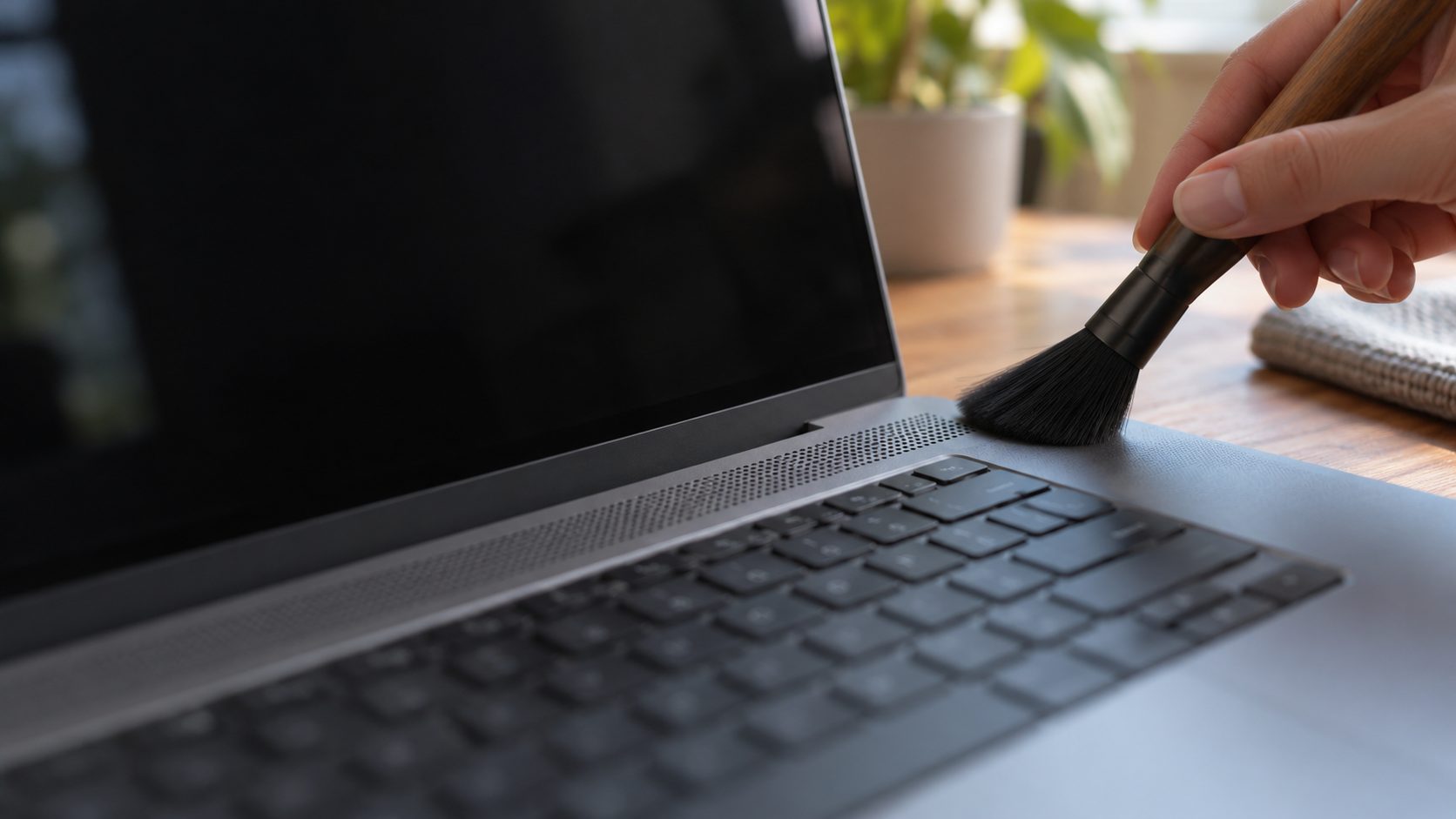
For dusty grilles, shut the laptop down and use a soft, dry brush. Skip canned air, pins, vacuums and liquids: the speakers sit right behind the mesh.
Some videos are simply mixed quietly; at 100%, Loudness Equalization helps more than a booster.
Why is my laptop quiet with headphones but fine on speakers?
Check the headphones’ own slider in Volume mixer and the in-app level. Impedance matters too: beyerdynamic sells the DT 770 PRO in 32, 80 and 250 ohm versions, and a 250-ohm pair can sound quiet from a laptop jack without an amplifier. For headsets, see our gaming headset troubleshooting guide.
Boosters, including VLC above 100%, push peaks past 0 dB, and Microsoft notes such samples get clipped: harsh distortion. They can also overdrive small laptop speakers, especially without the maker’s speaker protection. Use Loudness Equalization, headphones or external speakers instead.
Frequently Asked Questions
Why is my laptop quiet even at max volume?
Usually a second control sits below 100%: an app, a browser tab or the player. If all are full, check the maker’s audio preset.
Why is my laptop quiet all of a sudden?
If your PC is quieter than usual, suspect ducking left over from a call, an update that replaced the maker’s driver, or a Bluetooth speaker turned down on the device.
Why does my PC volume change on its own?
It’s usually Windows ducking when a call starts, Discord’s Attenuation, Bluetooth headset buttons syncing through absolute volume, or a stuck media key or volume wheel.
Recap: Why Is My Laptop Quiet? Check in This Order
Run the 2-minute test, then go down the list: sliders, ducking, enhancements, the maker’s app and driver, Bluetooth, speakers. Still asking “why is my laptop quiet?” Plug in external speakers: if they’re loud, the built-in speakers or their processing are the limit; if the built-ins also rattle or crackle, contact the maker.
More fixes are in our computer guides, and if your phone is the quiet one, see how to fix a phone that’s too quiet.
Leave a comment