

Why Is My Phone Quiet? Fix Low Volume, a Muffled Speaker or No Sound
Wrong volume slider, a mode, a hearing-safety limit or lint in the grille? A quick speaker test shows which, then the fixes run from safest to last resort.

When you wonder why is my phone quiet, rule out settings first: the wrong volume slider, a mode or a hearing-safety limit. Then hardware: a case, lint or water. The test below shows which; fixes run safest first.
Why Is My Phone Quiet? Run This 60-Second Speaker Test
This test sorts a “why is my phone quiet?” problem into settings or hardware. Remove the case and any screen protector. On iPhone, turn Silent mode off, then drag the ringtone slider in Settings > Sounds & Haptics (Ringtone and Alerts on iOS 26 and earlier) back and forth. No sound, or a dimmed speaker button? Apple says it may need service.
If it plays, try a speakerphone call; crackling only on calls can be the network. On any phone, compare one clip on the speaker, on headphones and in 2-3 other apps. If only some sounds are distorted, Google says those files could be broken.
| Symptom | Likely cause | Go to |
|---|---|---|
| Ringtone quiet, music fine | Ringer volume, Silent, a mode | Modes |
| Music or alerts quiet, ringtone loud | Media, in-app or separate alert volume | Volumes |
| Quiet at full volume, or drops by itself | Volume limit, safety feature | Limits |
| Weak only in earbuds or the car | Accessory volume, wrong output | Bluetooth |
| Muffled in every app | Case, lint or water | Cleaning |
| Silent in every test | Speaker hardware | Repair |
Ringer, Media or Call: Which Volume Did You Turn Up?
Phones keep separate volumes, and the buttons move only one at a time. So the answer to “why is my phone quiet?” can be as simple as raising the wrong one.
iPhone buttons change media volume while audio plays and the ringer otherwise; with Change with Buttons off in Sounds & Haptics, media only. On iOS 27, alerts and alarms can have their own sliders there: if Match Ringtone Volume is off, raise that slider.
Pixel and stock Android show five sliders: Media, Call, Ring, Notification and Alarm (press a volume button, then tap the menu icon). Galaxy phones list theirs in Settings > Sounds and vibration > Volume; set call volume with the buttons during a call.
With nothing playing, iPhone buttons change the ringer; Google says Android buttons change media. On Galaxy phones, the Use Volume keys for media switch in Sounds and vibration > Volume decides.
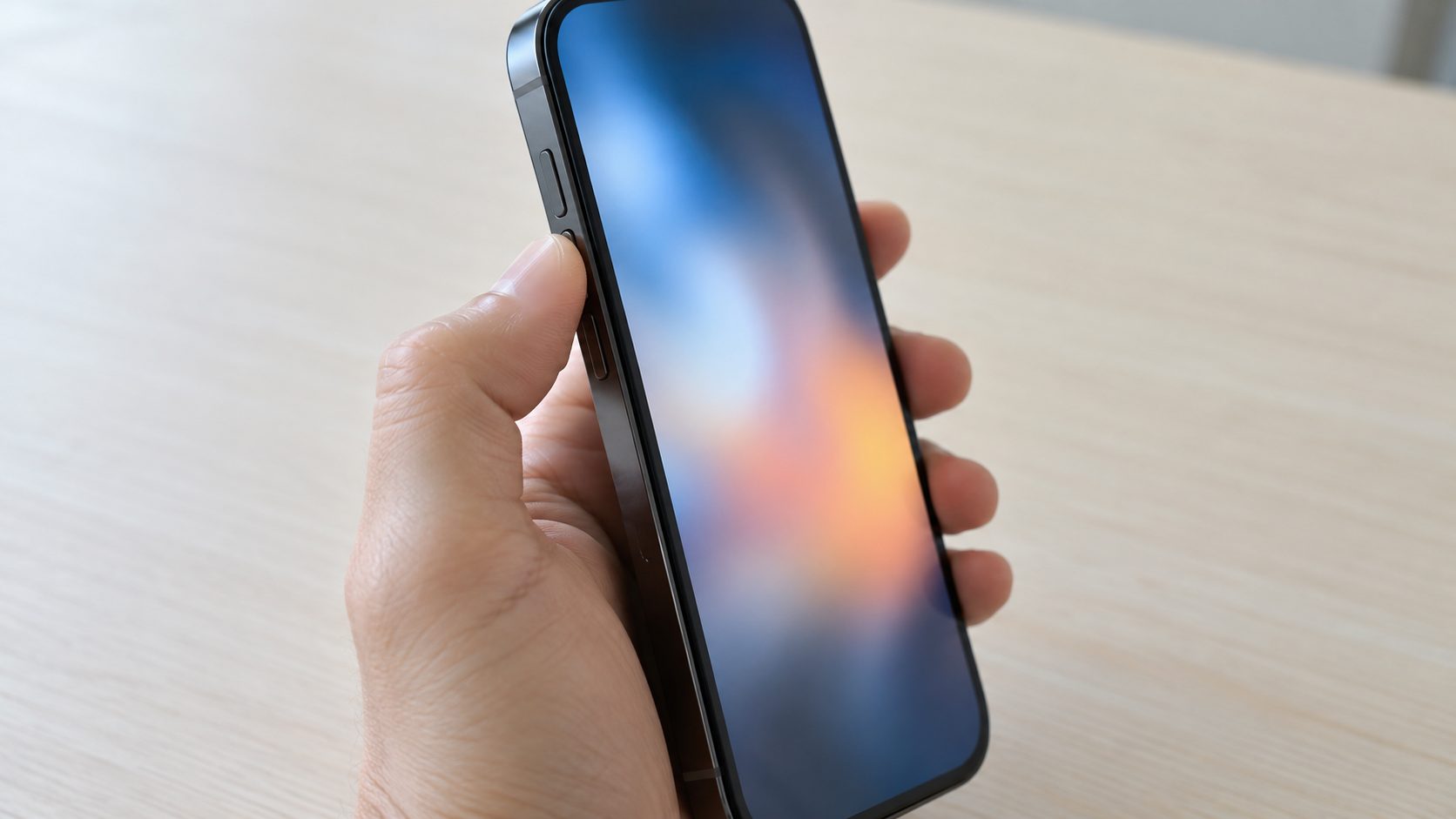
Silent Mode, Do Not Disturb and Scheduled Modes
On iPhone, flip the Ring/Silent switch toward the screen so no orange shows. On Action button models, press and hold the Action button (if it’s set to Silent) or turn off Silent Mode in Settings > Sounds & Haptics. Silent doesn’t mute Music or many games, so it won’t explain quiet music.
Also check Settings > Focus: Do Not Disturb or any other Focus (Sleep, Driving, Work), often scheduled, silences calls and notifications; look for its icon in the status bar.
On Android, check the ringer isn’t on Vibrate or Mute. Pixel (Android 16, or 15 since the March 2025 update) keeps Do Not Disturb, Bedtime and Driving in Settings > Modes; older versions use Sound & vibration > Do Not Disturb. Samsung uses Notifications > Do not disturb, plus Modes and Routines.
If you’re asking “why is my phone quiet at night or in the car?”, suspect a scheduled mode: its notification filters can block media and touch sounds, not just calls.
Why Is My Phone Quiet on Max Volume? Check the Volume Limits
Limits protect your hearing, so raise one a step at a time rather than turning it off. Apple’s iPhone volume guide lists each iOS version’s path.
iPhone speaker
iOS 18.2 to 26: Sounds & Haptics > Volume Limit. iOS 27: same menu, under Built-In Speaker, plus Reduce Loud Sounds, which softens loud speaker audio. Older versions have none.
iPhone headphones
Headphone Safety > Reduce Loud Audio caps headphone sound, not the speaker. A parent can lock either iPhone limit in Screen Time > Content & Privacy Restrictions.
Samsung Galaxy
Sounds and vibration > Volume > More options > Media volume limit caps headphones and Bluetooth only.
Why is my phone quiet again after I turned it up?
- iPhone headphone notifications. After long, loud headphone listening, iPhone warns you and lowers the volume at the next connection (you can raise it). Some regions can’t turn this off.
- Galaxy plug-in drop. Volume drops when headphones are plugged in, a guard against acoustic shock.
- Android 14 sound dose. Past 100% of a seven-day headphone exposure total, Android warns you, then lowers the volume if ignored; makers can customize this.
- Attention Aware Features. Face ID iPhones lower some alerts while you look at the screen (Settings > Accessibility > Face ID & Attention).
- Sound Check and Balance. Sound Check (Settings > Apps > Music) evens out volume; an off-center Balance slider (Accessibility > Audio & Visual) quiets one side.
Why Is My Phone Quiet on Bluetooth?
Turn Bluetooth off and play something. If the speaker comes back, that’s your answer to “why is my phone quiet?”: audio was going to earbuds, a speaker or the car. Weak through the accessory? Raise both the phone’s and the accessory’s volume.
On Android, check Play media to under Media volume. On Galaxy phones, raise Media in Settings > Sounds and vibration > Volume while connected, plus the extra level Samsung shows for the device; Separate app sound can route one app’s audio elsewhere. On iPhone, setting the accessory’s Device Type (info button in Settings > Bluetooth) improves the sound of third-party devices, Apple says.
Advanced, Android only: on Samsung, try Media volume sync in the Bluetooth screen’s Advanced settings first. Elsewhere, Disable absolute volume is a Developer option: tap Build number seven times in About phone, then open Settings > System > Developer options. Change nothing else there. Reconnect the device and start with the volume low, since phone and headset volumes no longer sync; switch it back if it doesn’t help.
Weak on every phone? Suspect the headset: see our guides to a gaming headset not working or not charging.
Muffled Speaker? Clear the Case, Lint and Water Safely
When “why is my phone quiet” really means “why does it sound muffled,” something is in the way. Check the speaker and earpiece openings under a bright light.
Use a small, soft-bristled brush that’s clean and dry (Apple) or a soft, lint-free cloth (Google). No pins or toothpicks: they can push debris deeper or tear the mesh. Apple also rules out compressed air and cleaning products.
Brush gently and retest. On Pixel, the bottom speaker is louder than the top receiver by design, so compare like with like.

Why is my phone quiet after it got wet?
Water can muffle the speaker until it evaporates. Apple’s advice: place the iPhone speaker side down on a lint-free cloth, tap it gently against your hand connector-down, then leave it somewhere dry with some airflow. No heat, nothing poked into the port, and wait at least 5 hours before charging or connecting accessories.
On Pixel, a “Liquid or debris” message has its own steps in Google’s help; on other Android phones, don’t charge while a moisture warning shows. Neither Apple nor Google suggests “water eject” clips. Apple’s warranty excludes liquid damage, though consumer law may still cover you.
Still Too Quiet? Restart, Update, Then Repair
Still asking “why is my phone quiet”? Finish in this order; only a factory reset erases data. Apple’s speaker guide and Google’s Pixel sound checklist follow the same logic.
Restart
Fully off, then on; it’s on Google’s list.
Update
Install any pending update, then rerun the test.
Isolate
Bad in one app? Blame that app. Weak only on the speaker, even after cleaning? Suspect hardware.
Android safe mode
Downloaded apps stay off; if sound returns, an app is at fault. Pixel 6 and later: hold Power + Volume up, touch and hold Restart, tap OK. Other makers differ.
Service, or reset last
Dimmed speaker button or silence in every test? Skip the reset and contact your phone maker. Reset only if tests point to software, after a backup.
Frequently Asked Questions
Why is my phone quiet during calls but music is fine?
Calls use the top earpiece unless speakerphone is on. Press volume up mid-call, clean the earpiece grille, and check signal or toggle Wi-Fi, as Google suggests.
Why is my phone quiet in headphones but loud on the speaker?
Check the headphone-only limits above: Reduce Loud Audio, Samsung’s Media volume limit or a sound-dose drop. Skip booster apps; on iPhone, Headphone Accommodations (Accessibility > Audio & Visual) can amplify soft sounds on supported Apple and Beats headphones.
Why did my iPhone suddenly get quieter?
Check the speaker Volume Limit (iOS 18.2 and later), Reduce Loud Sounds and the separate alert slider (iOS 27), a recent headphone notification, and Sound Check.
Why won’t my phone play sound at all?
Check Silent, Focus or Modes, and Bluetooth. If headphones work but the speaker fails every test, it likely needs repair.
Why is my phone quiet with a case on?
Apple and Google both say to test without the case and screen protector. A thick lip or misaligned cutout can block the bottom speaker; if sound clears without it, replace the case.
Settings First, Speaker Second
If you came here asking why is my phone quiet, go in order: the right slider, modes, limits, Bluetooth, then cleaning or drying. Hardware faults go to service; reset only for software, after a backup.
More fixes are in our mobile guides.


Leave a comment