

Why Is My Phone Flashing? Flash Alerts, Screen Flicker and Lines
A blinking rear light, a flickering screen and a phone that keeps restarting have different causes. Find yours, from flash alert settings to screen damage.
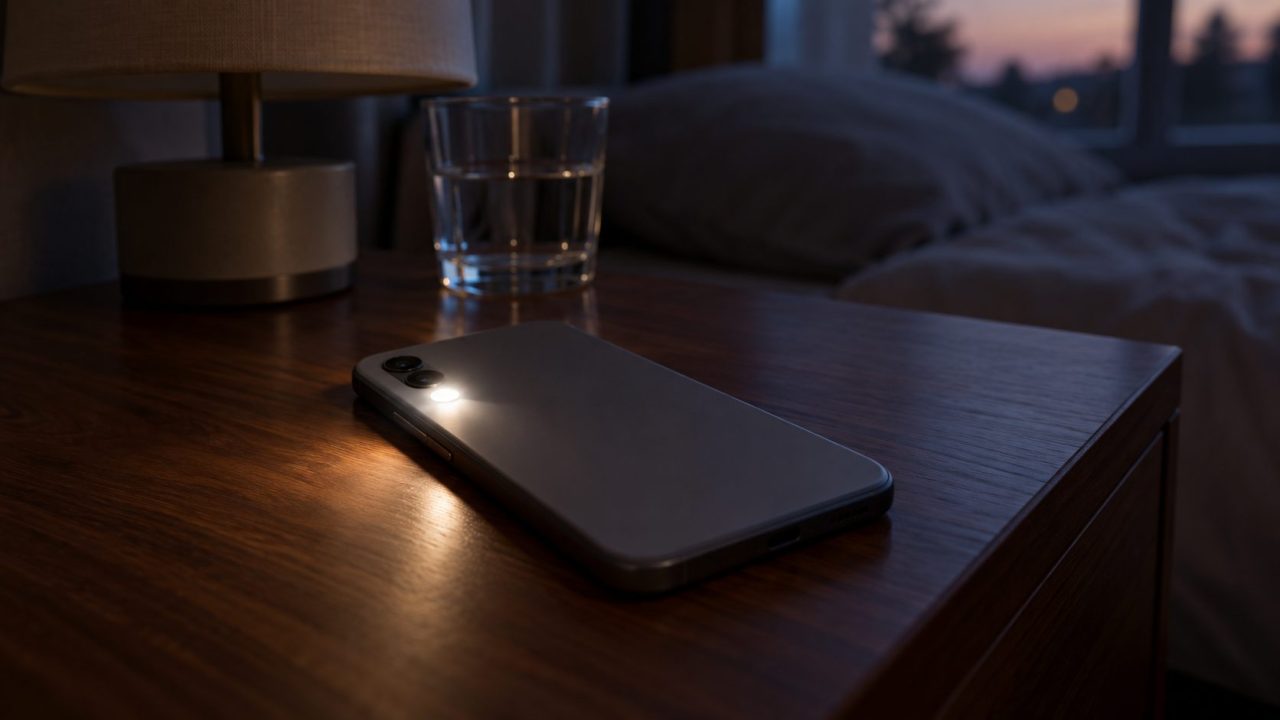
Why is my phone flashing? It depends on what is flashing. A rear light blinking with every text is a setting you can switch off in seconds. A flickering screen or green lines are another problem, and a phone that keeps restarting is a third.
Menu names vary by maker and version; search Settings if a path doesn’t match.
Why Is My Phone Flashing? Start With What Flashes
Most answers to “why is my phone flashing?” fall into three groups. A flash with every call or message is an alert setting, not a fault. Random flicker usually comes from brightness, refresh rate or an app; lines and a green tint after a drop point to hardware.
The rear light blinks
A flash alert for calls and texts. It switches off in Settings.
The screen flickers
A colored flash with each notification is the same alert. Random flicker needs the screenshot test.
The phone goes off and on
If the screen goes black and the logo returns, it is restarting. Start here.
Light Blinking With Every Text or Call? Turn Off Flash Alerts
Why is my phone flashing with every text? Usually it’s an accessibility alert for people who may miss a ringtone, often switched on by whoever set up the phone. If the screen is also magnified, see our phone zoomed in guide.
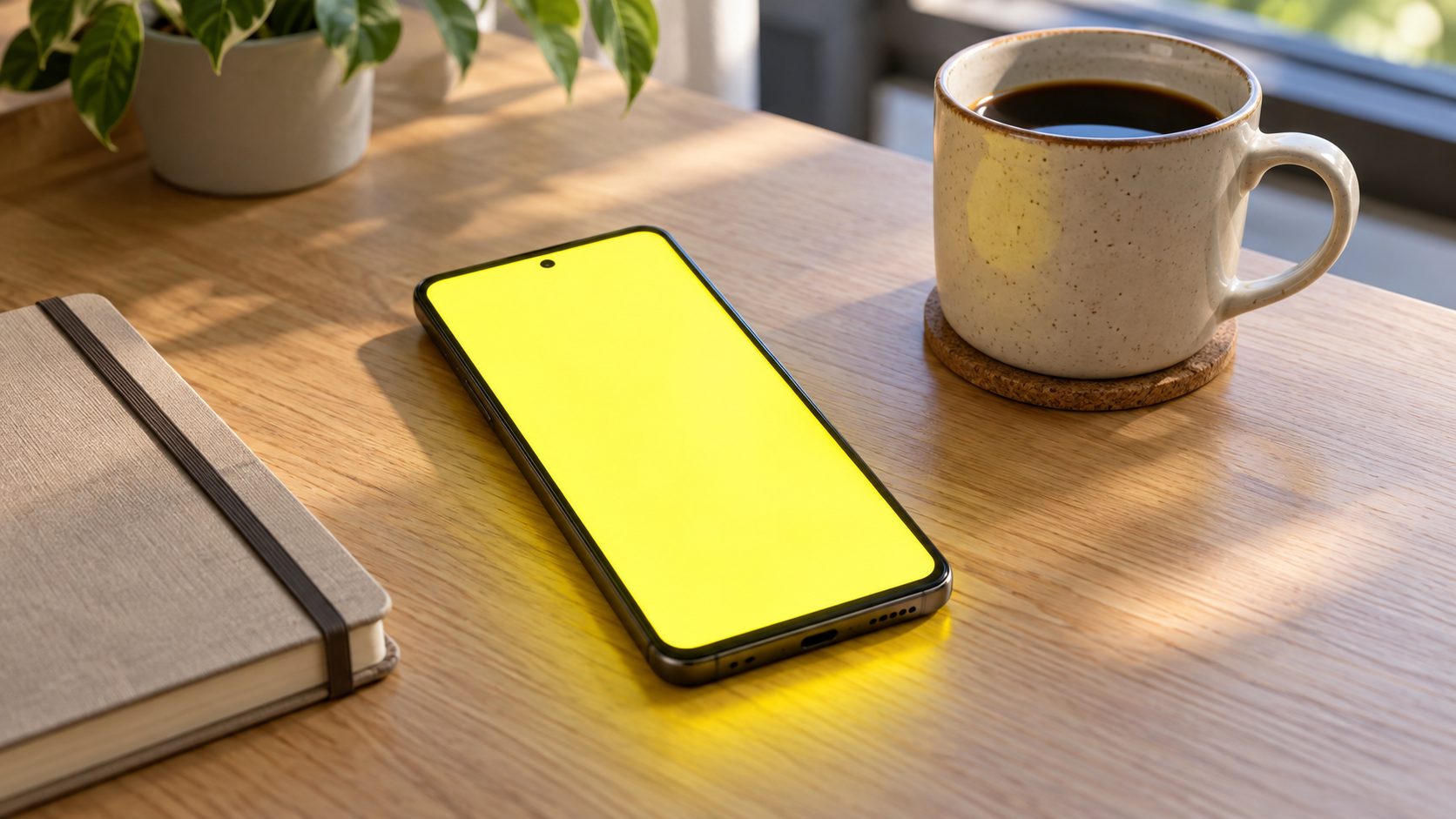
iPhone: Flash for Alerts
The light is the LED next to the camera lens. As Apple’s flash alerts guide shows, go to Settings > Accessibility > Audio & Visual, then:
- iOS 26.2 and later: turn off Flash for Alerts, which can flash the LED, the screen or both.
- iOS 26.1 and earlier: turn off LED Flash for Alerts, a single switch with no screen option.
To keep the alert but limit it, turn off Flash While Unlocked or Flash in Silent Mode.
Android, Pixel and Galaxy: Flash notifications
On Pixel and many other Android phones, go to Settings > Notifications > Flash notifications (also under Accessibility). Galaxy phones use Settings > Accessibility > Advanced settings > Flash notification, which Samsung says not every model supports.
Why is my phone flashing a color with each notification?
That’s the same feature’s screen option. Google’s default color is yellow, and Samsung lets you pick one per app, so green for one app and blue for another is expected. Calls flash until answered, alarms until dismissed or snoozed, and other notifications a couple of times. It follows Do Not Disturb but works in silent mode.
Software or Hardware? The Screenshot and Screen Recording Test
Why is my phone flashing when no call or message is coming in? Restart it first, or force restart it if it’s frozen.
Still flickering? Screenshot it, or screen-record it if it comes and goes, and play it back on another device. Anything the phone draws shows up in the capture; panel and dimming faults usually don’t.
| What you see | In the capture? | Likely cause |
|---|---|---|
| Flashing in one app only | Usually | That app: update or reinstall |
| Flashing in every app | Yes | Updates, an app, a debug setting |
| Flicker only when dim | No | Brightness or dimming |
| Flicker at any brightness | No | Refresh rate first, then the display |
| An odd tint | Not always | A color setting first, then the display |
| Lines or green tint after a drop or water | No | Display or connector damage |
One catch: tints from night modes, color filters and Android’s Simulate color space (a Developer option) usually don’t show in captures. Check our phone screen yellow guide before blaming the display.
Why Is My Phone Flickering? Brightness, Refresh Rate and Dimming
Why is my phone flashing on screen but not in the recording? That points to how the screen is lit, not what it draws. Change one setting at a time:
- Toggle auto-brightness. iPhone: Settings > Accessibility > Display & Text Size > Auto-Brightness (turning it off may use more power). Pixel: Adaptive brightness in Settings > Display & touch.
- Cap the refresh rate. Limit Frame Rate (Settings > Accessibility > Motion) caps ProMotion iPhones at 60 frames per second. On Pixel, turn off Smooth Display in Display & touch (Battery Saver also disables it). On Galaxy, set Settings > Display > Motion smoothness to Standard.
- Smooth low-brightness dimming. Apple says iPhone dims with PWM, which “for some people can make the display appear to flicker when dim.” On iPhone 17, 17 Pro, 17 Pro Max, iPhone Air and 18 Pro models with iOS 27, turn on Display Pulse Smoothing (PWM) in Settings > Accessibility > Display & Text Size, though Apple notes it may affect low-brightness performance. Pixel 10 Pro models have Adjust brightness for sensitive eyes in Accessibility.
- Know what’s normal. On OLED iPhones, Apple calls a slight blur or color change while scrolling dark content at low brightness normal. A faint leftover image that fades within minutes is temporary image persistence.
When an App, Update or Debug Setting Is Behind It
Why is my phone flashing in the recording too? Then the phone itself is drawing it, so software is the likely cause. Work in this order:
- Update everything. iPhone: Settings > General > Software Update. Pixel: Settings > System > Software updates (System update on some versions). Then update your apps.
- Try Android safe mode. It turns off downloaded apps. On Pixel 6 and later, press and hold Power and Volume Up for a few seconds, touch and hold Power off or Restart, then tap OK; other phones differ. On Pixel it also turns on Airplane mode (switch it off for calls and Wi-Fi) and removes some widgets, so screenshot your Home screen first. Restart to exit.
- Remove the culprit. If the flashing stops, uninstall recent apps one at a time, restarting after each, the same routine as in our auto-rotate guide.
Why is my phone flashing white in videos or games?
For strobing in the content itself, turn on Dim Flashing Lights on iPhone (Settings > Accessibility > Display & Text Size), which dims flashes in supported media in real time; Apple says not to rely on it in high-risk situations or for a medical condition. Reduce Bright Effects (iOS 26.4 and later) tones down the bright flash when you tap buttons and similar elements.
Advanced: Android Developer options
Tap Build number seven times (Pixel: Settings > About phone; Galaxy: Settings > About phone > Software information), then open Developer options (Settings > System on Pixel, the bottom of Settings on Galaxy). Turn off Show surface updates if it’s on, since it flashes window surfaces as they update.
As a test only, try Disable HW overlays. Google says this uses a lot of processing power, so switch it back off after the test; if it helped, watch for a system update.
A reset erases the phone. Save it for flashing that shows in captures and survives updates and safe mode; it won’t fix damage.
Why Is My Phone Flashing Green or Showing Lines?
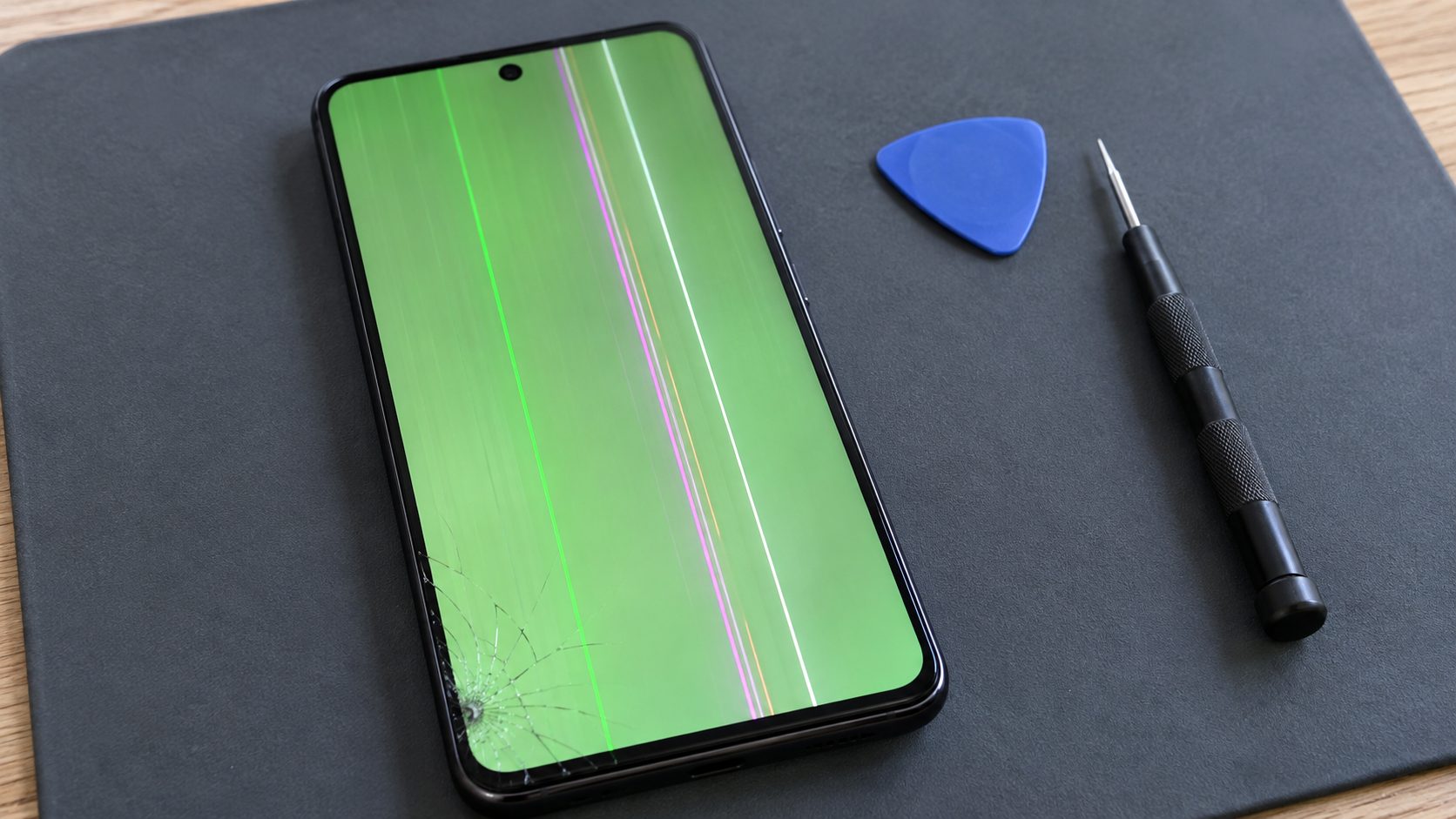
Google’s Pixel display help says that if a screen flickers, shows a green tint or shows lines, “you may have a hardware issue.” So why is my phone flashing green after a drop, a soak or pressure in a pocket? Most likely the display or its connector is damaged, which needs a repair, not a setting:
Back up today
A damaged screen can get worse, so back up while the phone still responds.
Rule out a tint setting
A tint with no lines or damage may be a setting: Color Filters (Accessibility), Night Shift or True Tone (Display & Brightness) on iPhone; Night Light, Eye comfort shield or color correction on Android.
Install updates
Google’s only software step for these symptoms is a system update. If the lines or tint remain after it, stop troubleshooting.
Book a repair
Mention any drop or water exposure. Warranty and repair options vary by maker and region.
Why Is My Phone Flashing On and Off?
Usually, “why is my phone flashing on and off?” means it’s restarting: the screen goes black and the logo returns. To force restart an iPhone 8 or later, including iPhone SE (2nd generation and later), press and quickly release volume up, then volume down, then hold the side button until the Apple logo appears (it can take over 10 seconds). iPhone 7: side and volume down. iPhone 6s, SE (1st generation) and earlier: Home and the side or top button.
Still stuck on the Apple logo for several minutes? Apple’s next step is recovery mode: connect the iPhone to a Mac with Finder or a PC with the Apple Devices app, repeat the force-restart buttons above, but keep holding until the “Connect to computer” screen appears. Choose Update before Restore: Restore reinstalls iOS and erases all your data.
If a Pixel’s screen won’t come on, Google says to plug it in and hold Volume Up and Power for at least 20 seconds; other Android phones use other buttons. If it keeps rebooting, Google suggests updates, more than 10% free storage, safe mode and letting a hot phone cool.
Not every on-and-off flash is a restart. The screen waking for each notification is normal, charging that keeps stopping and starting calls for another cable and charger, and random shutdowns can mean a tight case is pressing the side button.
Frequently Asked Questions
Why is my phone flashing when I get a text or call?
A flash alert is on: Flash for Alerts on iPhone or Flash notifications on Android, both covered above.
Why is my phone flashing at low brightness only?
That’s PWM dimming, which Apple says can look like flicker to some people. Use the dimming options above.
How do I fix phone screen flickering on Android?
Toggle Adaptive brightness and Smooth Display, update, then try safe mode. Flicker that never shows in recordings points to dimming or the display.
Why is my phone flashing after an update?
Install newer system and app updates, then use safe mode to rule out a downloaded app. If the flicker never shows in screenshots, try the brightness and refresh settings above.
Why is my phone flashing yellow?
With calls and notifications, it’s usually Android’s screen flash in its default color, set under Flash notifications. A steady yellow tint is a different issue, covered in the phone screen yellow guide.
Recap: Alert, Software or Screen?
So, why is my phone flashing? It comes down to what flashes and when. Flashes tied to calls and messages are a setting, flicker in a recording is software, and lines after damage need a backup and a repair.
More phone fixes are in our mobile guides.
Leave a comment