

Why Won’t My Phone Fast Charge? Charger, Cable and Setting Checks
Fast charging is negotiated between phone, charger and cable. Read the speed your phone reports, then find the weak link: setting, heat, port, cable or charger.
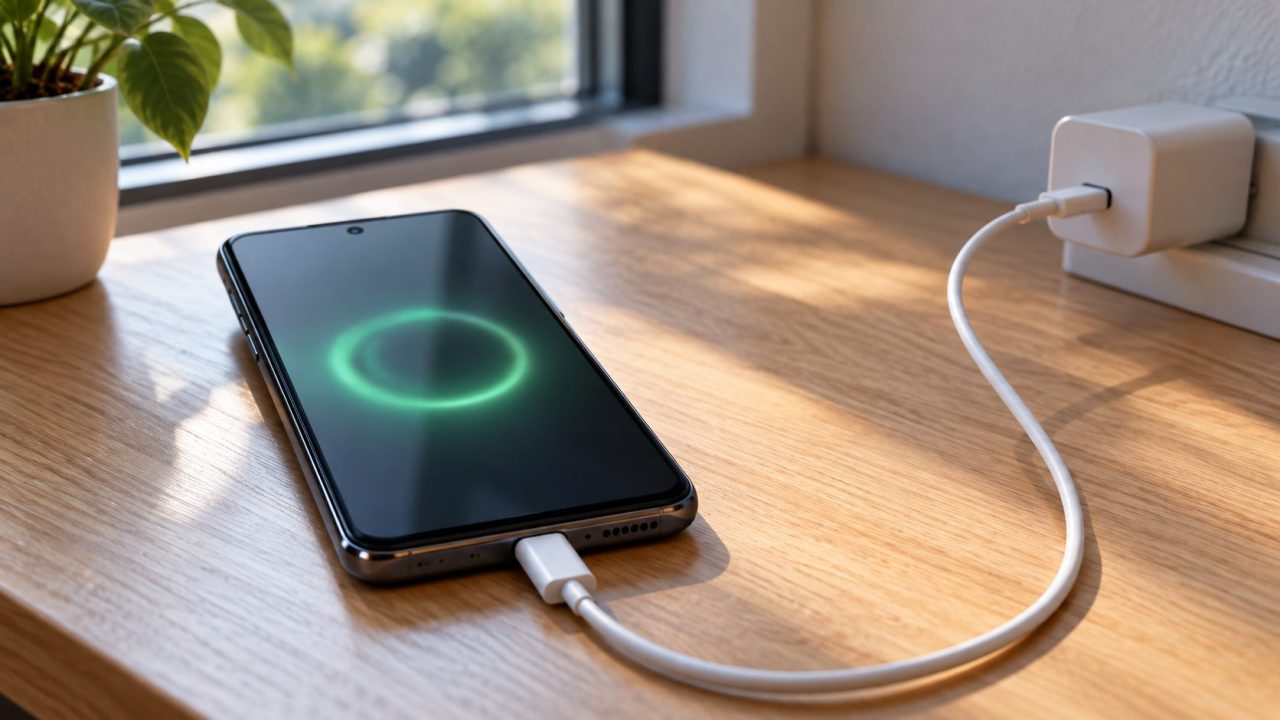
Why won’t my phone fast charge? Fast charging is a negotiation between phone, charger and cable. If one can’t keep up, or the phone is too warm, it quietly drops to normal speed. Read what your phone reports, then change one part at a time.
Why Won’t My Phone Fast Charge? The Short Answer
Phone and charger agree on a voltage and current over USB Power Delivery (USB PD), its Programmable Power Supply (PPS) mode or a brand’s own system. The cable and the phone’s temperature set limits too.
So the answer to “why won’t my phone fast charge” is usually one weak link. The makers publish these thresholds:
First, Check the Speed Your Phone Reports
Before buying anything to answer “why won’t my phone fast charge”, check what the phone itself reports:
| Phone | What to look for | Fast-charging setting |
|---|---|---|
| iPhone, iOS 26 or later | Slow Charger in Settings > Battery | No on/off switch |
| Samsung Galaxy | Fast or Super fast charging; from Android 13, a green wheel for Fast, blue for Super fast | Settings > Battery > Charging settings |
| Google Pixel | Charging rapidly or Charging slowly on the lock screen | Extreme Charging Mode on Pixel 11 and later |
| Other Android | The maker’s own wording | Search Settings for “charging” |
Android Phone Won’t Fast Charge? Check the Setting
Samsung lets you switch fast charging off, which can explain “why won’t my phone fast charge” on a Galaxy that used to be quick. Turn on Fast charging in Settings > Battery > Charging settings; Fast wireless charging is a separate switch.
Older One UI keeps them, with Super fast charging, under Settings > Battery and device care > Battery > More battery settings. Unplug first, since Samsung says they can’t be changed during charging; its charging tips note that menus vary by model.
Pixel 11 and later add Extreme Charging Mode in Settings > Battery and charging; you can start it only at 50% or lower, ideally with a 30W or higher adapter.
Heat, Heavy Use and the Slowdown Near Full
Apple says fast charging might not work when it’s too cold or too hot, and an overheated iPhone can show Charging On Hold. Galaxy phones may stop charging with a Device overheating notice, and Pixels may reduce charging speed.
Samsung says browsing, videos and games while charging slow it down, and that charging is faster with the screen off. Apple and Samsung both give 32-95°F (0-35°C) as the normal ambient range.
When heat is the answer to “why won’t my phone fast charge”, close heavy apps and charge on a hard, flat surface out of direct sun, never in a hot parked car. If it feels hot, unplug it and let it cool.
Fast to about 80%, then slower
A slowdown after about 80% is normal, not a “why won’t my phone fast charge” fault: Apple says an iPhone fast charges to about 80%, then trickle charges to reduce stress and heat. iPhone’s Optimized Battery Charging and Pixel’s Adaptive Charging (Settings > Battery > Battery health > Charging optimization) can also hold back the last stretch. If your phone stops at 80%, see why a phone stops charging at 80%.
Power Source and Port: Check in This Order
Use a wall outlet: Google and Samsung both say computer ports charge slower. Apple lists a dirty or damaged port among causes of accessory alerts; a Galaxy water-drop icon means moisture was detected and charging stops. If you’re still asking “why won’t my phone fast charge”, work through these in order:
Never push a metal pin, needle or paper clip into the port, and don’t charge a hot or wet phone. Android Help warns that other chargers can charge slowly or not at all and may damage the phone or battery; use the maker’s charger or one it lists. If the battery swells, stop charging and get it serviced.
Note the readout
Record what it shows now.
Switch and heat
Galaxy switch on; screen off, phone cool.
Wall outlet
Not a laptop or hub port.
Clean the port
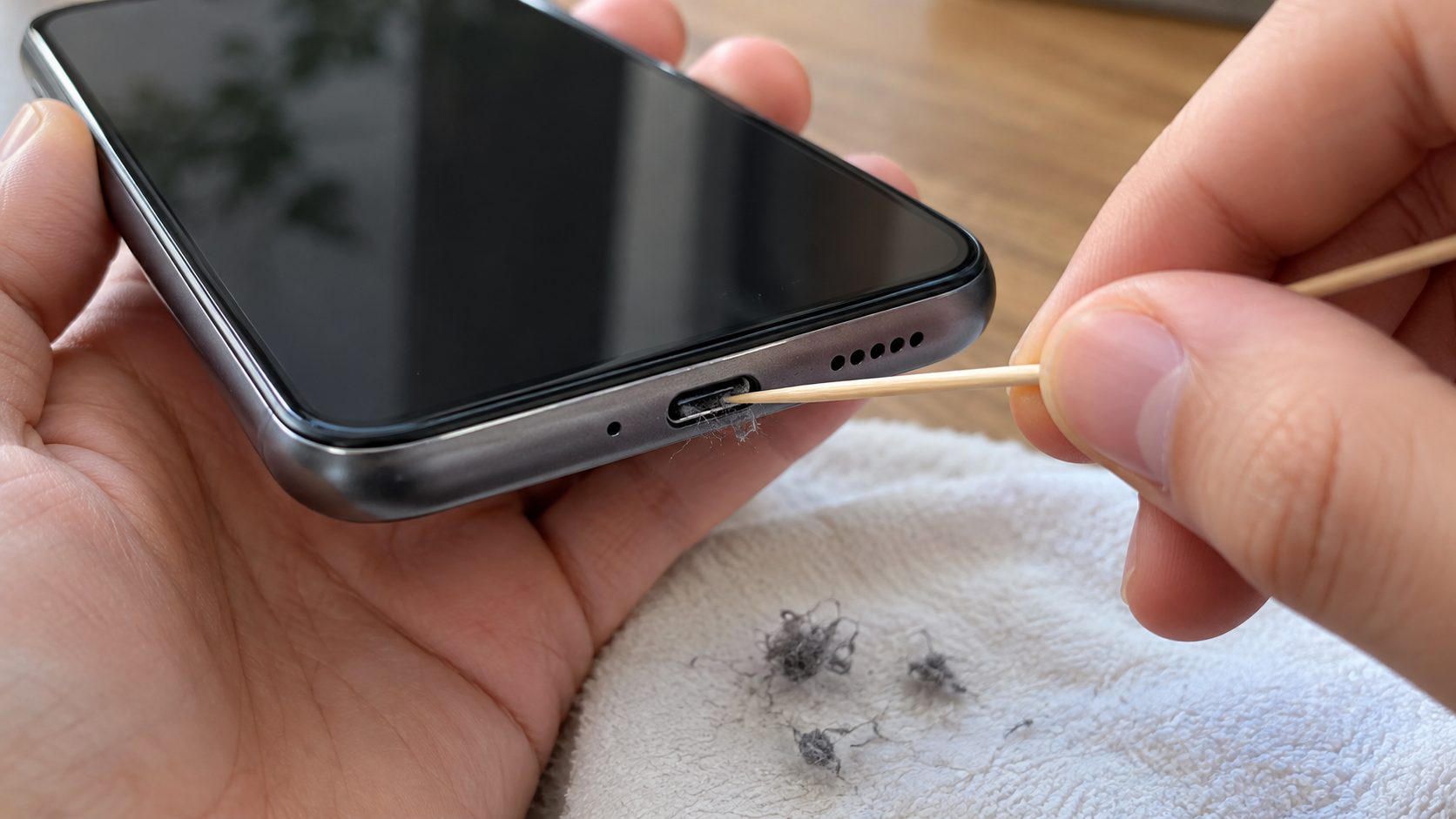
Power off and unplug; lift lint with a wooden toothpick or soft dry brush, never metal.
Swap the cable
A known-good, rated USB-C to USB-C cable.
Right charger
Matching protocol and wattage, no adapters in between.
The Cable Can Cap Your Speed
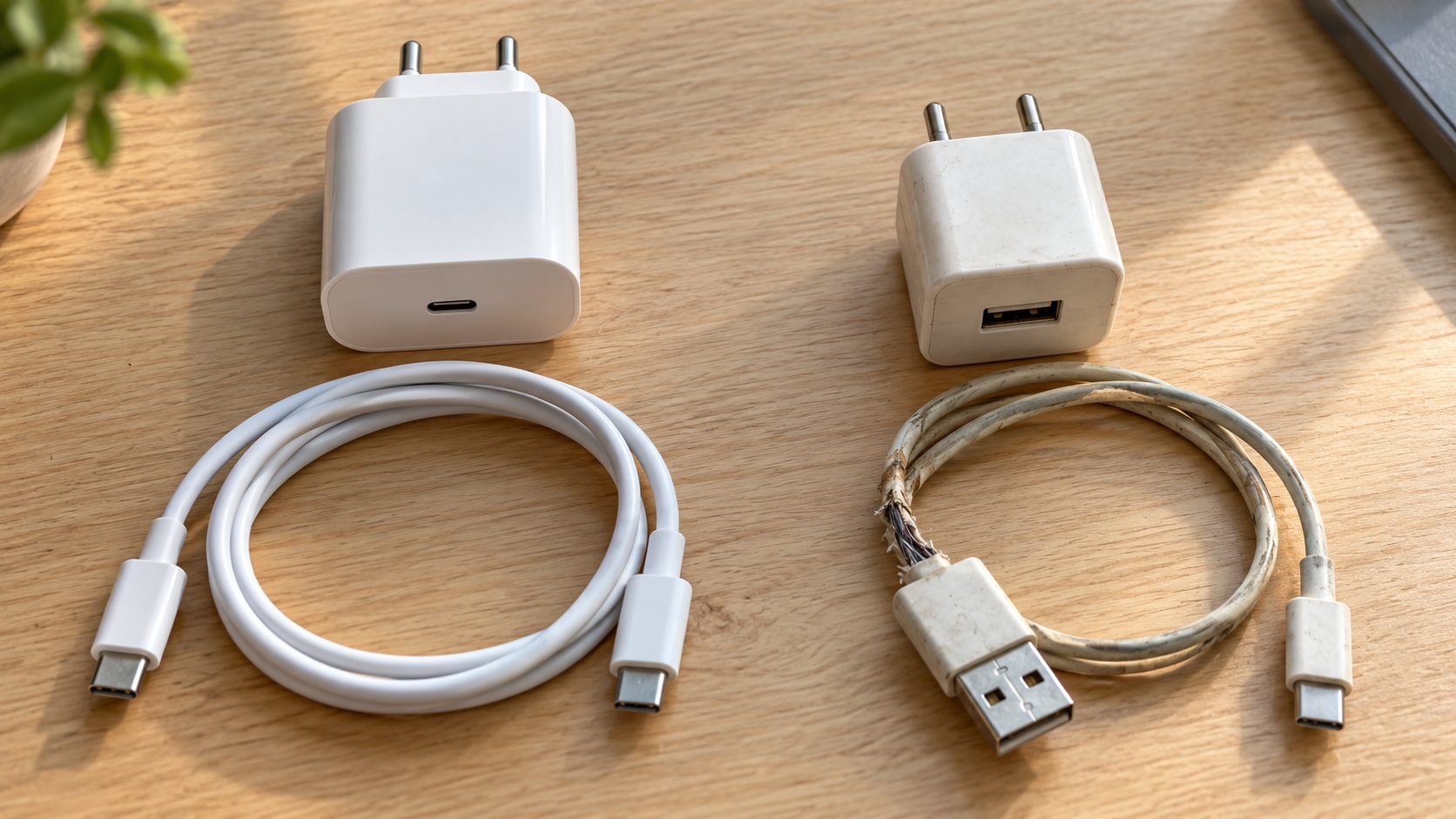
A new or borrowed cable is a common answer to “why won’t my phone fast charge”, and cheaper to rule out than a charger:
- Use USB-C to USB-C. Google says a USB-A to USB-C cable on a USB-A adapter charges slower.
- Read the rating logo. Certified cables carry a USB-IF 60W (20V at 3A) or 240W logo, but no logo isn’t a red flag: any proper USB-C to USB-C cable handles 60W.
- Match high-wattage phones. Samsung’s 45W charging needs a 5A cable, such as a 240W-rated one; for iPhone 18 Pro, Apple says to use the cable from the box.
- Retire damaged cables. Google says a Pixel Check charging accessory alert means the cable or adapter may be unsupported or broken.
Why Won’t My Phone Fast Charge on a Big Charger? Protocol Matters
A big wattage figure isn’t enough: the charger must speak your phone’s protocol, or the two settle on a slower common mode.
iPhone. Apple asks for a USB PD adapter of 18W or more and a USB-C cable (USB-C to Lightning on older models), so an old USB-A cube won’t fast charge any iPhone. The wattage is printed on the adapter.
For iPhone 17, 17 Pro and 17 Pro Max, Apple’s 50% in about 20 minutes needs 40W or more. iPhone 18 Pro models need Apple’s 40W Dynamic Power Adapter with 60W Max, or a third-party adapter rated 60W or more with USB PD 3.2 and Adjustable Voltage Supply (AVS). Apple’s fast charge page lists every model, including iPhone Air and 17e.
Pixel. Google lists its own chargers, any PPS adapter rated 30W or more, and other USB PD adapters from 15W, which may not reach full speed; see Google’s Pixel charging page.
Samsung. Super fast charging (25W) and Super fast charging 2.0 (45W, supported models only) need a USB PD 3.0 charger that supports them; standard chargers can’t do it. Samsung’s own Super fast chargers list PPS on the label, so look for that, and the 45W tier needs a 45W adapter.
Other Android brands. Many use their own systems, such as SUPERVOOC on OnePlus, OPPO and realme phones, which reach full speed only with the brand’s charger and often its cable. A standard USB PD charger gives a slower fallback; check the maker’s support page.
On a multi-port charger, ports can share the total output, so a second device may be the hidden answer to “why won’t my phone fast charge”. Check the per-port rating.
Why won’t my phone fast charge with known-good gear?
If known-good gear still reads slow on a cool, idle phone, restart it and install any system update. Still slow? The port or battery may be at fault; book service with the maker or an authorized shop. If an Android phone won’t charge or turn on at all, see what to do when an Android phone won’t turn on; for an iPhone, contact Apple Support.
Frequently Asked Questions
Why won’t my phone fast charge anymore?
A sudden change usually has a simple cause: lint, a worn cable, a different charger, the Galaxy switch turned off or a warm phone. On an iPhone, open Settings > Battery: Slow Charger points at the charger or cable, and Optimized Battery Charging or the 80% limit can hold back the last stretch.
Will any USB-C or Quick Charge charger fast charge my phone?
No. The connector shape says nothing about the protocol inside, and a USB-C brick without your phone’s protocol still leaves you asking “why won’t my phone fast charge”. A Quick Charge (Qualcomm) brick helps only if it also supports a mode your phone uses, such as USB PD.
Why is my phone charging slowly or taking so long?
On an iPhone, Slow Charger means the charger gives 7.5 watts or less wired, or under 10 watts wireless; a Pixel’s Charging slowly also points at the power source. If the phone reports fast charging but still takes long, look at heat, heavy use or the normal slowdown after 80%.
Why won’t my phone fast charge from a laptop or wireless pad?
Both are usually slower than a wall charger, and Qi 1.x pads give Pixel 10 and newer only 5W. For full MagSafe speed, pair a MagSafe Charger with a 30W or higher USB PD adapter (iPhone 16, 17 and Air) or 35W or higher (iPhone 18 Pro). Apple lists the original MagSafe Charger (A2140) only for up to 15W.
Recap: Find the Weak Link
Start with what the phone reports, then check the switch and heat, the outlet and port, the cable and finally the charger, one change at a time. The part that changes the readout is your answer to “why won’t my phone fast charge”.
More phone fixes are in our mobile guides.
Leave a comment