

Why Won’t My Phone FaceTime? Fix Calls That Fail or Won’t Connect
FaceTime missing, calls that never connect, or a friend on Android? Match your symptom, then work through Apple's checks in order before you reach for a reset.

Why won’t my phone FaceTime? On an iPhone, it’s usually one of two problems: FaceTime is missing, grayed out or off, or it’s on but calls fail, never ring or drop. Android phones and Windows PCs have no FaceTime app, though they can join a call by link.
Paths are for iOS 18 and later (Settings > Apps > FaceTime); iOS 17 and earlier use Settings > FaceTime. Outside the US, Cellular may read Mobile Service or Mobile Data.
Why Won’t My Phone FaceTime? Match the Symptom First
First, check Apple’s System Status page: during a FaceTime outage, no setting helps, so wait. Otherwise, find your symptom:
| What you see | Most likely cause |
|---|---|
| FaceTime missing, grayed out or off | Off, signed out, Screen Time or deleted |
| Calls fail or never come in | Line off, wrong number, wrong date and time |
| Works only on Wi-Fi, or only on cellular | Cellular switches, roaming, carrier or network |
| One person never answers | Their settings, a block or no Apple device |
| Freezes, goes black or zooms | Slow connection or Center Stage |
| Android or Windows on either end | FaceTime is Apple-only; use a link |
FaceTime Missing, Grayed Out or Switched Off
Start with the plainest answer to “why won’t my phone FaceTime?”: it’s off or signed out. Open Settings > Apps > FaceTime, turn FaceTime on, then sign in with your Apple Account or use just your phone number.
Under You can be reached by FaceTime at, pick your number, email or both. Already on? Tap your Apple Account there, Sign Out and sign back in.
iPhone won’t allow or let you FaceTime? Check Screen Time
If the FaceTime setting is missing, go to Settings > Screen Time > Content & Privacy Restrictions, then Allowed Apps & Features (iOS 26 and earlier) or Other Features (iOS 27). Apple says FaceTime and Camera must both be allowed.
If it’s your child asking “why won’t my phone FaceTime?”, check the parent’s phone. On iOS 27, open Settings > Family > [child’s name] and review Content & Privacy Restrictions > Other Features, the Blocked list in Apps & Websites, the Screen Time Schedule, and Allowed Contacts, which can limit FaceTime to Contacts Only.
These controls need every Family Sharing device on version 27 software; otherwise, the older controls sit under Settings > Screen Time > [child’s name]. Blocked apps aren’t deleted: Apple says they’re dimmed (grayed out) on the Home Screen or hidden from it, so rule this out before reinstalling.
Still missing? The app may be deleted
A deleted app is an easy-to-miss cause of “why won’t my phone FaceTime?”, even if you removed it under an older iOS. Apple’s iPhone User Guide says you can’t make or receive FaceTime calls until you redownload it from the App Store, and Settings and contact cards won’t show FaceTime options.
That and “Activation unsuccessful” are activation errors; Apple says carrier verification can take up to 24 hours. Meanwhile, sign in with your Apple Account and choose your email under You can be reached by FaceTime at. Apple’s support article “If you can’t turn on or sign in to iMessage or FaceTime” has the fixes.
Calls Fail or Never Come In: Apple’s Checklist
FaceTime on, but calls fail or never ring? Work through Apple’s FaceTime checklist in order (its Screen Time step is above). Apple wrote it for newly set-up phones, but it suits any “why won’t my phone FaceTime?” problem.
Update iOS
Settings > General > Software Update.
Turn the line on
Settings > Cellular: the line must be on. With two SIMs, turn on the one for FaceTime.
Toggle FaceTime
Settings > Apps > FaceTime: off, then on.
Pick the number
On that screen, tap the number FaceTime should use.
Set the clock
Settings > General > Date & Time: turn on Set Automatically (iOS 27: Set Time Automatically and Set Time Zone Automatically).
Restart
Turn it off and on, then test a call.
New iPhone? Make sure your eSIM transfer to the new phone finished. For dual-SIM trouble, or if normal calls fail too, see iPhone won’t make calls.
Still asking “why won’t my phone FaceTime?” after all six steps? Hold off: no reset fixes an outage, an activation error or a carrier limit. Reset All Settings returns all settings, saved Wi-Fi networks included, to default; Erase All Content and Settings wipes the phone, so back up first.
Why Won’t My Phone FaceTime on Cellular When Wi-Fi Works?
FaceTime runs over Wi-Fi or cellular data. On cellular, check:
- Cellular Data and roaming. Cellular Data must be on in Settings > Cellular; abroad, also turn on Data Roaming under Cellular Data Options (carrier charges may apply).
- FaceTime’s own switch. Scroll down Settings > Cellular to the app list; if FaceTime is off there, it uses only Wi-Fi.
- Carrier support. Apple’s carrier support list shows, per country and carrier, whether FaceTime over Cellular works; pick your region at the top.
Why won’t my phone FaceTime at home? Check the Wi-Fi
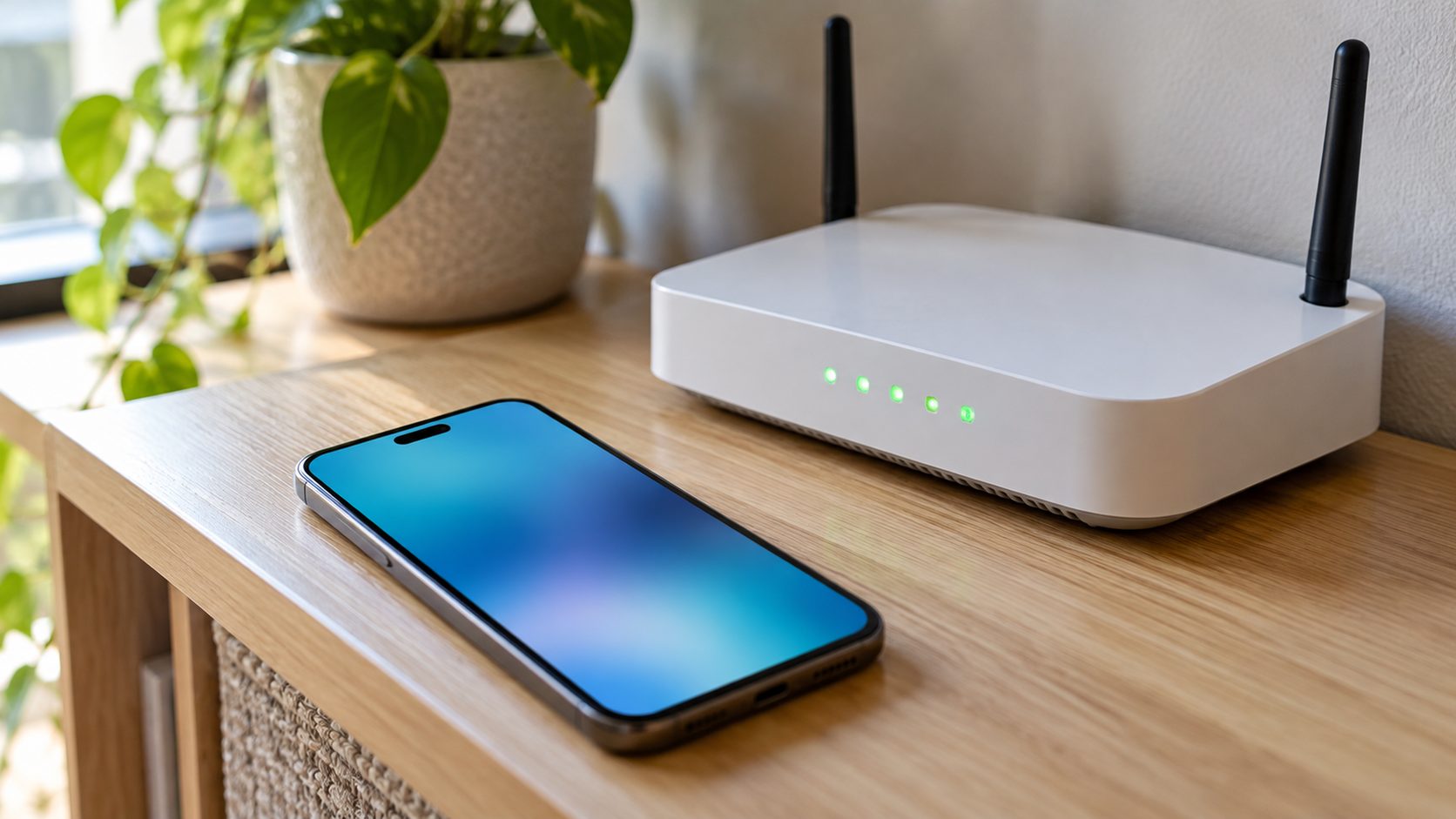
Fails at home but works elsewhere? Suspect the network: Apple says FaceTime needs broadband on Wi-Fi, and others streaming on the same network can cause failed connections and dropped calls.
On school, office and hotel networks, “why won’t my phone FaceTime?” can come down to a firewall or router features like port mapping or SIP dropping. Give the network admin Apple’s ports: TCP 80, 443 and 5223, plus UDP 3478-3497, 16384-16387 and 16393-16402 (some NAT setups use more).
When the Problem Is on the Other Person’s Phone
If only one person can’t be reached, the honest answer to “why won’t my phone FaceTime my friend?” may be that your phone is fine. Ask them to check:
Caller filters
In Settings > Apps > FaceTime, Silence Unknown Callers sends calls from numbers outside their contacts, recent outgoing calls and Siri Suggestions to voicemail; FaceTime Spam silences suspected spam.
Blocked Contacts
In Settings > Apps > FaceTime > Blocked Contacts, a listed number or email can’t reach them. Swipe left on it and tap Unblock.
Screen Time limits
Settings > Screen Time > Communication Limits, or a parent’s Allowed Contacts, can block you. Apple says those calls won’t go through.
FaceTime Drops, Freezes, Goes Black or Keeps Zooming
Apple ties choppy video, a black screen and dropped calls to a slow connection on either end, so test another network and have the other person do the same.
Blurry on cellular? Apple says Low Data Mode lowers FaceTime’s video bitrate. Turn it off in Settings > Cellular > Cellular Data Options (Data Mode > Standard on 5G models; with two SIMs, tap the number first).
Picture zooming in and out? That’s Center Stage, on by default on supported models to keep you in frame. To turn it off, tap your tile during a call, then Camera Effects > Center Stage.
FaceTime With Android or Windows, and Android Video Calls
On Android and wondering, “why won’t my phone FaceTime?” FaceTime is Apple’s app, so an Android phone or Windows PC can’t start a call, but it can join one:
- The Apple user creates a link: FaceTime > New Call > link button, then shares it by Messages or Mail (iOS 15, macOS Monterey or later).
- The guest opens it in the latest Chrome or Edge. No Apple Account is needed.
- Enter a name, select Continue, allow mic and camera, select Join and wait for the host to admit you.
- Know the limits: no SharePlay or screen sharing on the web. Links aren’t supported in China mainland, and iPhones bought there can’t create them.

Why won’t my phone video call on Android?
In Google Messages, the video icon uses carrier video calling (ViLTE or VoLTE) when both phones support it, otherwise Google Meet, which both people need set up and signed in to. The person you call also needs a reachable number in their Google Account.
Menus vary by phone maker. If calls don’t ring at all, see our guide to an Android phone that won’t ring.
Frequently Asked Questions
Why does FaceTime say “unavailable” when I call someone?
Usually the number or email you called isn’t active on FaceTime: it’s an Android phone, or FaceTime is off or signed out. If it happens with everyone, check Apple’s System Status page and your connection.
Why won’t my phone FaceTime an Android phone?
FaceTime only rings Apple devices. Send them a link from FaceTime > New Call; they join in the latest Chrome or Edge.
Why won’t my phone FaceTime when I’m abroad?
Apple says FaceTime may not be available in every country, region or carrier. On cellular, turn on Data Roaming (charges may apply), or join Wi-Fi.
Why won’t my phone FaceTime after switching to a new iPhone?
Check that the line is on and the right number is picked (steps 2 and 4). Apple says activation can take up to 24 hours.
The Short Version: Check in This Order
Status page, FaceTime on and signed in, Screen Time, the six checklist steps, Wi-Fi versus cellular, then the other person’s settings. That order rules out the usual causes behind “why won’t my phone FaceTime?” before you touch a reset.
A carrier or network block needs the carrier or the network admin. More fixes are in our mobile guides.

Leave a comment