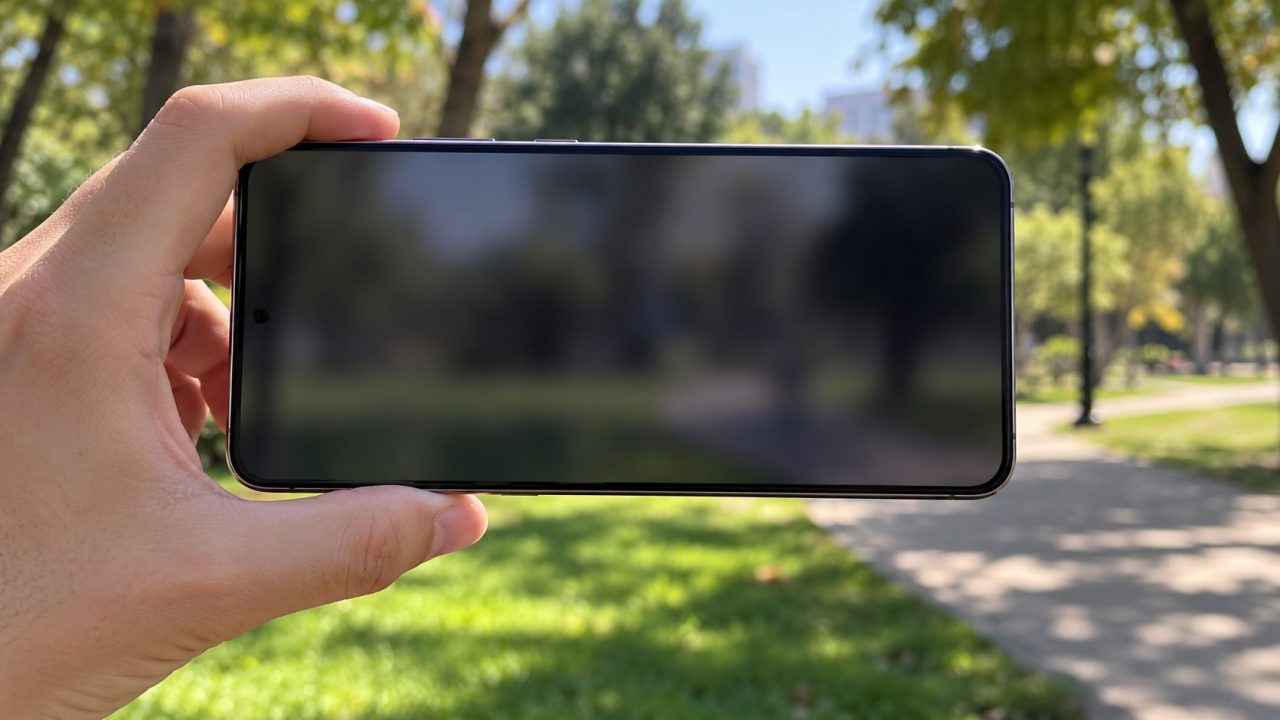
How to Fix Phone Camera Problems: Black Screen, Crashes and Shaking
Black viewfinder, crashes or a rattling lens? Free the camera from other apps, check permissions and Screen Time, reset the app, then run the hardware tests.


Step-by-step fixes and how-tos for iPhone and Android phones.
Black viewfinder, crashes or a rattling lens? Free the camera from other apps, check permissions and Screen Time, reset the app, then run the hardware tests.
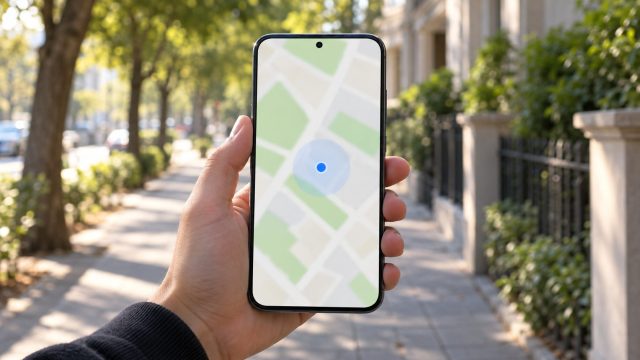
Dot in the wrong spot, arrow pointing the wrong way or friends who can't see you? Match the symptom, then fix permissions, accuracy, the compass and sharing.
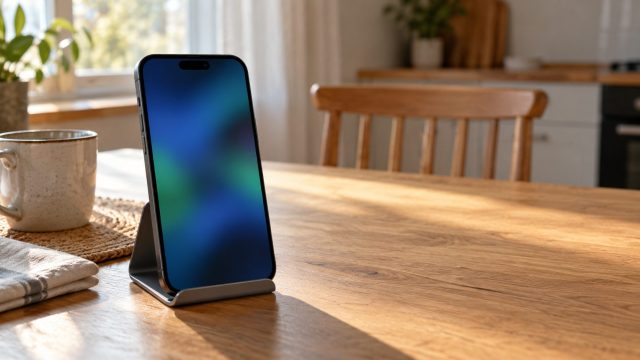
FaceTime missing, calls that never connect, or a friend on Android? Match your symptom, then work through Apple's checks in order before you reach for a reset.
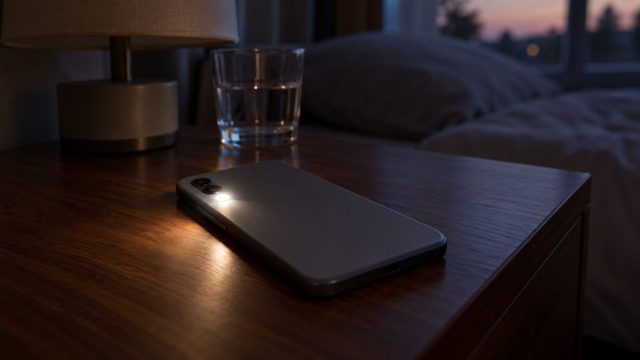
A blinking rear light, a flickering screen and a phone that keeps restarting have different causes. Find yours, from flash alert settings to screen damage.
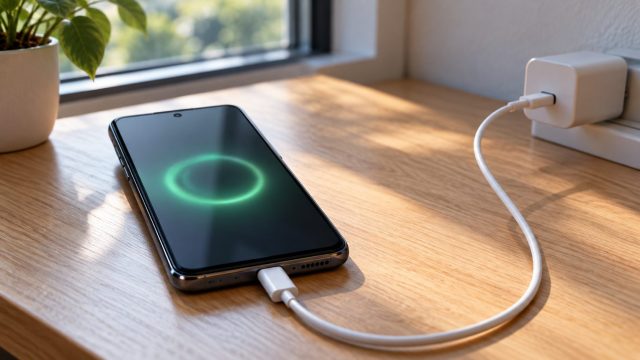
Fast charging is negotiated between phone, charger and cable. Read the speed your phone reports, then find the weak link: setting, heat, port, cable or charger.
Decode the message and fix it: iCloud space versus iPhone space, the power, lock and Wi-Fi rule, stalled backups, Finder and Apple Devices errors, and photo imports.
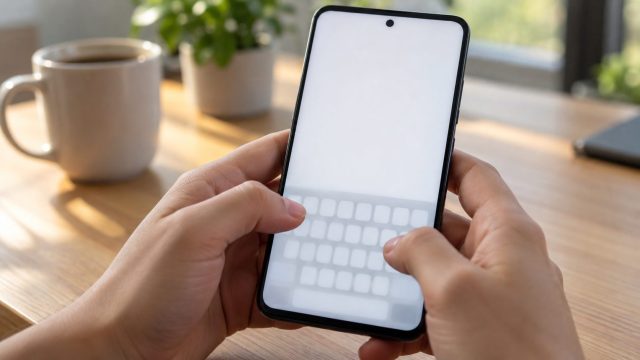
Match the fix to the symptom: a keyboard that won't appear, lags, types wrong letters or won't close. iPhone and Android steps side by side, with reset warnings.

Find out why your Mac never shows up or the transfer sits on Waiting: sleep, radios, Personal Hotspot, receiving settings, contact cards and the Mac firewall.
Find where the link handoff breaks, then fix the default browser, app link settings, WebView, Samsung's Auto Blocker and hidden filters. iPhone steps included.
Stuck on 'Waiting', Get does nothing, or apps crash or won't delete? Check Apple's status, your connection, account holds, Screen Time and storage, in that order.
Find out why your screen turns yellow at night, in some rooms or all day, why the iPhone battery icon goes yellow, and how to undo grayscale on iPhone and Android.
Catch the app or setting behind a random buzz on iPhone or Android, from dismissed notifications and charging to Music Haptics, then turn off only that source.