
iPhone Won’t Make Calls? Fix ‘Call Failed’ When You Have Signal
Bars showing but every call fails? Start with the cheap checks: Airplane Mode, a carrier update, the line your Dual SIM iPhone dials from, and Wi-Fi Calling.


Step-by-step fixes and how-tos for iPhone and Android phones.
Bars showing but every call fails? Start with the cheap checks: Airplane Mode, a carrier update, the line your Dual SIM iPhone dials from, and Wi-Fi Calling.
Find out why calls, texts or one app stopped buzzing, fix the right iPhone or Android setting, and run Samsung's or Google's vibration test before you book a repair.

Read the message under the network name first. A wrong password, Unable to join and Weak Security each point to their own fix, long before any reset.
Phones have several mics. Three quick tests show which one is failing, then the fixes run from permissions and Bluetooth to safe cleaning, safe mode and repair.

Find out if rotation is locked, the app is portrait-only or a thumb is in the way, then fix it on Pixel, Galaxy, foldables or iPhone, from Quick Settings to safe mode.
If you hear your own voice, the echo usually starts on the other phone. Find whose end it is, then fix speakerphone, Bluetooth, mic holes or Wi-Fi Calling.
Find out why calls go silent, only vibrate or skip to voicemail, then fix the right setting on Pixel, Galaxy or iPhone, from the ring slider to call forwarding.
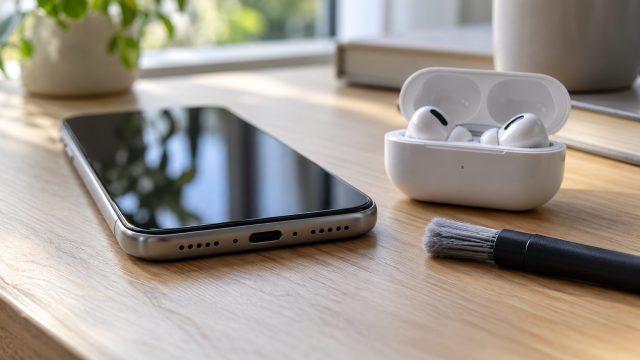
Wrong volume slider, a mode, a hearing-safety limit or lint in the grille? A quick speaker test shows which, then the fixes run from safest to last resort.
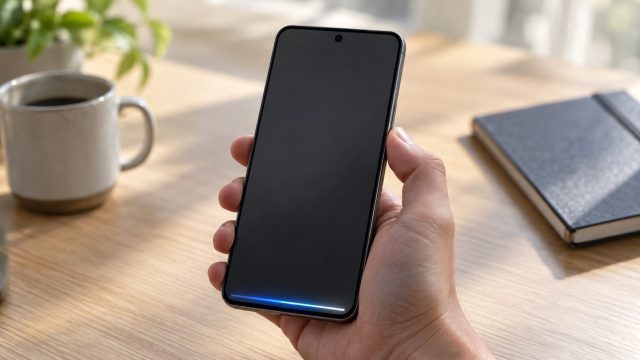
Holding the button opens Bixby or Gemini instead of the power menu? Use the right two-button combo, remap the long press or force restart a frozen phone.
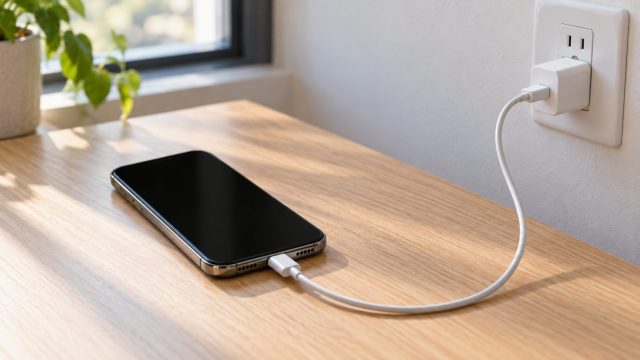
Dead, frozen or stuck on the Apple logo? Work through Apple's order: the right force restart, an hour on a known-good charger, then recovery-mode Update before Restore.
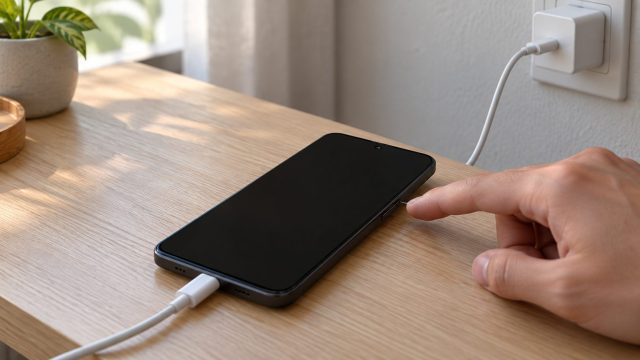
Dead, black screen or stuck on the logo? Match the symptom, then work through charging, brand-specific force restarts and data-safe fixes before any reset.
A zoomed-in phone is almost always an accessibility feature, not a fault. Find out which zoom is on, get out of it on iPhone or Android, and keep it off.