

Why Is My Phone Echoing on Calls? Find Whose End the Echo Is On
If you hear your own voice, the echo usually starts on the other phone. Find whose end it is, then fix speakerphone, Bluetooth, mic holes or Wi-Fi Calling.
Call echo usually means a microphone is picking up a speaker and sending the sound back down the line. So the answer to why is my phone echoing starts with one question: who hears it? Settle that first; it tells you which phone to fix.
Why Is My Phone Echoing? Work Out Whose End It’s On
If you hear your own voice, the leak is usually on the other person’s side: their speakerphone, car or speaker feeds your voice into their mic. If they hear themselves, the leak is on yours. Nothing on your phone can fully fix the far end.
Microsoft’s echo explainer, written for internet calls, names headphones on the echo-producing side as the fastest fix. Match your symptom:
| What you notice | Usual source | Try first |
|---|---|---|
| You hear your own voice | Their end | Ask them to leave speaker |
| They hear their own voice | Your end | Earpiece, lower volume |
| Only on Bluetooth or in the car | The accessory | One call with Bluetooth off |
| Only on Wi-Fi Calling | The call path | Wi-Fi Calling off once |
| Every call, everyone | Your phone | Case off, test the mics |
| No call active | A listening feature | Live Listen, Sound Amplifier |
Why Is My Phone Echoing When I Talk? Look at Their End First
If you’re searching why is my phone echoing because you hear your own voice, your phone is usually fine: your words leave their speaker and reach their mic. They rarely notice, so tell them. A delayed copy of your words is echo; hearing yourself instantly in the earpiece or headset is normal sidetone.
Try: “I hear my voice echo. Could you take me off speaker or turn it down?” In a car, ask them to lower the call volume; if they aren’t driving, earbuds work best. Two devices on the same call in one room can also upset echo cancellation; one should mute.
To confirm, call someone else. A clean call points to the first person’s setup; if every call echoes, check your side below.
If They Hear the Echo: Fix Your Speakerphone and Volume
If the other person is the one asking why is my phone echoing, the loop is on your side: your mic is picking up your own speaker. On iPhone, tap Speaker off (it reads Audio with a headset connected; choose iPhone). On Android, tap the speaker button off.
Why is my phone echoing on speakerphone?
A loud speakerphone is the classic loop. Lower the volume with the side buttons, keep the phone off hard surfaces, or use earbuds.
iPhone calls that always start on speaker
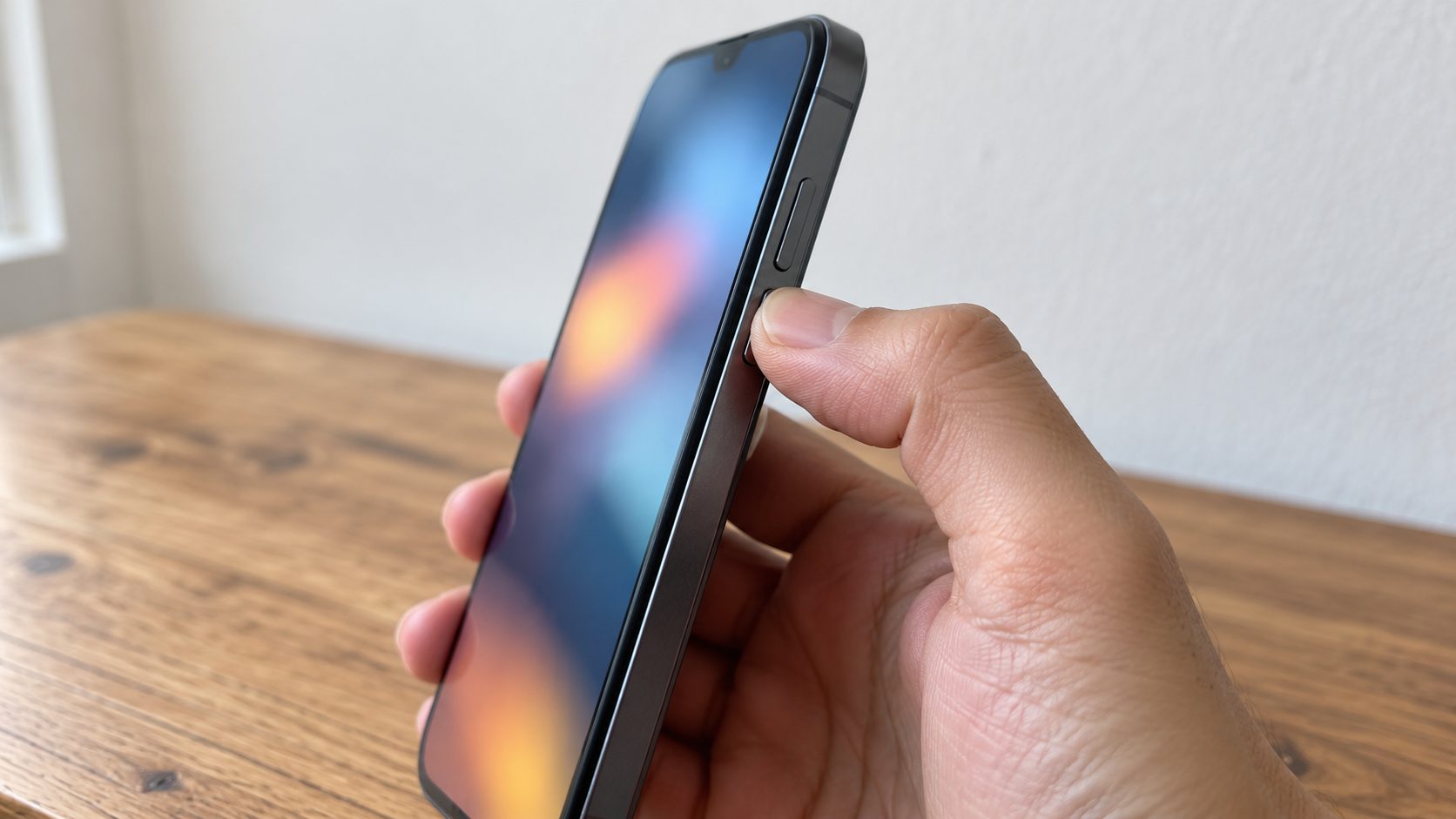
Check Settings > Accessibility > Touch > Call Audio Routing. If it’s set to Speaker, every phone and FaceTime call starts on the loudspeaker, an easy-to-miss reason the other side hears echo. Set it to Automatic.
If the caller then sounds faint, our guide to a phone that’s too quiet covers call volume.
Bluetooth Headsets, Car Hands-Free and Other Devices on the Line
If the echo only appears with earbuds or the car connected, suspect the accessory. Extra links can add delay, and echo cancellers only cover a limited range. One test call with Bluetooth off confirms it.
Why is my phone echoing in the car?
The cabin speakers play the call, and the car’s mic can pick it up. Lower the call volume, which some cars set separately. If an aftermarket head unit uses an external mic, make sure it’s plugged in and mounted away from the speakers.
Why is my phone echoing when it rings?
A nearby iPad or Mac on the same Wi-Fi and Apple Account can ring or answer iPhone calls too. Rule it out by switching off Settings > Apps > Phone > Calls on Other Devices (Settings > Phone before iOS 18). Earbuds and cars can also take the ringtone; see our guide to an Android phone that won’t ring.
Why is my phone echoing sounds with no call active?
Room sounds or your own voice in your earbuds, with no call, point to a listening feature. iPhone’s Live Listen streams the mic to AirPods, Beats or hearing devices; to turn it off, open Control Center, tap Hearing (the ear icon), then Live Listen. Android’s Sound Amplifier (Settings > Accessibility) is similar, and Google warns it may lag with some Bluetooth headphones.
Why Is My Phone Echoing on Every Call? Check the Case and Mic Holes
Echo on every call, with everyone, points to your phone. Samsung says a case, film or even your hand can cover a mic hole and hurt call sound. Mic positions vary by model.
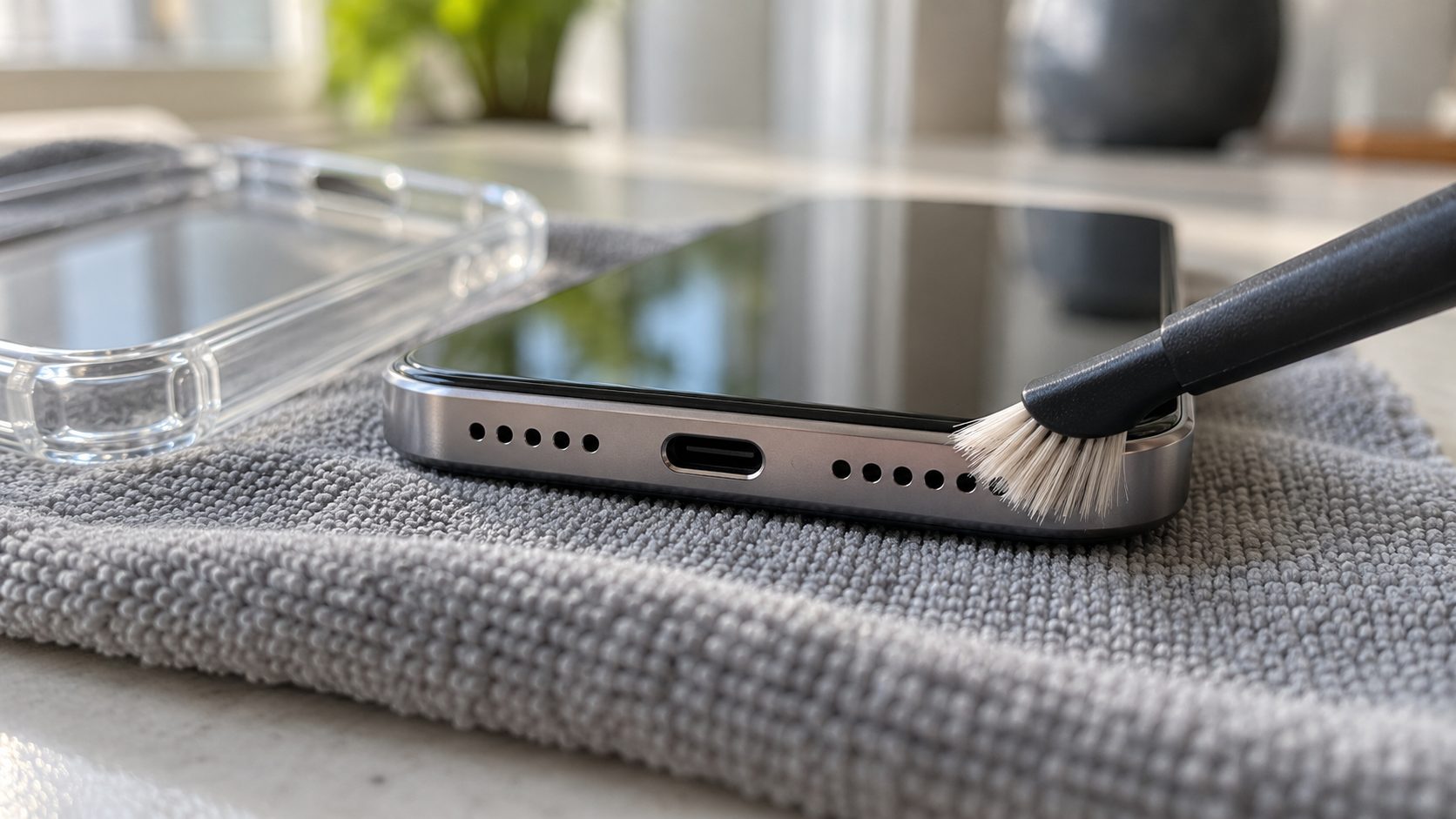
Remove the case and film
Apple, Google and Samsung all list this: take off the case and screen protector, then test a call.
Clean the holes gently
Apple suggests a small, soft-bristled brush that’s clean and dry for its speaker and receiver openings; Google, a soft, lint-free cloth. Apple says to skip compressed air and keep moisture out. Never push a pin, toothpick or SIM tool into a hole.
Restart and update
Restart, then update the OS and your calling app.
Test each mic
Follow Apple’s mic test: a Voice Memo spoken near the bottom (the main call mic), then a video with each camera spoken near the top. On a Pixel, use Recorder and a Camera video.
On a Galaxy, retest in Safe mode (power menu, touch and hold Power off, tap Safe mode): if the mic behaves there, Samsung says a third-party app is likely interfering. A clean recording rules out a dead mic, not faulty echo cancellation. If echo survives all this, book an official repair.
Why Is My Phone Echoing on Wi-Fi Calling? Test the Call Path
If the echo comes and goes with location, test the connection; Samsung says a weak connection may affect call quality. One change per test call:
- Turn Wi-Fi Calling off for one call. iPhone: Settings > Cellular (Mobile Service in some regions) > Wi-Fi Calling. Pixel: Settings > Network & internet > SIMs, your SIM, then Wi-Fi calling. Galaxy: Phone app > three-dot menu > Settings, or Settings > Connections, depending on carrier.
- Try another Wi-Fi network. Apple notes that not all Wi-Fi networks work with Wi-Fi Calling.
- Try LTE instead of 5G for one call. Depending on model, carrier and region, a 5G iPhone may offer this under Settings > Cellular > Cellular Data Options > Voice & Data; set it back afterward. Don’t turn VoLTE off or choose Data Only: where 3G has been shut down, that can stop calls, including emergency calls.
Save it as a last resort for echo that appears only on Wi-Fi Calling. It removes saved Wi-Fi networks, their passwords and VPN settings, resets your iPhone’s name to “iPhone” and can turn Data Roaming off, so note your passwords first: Settings > General > Transfer or Reset iPhone > Reset > Reset Network Settings.
Mic Modes and Clear Calling: Try These Last
Voice Isolation and Voice Focus filter background noise from your voice before it’s sent; Pixel’s Clear Calling cleans up the other caller’s audio instead. None is sold as an echo fix.
iPhone: Voice Isolation
Works on regular cellular calls since iOS 16.4. On current iOS, open Control Center during a call, tap the calling app’s button at the top, then Voice Isolation. Avoid Wide Spectrum, which lets in all surrounding sound.
Galaxy: Voice Focus
Samsung’s option for clearer calls in noisy places. Its location varies by model and One UI version; search Settings for “Voice focus”.
Pixel: Clear Calling
Pixel 7 and later: Settings > Sound & vibration > Clear Calling. It reduces the other caller’s background noise; it doesn’t change what your mic sends. Google’s Pixel call help says it depends on call bandwidth.
Frequently Asked Questions
Why is my phone echoing on iPhone calls?
Check Call Audio Routing (Automatic), Calls on Other Devices (off for a test call) and Live Listen (off). Still echoing on every call? Run Apple’s mic test.
Why is my phone echoing only when I call one person?
Their phone, headset or room is the likely source, or their line: some landlines and office phone systems add echo in the network, which neither phone can remove. If your other calls are clean, your phone is fine.
Why is my phone echoing when I hang up?
First check the call really ended on every connected device: the car screen, your headset, a nearby iPad or Mac. If nothing is still connected, turn off Live Listen or Sound Amplifier and reconnect your earbuds.
Start With Who Hears It
Next time you wonder why is my phone echoing, ask who hears it. If it’s you, the other person needs to change their setup; if it’s them, check your speaker, Bluetooth, case and call path, one change per call.
More call and sound fixes are in our mobile guides.
Leave a comment