

How to Fix Phone Location: Wrong GPS, No Updates or Sharing Off
Dot in the wrong spot, arrow pointing the wrong way or friends who can't see you? Match the symptom, then fix permissions, accuracy, the compass and sharing.
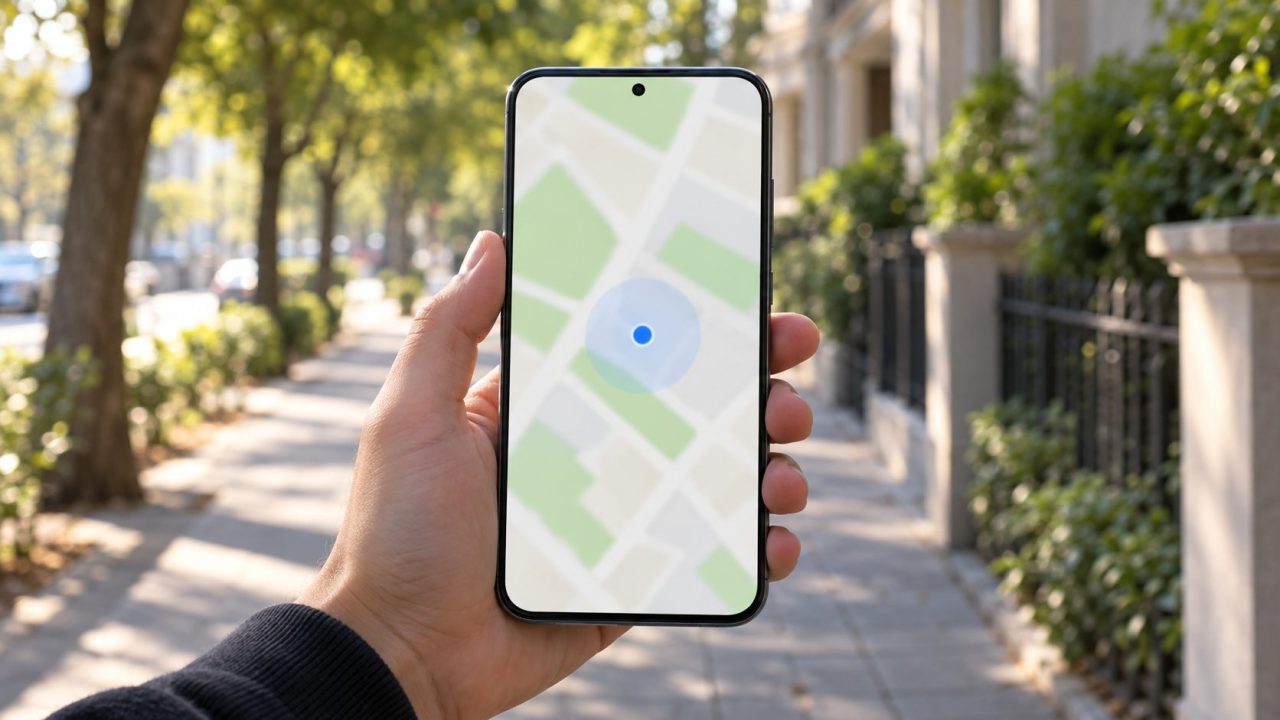
Working out how to fix phone location problems starts with what’s actually wrong: a dot in the wrong spot, an arrow pointing the wrong way, a location that won’t update, or friends who can’t see you. Often the GPS itself is fine.
Here’s how to fix phone location errors on iPhone and Android, safest checks first. If a menu path differs on your phone, search Settings for “location.”
How to Fix Phone Location Problems: Start With the Symptom
The quick version of how to fix phone location trouble: restart the phone, toggle Location off and on, then open Google Maps outdoors and wait a few minutes. The light-blue circle shows where you could be, so smaller is better; a gray dot means Maps can’t find you.
| What you see | Likely cause |
|---|---|
| Wrong in one app only | Permission or Precise Location |
| Wrong in every app | Accuracy settings or surroundings |
| Jumps around or freezes | Battery saving, sleeping apps |
| Right spot, wrong direction | Compass or a nearby magnet |
| Friends can’t see you | Sharing settings, wrong device |
| Sharing grayed out | Screen Time or device management |
| Websites show another city | IP-based location, not GPS |
Wrong in Just One App? Check Permission and Precise Location
If Maps is right but a weather or delivery app is way off, that app probably has only approximate location. Since iOS 14 and Android 12, precise location is set app by app. Here’s how to fix phone location access for that one app.
iPhone: go to Settings > Privacy & Security > Location Services, keep the main switch on and tap the app. Choose While Using the App (Always only if it must work in the background) and turn on Precise Location.
Android: open Settings > Location > App location permissions and tap the app. Pick Allow only while using the app, or Allow all the time if it must update in the background, and turn on Use precise location. Google warns that with Location Accuracy off, apps may not get your precise location.
How to Fix Phone Location Accuracy in Every App
If every app is off, start with Android’s Location Accuracy switch. With it on, Android combines GPS with Wi-Fi, mobile networks and sensors, which helps indoors; with it off, it uses only GPS and sensors. Paths from Google’s Android location help:
- Android 12 and later. Settings > Location > Location Services > Location Accuracy > Improve Location Accuracy; Wi-Fi and Bluetooth scanning are on the Location Services screen.
- Android 10 and 11. Settings > Location > Advanced > Location Accuracy; scanning is under Settings > Location.
- Android 9. Settings > Security & Location > Location > Advanced > Scanning.
- Android 4.4 to 8.1. Settings > Security & Location > Location > Mode > High accuracy.
On Samsung, these sit under Settings > Location > Location services (Improve accuracy on older One UI). iPhone has no Location Accuracy switch; besides Precise Location per app, it uses GPS, Bluetooth, Wi-Fi hotspots and cell towers, so keep Wi-Fi and Bluetooth on.
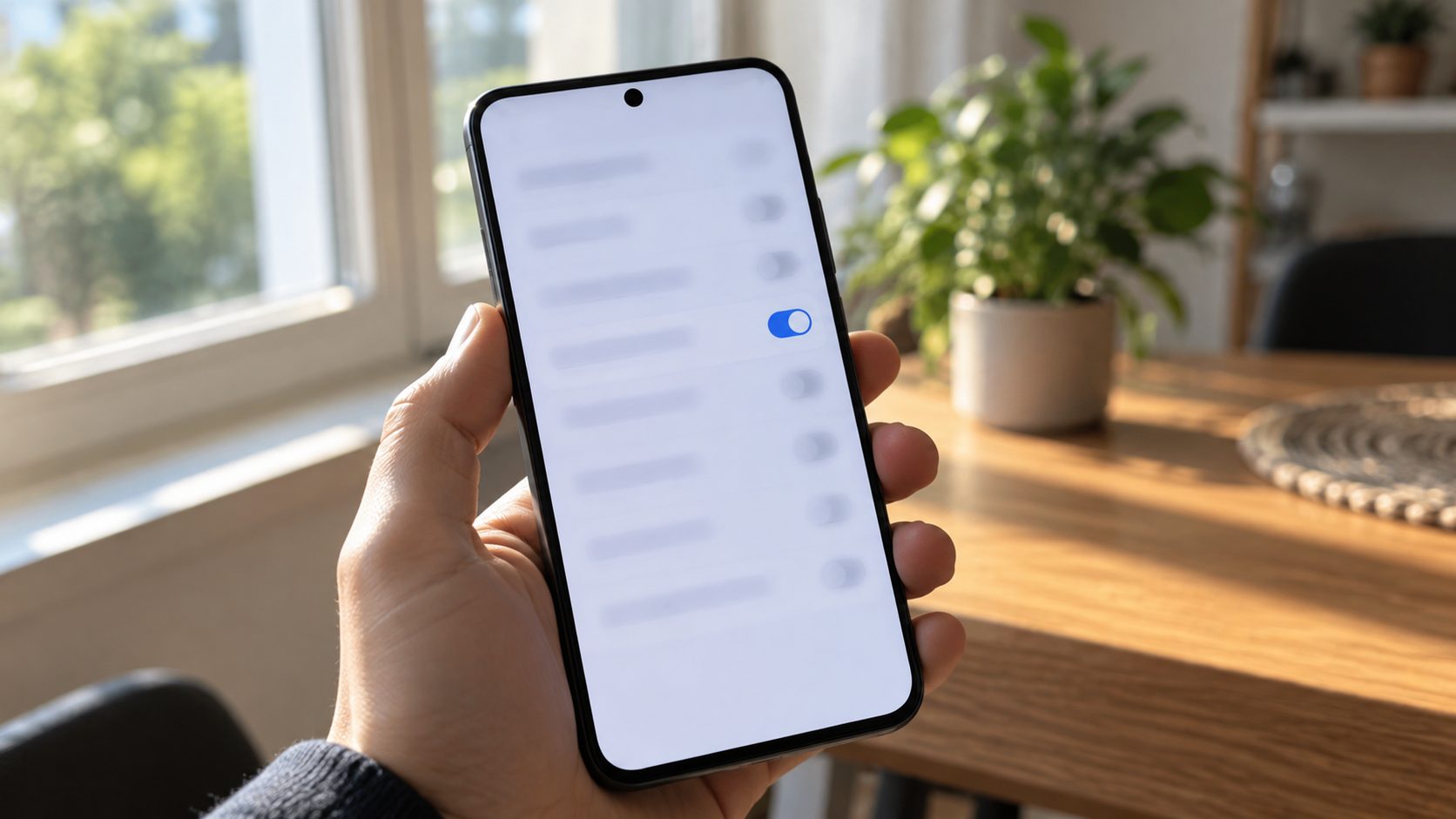
Dot jumping or frozen? Turn off battery saving
Google Maps Help explains how to fix phone location that jumps around: turn off Battery saver on Android or Low Power Mode on iPhone (under Settings > Battery), then restart if needed.
On a Galaxy, Samsung also advises turning off Power saving. Then, in Settings > Battery > Background usage limits (Battery and device care > Battery on older One UI), move map and sharing apps from Sleeping or Deep sleeping apps to Never auto sleeping apps (or Never sleeping apps).
Arrow Pointing the Wrong Way? Calibrate the Compass
A correct dot with a beam pointing the wrong way is a compass problem, not a GPS one. Most guides on how to fix phone location only cover the dot, but the arrow needs its own fix.
In Google Maps on Android or iPhone, move the phone in a figure 8 until the beam narrows and points correctly. Outdoors, you can also tap the blue dot, choose Calibrate and aim the camera at buildings and signs across the street (where Street View is available).
On iPhone, also open Settings > Privacy & Security > Location Services > System Services and make sure Compass Calibration is on.
Do it away from magnets: Apple says magnetic interference can affect the compass. If the arrow is wrong only with a magnetic car mount, wallet or case attached, remove it and recalibrate.
Cases, Cars and Buildings: How Accurate Phone GPS Really Is
GPS.gov says GPS-enabled smartphones are typically accurate to within about 16 feet (4.9 meters) under open sky, and worse near buildings, bridges and trees. Keep that in mind before you dig into how to fix phone location drift: a dot a few yards off outdoors is normal.
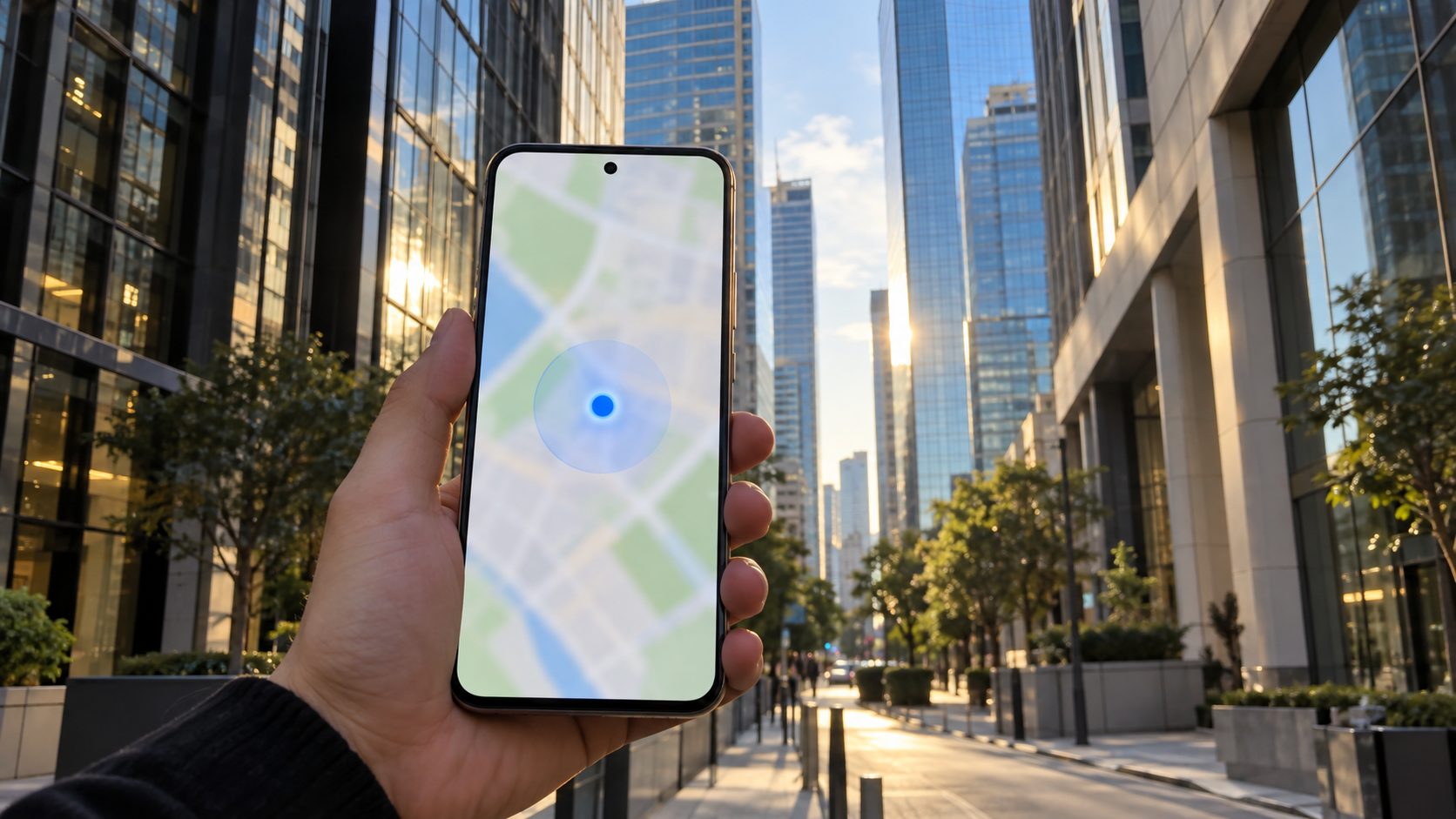
Indoors and underground
Google says parking garages and tall buildings make the dot less accurate; with satellites blocked, the phone leans on Wi-Fi and cell signals.
Between tall buildings
GPS.gov lists signals bouncing off buildings (multipath) as a common cause. Step into the open.
Hand, case and car
Samsung notes your grip can block the antenna, especially on a folded Galaxy Z Flip. Metallic window tint and some cases weaken the signal; test without the case.
If your dot is right but a business pin isn’t, GPS.gov notes the map may be wrong. Report it with Suggest an edit in Google Maps or Report an Issue in Apple Maps.
How to Fix Phone Location Sharing on iPhone and Android
These steps show how to fix phone location sharing on iPhone, based on Apple’s Find My guide. They cover your own location and people who’ve agreed to see it.
Let Find My use location
In Location Services, keep the main switch on and don’t set Find My to Never.
Turn on sharing
In Find My, tap Me and turn on Share My Location.
Check “Sharing From”
If it names an iPad or another device, tap Use This iPhone as My Location.
Account, signal, clock
Stay signed in to your Apple Account, keep cellular or Wi-Fi on, and turn on Set Time Automatically in Settings > General > Date & Time. Our FaceTime not working guide covers these checks.
Sharing with one person, or with an Android friend
Messages uses Find My (tap +, Location, Share), so live sharing only reaches people on Apple devices, via the number or email tied to their Apple Account. For an Android friend in an SMS chat, Apple’s option is a pinned location that doesn’t update; for live updates, you can both agree to use Google Maps location sharing. Sharing isn’t offered in every region.
Android location not updating for others
Android shares through Google Location Sharing, used by Google Maps, Find Hub and Google Messages. It needs a Google Account, internet and Use location on. If Use Location Sharing is paused under Settings > Location > Location services > Google Location Sharing, shares stop updating. A sharing app also needs Allow all the time to update in the background.
Sharing switch grayed out? Screen Time and Family Sharing
In Family Sharing, the organizer turns location sharing on, then each member chooses whether to share (Settings > Family > Location Sharing). A child with Screen Time on may be locked out; in iOS 27, a parent allows changes at Settings > Family > [child’s name] > Content & Privacy Restrictions > Allow Changes to Settings, or on iOS 26 and earlier under Settings > Screen Time > [child’s name].
Restricted your own iPhone? Allow changes to Location Services and Share My Location in Settings > Screen Time > Content & Privacy Restrictions, using your Screen Time passcode. On a work or school iPhone, ask the IT admin.
Still Wrong Everywhere? Resets, Updates and Hardware
These last steps show how to fix phone location problems that survive everything above. Update the phone and your map apps first: Settings > General > Software Update on iPhone, or Software update in Android Settings. On Android, also turn Location Accuracy off and on, install any Google Play system update and run the maker’s diagnostics, such as Samsung Members on Galaxy phones.
Reset Location & Privacy deletes no data, but every app asks again for location and other privacy permissions (camera, photos, contacts). Reset Network Settings removes saved Wi-Fi networks and VPN settings, renames the phone “iPhone” and may turn off data roaming. Neither is Erase All Content and Settings, which wipes the phone.
On iPhone, go to Settings > General > Transfer or Reset iPhone > Reset and choose Reset Location & Privacy; try Reset Network Settings only if that fails. Still wrong in every app outdoors, with the case off, after a few minutes? Then the likely answer to how to fix phone location errors is a repair: contact Apple, Samsung or your phone’s maker.
Websites think you’re in another city
Unless you’ve allowed a site to use your location, it guesses from your IP address, so nothing above on how to fix phone location will change it. A VPN shifts the guess, and so does iCloud Private Relay; to keep local results with it on, choose Maintain General Location under Settings > [your name] > iCloud > Private Relay > IP Address Location.
Frequently Asked Questions
Why is my phone location wrong?
Usually an app with only approximate access, Location Accuracy off on Android, a blocked sky or battery saving. If only the arrow is off, it’s the compass. The table at the top shows how to fix phone location errors by symptom.
How do I fix my location on iPhone?
Quickest first, this is how to fix phone location on iPhone: turn on Precise Location for the app, turn off Low Power Mode, check that Compass Calibration is on, then try Reset Location & Privacy.
Why won’t my iPhone share or update my location?
Share My Location may be off, Find My may be set to Never, another device may be listed next to Sharing From, or Screen Time blocks it. Live sharing also needs the other person on an Apple device. If it won’t update, turn off Low Power Mode.
Do I need a GPS fixer app?
No. Everything in this guide on how to fix phone location problems uses built-in settings. Skip GPS fixer, A-GPS reset and mock-location apps; if it’s still wrong outdoors, get the phone checked.
Recap: Fix the Right Layer First
That’s how to fix phone location problems in order: app permissions, accuracy and battery settings, the compass, your surroundings, then sharing. Resets and repairs come last.
Our mobile guides cover more, such as a phone keyboard that lags or won’t show up.
Leave a comment