

Android Phone Won’t Ring? Fix Silent Calls and Straight-to-Voicemail
Find out why calls go silent, only vibrate or skip to voicemail, then fix the right setting on Pixel, Galaxy or iPhone, from the ring slider to call forwarding.
When an Android phone won’t ring, rule out settings before blaming the speaker, and let your call history point the way. A missed call in the log means a setting muted the ring; a screened or spam label means a filter caught it. Nothing logged usually means the call never reached the phone.
The steps cover Pixel, Galaxy and iPhone. Menu names vary by Android version and maker.
Android Phone Won’t Ring? Sort Out the Symptom First
Ask someone to call you, then answer three questions to narrow down why your Android phone won’t ring.
Does the call show as missed in your call history?
A setting muted it. Don’t trust the missed-call alert alone, since blocked Phone notifications hide it. Start with the ring slider and sound mode, then Do Not Disturb and Modes.
Is the call marked as screened or spam?
A filter took it first: see call screening and blocked numbers.
Did the caller go straight to voicemail?
Nothing logged? Check forwarding, Airplane mode and the carrier. In Google’s Phone app, blocked calls look the same.
Android Phone Won’t Ring With the Volume Up? Fix the Ring Slider
Turning the volume up is the first thing people try when an Android phone won’t ring. But on Pixels and stock Android, the buttons change media volume when nothing is playing. Most Galaxy phones change ring volume, unless the buttons are set for media under Settings > Sounds and vibration > Volume.
Press a volume button, then tap the three-dot or settings icon to see every slider; Google’s Android volume help page lists them. Current versions show separate Ring and Notification sliders; older ones combine them as Ring & notification volume. Call volume is the other person’s voice during a call, not your ringtone.
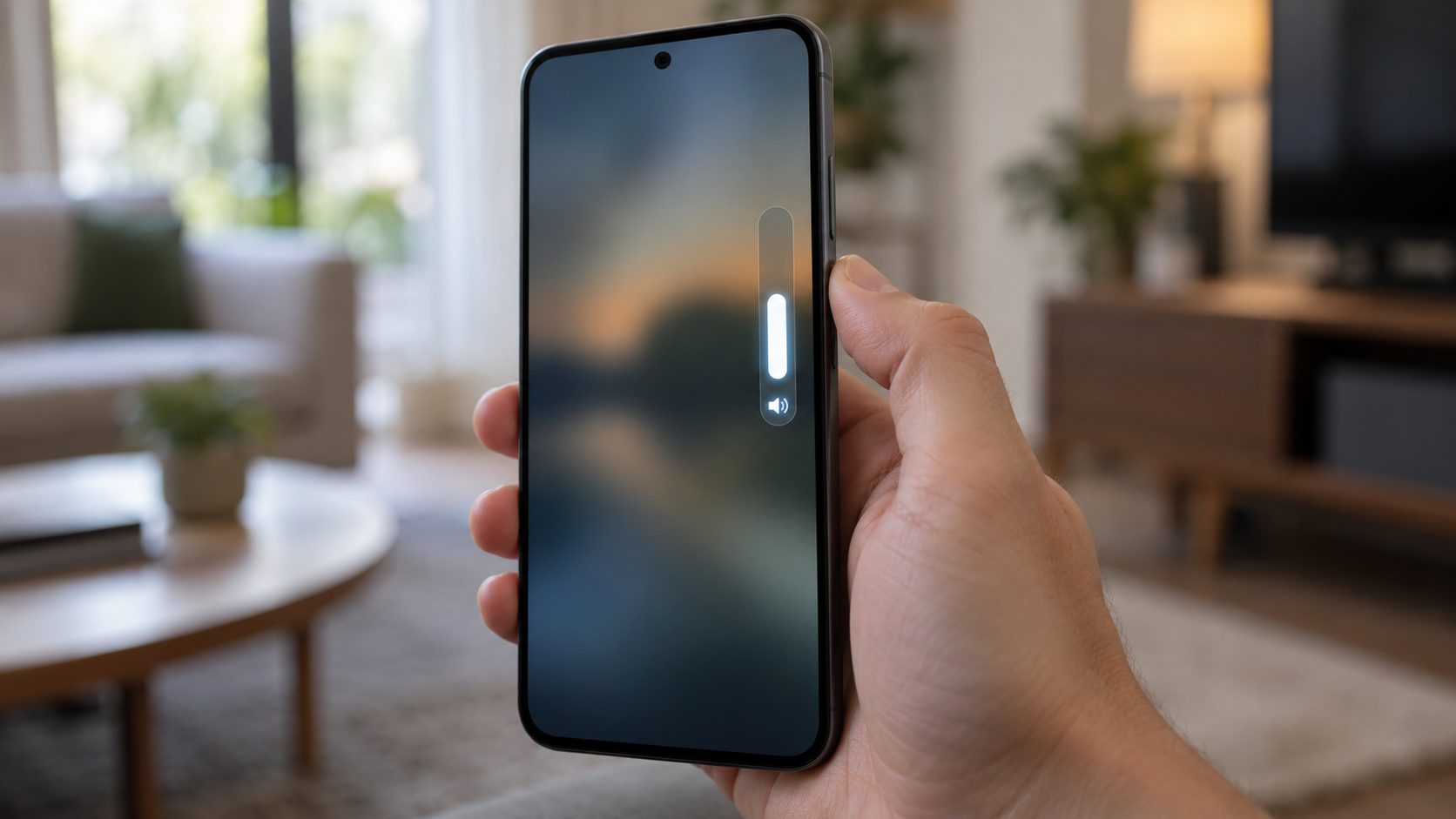
Vibrates but doesn’t ring? Check the sound mode
Above the slider sits a Ring, Vibrate or Mute toggle; Vibrate only buzzes, so choose Ring. On a Galaxy, the Sound mode tile in Quick Settings cycles through the same three.
On some phones, pressing Power and Volume up together switches calls to Vibrate or Mute. On a Pixel 5a or earlier, turn that off at Settings > Sound & vibration > Shortcut to prevent ringing; newer Pixels open the power menu instead.
Phone app notifications or a missing ringtone
Google’s Pixel missed-call checklist also says not to block Phone notifications: turn on All Phone notifications under Settings > Apps > All apps > Phone.
A ringtone file you moved or deleted may leave nothing to play, so test a built-in tone at Settings > Sound & vibration > Phone ringtone (Galaxy: Sounds and vibration > Ringtone). If your Android phone won’t ring for one person, check their tone in Google Contacts under [contact] > More > Set ringtone, or under Edit in Samsung Contacts. Rings, but too softly? See our guide to a phone that’s too quiet.
Do Not Disturb and Modes That Turn Themselves On
If your Android phone won’t ring only at night or in the car, find what keeps turning Do Not Disturb on. On current Pixels it sits under Settings > Modes; older versions keep it under Sound & vibration.
- Bedtime. It can run on a schedule or with Turn on while charging, so a phone charging overnight goes quiet.
- Driving. Set to While driving, it starts by itself in the car.
- Flip to Shhh (Pixel 4a and later). Face down means Do Not Disturb. Turn it off in Settings > System > Gestures.
- Galaxy. Do Not Disturb is under Settings > Notifications. Also check Settings > Modes and Routines: Sleep, Theater or Relax modes and automatic routines can block call alerts.
Keep quiet hours but let family through
In a mode’s Notification filters > People, allow chosen contacts and turn on Allow repeat callers: a second call within 15 minutes then rings. Galaxy phones have Calls from and Repeat callers settings with the same window.
Call Screening, Spam Filters and Blocked Numbers
These features answer or decline calls for you, and an Android phone won’t ring at all for a call they catch.
| Feature | Does the phone ring? | What you see afterward |
|---|---|---|
| Automatic Call Screen (Pixel) | Only if the caller isn’t judged to be spam | A silent “Screening unknown number” notification |
| Filter spam calls (Phone by Google) | No | No alert, but it’s in your call history |
| A blocked number | No, it’s declined | In Google’s Phone app, nothing in your call history |
| Blocked numbers > Unknown | No, for private or unidentified numbers | Unsaved numbers still ring |
If your Android phone won’t ring for new callers, Pixel’s automatic Call Screen may be answering them. It depends on your country and model and skips saved contacts, so save numbers you can’t miss. It’s under Phone app > More > Settings > Spam and Call Screen; Google’s Call Screen page explains each level.
On phones without automatic Call Screen, Phone by Google offers Filter spam calls under Settings > Caller ID and spam; fix a wrongly flagged caller from Recent calls with Not spam.
Galaxy phones use Samsung’s Phone app and its own spam filter. If your Android phone won’t ring for real callers, set Block spam and scam calls under Phone > More > Settings > Caller ID and spam protection to high-risk calls only, or turn it off; availability varies by country. Samsung’s receive-calls checklist also says to turn off Block unknown/private numbers.
Caller ID apps and a safe-mode test
A third-party caller ID or blocker app can decline calls quietly. If your Android phone won’t ring ever since you installed one, test in safe mode: on Pixel 6 and later, press and hold Power and Volume up, then touch and hold Power off and tap OK.
A Pixel turns Airplane mode on in safe mode, so switch it off before the test call. If calls ring in safe mode, remove recent apps one at a time.
Earbuds or Your Car May Be Taking the Ring
On some phones and cars, a connected Bluetooth device plays the ringtone instead of, or as well as, the phone speaker. If your Android phone won’t ring only at home or in the driveway, forgotten earbuds or the car may be getting it. Turn Bluetooth off and test.
Rely on a watch for calls? Check its own Bedtime, Do Not Disturb or Theater mode too.
Android Phone Won’t Ring and Goes Straight to Voicemail
When an Android phone won’t ring and your call log stays empty, the call never reached the ringer.
Call forwarding and call barring
With all calls forwarded, an Android phone won’t ring at all. On a Pixel, check Phone app > More > Settings > Calling accounts, pick your SIM, then Call forwarding; on a Galaxy, Supplementary services in the same Settings. Menus vary by version and carrier. If yours lists Call barring, make sure incoming calls aren’t barred.
Forwarding codes differ between carriers, so use your carrier’s help page, not codes found online. If you forward calls, keep Pixel’s automatic Call Screen off: screened calls aren’t forwarded.
Don’t enable forwarding or dial a code because a message, link or caller asks you to. Forwarding can send your calls, including verification calls, to someone else. Found forwarding you didn’t set up? Switch it off and call your carrier.
Airplane mode, SIM and the carrier
Turn Airplane mode off, restart and install any update. Samsung also lists coverage, account standing and reseating the SIM. If your Android phone won’t ring after a carrier switch or number move, contact the provider; our guide to transferring an eSIM to a new phone may help. How many rings you get before voicemail is a carrier setting, not a phone one.
On a Galaxy, Reset network settings also wipes saved Wi-Fi networks and Bluetooth pairings. A Pixel’s Reset mobile network settings (Settings > System > Reset options) keeps them. A factory reset erases everything, so back up first and use it last.
iPhone Won’t Ring? The Short Version
Like a Galaxy, and unlike a Pixel, an iPhone’s volume buttons control the ringer when nothing is playing, unless Change with Buttons is off in Sounds & Haptics.
Silent mode
No ring, though it may still vibrate. If the Action button is set to Silent mode, press and hold it, or use Settings > Sounds & Haptics. On older models, the Ring/Silent switch toward the back means silent.
Focus
Allow people under Settings > Focus. Repeated calls within 3 minutes can ring through, and Emergency Bypass in a contact’s Ringtone settings lets that person ring through Silent mode or a Focus.
Unknown callers
In iOS 26 and later, Settings > Apps > Phone can ask callers for a reason first or silence unsaved numbers. iOS 18 used a Silence Unknown Callers switch.
Frequently Asked Questions
Why does my phone go straight to voicemail without ringing?
Usually the call never reaches the ringer: check forwarding, blocked numbers and Airplane mode, then the SIM and carrier. Spam and unknown-caller filters do it too, but those calls usually still show in your history.
Why is my phone just vibrating and not ringing?
It’s set to Vibrate. Tap the toggle above the volume slider, or switch a Galaxy’s Sound mode tile back to Sound.
My Android phone won’t ring for one person. Why?
It may be blocked or flagged as spam, its custom ringtone may be missing, or Call Screen may be answering an unsaved number.
Why won’t my Android phone answer calls?
If it rings but swiping or tapping Answer does nothing, restart first. Check that the Phone app is still your default phone app (Settings > Apps) and that a case or screen protector isn’t interfering with touch. Then clear the Phone app’s cache, not its storage, or try safe mode.
Recap: Check in This Order
Ring slider and sound mode first, then modes and gestures, call filters, Bluetooth, and finally forwarding and the network.
If your Android phone won’t ring after all that, preview a ringtone with the ring volume up. Silence there may point to the speaker, which is a repair job. More fixes are in our mobile guides.
Leave a comment