

Why Is My Phone Yellow? Fix a Yellow Screen, Battery or Gray Display
Find out why your screen turns yellow at night, in some rooms or all day, why the iPhone battery icon goes yellow, and how to undo grayscale on iPhone and Android.
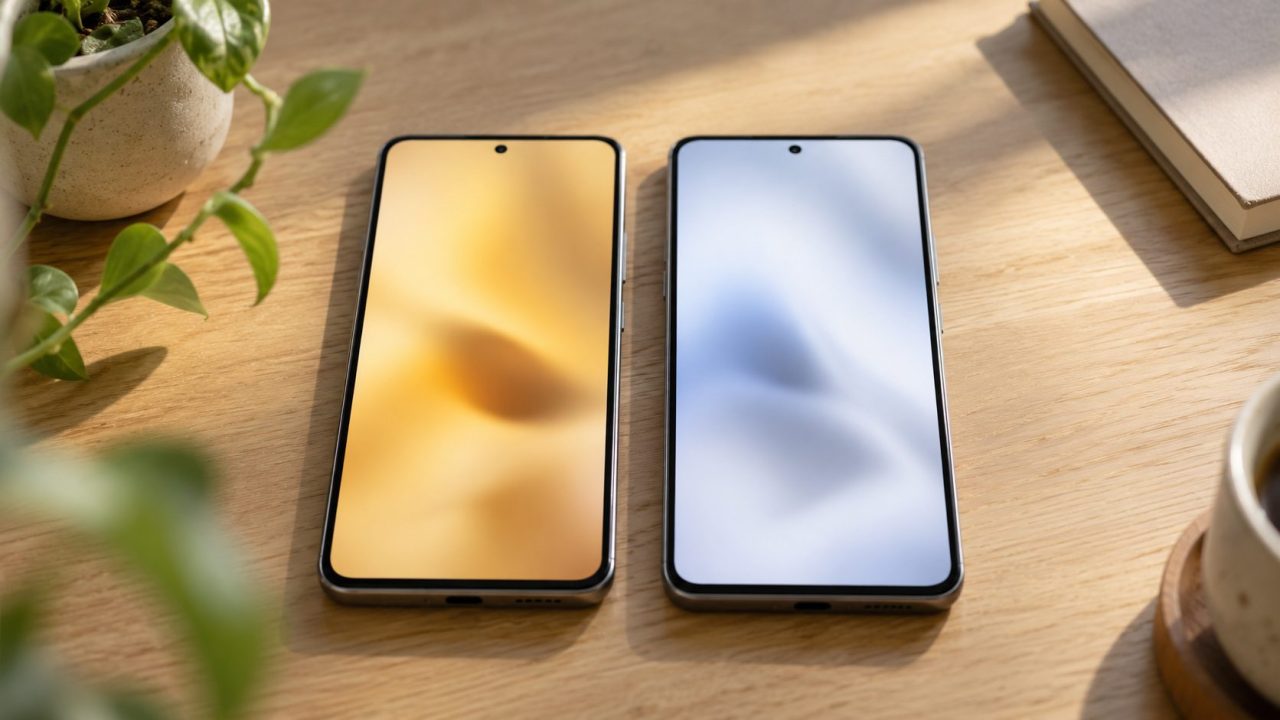
Why is my phone yellow? Usually because of a setting, and when the yellow shows up tells you which one: after dark, in certain rooms, all day, or only on the iPhone battery icon.
Why Is My Phone Yellow? Work Out Which Kind of Yellow You Have
Quick check: on iPhone, touch and hold the brightness slider in Control Center; on Android, open Quick Settings. If Night Shift, Night Light or Eye comfort shield is on, turn it off. If not, match what you see:
| What you see | Likely cause | First check |
|---|---|---|
| Yellow or amber in the evening | Night Shift, Night Light, Eye comfort shield | Control Center or Quick Settings |
| Warmer indoors, normal outside | True Tone, Adaptive color tone, Comfort View (Pixel 10) | Display settings |
| Tinted all day, everywhere | Color filter, color tint, white balance | Accessibility or Display settings |
| Yellow battery icon (iPhone) | Low Power Mode | Settings > Battery |
| Black and white | Grayscale filter, Bedtime or Sleep mode | Accessibility, Digital Wellbeing |
| Tinted with every setting off | Screen protector, replacement screen or the panel | Screenshot test |
Why is my phone yellow on the back? A clear case yellows with age; no setting fixes that, only a new case.
Yellow Only at Night: Night Shift, Night Light and Eye Comfort Shield
Why is my phone yellow every evening? A night filter is on a schedule:
iPhone: Night Shift
Settings > Display & Brightness > Night Shift. Turn off Scheduled and Manually Enable Until Tomorrow, or drag Color Temperature toward the cooler end.
Pixel: Night Light
Settings > Display & touch > Night Light (Display on older Android), or its Quick Settings tile. Set Schedule to None so it can’t start by itself.
Galaxy: Eye comfort shield
Settings > Display > Eye comfort shield, or its Quick panel tile (edit the panel if it’s missing). Options vary by model and One UI version.
Other brands may call it Reading mode (Xiaomi, Redmi, POCO) or Eye comfort (OnePlus); if a path doesn’t match, search Settings.
Yellow at an odd hour? Look for a custom schedule; sunset to sunrise relies on your clock and location. Apple’s brightness and color guide has the full steps.
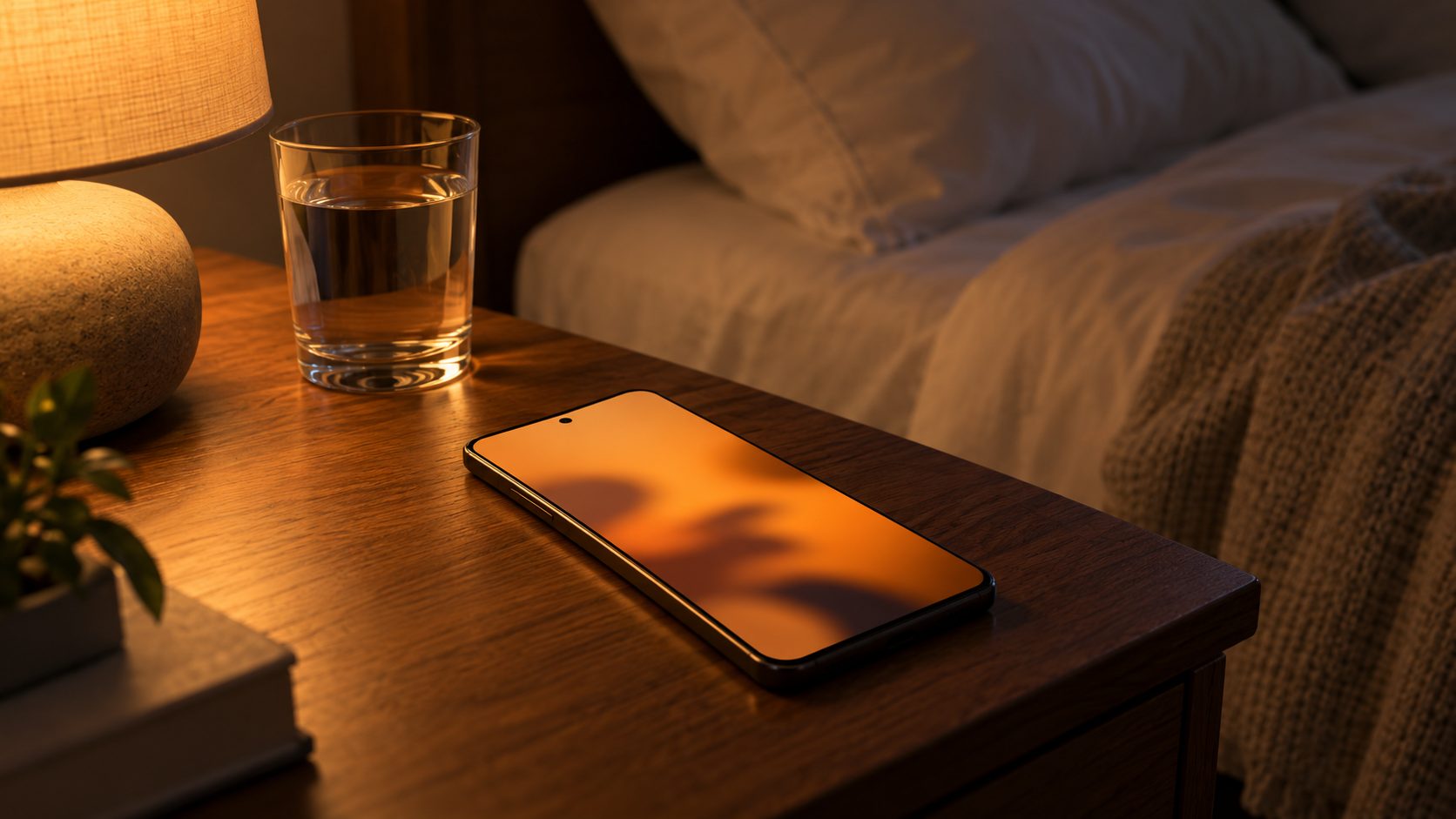
Warmer in Some Rooms: True Tone and Adaptive Color Tone
Why is my phone yellow indoors but normal outside? On iPhone, True Tone matches the display to the light around you, so whites look warmer under warm bulbs. Turn it off in Settings > Display & Brightness or Control Center.
On the Galaxy S24 series and later, Adaptive color tone in Settings > Display matches colors and white balance to the light around you.
Why is my phone yellow on a Pixel 10 with Night Light off? On the Pixel 10 series, check Settings > Display & touch > Comfort filters: with Adaptive on, Comfort View changes strength with your surroundings.
Why Is My Phone Yellow Tinted All Day? Filters, White Balance and Shortcuts
An all-day tint usually means a filter or white balance:
- iPhone. In Settings > Accessibility > Display & Text Size > Color Filters, turn Color Filters off; its Color Tint option colors the whole screen.
- Samsung filters. Go to Settings > Accessibility > Vision enhancements and turn off Color filter and Color correction. See Samsung’s unusual screen colors page.
- Samsung screen mode. In Settings > Display > Screen mode, Natural can look warmer than Vivid; switch to compare. In Vivid, center the White balance slider (Warm makes whites look yellow) and reset the R, G and B sliders under Advanced settings.
- Pixel and other Android. Go to Settings > Accessibility > Color and motion > Color correction and turn off Use color correction. Also pause any screen-filter or dimmer app.
Why is my phone yellow again after I turned the filter off?
A shortcut is switching it back on. On iPhone, a triple-click of the side or Home button runs the Accessibility Shortcut, which can happen in a pocket. Uncheck Color Filters in Settings > Accessibility > Accessibility Shortcut, then check Back Tap (Settings > Accessibility > Touch), the Action button and Control Center.
On Android, the shortcut may be holding both volume keys, the accessibility button, a two-finger swipe up or a Quick Settings tile; many Galaxy phones add the side and volume up keys (Settings > Accessibility > Advanced settings). Turn it off on the feature’s page, such as Color correction shortcut on a Pixel.
Why Is My Phone Battery Yellow? Low Power Mode on iPhone
Sometimes “why is my phone yellow” is about the battery icon, not the screen. On iPhone, a yellow battery means Low Power Mode is on. It dims the screen and sets Auto-Lock to 30 seconds, according to Apple’s Low Power Mode page.
Turn it off in Settings > Battery (under Power Mode on iPhone 15 and later) or the Control Center battery button.
Keeps coming back? On iPhone 15 Pro and later, Adaptive Power (on by default) can turn it on at 20%. On any iPhone, also check Shortcuts > Automation for a Set Low Power Mode action and the Focus filters in Settings > Focus.
Why is my phone yellow when charging?
Low Power Mode stays on after you plug in and turns itself off at 80%, so a yellow icon on the charger is normal until then. A gray charging icon means charging is paused, per Apple’s status icon guide. On Android, battery-saver icons vary by brand.
Why Is My Phone Black and White? Grayscale, Bedtime and Sleep Modes
Gray all day points to a grayscale filter; gray only at night points to a bedtime schedule.
iPhone: Grayscale filter
In Settings > Accessibility > Display & Text Size > Color Filters, turn off Grayscale. A magnified gray screen may be Zoom’s filter; see our phone zoomed in guide. Gray on a schedule usually means an automation in Shortcuts > Automation.
Android: Grayscale in color correction
Pixel: if Settings > Accessibility > Color and motion > Color correction is set to Grayscale, turn off Use color correction. Galaxy: turn off Settings > Accessibility > Vision enhancements > Color correction. If it returns, a shortcut is turning it on.
Pixel: Bedtime mode
Bedtime mode can turn the screen black and white on a schedule or while the phone charges between set times. Turn off Grayscale in Settings > Digital Wellbeing & parental controls > Bedtime mode > Customize > Screen options at bedtime.
Samsung: Sleep mode
Go to Settings > Modes and Routines > Sleep > Other actions, tap the Remove icon beside the grayscale action, then Done. Older One UI versions used Bedtime mode in Digital Wellbeing, and names vary.
Still gray? Check Developer options
On Android, Developer options > Simulate color space > Monochromacy turns the screen gray, and Tritanomaly shifts blues and yellows. Screenshots still look normal, Google notes, which is the giveaway. The menu exists only if someone tapped Build number seven times in About phone.
These settings are meant for app testing, and some change how the phone behaves. Set Simulate color space back to Disabled and leave everything else alone.
How to Fix Phone Color When No Setting Explains It
Why is my phone yellow with every filter off? Check the screen itself; none of these steps touches your data.
Screenshot test
Send a screenshot to another device. If it looks normal there, the tint is in the screen, a setting or something on the glass; treat that as a hint.
Check the protector
Peel back or remove the screen protector. Some, especially anti-blue-light ones, are tinted, and old adhesive can yellow.
Look straight on
Apple says OLED iPhones can show slight color shifts off-angle, and that’s normal. Judge it head-on, ideally beside the same model.
Check repair history
Had the screen replaced? It may be miscalibrated; the FAQ below shows how to check an iPhone.
Book a check
A clear tint that started suddenly or after a repair? Contact the maker’s support, and back up the phone before you hand it over.
Frequently Asked Questions
Why is my phone yellow only at night?
A quick toggle may only last until the next scheduled start. Turn off the schedule itself: Scheduled on iPhone, Schedule > None on Pixel.
Why is my phone yellow after a screen replacement?
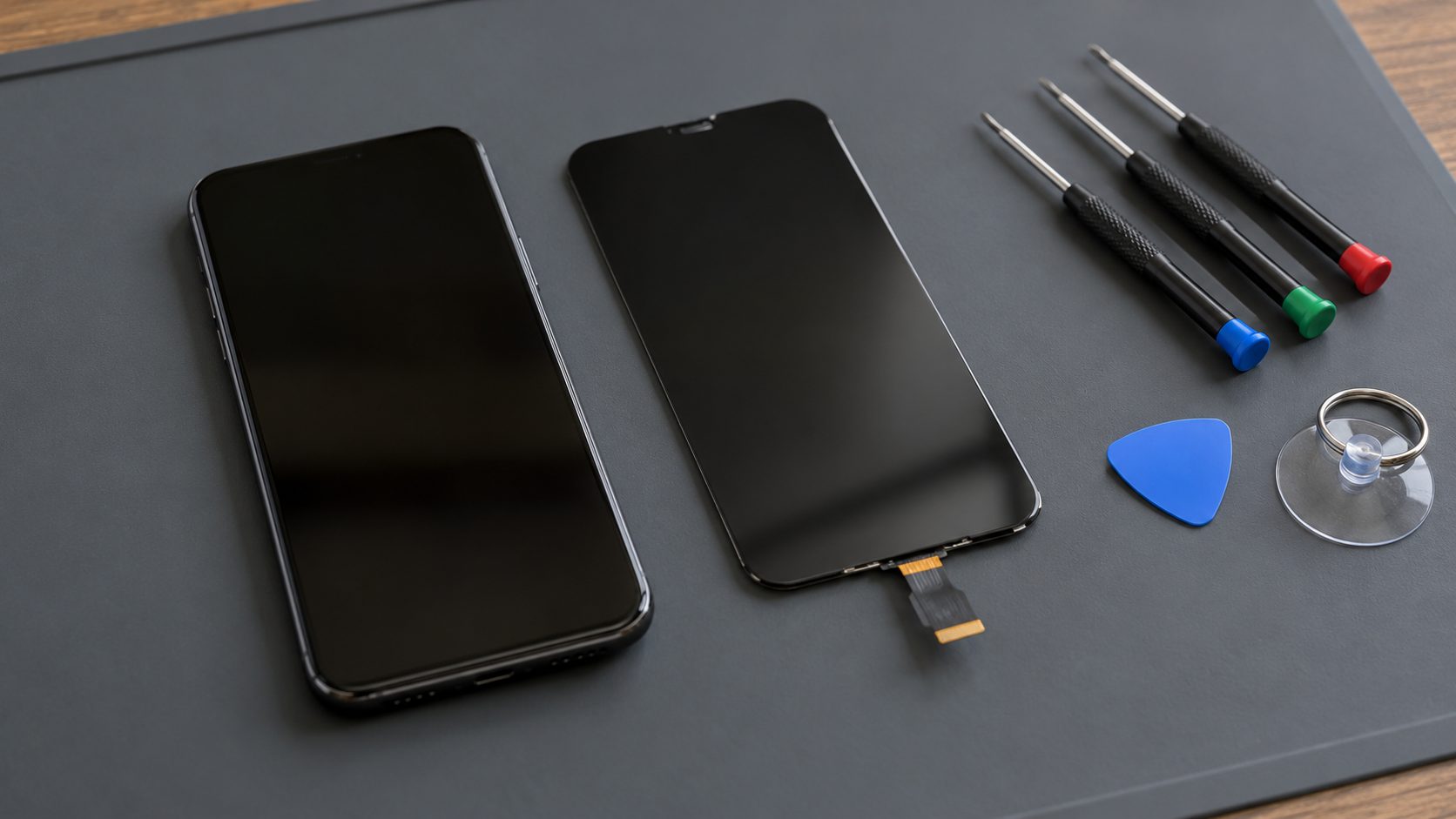
Apple warns that a nongenuine display can have incorrect color calibration, making it look too yellow or blue, and True Tone might not work correctly. On iPhone 11 and later (not the 2nd or 3rd generation SE), Parts and Service History in Settings > General > About shows the display’s status, but only after a repair. If the tint started then, take it back to the shop.
Why is my phone yellow after an update?
Recheck Night Shift, True Tone and Color Filters first, since updates can move menus. On an iPhone with a nongenuine replacement display, Apple notes that an iOS update with display changes can cause problems.
Why is my phone yellow when an identical one isn’t?
Compare True Tone, Night Shift’s Color Temperature and Samsung’s white balance first. Small differences between two panels are normal, and Apple says OLED screens can show slight visual changes after long use.
Start With the Toggle, End With the Screen
So, why is my phone yellow? Most of the time it’s one toggle: a night filter, True Tone or Low Power Mode. If not, check color filters and their shortcuts, then the screen.
Laptop or monitor yellow too? See our PC screen yellow guide. Screen stuck in portrait? See Android won’t auto rotate, or browse more mobile guides.


Leave a comment