

Android Auto Keeps Losing GPS Signal? Causes and Fixes in Order
Your phone usually does the locating, not the car. A check order for "GPS signal lost" and "Searching for GPS" on Android Auto, plus rerouting and rotating maps.
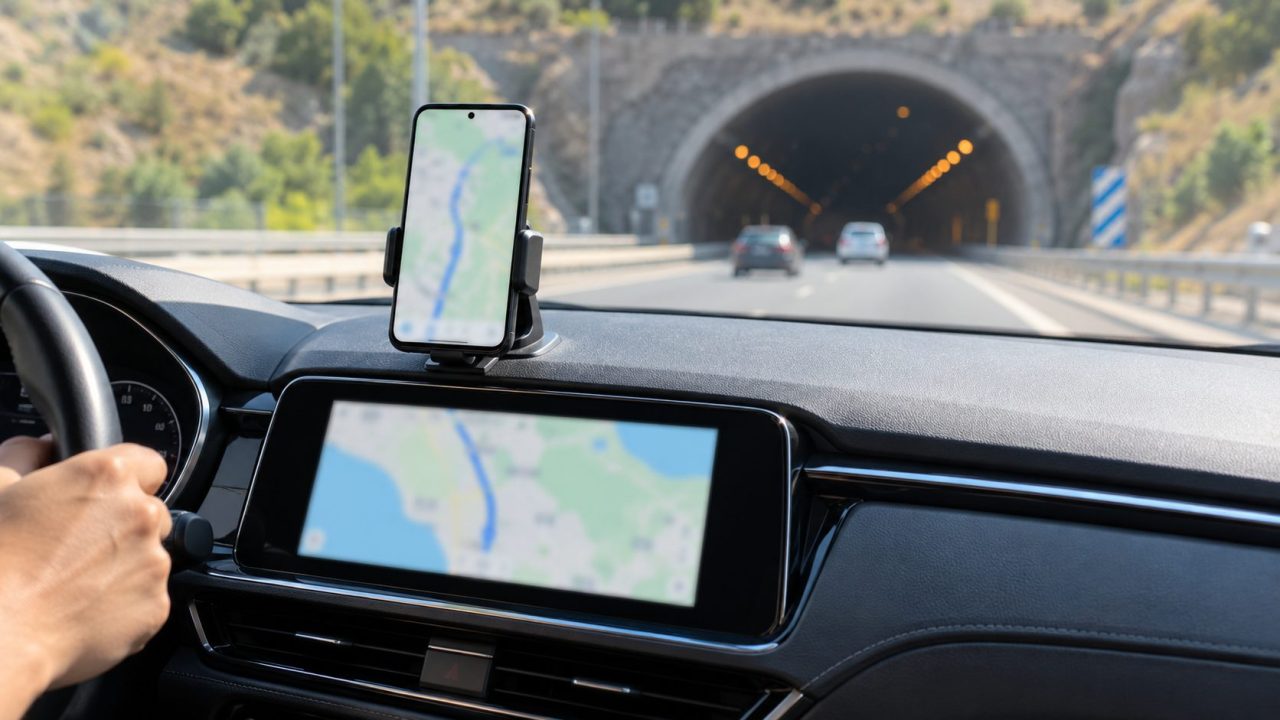
When Android Auto keeps losing GPS signal, the car usually isn’t to blame. Your phone does the locating in most setups, so look at its location settings, battery saver, where it sits and the Maps app. Here’s the check order, cheapest first, and when to stop tweaking.
Why Android Auto Keeps Losing GPS Signal: Your Phone Does the Locating
Android Auto mostly displays apps running on your phone; Waze’s help says its Android Auto app relies on the phone’s GPS and internet connection.
Google’s developer docs say some cars can make location, compass or gyroscope data available to Android Auto apps, depending on the carmaker. Google doesn’t say whether Maps uses it.
| Layer | Clue that it’s the culprit |
|---|---|
| Phone GPS hardware | Fails the outdoor test |
| Settings and battery saver | Drops start when the phone screen locks |
| Where the phone sits | Drops stop once it’s in a mount |
| The app or the car | Only one app, or one car, drops |
What “GPS signal lost” means
Per Google’s help page on the alert, Maps shows it when it can’t reliably place you, after the phone has had time to get a fix. Frequent alerts can point to a low battery or a GPS hardware fault.
What “Searching for GPS” means
The phone is still acquiring a signal, typically in tunnels or parking garages. GPS.gov puts smartphone accuracy at about 4.9 m (16 ft) under open sky; buildings, bridges and trees degrade it.
No setting brings back satellite signal underground. A few city tunnels have Waze Beacons that any navigation app can use, Waze says; most don’t. If Android Auto keeps losing GPS signal only underground or between tall buildings, that’s the environment, not your phone.
Find Where the Signal Drops Before You Change Anything
Start here when Android Auto keeps losing GPS signal: settings tweaks are guesswork until you know which layer fails. Let a passenger watch the phone, or check after you park.
Note where it happens
Only in tunnels, garages or downtown? That’s expected. If Android Auto keeps losing GPS signal on open roads too, keep going.
Do the 30-second pre-check
Check that Location is on and that Maps (or Waze) has location permission, then restart the phone. Waze calls a hard reboot the most common fix.
Run the route on the phone alone
Disconnect, leave the phone where it was and start navigation on it alone. Per Waze’s own diagnosis, an error on the phone points to the phone; one only on the car screen goes to Waze support. A clean run with the screen on doesn’t rule out battery saver.
Test the GPS outdoors
Give a GPS status app from the Play Store location access, then wait under open sky a minute or two for satellites to lock. Read Accuracy or Error: by Waze’s rule of thumb, under 35 m (115 ft) means the GPS works; 0 m or above 35 m means it doesn’t. Don’t use another navigation app instead, as Google warns they may hide a fault.
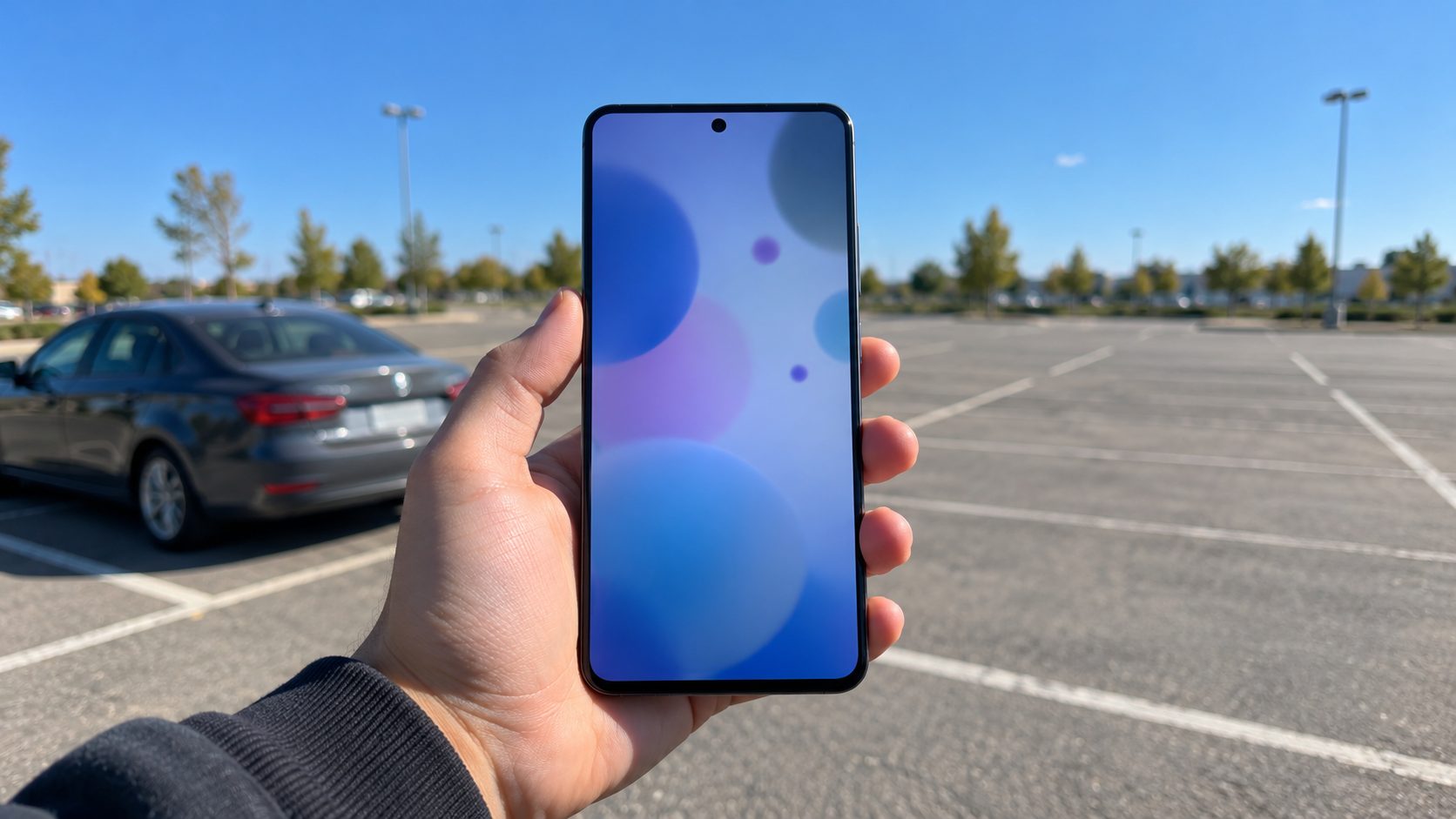
Fix the Phone’s Location Settings: Permission, Precise Location, Accuracy
These matter most when Android Auto keeps losing GPS signal on open roads. Set them for Maps, and Waze if you use it. Menu names vary by maker.
- Allow all the time. In Settings > Location > App location permissions, pick the app and choose Allow all the time (for Waze, the widest option offered). Google says conditional access can make Maps report signal loss. It also allows background location, so test with it on, then decide.
- Keep precise location on. With Use precise location (Android 12 and later) off, the app only knows you’re somewhere within about 3 square kilometers.
- Turn on Improve Location Accuracy. Android 12 and later: Settings > Location > Location Services > Location Accuracy; Android 11 and lower: Settings > Location > Advanced > Location Accuracy. Google’s Location Accuracy page says it adds Wi-Fi, cell towers and phone sensors to GPS, which helps most near tall buildings. Maps still needs a satellite fix for navigation.
- Mobile data on, Airplane mode off. Google lists both for poor accuracy.
Android Auto Keeps Losing GPS Signal When the Screen Locks? Check Battery Saver
On a drive the phone usually sits locked, and Google Maps Help says some phones turn off GPS on low battery, sometimes only with the screen off or Maps in the background.
Since Android 9, Battery Saver can switch off GPS with the screen off or limit location to foreground apps, and Android 10 added throttling. Which one your phone uses depends on its maker. That’s the likely culprit when Android Auto keeps losing GPS signal soon after the phone locks.
- Turn off Battery Saver for the drive: Settings > Battery > Battery Saver on Pixel, Settings > Battery > Power saving on Samsung.
- Set Google Maps, Waze and Android Auto to Unrestricted: App info > App battery usage > Allow background usage on recent Pixels, App info > Battery on Samsung. Names vary by brand.
- Keep the phone charging on long drives.
On a Samsung, a sleep list separate from Battery Saver is another reason Android Auto keeps losing GPS signal. In Settings > Battery > Background usage limits (older One UI: Battery and device care > Battery), move Maps, Waze and Android Auto to Never auto sleeping apps. Our Android Auto keeps stopping guide covers these menus.
Where the Phone Sits: Glove Box, Charging Pads and Window Film
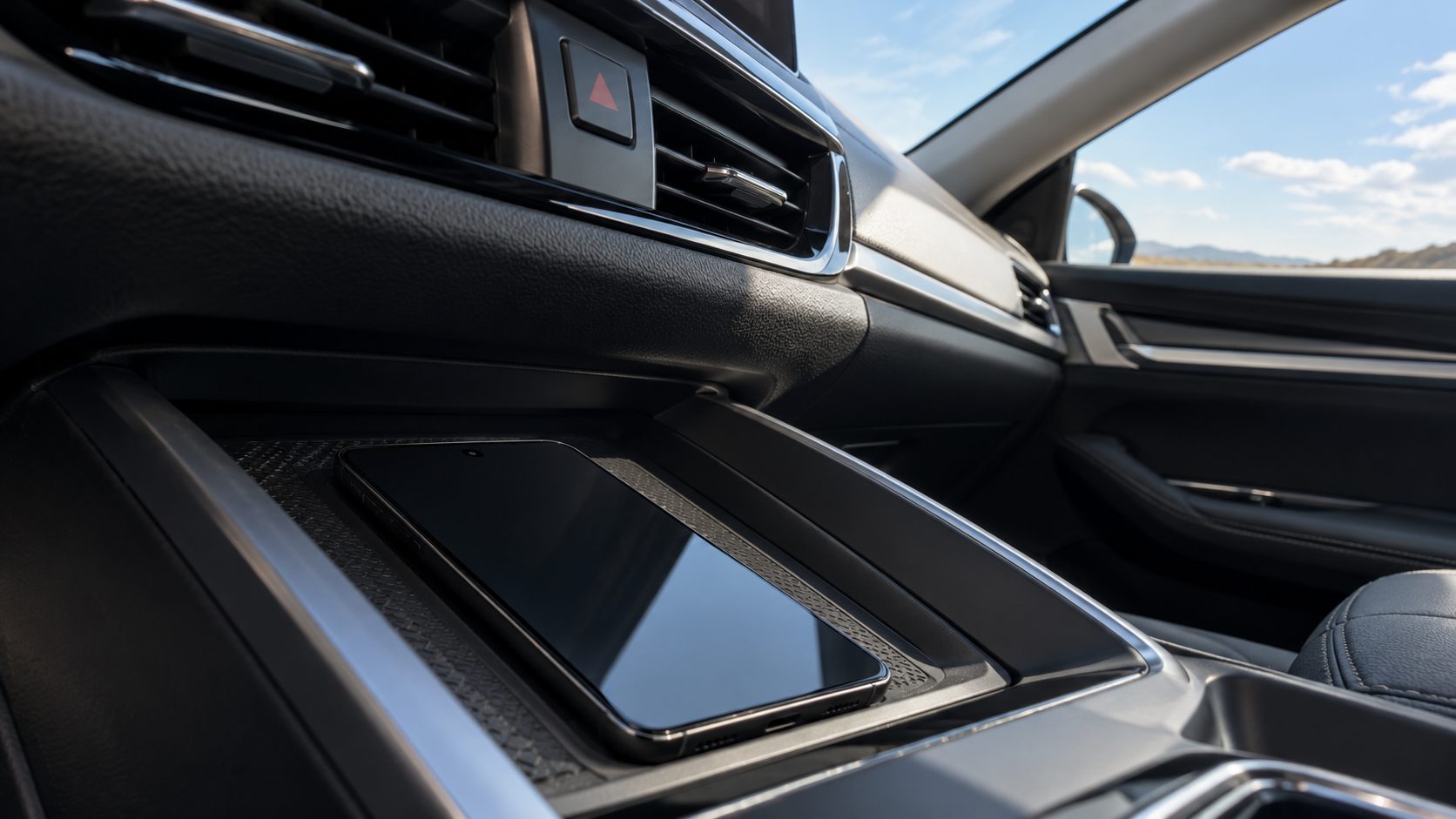
The GPS antenna needs a view of the sky. When the outdoor test passed but Android Auto keeps losing GPS signal in the car, check where the phone rides.
Glove box, bins and bags
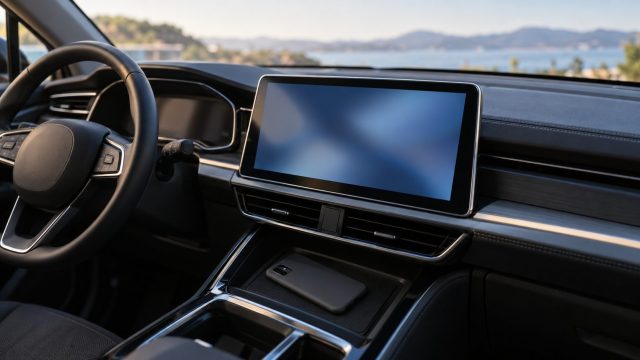
The dashboard and car body block the sky. Repeat a problem drive with the phone in a dashboard or windshield mount, where local law allows.
Low charging pads
Many sit low in the console or under a lid. If drops stop with the phone higher up, that was it.
Metallic window film
Google confirms some glare-reducing films have a metallic base that blocks GPS.
Heated or coated windshields
Metal-coated or heated glass may weaken reception, but Google doesn’t list it as a cause. Test outside the car before blaming the glass.
Only Google Maps Loses GPS? Update, Clear Cache, Restart, Try Waze
Phone and settings cleared? When Android Auto keeps losing GPS signal after all that, the app or the car is left.
- Update Maps, Waze and Android Auto (Play Store > profile icon > Manage apps & device), then the phone (Pixel: Settings > System > Software updates; Samsung: Settings > Software update).
- Restart the car’s infotainment system. If Android Auto keeps losing GPS signal in one car only, ask the dealer about firmware; aftermarket units such as Pioneer or Kenwood may need an update too.
- Clear the Maps cache: App info > Storage & cache > Clear cache (Samsung: Storage > Clear cache). Read the warning below before you tap Clear storage.
- Try Waze as a workaround. If only Maps drops, suspect the app, though Waze holding on doesn’t prove the GPS is healthy.
It wipes the app’s local data on the phone, including downloaded offline maps and settings. Download offline areas again on Wi-Fi afterward.
When it’s the phone’s hardware
Stop tweaking if Android Auto keeps losing GPS signal and the charged phone still fails the outdoor test after a restart and a proper wait for a fix. Google says the phone may need repair; Waze says to contact its manufacturer.
Android Auto Keeps Rerouting, Zooming Out or Rotating the Map
Rerouting. Not every reroute means Android Auto keeps losing GPS signal. Reflected signals near tall buildings can briefly put you on a parallel road, and Maps also suggests faster routes on purpose. Avoid tolls or Avoid highways in route options (Settings on the car screen) can also keep pulling you off your road.
Zooming out. Google doesn’t document an auto-zoom setting for Maps on Android Auto. If the map drifts off your position, tap Re-center; the compass changes orientation instead. If the arrow also freezes, treat it as a GPS drop.
Rotating. Where your Maps version shows a compass on the Android Auto map, tap it to switch between north-up and direction of travel. Some versions of the phone’s Maps have a Keep map north up switch (profile picture > Settings > Navigation), which may carry over. For a wrong-way arrow, park, open Maps on the phone and move it in a figure 8 to calibrate.
Android Auto Keeps Losing GPS Signal: Quick Answers
Why does Android Auto say “GPS signal lost” when Maps works on my phone?
The blue dot can work without a GPS fix; turn-by-turn navigation can’t. Battery saver may also cut GPS once the phone screen locks.
Does Android Auto use my car’s GPS or my phone’s GPS?
Mostly the phone’s. Some cars add their own location or sensor data, depending on the carmaker.
Why does Android Auto keep searching for GPS in tunnels?
Satellite signals don’t reach underground, and Maps needs a GPS fix for turn-by-turn directions. If it’s still searching long after you’re back under open sky, run the outdoor test.
Is it my phone if Android Auto keeps losing GPS signal everywhere?
Probably, if the charged phone fails the outdoor test even after a proper wait for a fix. Then contact its maker.
Recap: Check in This Order
When Android Auto keeps losing GPS signal, drops underground and downtown are expected. Anywhere else: Location and permissions, a restart, the phone alone, the outdoor GPS test, Location Accuracy, battery saver, placement, then the app and the car.
If the whole screen freezes instead, see Android Auto keeps freezing. More car fixes are in our cars and tech guides.
Leave a comment