

Why Is My Game Queued? Fix Xbox and PS5 Downloads Stuck in the Queue
An Xbox installs one item at a time, so updates and other games can hold yours back. Read the status, reorder or resume the queue, then clear Xbox and PS5 blocks.
Why is my game queued instead of downloading? An Xbox installs one item at a time, so another game or a required update ahead of yours makes it wait. On Xbox or PS5, a paused queue, a full drive, a missing system update, a license check or the wrong power mode can hold it too. The first checks take seconds and can’t touch your saves.
Menus can differ slightly between Xbox One, Series X|S, PS5 and system versions. Asking “why is my game queued?” on a PC? Steam has its own queue, covered in the FAQ.
Why Is My Game Queued? What Each Status Means
Read the tile’s label or icon first:
| What you see | What it usually means | First move |
|---|---|---|
| Queued (Xbox) | Waiting behind another install or update | Use Install now |
| Paused | Stopped by you or by a restart | Resume installation |
| Copying (PS5) | Installing data from a disc, a download or USB storage | Free up space, then wait |
| Triangle with ! (Xbox) | No license on this console | Check Game Pass and home Xbox |
| Padlock (PS5) | Possible license or connection problem | Restore Licenses |
So why is my game queued with nothing ahead of it? Something hidden is holding it: a required update, a paused queue or a full drive.
See What’s Ahead of It, Then Pause and Resume
On Xbox: Manage > Queue
Press the Xbox button and go to My games & apps > See all > Manage > Queue (in the Xbox app on Windows, My library > Manage installs). Highlight your game, press Menu and choose Install now; Microsoft’s install guide says that bumps it to the front of the queue.
Most game updates are required and can’t be cancelled, so an update for a game you already own can sit ahead of the new one.
If the queue looks frozen, choose Pause all, then highlight your game, press Menu and pick Resume installation.
On PS5: Downloads/Uploads
Press the PS button and open Downloads/Uploads in the control center. Select the download, choose Pause, then Resume. If that fails, Sony’s troubleshooting page says to choose Cancel and Delete and download it again from the Game Library.
Still stuck? Restart before you uninstall anything. On Xbox, hold the controller’s Xbox button, then Restart console > Restart; on PS5, use the control center’s Power > Restart PS5.
Xbox limits background downloads while a game runs. During an install, the Queue offers Suspend my game, or you can quit the game from Home.
Rule Out an Outage, the Wrong Profile and a License Check
Why is my game queued even after a resume and a restart? Check these next:
- An outage. Check the Xbox status page or PlayStation Network status.
- A system update. On Xbox, open Profile & system > Settings > System > Updates; a “Download stopped” error can mean one is needed first. On PS5, check Settings > System > System Software.
- The buying profile. Sign in with the Xbox profile that bought the game. Automatic installs also require the console to be your home Xbox, on or in Sleep, online, with enough free space.
- Game Pass and home Xbox. A triangle with an exclamation point means no license: the game left Game Pass, your subscription expired, or a friend who shared their home Xbox switched consoles.
- PS5 licenses. A padlock can mean a license or connection problem. Use the buying account, check that PlayStation Plus is active for Plus catalog games, then run Restore Licenses from Settings > Users and Accounts > Other. It won’t affect your data.
Free Up Storage So the Queue Can Move
A full drive is an easy-to-miss answer to “why is my game queued?”, because Xbox posts the low-storage warning in Notifications. Check there, then open Profile & system > Settings > System > Storage devices. Uninstalling a game keeps your license and cloud progress.
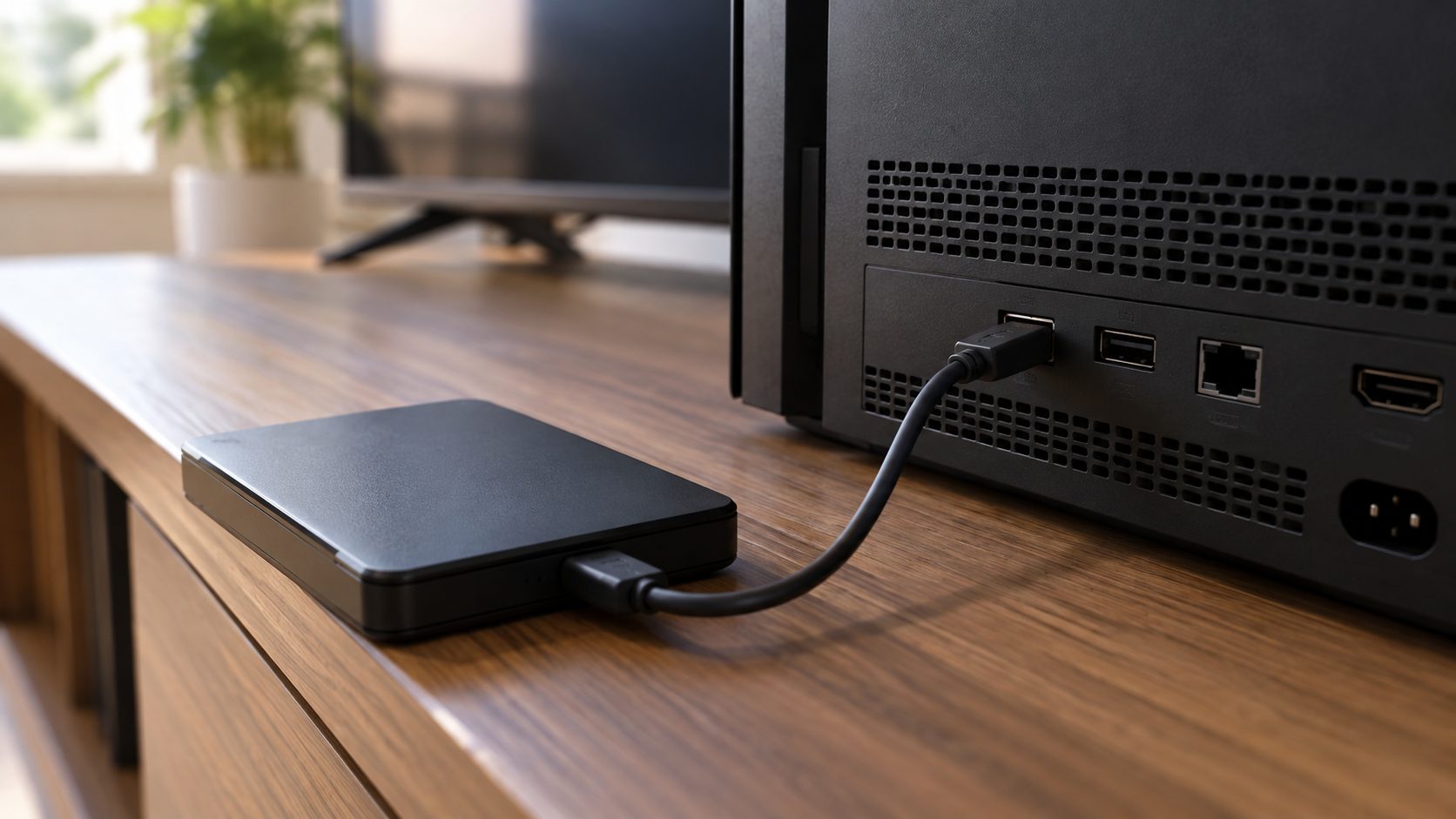
Two rules trip people up. Games Optimized for Xbox Series X|S play only from the internal SSD or a Storage Expansion Card, though you can park them on a USB 3.0 drive (128 GB or more). And games on a drive set for multiple consoles don’t update automatically.
On PS5, the game’s … (More) > View Product page in the Game Library shows the minimum free space; compare it with Settings > Storage, then delete games under Console Storage > Games and Apps or move them to USB extended storage or an M.2 SSD.
Why Is My Game Queued for Download After a Phone Purchase?
Bought it in the Xbox or PlayStation app, or on either website? Then “why is my game queued?” usually comes down to the console’s power mode or remote settings.
Xbox: go to Profile & system > Settings > Devices & connections > Remote features, check Enable remote features and set Power options to Sleep; remote features don’t work in other modes. Microsoft says EA, Ubisoft, Battle.net and Riot games in Game Pass don’t support remote install.
PS5: a remote download needs a PS5 signed in to your account (linked to the PlayStation App if you buy there) with automatic downloads set up; otherwise it starts when you next turn the console on. For updates in Rest Mode, turn on Auto-Download under Settings > Saved Data and Game/App Settings > Automatic Updates and Stay Connected to the Internet under Settings > System > Power Saving > Features Available in Rest Mode.
PS5 Stuck on Copying, or an Xbox Disc Install Stuck at 0%
On PS5, Copying is often a normal install step. A disc install usually shows it, so keep the disc in and wait; it can also follow a finished download. Sony notes some games let you copy and play part of the game right away.
One documented cause: PS5 games can’t run from USB extended storage, so a game there must be copied back first (Game Library > Installed, highlight it, Options > Copy). Use a SuperSpeed port, such as a rear USB-A port; Sony says the drive can’t connect through a hub.
On Xbox, a disc install stuck at or near 0% is another form of “why is my game queued?”: the console may be downloading a game update during the install. Microsoft’s two fixes:
- Clear local saved games. Eject the disc, then choose Clear local saved games under Profile & system > Settings > System > Storage devices. Cloud saves stay; go online first if you’ve played offline. The console restarts; then try the install again.
- Install offline. Choose Go offline under Profile & system > Settings > General > Network settings, cancel the game in the Queue, eject the disc and restart. Install from the disc, then go online so the update downloads.
Restart, Power Cycle, Rebuild: Fixes That Keep Your Games
Why is my game queued even after all that? Step up in this order. Microsoft says restarting or power cycling doesn’t erase games or data.
Xbox: Restart
Hold the Xbox button on the controller, then choose Restart console > Restart.
Xbox: Hard power off
Hold the console’s Xbox button about 10 seconds until it shuts off, then turn it on. No green boot animation? Repeat.
Xbox: Unplug it
With it fully off (step 2), unplug the power cable for at least 10 seconds to reset the power supply, then plug it in and press the console’s Xbox button.
PS5: Safe Mode
Hold power 3 seconds to turn it off. Hold it again and release at the second beep, about 7 seconds later. Connect the controller by USB and press PS.
Power cycling a PS5 too? Unplug it only after its power light goes completely out. Never pull the cord while it’s on or in Rest Mode, where background downloads run.
In Safe Mode, choose Clear Cache and Rebuild Database > Clear System Software Cache, then Rebuild Database if it’s still stuck. Sony lists data deletion only under the Reset PS5 options. Pad not responding? See our guide to a controller not turning on.
Before any reset, go online so your saves sync. On Xbox, Profile & system > Settings > System > Console info > Reset console offers two options, and Microsoft’s reset guide says to try Reset and keep my games & apps first.
Even that option resets the system software and deletes potentially corrupted data. Reset and remove everything deletes accounts, saved games, settings, home Xbox associations and all installed content; anything not synced is lost.
On PS5, Safe Mode’s Reset PS5 options delete all user data, while Restore Default Settings keeps games, apps, captures and saves.
Frequently Asked Questions
Why is my game queued on Xbox One when nothing else is downloading?
Usually a hidden required update, paused queue, full drive or license check. Open the Queue and use Resume installation or Install now.
Why is my game queued or pending and not downloading?
Pending usually works like Queued: the item is waiting on something ahead of it, a license check or free space. Use the same Queue steps.
Why is my game queued for download on PS5?
Pause and resume it in Downloads/Uploads, then restart the console. Still stuck? Check the system software, free space and license, then try Rebuild Database in Safe Mode.
Why is my game queued again after a restart?
A restart pauses downloads; Microsoft says they resume after it boots. If one still shows Queued or Paused, highlight it in the Queue, press Menu and choose Resume installation.
Why is my game queued in Steam?
Steam has its own download queue and settings; see our guide to Steam downloads that won’t start.
Recap: Open the Queue Before Anything Else
Why is my game queued? Usually something sits ahead of it or a setting holds it. Read the tile, work the queue, then check the service, profile, license, storage and remote settings. Restart before you reset, and reset only with keep my games & apps.
More console fixes are in our gaming guides.

Leave a comment