

Gaming Headset One Side Not Working? Find the Cause in 5 Tests
One silent ear can be a balance or format setting, a half-seated plug or the wrong adapter. Five quick tests show whether it is settings or hardware.
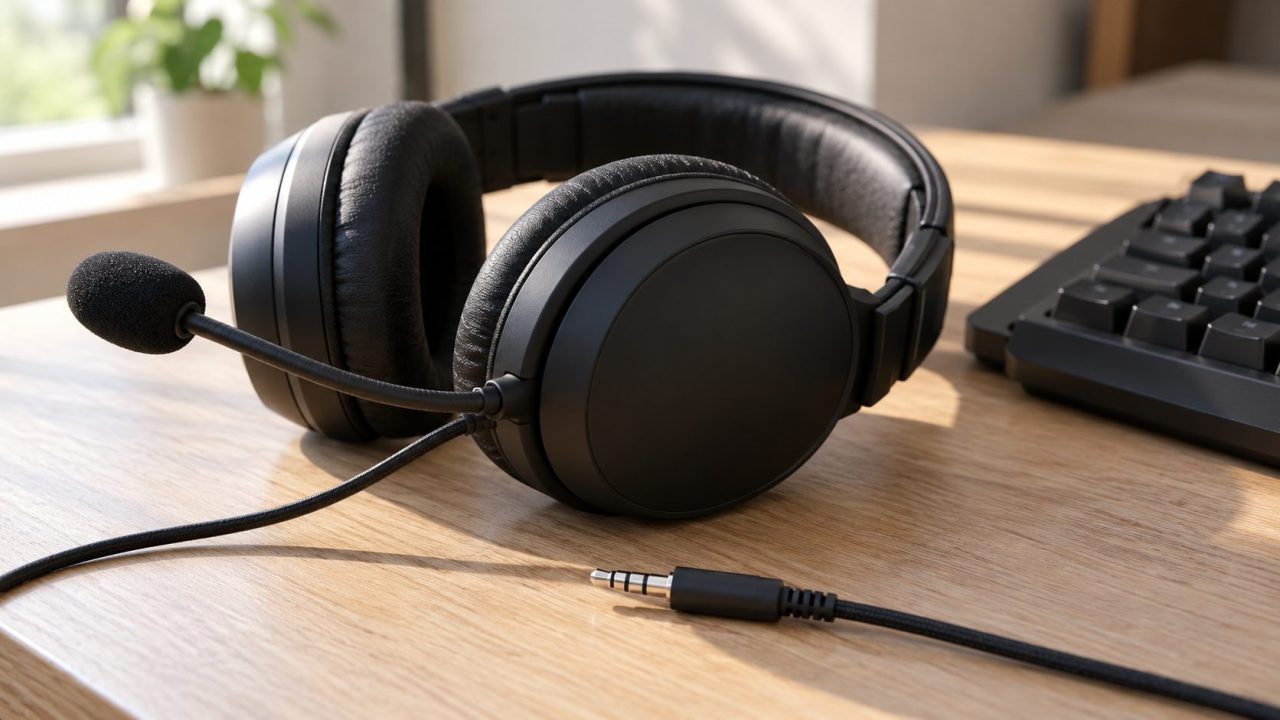
Gaming headset one side not working? First find out whether the silence follows the headset or stays with the PC or console. A balance slider, a non-stereo output format, a half-seated plug or the wrong adapter can each silence one ear. A failed speaker or wire inside the headset comes last: a warranty or replacement job.
No sound on either side, or a dead mic? See our gaming headset not working guide.
Gaming Headset One Side Not Working? Five Tests That Find the Cause
Run them in order; each row says where to look next.
| Test | Dead ear comes back | Ear stays dead |
|---|---|---|
| Another device | PC or console side | Headset, cable or plug |
| Balance centered, then mono on | Stereo mix in the game, app or settings | Plug, cable, driver or speaker |
| Reseat and rotate the plug | Loose plug or worn jack | Next test |
| Another jack or PC | That jack or port | Next test |
| Spare cable, no adapter | Old cable or adapter | The headset itself |
Test on Another Device, and Outside the Game
Gaming headset one side not working everywhere, or only on one device? Plug it into a phone or another PC and play stereo music. If both ears play, the original device is at fault; if the same ear stays silent, suspect the headset, cable or plug.
No headphone jack on your phone? Use a laptop or a console controller instead; a USB-C dongle adds one more suspect. Center the phone’s balance first, or an offset slider can make a healthy headset look broken (paths below).
Gaming headset one side not working in just one game?
Games place sound on purpose: Microsoft’s Xbox accessibility guidelines ask games for a mono option, since a voice placed on one side reaches only that ear. Test with music, and check the game’s headphone or speaker mode.
Balance, Mono Audio and Format in Windows 11 and 10
Gaming headset one side not working on a PC? Steps 1 to 3 follow Microsoft’s one-channel audio fix, written for Bluetooth, though these settings exist for every output device. Labels shift between builds.
Left and right
In Start > Settings > System > Sound, select the headset under Output. Under Output settings > Volume, set Left and Right to the same level, usually 100. Windows 10: Control Panel > Sound > Playback > Properties > Levels > Balance.
Mono audio off
Turn off Mono audio in the Output section or in Accessibility > Audio. Windows 10: Ease of Access > Audio.
Two-channel format
Microsoft notes that Windows may be using a mono or low-quality format. Under Format, pick 2 channels, 16 bit, 48000 Hz (DVD Quality). Windows 10: Properties > Advanced > Default Format.
Enhancements off
On the device page, scroll to Advanced settings and set Audio enhancements to Off. Windows 10: Properties > Enhancements, then tick Disable all enhancements (or sound effects).
Also turn Spatial sound off and check any headset or motherboard audio app for its own balance or virtual-surround setting. USB gaming headset one side not working? Its driver sets the Format list, so pick its closest 2-channel option.
One quick split that isn’t in Microsoft’s guide: switch Mono audio on for a minute. If the dead ear now plays, its speaker works and the stereo mix is at fault. If it stays silent with the balance centered, check the plug and cable. Then switch mono off.
Gaming Headset One Side Not Working on Xbox, PS5 or a Phone?
Each has a mono switch, and phones add a balance slider; names vary by model, region and software.
Xbox
Xbox button > Profile & system > Settings > Accessibility > Audio > Mono output; unselect it to restore stereo. The chat mixer under Audio & music balances game against chat, not left against right; at either end it mutes game or chat, never one ear.
PS5
Settings > Sound > Audio Output > Headphones > Mono Audio for Headphones. Sony says it plays the same audio in both ears.
iPhone
Settings > Accessibility > Audio & Visual: turn off Mono Audio and center the Balance slider.
Pixel and stock Android
Settings > Accessibility > Audio adjustment holds balance and mono.
Samsung Galaxy
Settings > Accessibility > Hearing enhancements: Mono audio and Left/right sound balance. At either end, media plays on one side only.
Wired Headsets: Reseat the Plug, Rotate It, Try Another Jack
Wired gaming headset one side not working? Pull the 3.5 mm plug out and push it back firmly until it stops. Turtle Beach notes that a cable plugged in, but not all the way, can cause sound on one side only, or no voices while other sounds still play. The missing voices fit a lost ground contact: without ground, both speakers play only the difference between left and right, so center-mixed dialogue cancels.
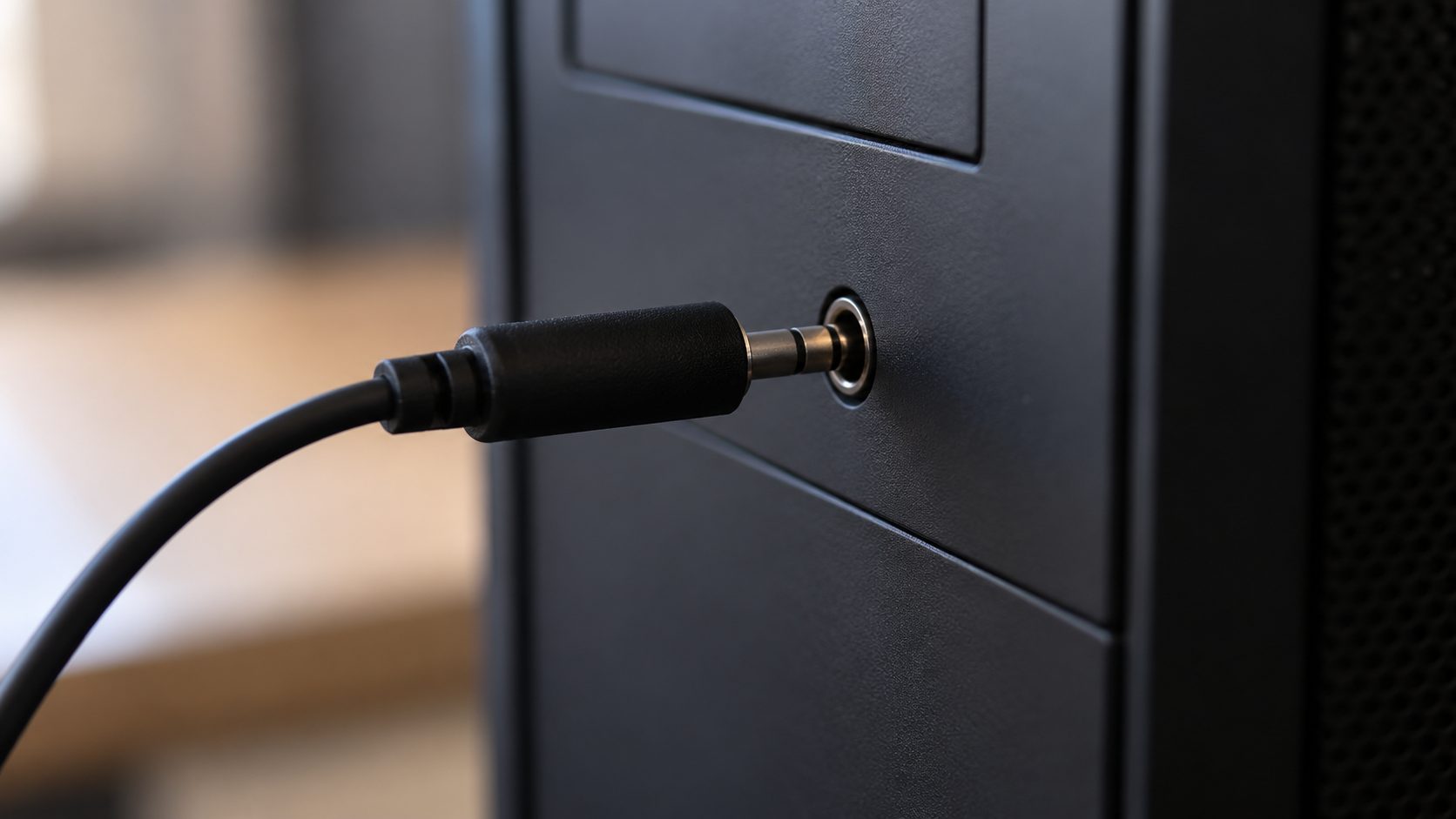
Play music and turn the plug slowly. If the ear crackles back at one angle, the plug or jack is worn; the rear motherboard jacks or another PC tell you which. Flex the cable gently at the plug and the earcup: dropouts at one spot mean a broken wire.
Gaming headset one side not working only on the Xbox controller? Push the plug fully in, try it without the Stereo Headset Adapter, and update the controller and console.
To clean the jack, switch the device off and use short bursts of compressed air, never a metal pin. Wipe the plug with a cloth lightly dampened with isopropyl alcohol.
Gaming headset one side not working with a detachable cable?
Some detachable cables are a snug fit: Turtle Beach’s Elite Atlas cable slides into place twice and isn’t fully in until the second time. A spare cable is the quickest test. On older headsets with red and white RCA plugs, swap them at the TV or console. If the silence moves to the other ear, suspect the TV or console output or its AV cable; if it stays put, the headset’s RCA cable or the headset itself.
Count the black bands on the plug: two (TRS) mean stereo only; three (TRRS) add a mic. CTIA puts the mic contact nearest the cable, then ground; OMTP swaps those two.
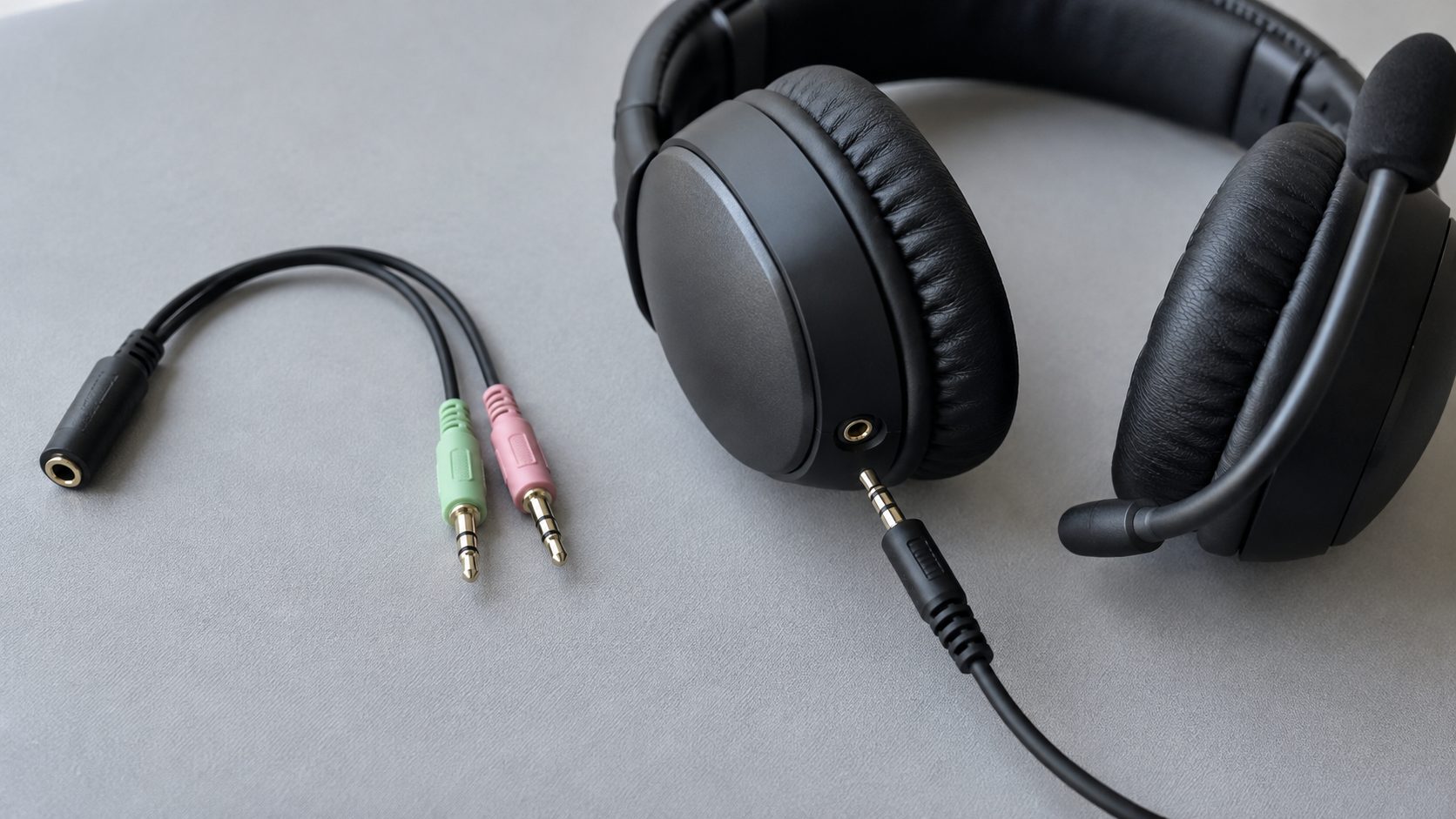
Xbox says an OMTP headset will probably have audio or chat problems on its controller and suggests an OMTP-to-CTIA adapter. Adapters that combine two plugs (green for game audio, pink for chat) don’t all use CTIA, so test without one where you can.
Wireless Gaming Headset One Side Not Working: Re-pair, Reset, Update
Charge it first: Microsoft notes that some Bluetooth headsets may disable one speaker when power is low. If it won’t charge, see gaming headset not charging.
Bluetooth gaming headset one side not working? Remove it from the Bluetooth list and pair it again. Microsoft gives this fix for LE Audio earbuds that connect with only one side. On a 2.4 GHz model, re-pair the headset to its USB dongle as the manual describes.
Then update the firmware with the maker’s app or updater, such as Turtle Beach Audio Hub; the dongle may update separately. Reset EQ to default in the app, then try the reset in your manual.
Gaming Headset Right Ear Not Working? Signs It’s the Hardware
Which side is dead doesn’t change the diagnosis. Gaming headset one side not working on every device you try? These signs point to the headset:
- Silent everywhere, with the balance centered and mono on.
- Crackle at one spot when you flex the cable.
- Mic and one ear failing together on several devices: check the cable and plug first.
- No change with a second cable on a detachable model.
Opening the earcups, re-soldering or gluing may void the warranty and can do more damage. Contact the maker with proof of purchase and the serial number; terms vary by region.
Frequently Asked Questions
Gaming headset one side not working after a drop or a yanked cable?
Suspect the cable: a wire can break at the plug or where it enters the earcup. Flex-test it, swap it on a detachable model, or check the warranty on a fixed one.
Will turning on mono audio fix a dead side?
Only if that ear’s speaker still gets a signal: mono sends the same sound to both ears, so it can’t revive a broken wire. It also removes left-right positioning in games, so treat it as a test.
Gaming headset one side not working after the warranty ends?
If the cable test pointed to the cable, a new one is the cheap fix on a detachable model. For a dead speaker, ask the maker what it offers out of warranty.
Recap: Cheapest Checks First
Gaming headset one side not working? Go in this order: another device, balance and mono settings, the plug and jack, the cable and adapter, then pairing and firmware. Only when one ear stays dead everywhere is it a warranty or replacement case.
More headset and console fixes are in our gaming guides.
Leave a comment