

EV Charging Route Planner: Plan a Road Trip Without Range Anxiety
Five planning rules for Google Maps, Apple Maps or your car's own navigation, and why making the charger the car's destination can warm the battery.
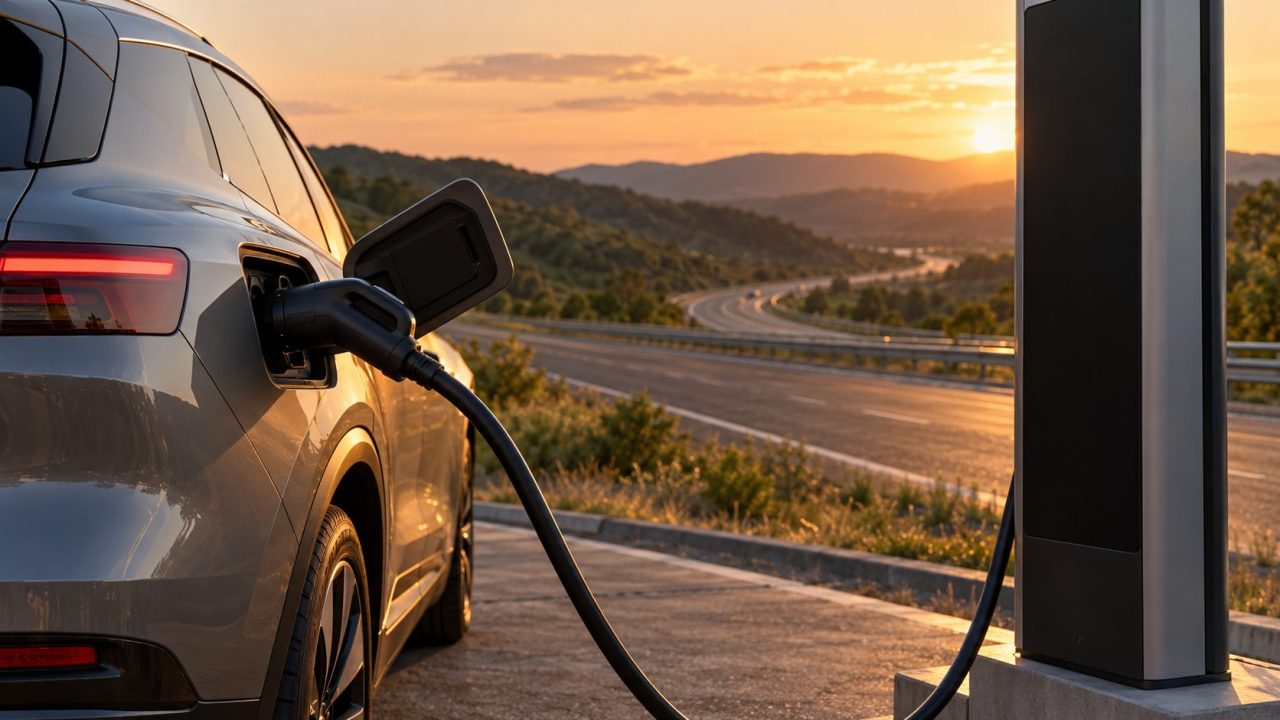
An EV charging route planner builds the trip around your battery, not just the roads. It knows your car’s plug and energy use, adds charging stops where you’d run short and estimates your charge at each one, which takes most of the guesswork out of a long drive.
The rules below work with any EV charging route planner. Menu paths come from Google’s, Apple’s and Waze’s help pages (October 2026) and vary by country, car and app version.
The Short Answer: Five Rules for an EV Road Trip
Whichever EV charging route planner you use, five rules do most of the work: (1) set up your exact car and plug; (2) reach each charger with 10-20% left; (3) leave DC fast chargers at about 80% unless a leg needs more; (4) keep a backup for every stop; (5) make each charger the car’s navigation destination so the battery can precondition.
Which EV Charging Route Planner to Use: Car, Phone or App
What sets planners apart is what they know about your battery: live data from the car beats a percentage you typed.
| Planner | Charging stops | Battery data | Limits |
|---|---|---|---|
| Built-in navigation (e.g. Google built-in, Kia) | Added automatically on many models | Live; can trigger preconditioning | Maker, region, data plan |
| Google Maps on Android Auto | “Add charging” inserts stops | Typed in, or read from some cars | Select countries and EV models |
| Apple Maps (iPhone, CarPlay) | Plans stops; low-charge reroute | Tracks charge while driving | Select vehicles and areas |
| Google Maps phone app | Finds chargers for your plugs | Estimate, no live car link | Some countries; estimate needs recent app |
| Waze | Shows chargers on your route | None | Listed countries |
| Dedicated apps | Full trip plans or charger maps | Varies by app | Varies by region |
Dedicated apps include A Better Routeplanner (ABRP), PlugShare and Zapmap. In the US and Canada, the Department of Energy’s Alternative Fuels Data Center has a free Map a Route tool that finds chargers along a route but ignores your battery. Sketch the trip in a dedicated EV charging route planner, then drive it with the car’s own navigation.
Set Up Your EV Charging Route Planner Before the Trip
Get the vehicle profile right first: a wrong trim or plug skews every estimate.
Google Maps on your phone
These steps follow Google’s EV help page:
- Tap your profile picture, then Settings > Your vehicles.
- Set Engine type to Electric, tap Add vehicle and pick make, model, year and trim.
- Check the connectors under Your plugs (tap Edit to change them), then tap Save.
- Search “charging stations” and set the EV plugs filter to Your plugs.
Adding an EV works only in some countries. From app version 25.44 on Android (24.07 on iPhone), compatible EVs also get a battery-use estimate, but it has no live link to the car and doesn’t adjust to real-time driving conditions. On its own, the phone app is a charger finder, not a full EV charging route planner.
Android Auto and cars with Google built-in
Add your EV in the phone app first. On Android Auto, set a destination, tap Add charging and enter your starting charge if the car doesn’t report it. Maps adds stops, shows the estimated charge on arrival and lets you set a preferred arrival battery (select countries and EV models only). In the US, newer AI predictions also weigh traffic, elevation and weather.
With Google built-in, Maps shows Battery on arrival as you drive, adds charging automatically when the battery won’t last and counts charging time in the trip duration.
Apple Maps and Waze
Apple Maps connects to your EV through CarPlay (get directions, then tap Connect) or the carmaker’s app (Maps > your picture > Vehicles > Connect Your Electric Vehicles). On select vehicles in select areas, it plans stops that account for elevation.
In Waze, open Settings > Vehicle details > Electric vehicles, turn on EV features and add your plugs. Its help page covers chargers shown along your route, not battery tracking or added stops, so treat Waze as a charger finder, not an EV charging route planner. EV features are available in the US, UK, Australia and other listed countries.
North American fast chargers use CCS (SAE J1772 combo), CHAdeMO or J3400, which is based on Tesla’s NACS design. Europe, the UK and Australia mainly use CCS2 for DC and Type 2 for AC; elsewhere, including India, check local networks. With an adapter, use one your carmaker approves for DC fast charging and check its rating first.
Build the Legs: Arrive With a Buffer, Leave at About 80%
Set your EV charging route planner’s minimum arrival charge to 10-20% (it may be called arrival charge or minimum charge at chargers). It’s a rule of thumb, not an official figure, but it covers a headwind, a detour or a broken charger. The Polestar 4 manual gives one hard number: preconditioning stops below 7%.
On DC chargers, unplug at about 80%: the U.S. Department of Energy notes that most batteries reduce fast-charging power in the 80-100% range. Polestar’s manual adds that the fastest charging typically happens at a lower battery level, so arriving near your buffer keeps stops short; our EV charging time guide shows how to estimate each one. Charge higher in any of three cases:
A charging gap
The next leg is longer than your 80% range minus the buffer. The slower charging above 80% beats hunting for an unplanned charger.
Extreme cold
The DOE notes you may need more than 80% in extreme cold or on longer trips.
The final leg
If you can’t charge at your destination, leave with enough for local driving there.
Precondition the Battery: Make the Charger the Car’s Destination
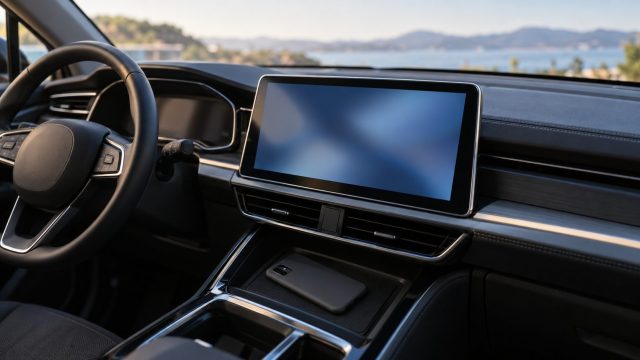
Many EVs warm the battery before a fast charge, but often only when the car knows where you’re going. The Polestar 4 owner’s manual says preconditioning starts automatically when a DC fast charging station is set as the destination in the built-in navigation, and it must be the station itself, not a place that merely has one.
Kia’s built-in EV Route Planner can also start battery conditioning on selected models. A phone route, whether Google Maps on CarPlay or a dedicated EV charging route planner, may not trigger it, so look in your owner’s manual for a way to start preconditioning by hand.
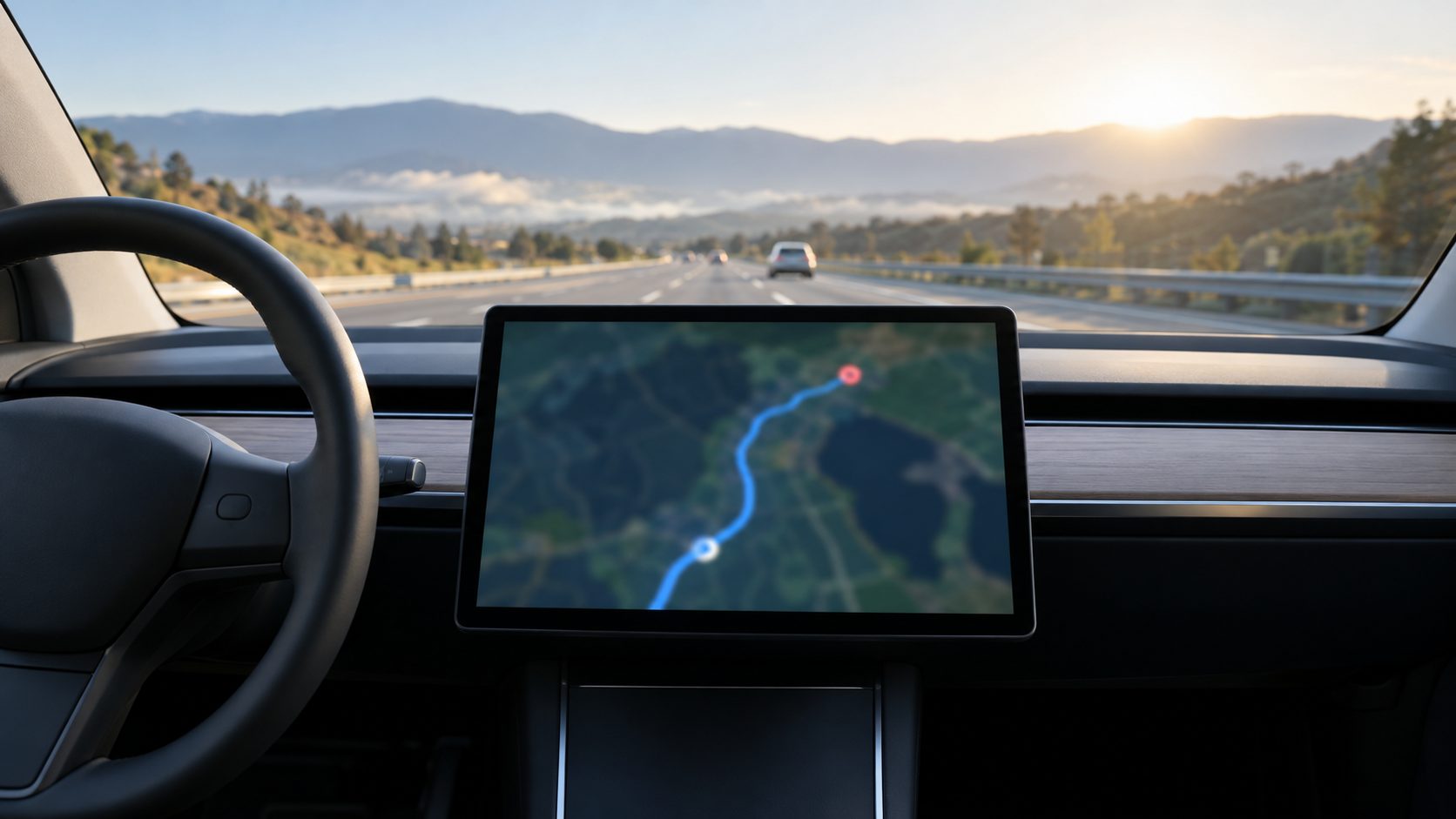
Enter the charger when you set off, not a few miles out, and make it the first stop on a multi-stop route: Polestar warns preconditioning can take over 40 minutes in very cold conditions.
Vet Every Stop and Pick a Backup Charger
A pin on the map isn’t a working plug. Before you leave, check each stop:
- Live status. Built-in navigation and Apple Maps can show live availability for some networks; check the network’s own app too.
- Recent reviews. Google Maps asks reviewers which plug they used and how long they waited. Recent complaints are a reason to plan around a site.
- Busy or cold sites. Polestar notes that a busy site sharing power, or a very cold charging unit, can limit speed. Allow extra time at popular stops; in the cold, a recently used charger may charge faster.
- A backup. Pick a second charger within your buffer, ideally on another network. No EV charging route planner can promise the first one works.
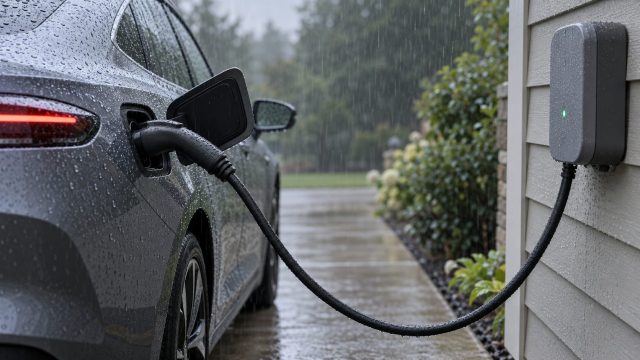
Swap in your backup and give the EV charging route planner your current battery percentage so it recalculates. Running low? Apple Maps offers a route to the nearest compatible charger, and if no fast charger is in reach, a slower AC (Level 2) charger can get you to the next one. Rain is no reason to skip a stop: see EV charging in the rain.
Adjust the Plan for Cold, Heat and Hills
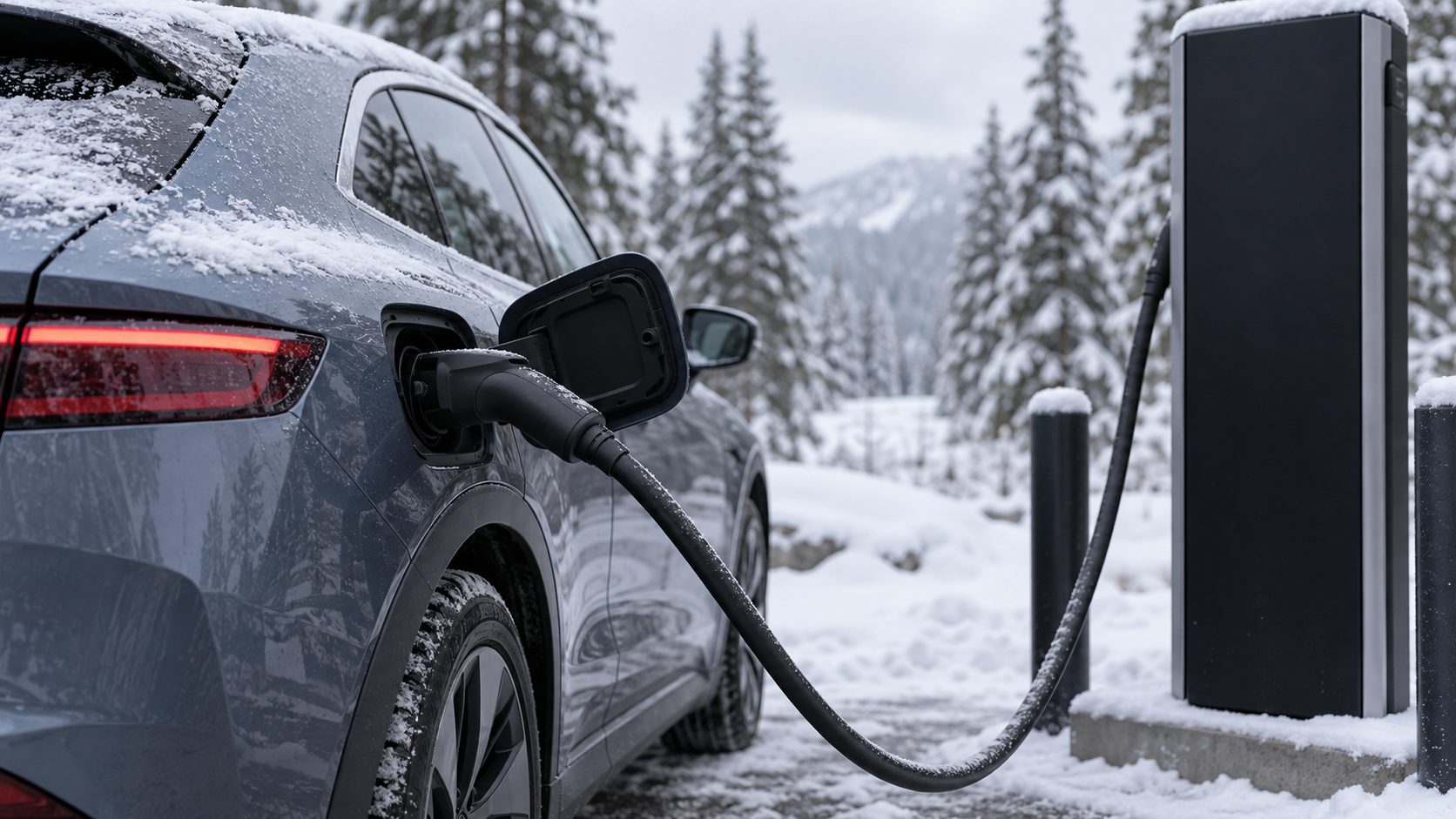
Cold costs the most. In tests cited on fueleconomy.gov, range can drop 41% at 20°F (-7°C) versus 75°F (24°C), with about two-thirds of the extra energy spent heating the cabin. With the heater off, the loss is about 12%.
In winter, shorten legs, raise the buffer and precondition while still plugged in, as the DOE recommends. Fueleconomy.gov also suggests seat heaters instead of the cabin heater. In summer, pre-cool while plugged in, since AC can cost EVs proportionally more than gas cars.
On hilly routes, use an EV charging route planner that reads elevation, as Apple Maps and Google’s newer Android Auto predictions do. Re-check your arrival charge at every stop: Google’s Android Auto help warns that traffic and weather can raise battery use beyond the prediction.
EV Charging Route Planner FAQ
Can Google Maps plan EV charging stops for me?
It depends where Maps runs. The phone app finds chargers for your plugs, Android Auto adds stops with Add charging in select countries, and Google built-in works as a full EV charging route planner that adds charging automatically.
Is an EV charging map the same as an EV charging route planner?
No. A charging map, such as Waze or the Google Maps phone app, shows where compatible chargers are. A route planner also models your battery and picks the stops: vet stops on the map, build the trip in the planner.
Do I need a separate EV charging route planner if my car has one?
Not always. Drive with the built-in one for live data and preconditioning, and use a phone or web planner to compare routes. Built-in planners have limits too: Kia’s UK page lists a four-stop maximum.
Before You Leave: A Five-Point Check
An EV charging route planner is only as good as what you give it: the right car and plug, a 10-20% arrival buffer, about 80% on DC, a backup for every stop, and the next charger set as the car’s own destination so the battery is warm when you plug in.
Start with a home charge (see EV charging at home) and find more guides in our cars and tech section.
Leave a comment