

Why Won’t My Phone Charge Past 80%? (It’s Usually on Purpose)
Most phones that stop at 80% do it on purpose. Which feature is responsible on iPhone, Samsung and Pixel, how to override it, and when it's a real fault.
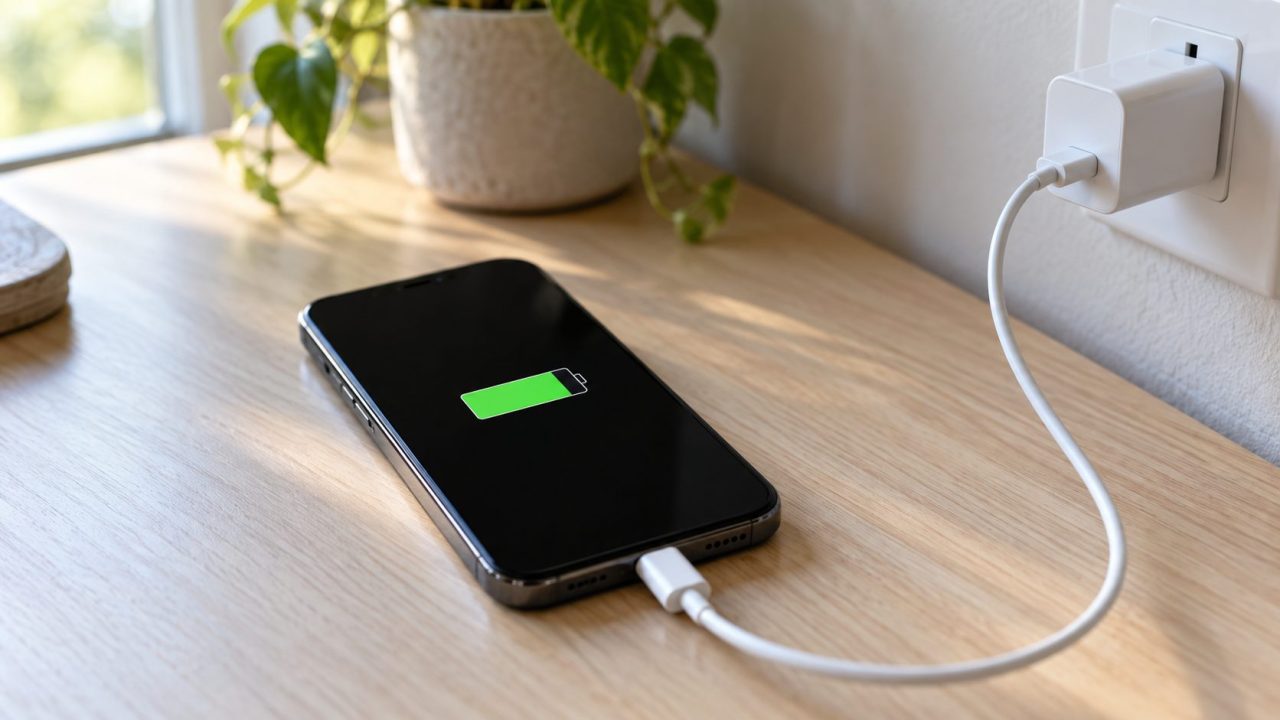
If your phone stops charging at 80% and sits there, it’s usually on purpose: iPhone, Galaxy and Pixel phones can hold near 80% to slow battery aging, and heat can do the same. A real fault looks different: random stops, on-and-off charging, or a battery that won’t last.
Why Your Phone Stops Charging at 80%: A 30-Second Check
- Read the lock screen. A full-charge time or protection message means a feature is on.
- Note the number. If your phone stops charging at 80% every time, it’s a feature; random numbers on a cool phone point to the cable, charger or port.
- Feel for heat. Heat can hold a phone near 80% or slow its charging.
| Phone | Feature | What it does | Settings > Battery > … |
|---|---|---|---|
| iPhone 15 and later | Charge Limit | Stops at 80–100%, your choice | Charging |
| iPhone (iOS 13 or later) | Optimized Battery Charging | Pauses at 80% on long charges | Charging, or Battery Health & Charging (14 and earlier) |
| iPhone (US only) | Clean Energy Charging | Delays charging until cleaner grid power | Same as above |
| Samsung Galaxy | Battery protection | Caps at 80–95%, or about 80% overnight | Battery protection |
| Google Pixel | Charging optimization | Full just before you unplug, or caps at 80% | Battery health > Charging optimization |
Menu names vary by version, model and region; if one doesn’t match, search Settings for “charging.”
iPhone Won’t Charge Past 80%: Optimized Charging, Charge Limit and Heat
Optimized Battery Charging, on by default
Your iPhone learns your routine and, on a long charge like overnight, holds at 80% until shortly before you usually unplug. It needs at least 14 days, nine charges of five-plus hours in one place and Significant Locations on, so the phone stops charging at 80% on your nightstand but not in a hotel.
Need 100% now? Touch and hold the Lock Screen notification and tap Charge Now, or tap Resume Charging in Settings > Battery.

Charge Limit on iPhone 15 and later
Go to Settings > Battery > Charging and pick a limit from 80% to 100% in 5% steps (iOS 17 had a single 80% Limit option). Charging stops near your limit and resumes after a drop of more than 5%; Optimized Battery Charging appears only at 100%. See Apple’s Charge Limit page.
For a one-off full charge, tap Charge to 100% in Settings > Battery. Or move the limit to 100% and choose Allow Until Tomorrow; your old limit returns at 6 a.m.
Clean Energy Charging (US only)
In the US, an iPhone may also delay charging for cleaner grid power, if it can still finish before you unplug. It’s on by default; tap Resume Charging in Settings > Battery, or turn it off where Optimized Battery Charging lives.
The heat pause you can’t switch off
If your phone stops charging at 80% and feels warm, blame heat: Apple says software may limit charging above 80% when the battery is too warm. Hotter or very cold, charging can pause with Charging On Hold and “Charging will resume when iPhone returns to normal temperature.” You can’t turn that off.
Past about 80%, iPhones switch to slower trickle charging, so a slow crawl to 100% is normal.
Galaxy Phone Stops Charging at 80% or 85%? Check Battery Protection
Go to Settings > Battery > Battery protection (or Device care > Battery), or add its tile to Quick settings:
Basic
Usually the default. Stops at 100%, restarts at 95%.
Maximum
Stops at 80, 85, 90 or 95% on One UI 7 and later; 80% on One UI 6.1. Older phones had one Protect battery switch capped at 85%.
Sleep time protection
Your phone stops charging at 80% while you sleep and reaches 100% just before you wake. Called Adaptive on earlier One UI; may be the default if you accepted Customization Service.
In Maximum mode, charging restarts about 2% below the limit, so 79% on an 80% limit isn’t an error, Samsung says. To charge fully, pick Basic or turn Battery protection off. Samsung’s Battery protection guide shows current screens.
Google Pixel and Other Android Phones: Charging Optimization
On a Pixel, go to Settings > Battery > Battery health > Charging optimization:
- Adaptive Charging learns your routine over about 14 days and reaches 100% about an hour before you unplug.
- Limit to 80% (Pixel 6a and later) is a fixed cap. It’s the usual reason a Pixel phone stops charging at 80% every time.
To charge fully, turn off Use charging optimization.
Won’t go past 80% with none of this on? Pixel 3 and later can cap at about 70–80% after days on the charger or hours charging in heat (“Charging optimized to protect your battery” in Settings > Battery). Tap Charge to full there, or restart. More on Google’s Pixel battery page.
Other brands such as OnePlus, Xiaomi and Motorola use names like Optimized charging, Smart charging or Overcharge protection. If your Android phone stops charging at 80% and you never set a limit, search Settings for “charging.”
Should You Turn the 80% Limit Off?
When a phone stops charging at 80%, it’s limiting wear, not preventing “overcharging.” Samsung advises avoiding long stretches at 100%, and heat adds wear.
- Overnight charger, phone kept for years: leave it on.
- Big day or a trip: use a one-off override from above, then switch back.
- Often near empty by evening: skip the fixed 80% cap; Google suggests it only if you end the day with charge to spare.
Phone Stops Charging at 80% With the Settings Off? Heat, Cables and Ports
If your phone stops charging at 80% one day and 63% the next, rule out heat first, then the hardware.
Heat slows or pauses charging whatever the settings say, and a very cold phone may not charge at all. Apple advises charging iPhones between 32° and 95°F (0°–35°C), out of direct sun, with the case off if it heats up.
Signs it’s a fault, not a feature:
- A bulging back or lifting screen. Possibly a swollen battery: stop using and charging it, don’t press on or open it, and get it serviced.
- Charging cuts out when the cable moves. If a known-good cable does it too, the port may be worn or corroded; have it serviced.
- An accessory alert. “Check charging accessory” (Pixel) or “This accessory may not be supported” (iPhone) points to the cable, adapter or port.
- A moisture alert. A water-drop icon (Galaxy) or liquid-detection alert (iPhone) means a wet port. Unplug, tap it gently port-down and let it air-dry for at least 30 minutes; no heat, compressed air, swabs or rice.
Otherwise, change one thing at a time, in this order:
Restart first
It’s free and clears a Pixel’s automatic cap.
Swap the power source
Try another outlet, cable and adapter; a computer’s USB port is slower. Retire any frayed, bent or scorched cable or adapter.
Inspect the port
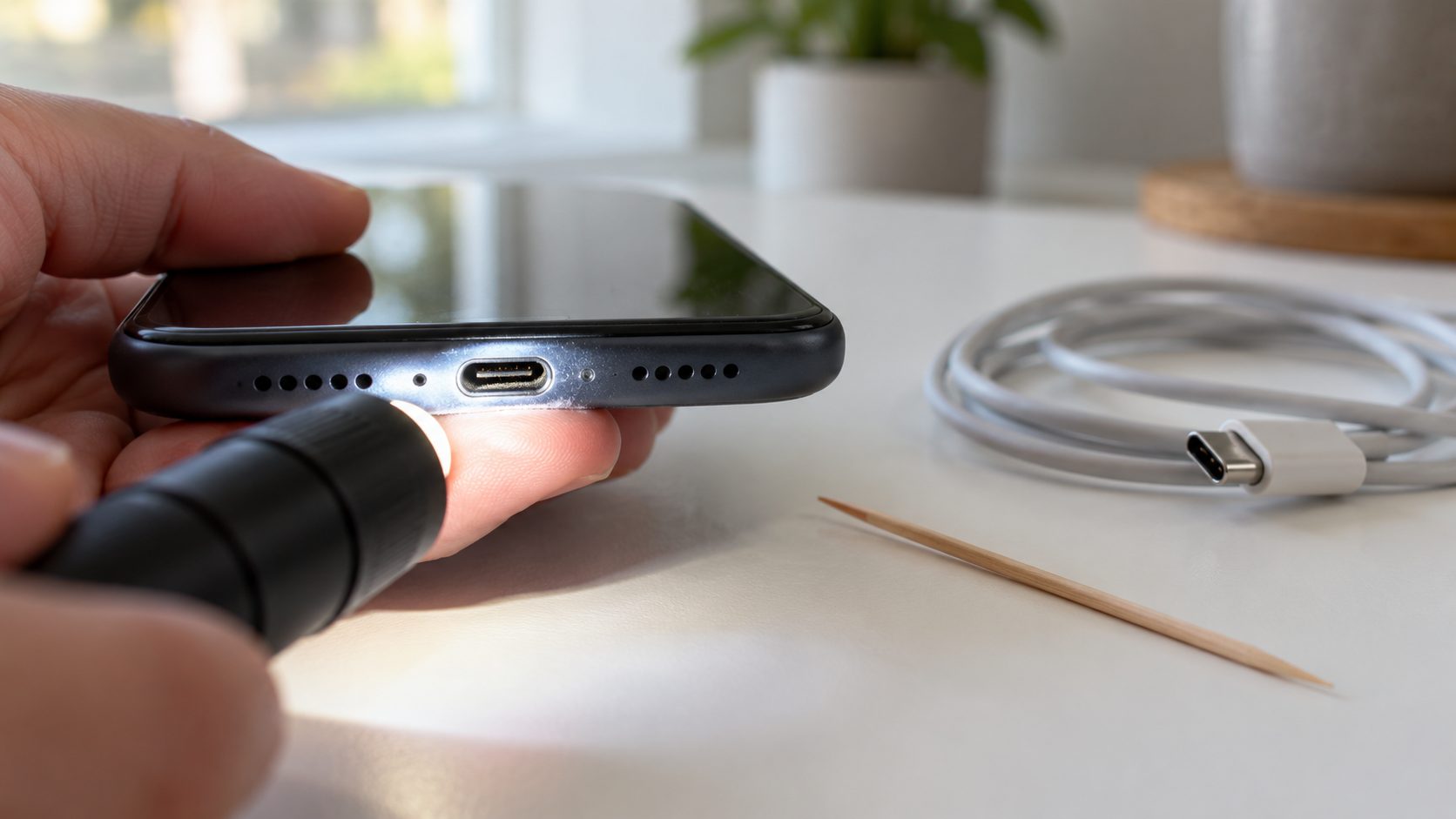
Unplug and shine a light in. Lift out lint with a soft, dry brush, never anything metal.
Book a check
If the phone stops charging at 80% or at random points with a known-good setup, book a service check.
It’s the same swap-one-part method we use for a controller that won’t turn on.
Why won’t my phone hold a charge?
A worn battery reaches 100% but drains fast or shuts down with charge left. Official ratings for keeping 80% of original capacity (Apple lists up to iPhone 15):
To check yours:
- iPhone: Settings > Battery > Battery Health (Battery Health & Charging on 14 and earlier) shows Maximum Capacity; 15 and later also show the cycle count.
- Pixel 8a and later: Settings > Battery > Battery health reads Normal or Reduced (below 80%).
- Galaxy: in Samsung Members, tap Support, then Phone diagnostics, then Battery status.
Below 80%, Google recommends a new battery. On Pixel 6a and later, Battery health assistance lowers maximum voltage in stages from 200 to 1,000 cycles, so some runtime loss is by design (always on from Pixel 9a; a toggle under Battery health on earlier models). Skip the “calibration” myth, too: Google says draining from full to zero isn’t needed.
Why Is My Laptop Only Charging to 80%?
For the same reason your phone stops charging at 80%: battery care. A Mac can hold at 80% with Optimized Battery Charging or, on Apple silicon with macOS Tahoe 26.4 or later, a Charge Limit; Charge to Full Now in the battery menu overrides both. Surface Smart charging does the same after long plugged-in stretches or heat, and other makers often have a similar setting in their own app.
Frequently Asked Questions
Why is my phone only charging to 80% if I never set a limit?
Some protections are automatic: Optimized Battery Charging, Clean Energy Charging (US) and heat on iPhone, a Pixel’s cap after days on the charger, or Sleep time protection (Adaptive on older One UI) on a Galaxy.
My phone stops charging at 80% only on a wireless charger. Why?
Usually heat: Apple says overheating can slow or stop charging, wireless included. Take the case off and compare with a cable.
Is it bad if my phone stops charging at 80% every night?
No. Overnight modes finish before you usually unplug, and Apple warns that turning charging optimizations off can increase battery wear.
Before You Book a Repair
When a phone stops charging at 80%, a setting or heat is usually why; random stops, a cable you have to wiggle or a battery that won’t last the day point to hardware.
More fixes are in our mobile guides and on the English home page.
Leave a comment