

SSD Not Showing Health? How to Check SSD Health and Speed in Windows
Blank health readings usually mean the wrong tool or connection, not a dying drive. Four ways to read SSD health in Windows, what the numbers mean, and speed fixes.
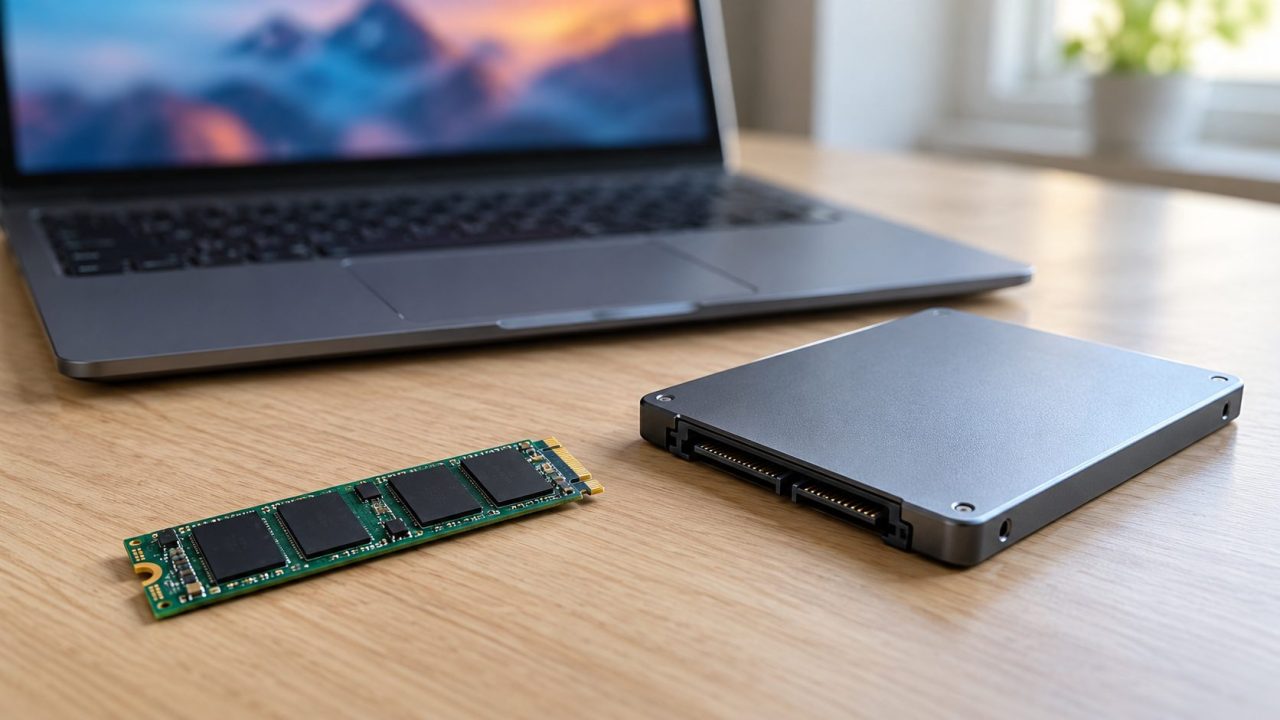
An SSD not showing health data rarely means the drive is dying. Usually the reading is blocked: Windows’ built-in readout is for NVMe drives, a USB enclosure may not pass SMART data, RAID or Intel VMD mode can hide the disk, or the maker’s tool reads only its own brand.
The steps cover SATA and NVMe SSDs on Windows 11, and most work on Windows 10. A drive that doesn’t appear at all is a detection problem: see our guide to an SSD not showing up.
If any tool reports Caution, Bad or a critical warning, copy your files off before benchmarks or updates. Samsung says a firmware update shouldn’t touch your data but strongly recommends a backup and warns never to cut the power mid-update. Secure Erase and PSID Revert wipe the drive.
Why Is My SSD Not Showing Health? Match What You See
Each tool reads health its own way, so an SSD not showing health in one may read fine in another:
| What you see | Likely cause | Go to |
|---|---|---|
| No Drive health in Settings | SATA SSD, or Windows 10 | PowerShell |
| Maker’s tool shows nothing | Other brand, older model, OEM drive, no admin rights | Maker tools |
| Blank over USB, RAID or VMD | Bridge chip or controller driver | USB and RAID |
| Healthy but slow | Slot, port, heat or a full drive | Speed checks |
Check SSD Health in Windows 11 Settings (NVMe Drives)
Open Settings > System > Storage > Advanced storage settings > Disks & volumes (or run ms-settings:disksandvolumes from Win + R), select the SSD and click Properties. NVMe SSDs get a Drive health section; SATA SSDs usually don’t, so a SATA SSD not showing health here is expected.
Estimated remaining life is a wear estimate; a low figure means plan a replacement. On Windows 10, go straight to PowerShell or CrystalDiskInfo.
Check SSD Health with PowerShell When Settings Shows Nothing
For a SATA SSD not showing health in Settings, PowerShell has two checks. The first works in a normal window:Get-PhysicalDisk | Format-Table FriendlyName, BusType, HealthStatus
HealthStatus (Healthy, Warning, Unhealthy or Unknown) is a coarse pass or fail, not a wear reading. BusType shows NVMe, SATA, USB or RAID.
Temperature, errors and wear need admin rights: right-click Start, choose Terminal (Admin), or Windows PowerShell (Admin) on Windows 10, and run:Get-PhysicalDisk | Get-StorageReliabilityCounter | Format-List
Wear and PowerOnHours can be blank or 0, depending on the drive and driver.
Skip older advice to run wmic diskdrive get status: Microsoft has removed WMIC from Windows 11 version 24H2 and later.
SSD Not Showing Health in Samsung Magician or Kingston SSD Manager
An SSD not showing health in the maker’s own app usually runs into one of these limits:
Samsung Magician
Samsung SSDs only; features on OEM drives that shipped in laptops may vary. Samsung lists RAID mode and some Intel RST drivers as problems. Its troubleshooting FAQ adds an outdated BIOS, older AMD chipset drivers and a missing internet connection, which Magician needs to certify the SSD.
Kingston SSD Manager
For a Kingston SSD not showing health in KSM, close the app, right-click its shortcut and choose Run as administrator. KSM 1.5 needs 64-bit Windows 10 or 11; older drives (UV400, UV500, KC400, A1000) need KSM 1.1. USB enclosures aren’t supported, but Kingston’s XS1000 and XS2000 portable SSDs are.
Crucial, WD and SanDisk
Crucial Storage Executive covers Crucial drives; SanDisk Dashboard (formerly WD Dashboard) covers WD and SanDisk SSDs. Connect internal drives directly; some of the brands’ own portable SSDs work over USB. Otherwise, try CrystalDiskInfo.
SSD Not Showing Health Over USB, RAID or Intel VMD
An SSD not showing health over USB points to the enclosure’s bridge chip, which decides whether SMART data gets through. CrystalDiskInfo’s makers say it reads most current USB drives but often not multi-drive enclosures; its version history lists support for the common bridges JMicron JMS583, Realtek RTL9210 and ASMedia ASM2362.
If an external drive shows nothing, try the USB/IEEE 1394 options under Function > Advanced Feature in CrystalDiskInfo. An external SSD not showing health after that has a bridge that blocks SMART data or isn’t supported yet, so check the drive inside a PC. Samsung adds that in a USB enclosure, Magician may show an internal SSD’s old firmware as current, and firmware can’t be updated over USB.
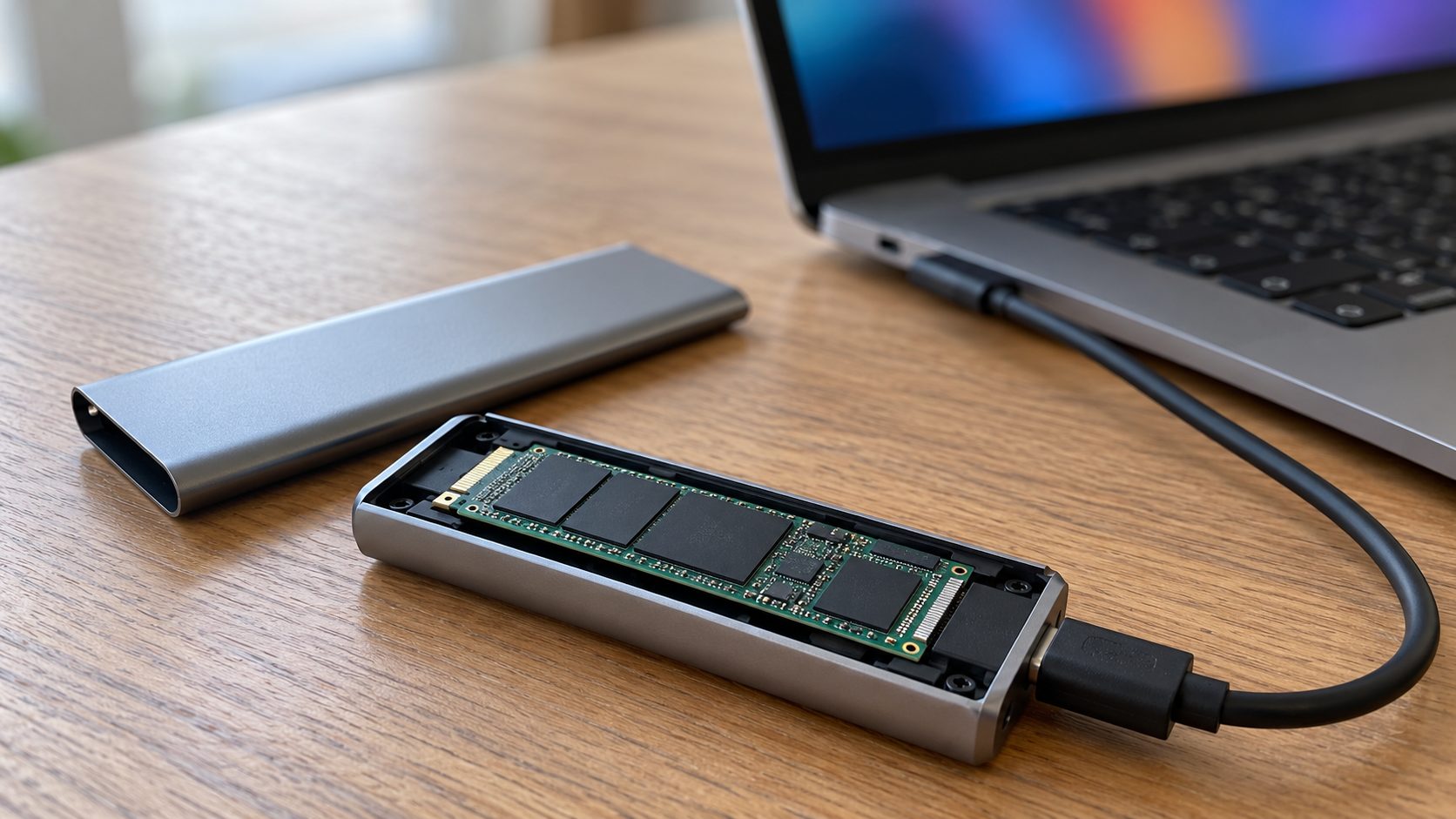
Intel RST, VMD or RAID mode puts another driver between Windows and the drive, which can leave an SSD not showing health in Windows and vendor tools. Device Manager > Storage controllers shows whether one is active. CrystalDiskInfo reads single drives under Intel RST NVMe and AMD RAIDXpert2, not RAID arrays. Don’t switch the BIOS to AHCI just to read health: an installed Windows can then fail with INACCESSIBLE_BOOT_DEVICE.
Using the drive with a console? See our guide to an SSD not showing up on Xbox or PS5.
Read SSD Health from Any Brand with CrystalDiskInfo
For an SSD not showing health in Windows or the maker’s app, try the free, open-source CrystalDiskInfo: it reads SMART data across brands. Download it only from crystalmark.info. On an SSD, Caution usually means 10% or less life left; Bad means a value fell below the maker’s threshold.
Key NVMe fields:
- Percentage Used. The maker’s estimate of rated endurance consumed. 100 means that endurance is used up, not necessarily that the drive failed; back up and plan a replacement.
- Available Spare. Reserve capacity left, 0 to 100%, judged against the maker’s threshold.
- Critical Warning. 0 is normal. Anything else is a real problem, such as low spare, a temperature limit crossed, degraded reliability or read-only media.
- Temperature and Total Host Writes. Compare them with your drive’s datasheet and warranty limits.
Samsung’s 990 PRO warranty runs 5 years or 600 TB written per 1 TB of capacity, whichever comes first. Limits vary by model and brand.
SSD Not Running at Full Speed? Benchmark, Then Fix
An SSD not showing health problems can still run slow. Unless the drive is flagged Caution or Bad, close other apps, run the free CrystalDiskMark (pick the drive, click All) and compare the top-left SEQ1M Q8T1 Read with the rated speed. Results vary with test size, controller and CPU.
A long copy that slows partway is often the SLC cache filling, which is normal: the 870 EVO 250 GB and 500 GB drop to 300 MB/s writes once it runs out. If short tests also fall short:
Check the slot’s PCIe generation and lanes
A drive can only run as fast as its slot: a PCIe 4.0 990 PRO in a PCIe 3.0 slot tops out near 3,500 MB/s, and an x2 slot halves x4 bandwidth. In CrystalDiskInfo, Transfer Mode reads current | supported; a lower first value means the slot, or lane sharing with SATA ports (see the manual), is the limit.
Use a motherboard SATA 6 Gb/s port
Use a 6 Gb/s port on the board, not an expansion card. Standard SATA AHCI Controller under Device Manager > IDE ATA/ATAPI controllers means AHCI is on. Only legacy IDE mode, without NCQ, limits random I/O to queue depth 1; AHCI or RST is fine. Change modes only before a fresh install.
Rule out heat
Watch the temperature in CrystalDiskInfo during a long copy or benchmark. If speed drops as the reading nears the top of the drive’s rated range (70 °C on the 990 PRO), add airflow or an M.2 heatsink.
Free up space and confirm TRIM
A nearly full SSD slows because it must consolidate data before writing; keep space free. Check TRIM in any terminal:fsutil behavior query DisableDeleteNotify
Look at the NTFS line: 0 means TRIM is on, the default.
Update firmware last
Back up, update an internal SSD from inside the PC with the maker’s tool, and never cut the power. Samsung says its firmware can’t be rolled back once updated.
Frequently Asked Questions
Why is my SATA SSD not showing health in Windows 11?
A SATA SSD not showing health there is normal: Settings shows Drive health for NVMe SSDs. Use PowerShell or CrystalDiskInfo instead.
Why is Kingston SSD Manager not showing anything?
It’s usually the model or the connection: older Kingston drives need KSM 1.1, and USB enclosures aren’t supported. If KSM stays blank as administrator, CrystalDiskInfo shows whether the drive reports SMART data at all.
CrystalDiskInfo says Caution: should I replace my SSD?
Caution most often means 10% or less life left, but reallocated or pending sectors or low available spare can also trigger it; check which attribute is marked yellow. Either way, back up now and plan a replacement; act at once on a critical warning.
SSD Not Working Properly? When the Health Data Says Replace It
An SSD not showing health is usually a readout problem. Bad, a critical warning, low spare or read-only mode is a real fault: copy your files off and replace the drive, under warranty if you can.
Secure Erase is not a repair: it erases everything, and Samsung suggests it only for speed loss that TRIM hasn’t fixed. More fixes are in our computer guides.



Leave a comment