

Why Is My Laptop Vibrating or Buzzing When I Touch It?
A tingle while charging, a high-pitched whine under load and a real rattle have different causes. Sort yours with four quick checks, then fix it safely.
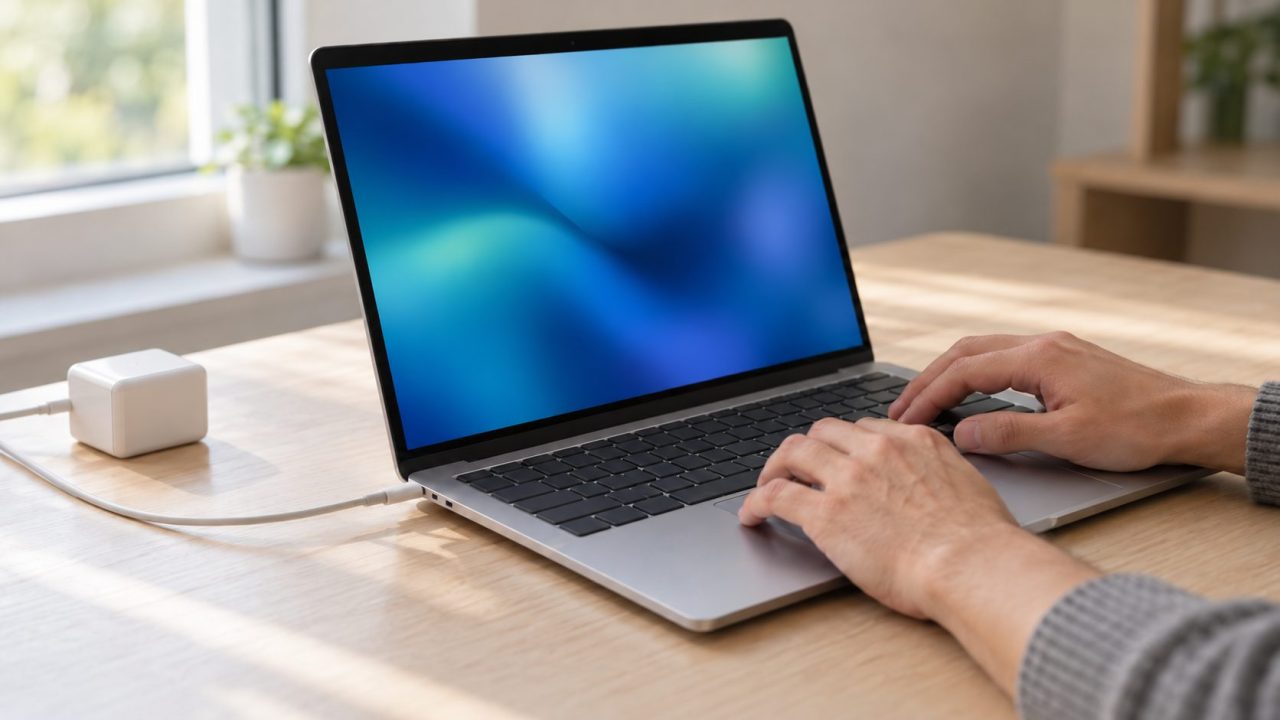
“Why is my laptop vibrating?” usually comes down to one of three easily confused things: a fizzy tingle on a metal laptop while it charges, a high-pitched coil whine under load, or a real mechanical shake. Four quick checks sort it out.
Why Is My Laptop Vibrating? Tingle, Buzz or Shake
Why is my laptop vibrating only while it charges? On a metal laptop, that’s usually the charger: a tiny leakage current reaches the case, and moving skin feels it as vibration. Plugs and menus vary by maker and country.
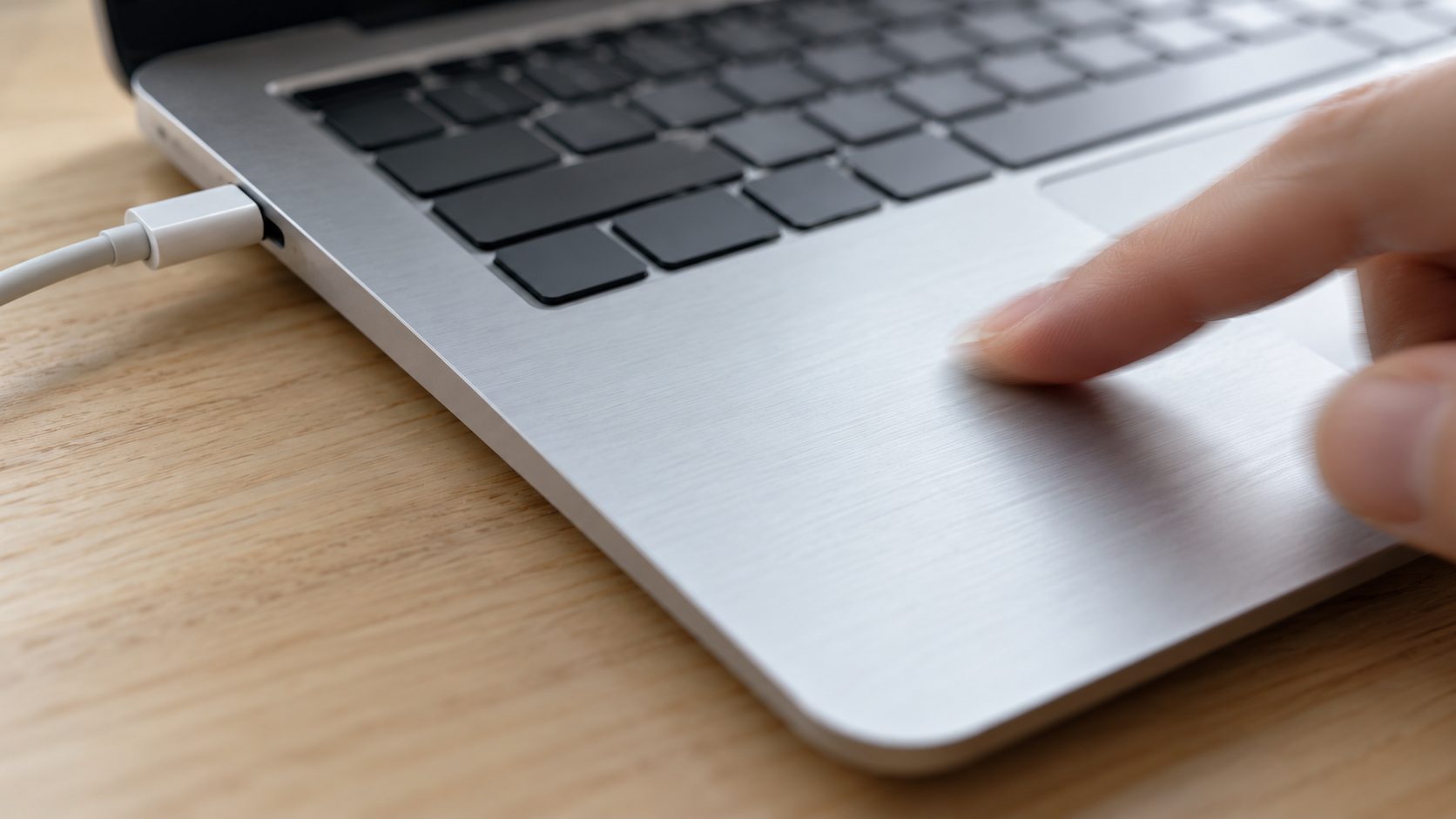
- Slide a finger while it charges. Glide a dry fingertip over the metal, then hold still. A grainy feel that fades when you stop is electrical.
- Unplug everything. Remove the charger and any monitor, dock, Ethernet or powered USB cable. If the tingle stops, it’s touch current; if one cable brings it back, that device’s supply or outlet ground is the source. If it persists with nothing attached, see the warning below.
- Listen under load. A whine that rises with a game or video export is coil whine.
- Rest a palm on the base. A steady tremor, often with grinding or clicking, is mechanical.
Stop Using It if It’s a Shock, Not a Tingle
Framework, which makes aluminum laptops, calls a slight tingle while charging normal, unless it could be described as a shock. If it makes you pull your arm back in pain, it’s not normal.
A jolt that makes you pull away, a tingle on battery with nothing connected, sparks, smoke, a burning smell, a charger too hot to touch, a swollen battery (bulging case or lifted trackpad), crackling at the plug or socket, or a tingle after a drop or spill. Stop charging, never open the brick or battery, and contact the maker or retailer. Electrical Safety First’s laptop safety guide agrees and warns against counterfeit chargers.
Why Is My Laptop Vibrating When I Touch It While Charging?
Many laptop chargers are IEC Class II: double-insulated, with no earth and a two-wire mains lead. Inside, Y-capacitors bridge the mains and low-voltage sides, passing a tiny current that can’t be fully removed without breaking interference (EMI) rules; safety standards cap it very low. With no ground path, as Framework’s grounding article explains, your body becomes the route to ground.
Why it feels like vibration, not a shock
Anodized aluminum has a thin insulating oxide skin. A dry fingertip sliding over an insulated, energized surface feels rubbery or grainy, an effect called electrovibration. It’s strongest while skin moves, but resting wrists can feel the same leakage. Since leakage rises with mains voltage, we’d expect more of it on 230-240 V grids (UK, India, Australia) than at 120 V (US, Canada).
How to Stop the Tingle: Check the Brick, the Cord and the Outlet
If unplugging stopped the tingle, give that current a better path to earth than your arm. No step involves opening anything.
Check the brick’s inlet
Look where the mains cord meets the brick. A two-pin “figure-8” inlet (C8, for a C7 cord) has no earth; a three-pin “cloverleaf” (C6, for a C5 cord) has one. A UK or Indian three-pin wall plug proves nothing. In the US and Canada, a brick with two built-in prongs is ungrounded.
Use the grounded cord
If your adapter came with a three-prong cord as well as a two-prong plug, use the cord. Framework calls grounding the best fix.
Test the outlet
Older buildings may have three-prong outlets with no working ground. A plug-in outlet tester shows it; then call an electrician.
Add shock protection
An RCD (UK, Australia, India) or GFCI (US, Canada) won’t stop a normal tingle, which is far below its trip level, but it cuts power if a fault sends current through you. Homes without one can use a plug-in RCD or portable GFCI.
Why is my laptop vibrating even with a grounded cord? Some tingle can remain, Framework notes. If it’s more than faint, contact the maker; never break off a ground pin or use a “cheater” adapter.
A High-Pitched Buzz Under Load Is Usually Coil Whine
A high-pitched buzzing sound during games or video exports is most likely coil whine. Inductors in the power circuits vibrate under electromagnetic forces, and ceramic capacitors can “sing” too. It tracks CPU and GPU load; uncapped game menus at hundreds of frames per second are a classic trigger. It’s widely seen as a nuisance, not a defect, though a very loud unit merits a warranty claim.
How to fix a laptop vibrating sound from coil whine
- Cap the frame rate. Use V-Sync or the game’s frame limiter near your refresh rate. On NVIDIA, set Max Frame Rate in NVIDIA Control Panel > 3D Settings > Manage 3D settings or the NVIDIA app’s Graphics tab; NVIDIA says pairing it with Power management mode at Optimal power, where listed, cuts GPU frequency and power. AMD’s Radeon Chill can cap frames too.
- Lower the power mode. In Windows 11: Start > Settings > System > Power & battery > Power mode, then Balanced or Best power efficiency. On gaming laptops, also try the maker’s Silent or Quiet profile.
- Check the charger. Listen at the brick under load. If the whine comes from there, try the maker’s original charger.
Coil whine follows load, even with quiet fans; a whine that tracks fan speed is the fan. Buzzing or crackling at the wall plug or socket is arcing: unplug and stop using that outlet.
Why Is My Laptop Vibrating and Making Noise? Fan, Drive or Loose Parts
Why is my laptop vibrating with a hum you can feel through the desk? That’s mechanical, not electrical. Cheapest checks first.
Why is my laptop vibrating on a bed or sofa?
Bedding and cushions can cover the intake vents, so the fans spin harder and the chassis can hum. Use a hard, flat surface.
Why is my laptop vibrating when the fan speeds up?
A fan at full speed can make the chassis hum. Microsoft’s Surface fan guide says Surface fans speed up with workload, in rooms above 25°C (77°F), while charging and in the first 24 hours after setup. If they roar at idle, sort Task Manager (Ctrl + Shift + Esc) by CPU. Grinding, ticking or whining, which Microsoft calls abnormal, points to dust, a worn bearing or a damaged blade: a repair job.
Why is my laptop vibrating and clicking?
Older and budget laptops may have a spinning hard disk, which can hum. Clicking or grinding is a warning: back up now, then check the drive in PowerShell:Get-PhysicalDisk | Select FriendlyName, MediaType, HealthStatus
If MediaType says Unspecified, look up the model online.
Warning or Unhealthy means replace it soon. Healthy doesn’t clear a drive that clicks or grinds; keep your backup current and plan a replacement.
Why is my laptop vibrating when I click?
On a MacBook, a small tap on each click is normal: the Force Touch trackpad simulates the click with a vibration. Adjust Click firmness or turn off “Force Click and haptic feedback” in System Settings > Trackpad > Point & Click. Windows laptops with haptic touchpads do the same; supported models adjust it in Settings > Bluetooth & devices > Touchpad.
Why is my laptop vibrating when music plays?
Loud bass can make the palm rest buzz. A rattle when you tilt it points to a loose screw or panel, a worn hinge (see our laptop hinge repair guide) or a loose internal part.
Why Is My PC Vibrating or Humming? Desktop Notes
If your PC vibrates so much you feel it through the desk:
- Fans and cables. With the PC off, look for a cable touching a fan or a loose fan screw; rubber mounts help.
- Drive cages. A spinning 3.5-inch drive can make the case drone; screw it in firmly.
- Power supply. A faint whine under load is often coil whine. A loud buzz or burning smell means replace it; never open it, as its capacitors can stay charged.
- Speaker hum. Often a ground loop between devices on different outlets; try one power strip.
Frequently Asked Questions
Why is my laptop vibrating only when I slide my finger across it?
That’s electrovibration: leakage current makes anodized metal feel grainy under a moving fingertip. Unplug the charger and any monitor or dock, and it should vanish.
Why is my laptop zapping me?
A single snap after walking on carpet, wearing synthetic clothes or in dry air is static discharge. A constant fizz only while charging is touch current.
Why is my laptop vibrating after a drop or spill?
Liquid or a knock can damage the power circuits, so treat it as a fault: unplug it and get it checked. Our laptop water damage guide covers the first steps.
Why is my laptop vibrating on battery power?
On battery, a physical tremor is the fans, a drive or haptics. For an electrical tingle, check that no monitor, dock or Ethernet cable is attached; with nothing connected, it’s not normal, so stop using it and contact the maker.
Bottom Line: When to Get It Checked
So, why is my laptop vibrating? Usually something mundane: a charging tingle, coil whine or a busy fan. Contact the maker if the tingle hurts or stays on battery with nothing connected, a fan grinds, a drive clicks or anything smells hot.
More fixes are in our computer guides.




Leave a comment