

Quest 3 Controller Won’t Connect? Battery, Pairing and Reset Fixes
No light, a double blink or an SOS pattern: each controller light points to a different fix. Batteries, a restart and re-pairing come first, the factory reset last.

When a Quest 3 controller won’t connect, the culprit is usually small: a weak AA, a lost pairing or a phone app that can’t reach the headset. The status light tells you which, so read it before resetting anything.
Start with the light. No light means no power, so fit a fresh AA. If the Quest 3 controller won’t connect even though it lights up, restart the headset and re-pair it in the Meta Horizon phone app. Save updates and resets for last.
Quest 3 Controller Won’t Connect? Read the Light First
Press the Meta button (right) or the Menu button (left) once. Meta’s Touch Plus help page decodes the light:
| The light | What it means | Go to |
|---|---|---|
| Nothing at all | Dead battery | Batteries |
| Two blinks, repeating | Pairing mode | Re-pair |
| Three blinks | Awake | Re-pair if it never connects |
| One blink | Paired and connected | Hands or tracking |
| 3 fast, 3 slow, 3 fast, repeating | Error (SOS) | SOS order |
A low battery shows as one red dot on the headset’s controller status display. Quest 2 controllers pair the same way but glow solid white when on and blink white while pairing.
Fresh Batteries First When a Quest 3 Controller Won’t Connect
Check power first:
- Pull the tab. A new Quest 3 controller won’t connect with the pull tab still in its battery housing.
- Reseat the battery. On Touch Plus, press the cover release button near the thumbstick, remove the battery for at least 30 seconds, then refit it with the positive end pointing down.
- Quest 2 controller? There’s no release button: slide the cover off the grip and match the +/- markings in the bay.
- Fit a fresh AA from a new pack, not a drawer spare.
- Look at the contacts. Meta’s safety guide warns that exhausted AAs can leak and damage controllers. If you see crusty residue, stop using the controller, keep it off your skin and contact Meta Store Support.
Quest 3 controller won’t connect with rechargeable batteries?
Meta’s help pages cover standard AAs and its own dock batteries, not third-party rechargeable AAs, so test with a fresh disposable AA.
Charge new Quest 3 dock batteries before first use, and keep straps or sleeves off the dock contacts. Amber and green flashing under a docked controller means an error, such as an AA left inside or a badly seated controller. If a dock battery gives no power, reseat it with no gap or rotation and check its pogo pins and the controller’s three contact pads.
Console gamepads get the same power-first checks in our guide to a controller not turning on.

Restart, Then Re-Pair in the Meta Horizon App
Meta says Touch controllers can only be paired through the phone app, now called Meta Horizon (formerly Oculus, later Meta Quest). If a Quest 3 controller won’t connect after a battery swap, follow Meta’s pairing steps:
Restart the headset
Hold power until the Power off screen appears, then select Restart. Can’t select it? Use the forced restart below.
Get both devices ready
Update the app, turn on the phone’s Bluetooth and put the phone on the same Wi-Fi network as the headset. Keep the headset on and unlocked; without a controller, enter a passcode with the white dot in your view and the volume buttons.
Pair new controller
In the app, open Menu > Devices, pick your headset, then Headset settings > Controllers > Pair new controller. Hold Meta + B (right) or Menu + Y (left) until the light blinks and then lights up, then finish in the app.
Unpair only if it fails
Still failing? Tap the controller, choose Unpair controller and pair again. If only one Quest 3 controller won’t connect, redo just that side.
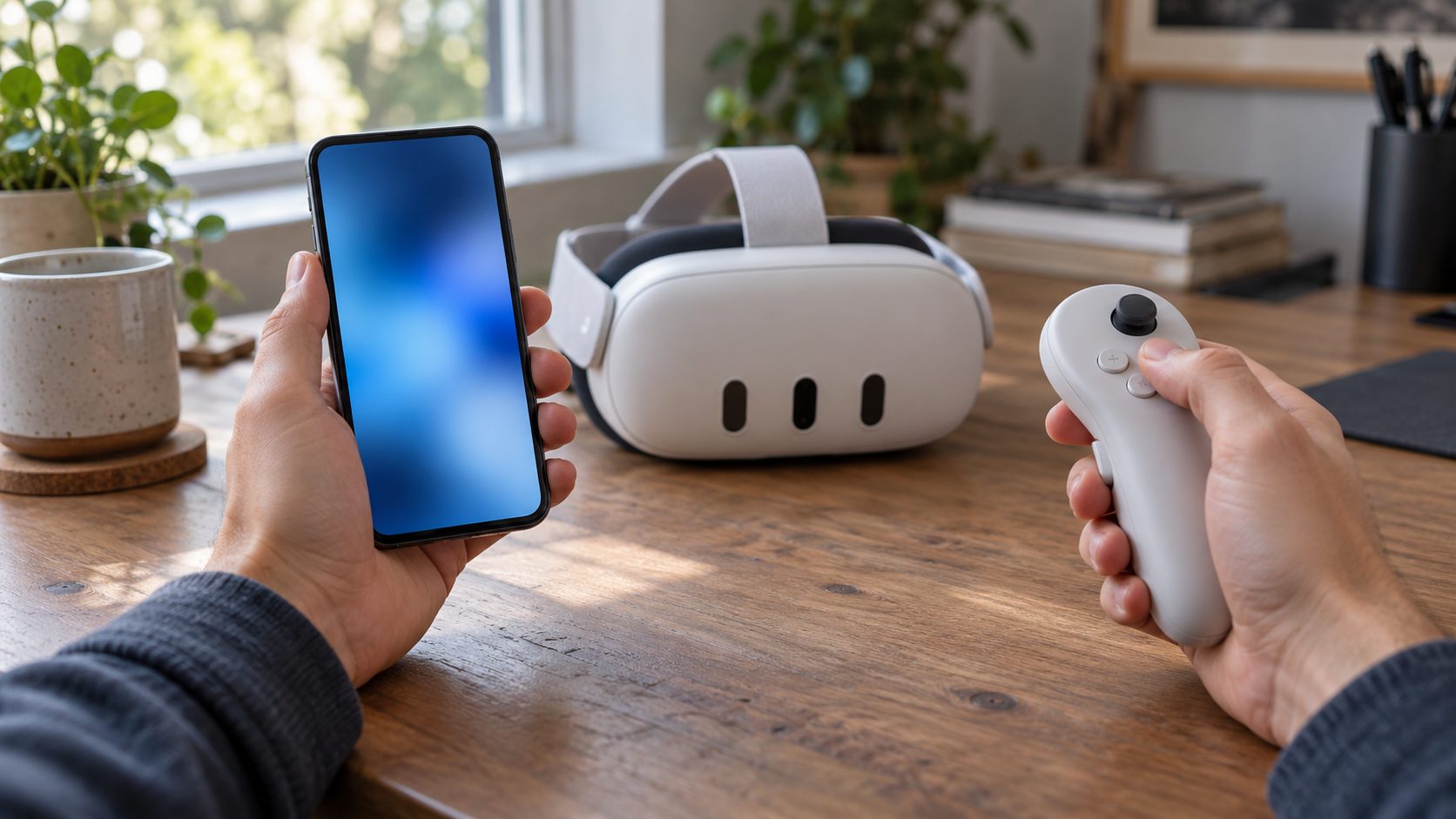
Quest 3 Controller Won’t Connect, or Did Hand Tracking Take Over?
Seeing hands instead of controllers isn’t always a fault. Horizon OS can switch to hand tracking when the controllers sit unused, and back when you pick one up and press a button. If the controller model comes back, nothing is broken.
Hand tracking also gets you into menus with both controllers dead, so turn it on while one still works: Quick controls > Settings > Tracking > Hand and body tracking (Movement tracking on some versions). Point and pinch to select. To open the menu, look at your palm and hold a pinch.
Connected but tracking badly? Use bright light without direct sun, avoid LED strips and mirrors, and wipe the camera lenses. Remove third-party sleeves, covers and stickers too; Meta says they can cause pairing and tracking problems.
Update the Headset, Then Force a Restart
Meta’s error checklist includes a software update. Press the Meta button (or use hand tracking) and open Quick controls > Settings > General > Software update.
Updates install automatically while the headset is on, charged and on Wi-Fi, or during a brief self-wake if Automatically power headset to update is enabled. If it can’t update, Meta’s PC software update tool can, without erasing data. You need a computer with 2 GB free and the USB-C cable that came with the headset.
If the Quest 3 controller won’t connect even after updating, force a restart: hold power for at least 30 seconds, wait 30 seconds, then press power again if the headset stays off.
If the light flashes SOS
If your Quest 3 controller won’t connect and keeps flashing SOS, work through Meta’s order and stop once the pattern clears:
- While it flashes, remove and reinsert the battery.
- Restart the headset.
- Unpair and re-pair in the app, with the headset awake and nearby.
- Run the PC update tool.
- Hard reboot: hold power for 30 seconds.
- Still flashing? Contact Meta Store Support.
Quest 2, Quest 3 and Pro Controllers Aren’t All Interchangeable
Sometimes a Quest 3 controller won’t connect because it isn’t a Quest 3 controller at all:
Touch Plus (Quest 3, 3S)
No tracking ring. Meta says they currently work only with Quest 3 and 3S, and Quest 2-era accessories may not work.
Touch (Quest 2)
These have a tracking ring. Meta doesn’t list them as compatible with Quest 3.
Touch Pro
They work with Quest Pro, Quest 3 and Quest 2 and pair through the same app path; Quest 3S isn’t on Meta’s list. They blink blue and white while pairing and blue three times once paired.
Xbox or other gamepad
Pairs in the headset under Settings > Devices > Gamepad > Bluetooth settings, not in the app. The Quest 3S Xbox Edition’s controller comes pre-paired.
Same gamepad acting up on a console? See our fixes for a controller that won’t connect to Xbox or one that won’t connect to PS5.
Last Resort: Factory Reset, Then Warranty
If a Quest 3 controller won’t connect after all that, Meta suggests a factory reset, especially for new or replacement controllers. No working controller is needed.
It erases all local data, though purchases stay on your account. First turn on cloud backup in the headset’s settings to save app data and settings, and copy screenshots or videos to your phone or PC. Charge the headset to at least 50%, as Meta advises, and remove both controllers’ batteries.
Using only the headset’s buttons:
- Turn the headset off.
- Hold power and volume down until the boot screen loads.
- Highlight Factory Reset with the volume buttons, then press power.
- Select Yes the same way.
The app route is Menu > Devices > [your headset] > Headset settings > Advanced settings > Factory reset. At the setup screen, insert fresh batteries and pair the controllers.
When a Quest 3 controller won’t connect even after a reset
Treat it as a likely hardware fault: no light with fresh batteries, pairing that fails after the reset, or a returning SOS. Contact Meta Store Support; warranty terms vary by region. Meta also sells single left and right Touch Plus controllers; price and availability vary too.
Frequently Asked Questions
Can I pair Quest 3 controllers without the phone app?
Normally, no: Meta says Touch controllers need the Meta Horizon app. The exception is setup after a factory reset or on a warranty replacement headset; if setup can’t find the controllers, set the headset down for 5 to 10 minutes, then use gaze and the volume buttons.
Why does only one of my Quest controllers work?
When just one Quest 3 controller won’t connect, swap the AAs between the two (dock batteries are left/right specific, so test with a fresh AA instead). If the fault follows the battery, replace it; if not, re-pair that side.
My Quest controller won’t turn on with a new battery. What now?
Check the pull tab, the orientation, the contacts and, on a dock battery, its charge and seating. If there’s still no light, Meta says the controller may have a hardware defect, so contact Meta Store Support.
Recap: Light, Battery, App, Then Reset
Next time a Quest 3 controller won’t connect, let the light decide: no light points to power, a double blink to pairing, SOS to Meta’s error routine.
More controller and VR fixes are in our gaming guides.




Leave a comment