

Controller Won’t Stay Connected to Xbox? Stop Random Disconnects
Turning off by design or dropping mid-game? One cable test tells a hardware fault from a radio one; then fix the batteries, interference, pairing or firmware.

When a controller won’t stay connected to Xbox, it paired fine at least once, so pairing isn’t the real question. Something breaks the link afterward: tired batteries, a crowded radio path, firmware, a worn cable or port, or the controller reconnecting to another device. One free wired test tells a hardware fault from a wireless one.
Every step works on Series X|S and Xbox One, Elite controllers included. Never paired at all? Start with our guide to a controller that won’t connect to Xbox.
Controller Won’t Stay Connected to Xbox: Turning Off or Dropping Out?
If the controller went dark while it sat unused, that’s normal. Xbox controllers switch off after a period of inactivity, and the Xbox button brings them back. Microsoft publishes no exact timeout, so treat minute figures online as unofficial. But if a controller won’t stay connected to Xbox while you’re playing, that’s a fault.
A flashing Xbox button mid-game means it’s on but has lost the console; going dark in your hands points to the batteries first. If it won’t light even on a cable, see our guide to a controller not turning on.
The Cable Test: Wired vs Wireless Separates Hardware From Radio
Work through these steps cheapest first, from the seat where the drops happen.
Rule out weak power
Fit new AAs or a full pack even if the light still comes on; Microsoft says low batteries can cause connection problems.
Restart both ends
Hold the controller’s Xbox button 5 to 10 seconds to turn it off. Next, hold the console’s Xbox button about 10 seconds, unplug its power for 30 seconds and turn both back on.
Play a session wired
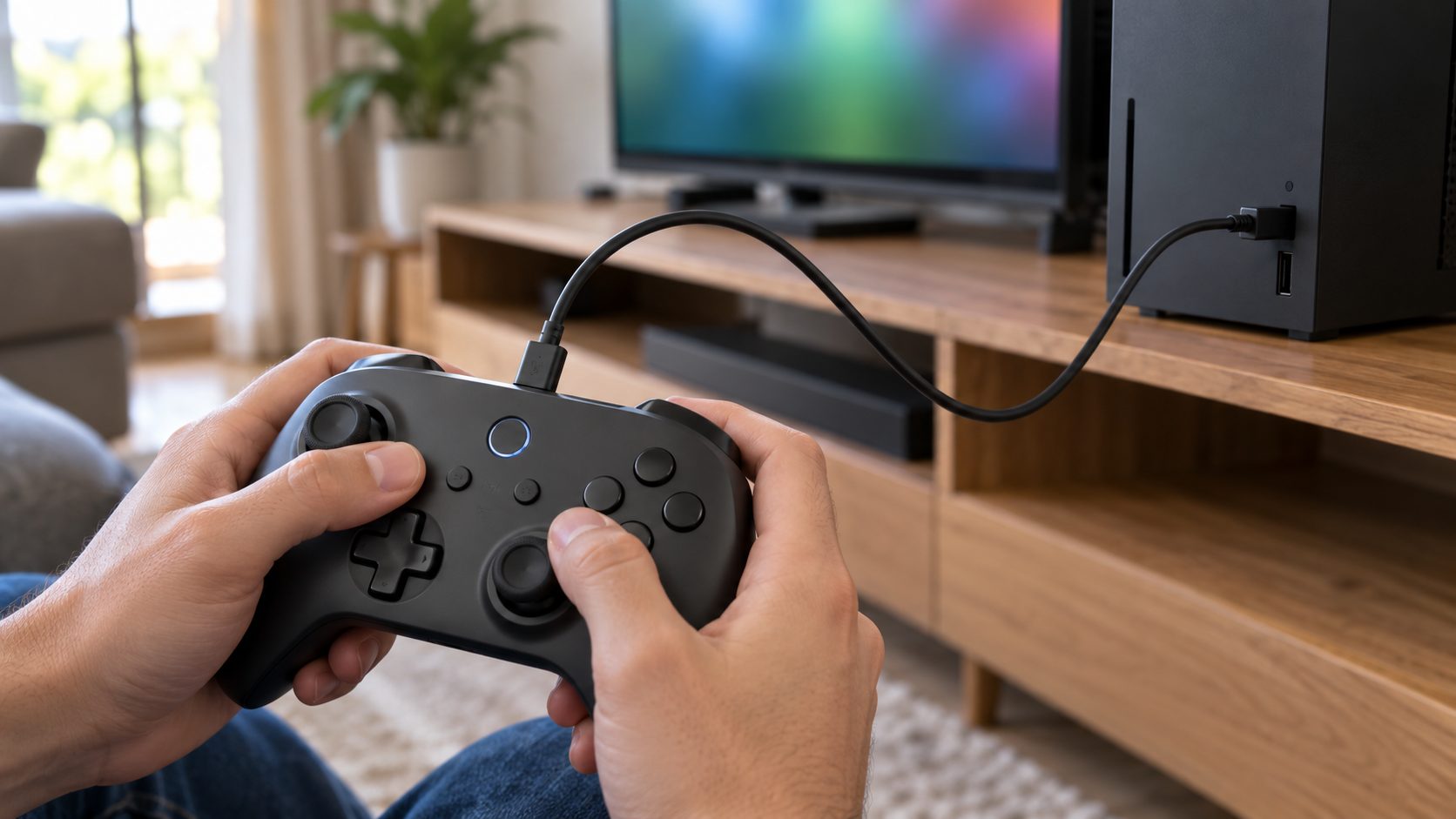
Use a data cable: USB-C for Series X|S and Elite Series 2, micro-USB for older Xbox One models. Wired, all signals go through the cable, per Microsoft’s Play & Charge Kit guide.
| What happens | Likely cause | Go to |
|---|---|---|
| Drops wired and wireless | Controller, cable or port | Last test |
| Drops only wireless | Batteries, signal, firmware | Batteries |
| Drops when the cable moves | Worn cable or port | Port |
| Drops only across the room | Distance, interference | Radio path |
| Won’t reconnect after PC, phone or other-console use | Still linked to that device | Pairing |
If the controller won’t stay connected to Xbox even on a known-good data cable in another USB port, Microsoft says it needs replacing. Meanwhile, wired play is a safe stopgap; Microsoft says a full Play & Charge battery can stay on the cable.
Batteries: Fresh, Matched and Clean Contacts
Low power is the cheapest cause to rule out when a controller won’t stay connected to Xbox. Don’t trust the icon alone: it turns red when low, but Microsoft says its accuracy varies by battery type and brand.
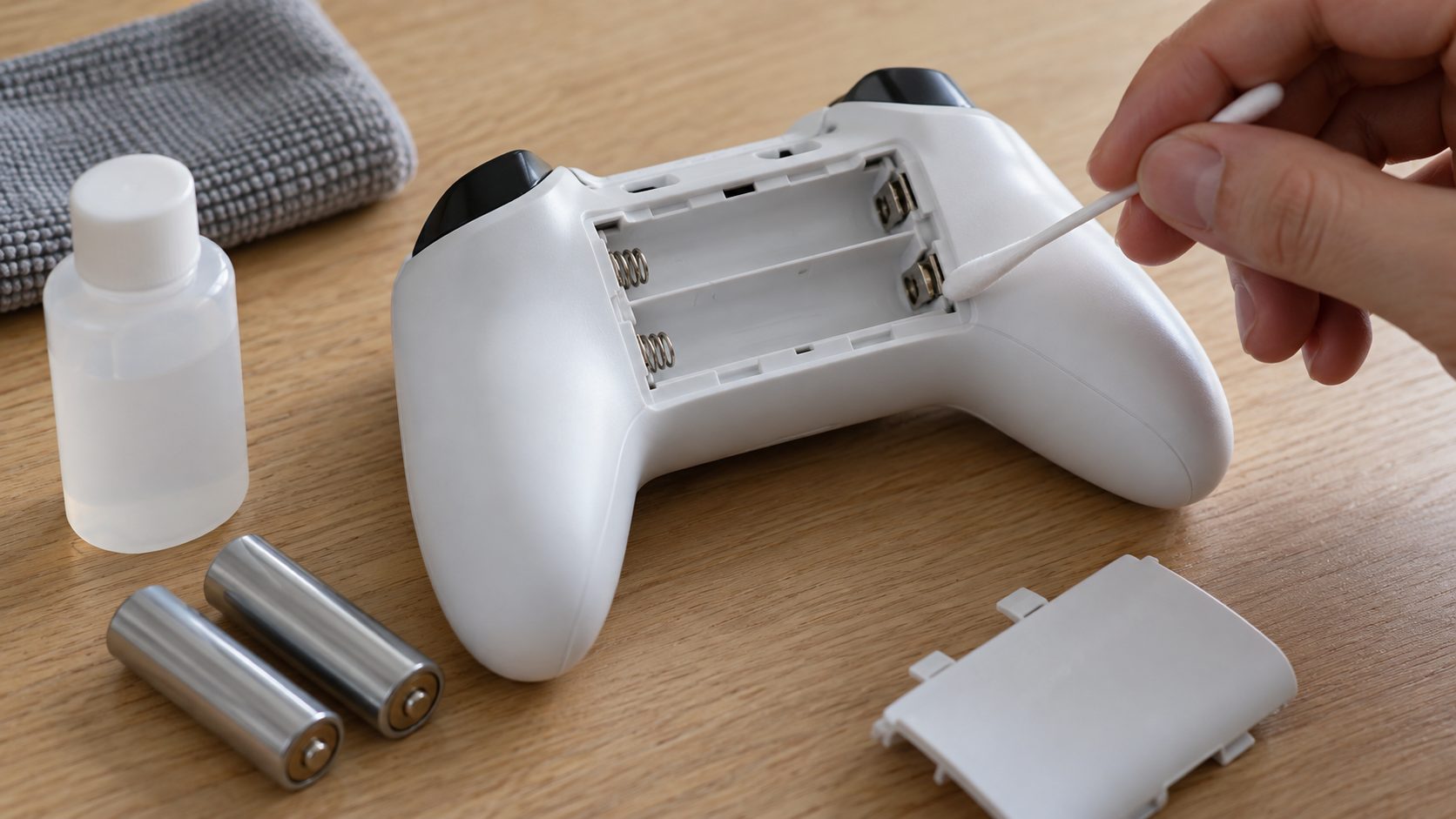
- Use a matched set. Alkaline or rechargeable NiMH (HR6) AAs both work; Microsoft recommends NiMH, which won’t charge inside the controller. As general practice, don’t mix old and new cells or brands.
- Clean the contacts. Use a dry cloth, or a cotton swab with isopropyl alcohol. Microsoft warns that water or other chemicals can damage them.
- Swap power sources. If the controller won’t stay connected to Xbox on your pack but holds on fresh AAs, the pack is at fault; rechargeable packs wear out over time.
- Be wary of third-party packs. Microsoft notes they may not be compatible with the Series X|S controller.
Elite controller won’t stay on?
The Elite Series 2 has a built-in battery: solid amber means low, flashing means charging, solid white means full. Microsoft quotes up to 40 hours wireless without a headset and recommends charging from a console or PC, not a USB wall charger. If an original Elite (Series 1) controller won’t stay connected to Xbox, it uses AAs, so the tips above apply.
Controller Won’t Stay Connected to Xbox Across the Room? Clear the Radio Path
If your controller won’t stay connected to Xbox from the couch but holds steady beside the console, it’s the signal. Microsoft’s current support pages give no controller range, so sit closer and see if the drops stop.
Microsoft blames frequent Wireless Adapter drops on poor line of sight and metal objects, so get the console out of a closed cabinet or off a metal shelf. Its retired Xbox 360 guidance also flagged microwaves, cordless phones and routers as interference sources.
Microsoft says some USB devices, including incompatible or defective USB cables, can interfere with wireless signals. Turn the console off, unplug every USB device (not power or HDMI), then restart and test. If the controller won’t stay connected to Xbox only when one drive or adapter is back in, you’ve found the cause.
Paired Elsewhere or Old Firmware: Fix the Link Itself
Microsoft says the controller “can only connect to one device at a time.” After a phone, PC or another Xbox, it has to be reconnected, so the controller won’t stay connected to Xbox until you bring it back.
Back from Bluetooth on a phone or PC? Double-press Pair on a Series X|S controller; Microsoft says Bluetooth use doesn’t erase the console pairing. On an Xbox One controller, or after another Xbox or an Xbox Wireless Adapter, re-pair as our Xbox pairing guide shows.
Update the firmware
If the controller won’t stay connected to Xbox wirelessly but works on the cable, update its firmware. Over USB it can take up to 3 minutes; don’t unplug the cable mid-update. Press the Xbox button, go to Profile & system > Settings > Devices & connections > Controllers & headsets, select the controller, then More options (…), and choose Firmware version if it says Update.
The original 2013 Xbox One controller updates only over USB. On Windows, the Xbox Accessories app works over USB or the Wireless Adapter, not Bluetooth, per Microsoft’s update guide.
Roll back after a bad update
Don’t roll back just because your controller won’t stay connected to Xbox. Microsoft’s rollback is only for controllers that began failing often with older non-Xbox Bluetooth devices after an update, and some older models lack it.
Drops Only When the Cable Moves: Worn Port or Cable
Sometimes a controller won’t stay connected to Xbox even on the cable, but only when the plug shifts. That’s a worn cable or port, not the radio.
Don’t wedge the plug at an angle, pry at the port or push anything into it. If a cable or controller gets hot, unplug it.
Play wired and move the plug lightly. If drops follow the movement, try a known-good data cable (Microsoft warns cables can develop a short), then another console USB port or a PC. Still cutting out only when the controller end moves? Its port is worn: repair it or replace the controller.
Controller Won’t Stay Connected to PC or PS4: Short Fixes
Xbox Wireless Adapter
Microsoft blames frequent drops on placement: stay within about 20 feet (6 meters) in line of sight, use the USB extender and keep the adapter off metal. Won’t pair with the adapter at all but pairs with a console? The adapter is at fault.
Bluetooth on Windows
Microsoft recommends one Bluetooth controller at a time and warns unshielded USB 3.0 devices can interfere. Still dropping? Remove it under Settings > Bluetooth & devices and pair again.
PS4 DualShock 4
Set the idle timer in Settings > Power Save Settings > Set Time Until Controllers Turn Off (PS4 User’s Guide); it doesn’t apply while connected by USB. Still dropping? With the PS4 off and unplugged, press the reset button in the tiny hole on the back with a paper clip for at least five seconds, reconnect by USB and press PS.
On PS5, see our guide to a controller that won’t connect to PS5.
Xbox Controller Disconnects: Quick Answers
Why does my Xbox controller keep turning off by itself?
If it sat unused, that’s the idle shutoff. If it happens mid-game, fit fresh batteries or charge the pack, even if it still has power.
Why does my controller only work when it’s plugged in?
Wired, it runs on USB power and sends everything through the cable, hiding a worn battery or a weak wireless link. When a controller won’t stay connected to Xbox unplugged, check the batteries and contacts, then the radio path and firmware. If nothing helps, Microsoft says it may need replacing.
Why won’t my controller reconnect to Xbox after I used it on my PC?
It connects to one device at a time. After Bluetooth, double-press Pair on a Series X|S controller; after another Xbox or a PC adapter, re-pair it with both Pair buttons or a data cable.
Is there a reset button on an Xbox controller?
Not one Microsoft documents: no pinhole reset like a PS4 controller’s, and no factory reset. Its fixes are a power cycle, re-pairing and a firmware update, or a rollback for Bluetooth problems.
Still Dropping? Swap Controllers, Then Check the Warranty
Pair a borrowed controller with this console, and test yours on a PC by USB or on a friend’s Xbox (re-pair it to yours afterward). If only your controller won’t stay connected to Xbox, even wired with a known-good cable and port, Microsoft says it needs replacing; check its warranty on Xbox Support first.
If the borrowed controller won’t stay connected to Xbox either, test both up close with the cabinet open and USB devices unplugged. If both still drop, suspect the console and ask Xbox Support about a repair. Other controller problems are covered in our gaming guides.
Leave a comment