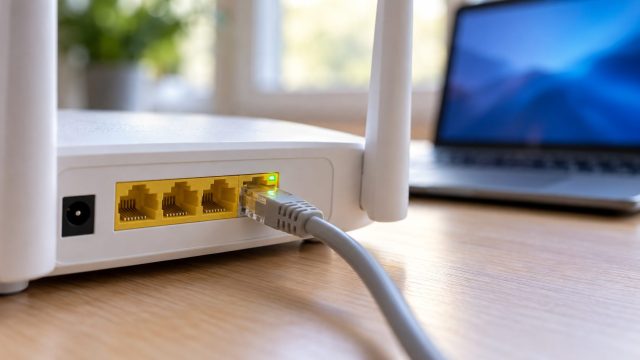
Router Keeps Disconnecting Ethernet? Fix Drops and Slow Link Speed
Read the Ethernet link speed on Windows or Mac first, then fix what it points to: a worn cable, a 10/100 port, PC power saving, powerline or a mesh satellite.


Wi-Fi, routers and home connection problems.
Read the Ethernet link speed on Windows or Mac first, then fix what it points to: a worn cable, a 10/100 port, PC power saving, powerline or a mesh satellite.

Heat, aging power parts, surges, ended firmware support and an outgrown Wi-Fi standard: the warning signs, what clicking and beeping mean, and when to replace.

Speed that swings by hour or room has four usual causes. Three days of wired and WiFi speed tests shows which one is yours and what to fix first.

A pairing lives on both devices and sometimes in your Apple or Google account. Find the copy that survived, then remove it on Windows, iPhone, Android or in your car.

Check whether a device is on 2.4, 5 or 6 GHz, decode a bare channel number correctly, and get a 2.4 GHz-only smart plug onto a one-name network.

Slow uploads usually trace to the plan, a weak WiFi uplink, a hidden uploader or bufferbloat. Seven checks, cheapest first, before you pay for a faster plan.
When only some devices drop, check power saving, phones switching to mobile data, private addresses the router doesn't recognize, DHCP leases and band steering.
Reveal a saved Wi-Fi password on Windows, Mac, iPhone or Android, find out why the option may be missing, and use the router when no device has it saved.

Control Center, a 5 a.m. auto-on and airplane-mode memory can all bring Bluetooth back. Find the cause, then use the real off switch on each device.
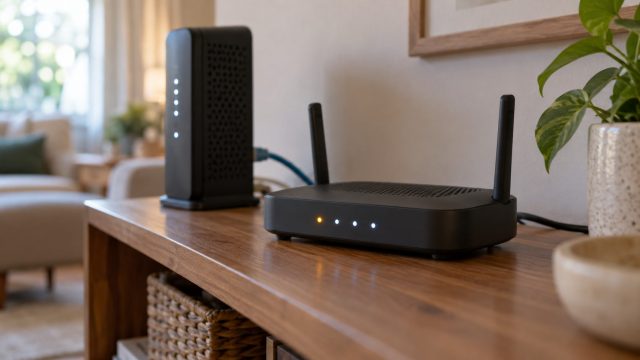
Which light is blinking matters more than its color. Tell traffic from trouble, check six brands' meanings, and fix an amber Internet light or a stuck startup.

Run the PS5's connection test and fix the first line that fails, from IP and DNS errors to PSN sign-in, slow speeds and NAT Type 3, plus when Ethernet wins.
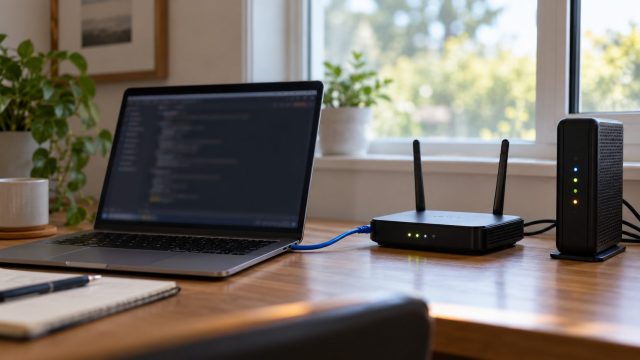
One wired computer shows whether drops start at the line, the modem, the router or the Wi-Fi radio. Read the lights, save the logs, fix that part and log it for your ISP.