

Why Do Routers Go Bad? Causes, Warning Signs and When to Replace
Heat, aging power parts, surges, ended firmware support and an outgrown Wi-Fi standard: the warning signs, what clicking and beeping mean, and when to replace.
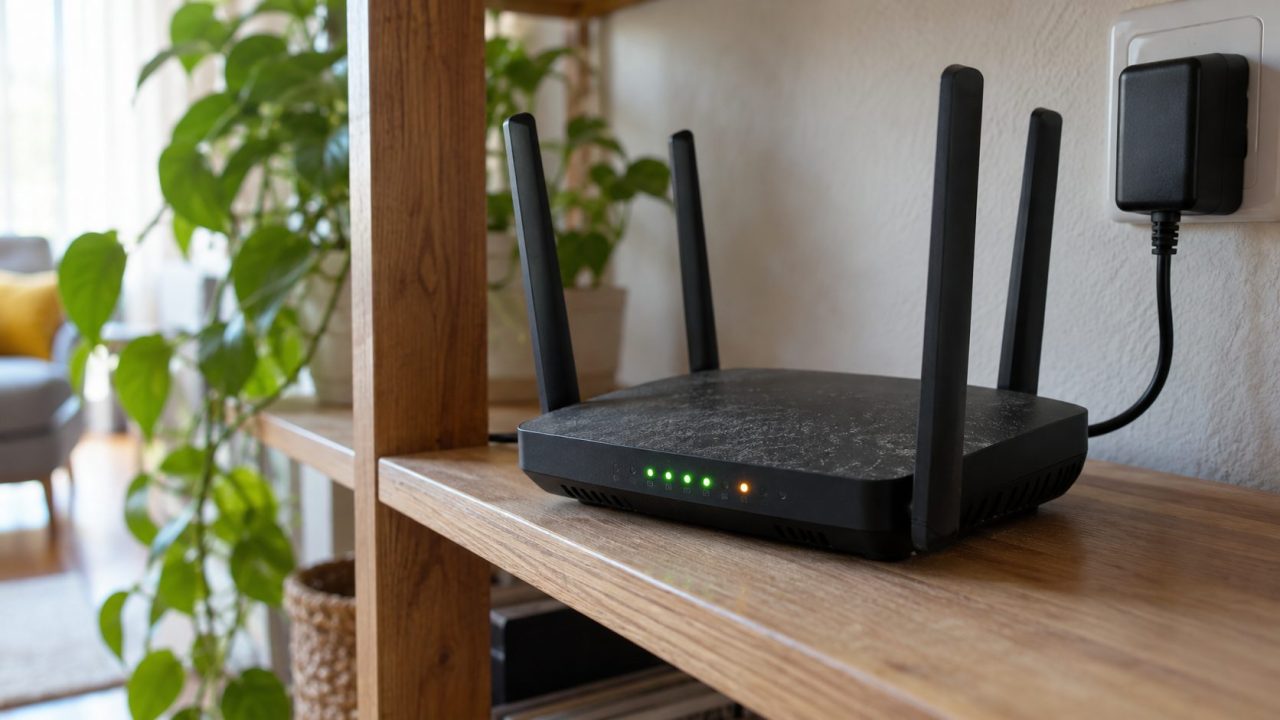
Why do routers go bad? Usually from heat, aging power parts, surges, ended firmware support or a Wi-Fi standard your home has outgrown. Most don’t die all at once; they turn flaky, slow or insecure first.
Why Do Routers Go Bad? The Short Answer
Why do routers go bad if nothing visibly breaks? A router is a small computer running around the clock, so heat and surges wear it down. Makers also stop sending security fixes while the hardware still works, and some routers simply fall behind a faster plan or more devices.
Sometimes the honest answer to “why do routers go bad?” is “it didn’t.” Many dying-router symptoms come from the modem, the line or the power adapter.
What Causes Routers to Go Bad: Five Usual Culprits
Why do routers go bad when nobody touches them? Start with these five causes.
1. Heat and placement
TP-Link says it’s normal for a router to run warm, even a little hot. Trouble starts when heat can’t escape: a closed cabinet, a stack of electronics, direct sun, or cloth underneath.
2. Aging power parts
Electrolytic capacitors in power circuits age faster when hot; ROHM’s rule of thumb says their life roughly halves per 10 °C (18 °F) rise. Rated life marks where values drift out of spec, not a death date. Most routers do their main power conversion in the cheap, swappable wall adapter.
3. Power surges
Ready.gov warns that power can return after an outage with damaging surges. The damage can be partial: a dead port, flaky Wi-Fi or random reboots.
4. Ended support and malware
Why do routers go bad with nothing physically wrong? Makers stop updating a model a few years after it leaves sale. The FBI warned in May 2025 that criminals infect end-of-life routers with TheMoon malware variants. Signs it lists, like overheating and connection problems, mimic failing hardware.
5. An outgrown standard
Wi-Fi 7 certification arrived in 2024, leaving Wi-Fi 5 routers two generations behind. They can struggle with many devices and faster plans; many also lack WPA3, required for new Wi-Fi CERTIFIED devices. No WPA2 (AES) at all? Retire it.

Warning Signs Your Router Is Going Bad
Why do routers go bad without anyone noticing? The signs creep in over weeks. A problem on one device points at that device; on every device, at the router.
- Every device drops at once (our router keeps disconnecting guide separates line and Wi-Fi drops).
- Restarts every few days (our router keeps rebooting guide explains its log).
- Speeds well below what the same device used to get, or far below your plan when wired.
- New devices won’t join while older ones stay connected.
- Too hot to touch, or slowing down after hours of use.
- Settings that won’t save, or that revert after a restart.
- Red, amber or odd lights, decoded brand by brand in our router keeps blinking guide.
Router Keeps Clicking or Beeping? Find the Source First
Why do routers go bad and start clicking or beeping? Often the router itself is silent: clicks tend to come from its adapter, and beeps from a battery backup or UPS.
Why does my router keep clicking?
Routers have no moving parts apart from a fan in some larger models. Clicks from the adapter, or lights that cycle with each click, point to a failing adapter or a restart loop. A UPS or voltage-regulating power strip also clicks as its relay switches during dips.
If clicking comes with heat or a burning smell, unplug the adapter from the wall at once and don’t use it again.
Router keeps beeping? Check the battery backup
Most routers have no speaker. Xfinity’s Voice Battery Backup case beeps four times when its batteries are flat (three when power is lost, two when it returns). Verizon’s Fios battery backup unit sounds an alarm once a minute when its battery is drained or not fully charged.
Holding Alarm Silence for 10 seconds reboots the unit and drops Fios for about 3 to 5 minutes, but a worn battery will set it off again. Replace it, especially if you rely on the line for emergency calls.
Outside the US, look for a similar box (an NBN battery backup on older Australian fiber installs, a UK digital-landline pack, a Canadian provider’s unit), or a UPS or smoke alarm with a low battery.
Before You Blame the Router: Tests in Order
Searching “why do routers go bad” usually means yours is acting up. Run these checks before replacing it, cheapest first:
- Restart in order. Unplug the router, then the modem, and remove any backup battery keeping the modem lit. After at least 30 seconds, put the battery back, plug in the modem, let its lights settle, then plug in the router.
- Wired test at the modem. Unplug the router, plug a laptop into the modem by Ethernet, and power-cycle the modem (many cable modems lock to the last device they saw). If the internet works, Microsoft’s Wi-Fi guide says the router is likely the problem; if not, suspect the modem or line. Skip it if your box is a combined modem-router or your login uses PPPoE or a VLAN (common in the UK and India); ask the ISP instead.
- Swap the adapter. A mismatched adapter can damage the router, so match the label: same voltage and polarity, at least the same current rating. Plug the known-good one straight into the wall; if reboots stop, that was the fault.
- Move it somewhere cooler. Out of the cabinet, off carpet, away from heaters and sun.
- Update the firmware, then reset. Update from the router’s app or admin page, and turn on automatic updates if offered, as Apple advises. For manual downloads, match the exact model and hardware version; never unplug it mid-update. A factory reset erases your Wi-Fi name, password and settings and, on many connections, the ISP login (PPPoE username and password, sometimes a VLAN ID), so write them down or get them from your ISP first.

Is Your Router Still Getting Security Updates?
Why do routers go bad while the hardware still works? Often because support has ended. Find the model and hardware version on the label (NETGEAR says no version printed means v1), then check the maker’s list:
- NETGEAR: products generally reach End of Service three years after their last sale date, then get no more firmware, security fixes included.
- TP-Link: its End-of-Life Policy says maintenance, security updates included, usually ends three years after end of sales.
- ASUS: its EOL list goes by hardware revision, covers models that no longer get firmware, and varies by region.
- UK: since April 29, 2024, makers of connectable products, likely including routers, must state a minimum security-update period and its end date.
The FBI says routers dated 2010 or earlier likely get no updates. Until you replace one, it advises turning off remote management and using a unique 16- to 64-character admin password.
At NETGEAR and TP-Link the support clock runs from the maker’s last sale, not your purchase, so old stock may have little update life left. ISP-supplied router? Ask the ISP for a replacement first.
Why Do Routers Go Bad, and Is Yours Worth Fixing?
Find your symptom, try the third column first, and replace only when the last column applies.
| Symptom | Likely cause | Try first | Replace when |
|---|---|---|---|
| Wi-Fi drops, wired to modem works | Router or firmware | Restart, update, reset | Drops return within days of a reset |
| Everything drops, wired too | Modem or line | Restart modem, call ISP | Not the router’s fault |
| Random reboots, dim lights | Adapter or power parts | Matching adapter, wall outlet | Reboots continue on a good adapter |
| Hot, slows after hours | Heat | Open, cooler spot | Still overheats in the open |
| No updates in years | End of support | Vendor EOL lookup | Listed as EOL or EOS |
| Settings change on their own | Malware, firmware fault or ISP changes (ISP gateway) | Update, reset, new admin password, remote management off (ISP box: ask the ISP) | Unsupported, or it happens again |
| Slow up close, new devices fail | Outgrown standard | Update, check security mode | Can’t keep up with your plan |
Frequently Asked Questions
How long should a router last before it goes bad?
There’s no official lifespan. Three to five years is a common rough estimate; a cool unit on clean power can last longer, though security updates may stop sooner.
Why do routers go bad so often in the same home?
If your router keeps failing, check its surroundings before buying another: a hot cabinet, a surge-prone outlet, the wrong adapter, or malware on an unpatched unit.
Why do routers go bad after a power outage?
A surge when power returns, or lightning on the line, can kill a port or the Wi-Fi while the router still powers on. Ready.gov advises unplugging electronics during an outage.
Is it bad to leave a router on 24/7?
No. Routers are built to run continuously. When people ask “why do routers go bad?”, heat and power quality are the usual culprits, not running hours.
So, Why Do Routers Go Bad? Test Before You Replace
Why do routers go bad? Mostly heat, tired power parts, surges, ended support and an outgrown standard. Run the checks above first; replace it only when updates have stopped, problems return within days of a reset, it overheats in the open, or it can’t keep up.
More home network fixes are in our internet guides.


Leave a comment