

Bluetooth Won’t Turn Off or Stay Off? Why It Keeps Coming Back On
Control Center, a 5 a.m. auto-on and airplane-mode memory can all bring Bluetooth back. Find the cause, then use the real off switch on each device.
When Bluetooth won’t turn off, or is back on by morning, the switch is usually working as designed. iPhone’s Control Center only drops accessories, some newer Android phones schedule Bluetooth to return the next day, and airplane mode remembers your last choice. Here’s what brings it back, and where the real off switch is.
Bluetooth Won’t Turn Off? Find Which of 3 Problems You Have
Most cases where Bluetooth won’t turn off fit one of three patterns. The icon dims, but Bluetooth stays on: iPhone or iPad Control Center. It goes off, then comes back: an auto-on schedule, airplane-mode memory, a feature or an app. The switch won’t move: a desktop Mac with only Bluetooth input devices, a Windows driver fault or a managed work phone.
Earbuds or headphones that won’t power down? See the FAQ.
Why Bluetooth Won’t Stay Off: 6 Things That Switch It Back On
When Bluetooth won’t turn off for good and comes back hours later, one of these six is usually why. Most are designed behavior, not faults.
The 5 a.m. reset
An iPhone Control Center tap lasts only until 5 a.m. local time or a restart.
Turn on tomorrow
Some Android 15 and later phones switch Bluetooth back on the next morning.
Airplane-mode memory
Phones remember whether Bluetooth was on in airplane mode last time.
Sharing and pairing
AirDrop, Quick Share and Fast Pair need Bluetooth, so using them turns it back on.
Cars and watches
Android Auto, wired or wireless, and smartwatch apps rely on Bluetooth.
Old apps, work phones
On Android 13 and later, only older apps, system features and work tools can toggle it unasked.
iPhone and iPad: Control Center Is Not the Off Switch
On an iPhone, this is the first thing to check when Bluetooth won’t turn off. The Control Center icon goes gray, but Apple’s Control Center article says Bluetooth stays available; only accessories disconnect, and not all of them.
| Effect | Control Center tap | Settings > Bluetooth off |
|---|---|---|
| What goes off | Most accessory connections | Bluetooth itself |
| Still works | AirDrop, AirPlay, Apple Pencil, Apple Watch, Handoff, Instant Hotspot | Nothing that needs Bluetooth |
| Comes back | At 5 a.m., after a restart, or when you pick an accessory in Settings or the AirPlay picker | Only when you turn it on |
Picking headphones from a media player’s AirPlay menu also undoes the Control Center tap. For a full off, open Settings > Bluetooth and turn the switch off.
Airplane mode won’t do it either. Apple’s Airplane Mode article says it leaves Bluetooth on unless you switched Bluetooth off during airplane mode before. Back on after the Settings switch? Bluetooth won’t turn off and stay off if a Shortcuts automation uses Set Bluetooth, so check the app’s Automation tab.
Android and Pixel: Turn Off “Automatically Turn On Tomorrow”
If Bluetooth won’t turn off for good on a newer Android phone, look for Automatically turn on tomorrow. Its description is blunt: “If you turn off Bluetooth, it turns on again the next day.”
Android’s source code sets that timer for 5 a.m. local time, on by default. It arrived in Android 15, but only on phones whose maker enabled it. On other brands, search Settings for “tomorrow” to check.
If you have it, the toggle is on the Bluetooth settings screen (on Pixel, Settings > Connected devices > Connection preferences > Bluetooth) and in the Quick Settings Bluetooth panel. Turn it off, then turn Bluetooth off.
Airplane mode remembers your last choice
Android turns Bluetooth off the first time you use airplane mode. Turn it back on there and, per Google’s Pixel Help, the phone remembers next time. Connected headphones or hearing aids are the other reason Bluetooth won’t turn off with airplane mode: Android keeps it on for them and may show “Bluetooth will stay on during airplane mode.” Turn Bluetooth off yourself in airplane mode to reset this.
Bluetooth scanning lets apps and services find nearby devices even when Bluetooth is off; it doesn’t flip the switch on. Turn it off under Settings > Location > Location Services > Bluetooth scanning (on older versions or other brands, search Settings for “Bluetooth scanning”).
Find the App or Feature That Switches It Back On
Still back on? Then Bluetooth won’t turn off because something on the phone keeps switching it on. Since Android 13, apps built for Android 13 or later can’t do that silently, which shortens the list:
- Older apps. Apps built for Android 12 or lower still can; outdated watch, fitness and earbud apps top the list.
- Prompts you approved. Any app can ask to turn Bluetooth on with a system pop-up; tapping Allow counts as you turning it on.
- System features. Quick Share, Find Hub (formerly Find My Device) and Fast Pair are exempt and rely on Bluetooth.
- Routines. Samsung’s Modes and Routines, or similar tools, can change it.
- Work management. On a company phone, a device policy can be the reason Bluetooth won’t turn off; ask your IT team.
Test it in safe mode
Safe mode runs without downloaded apps. On Pixel 6 and later, press Power and Volume Up together, then touch and hold Power off or Restart (Pixel 5a and earlier: hold Power). It switches airplane mode on, so turn that off, switch Bluetooth off by hand and use the phone for a few hours. If Bluetooth stays off there but not in normal mode, uninstall recent apps one at a time.
Bluetooth Won’t Turn Off on a Mac or Windows PC
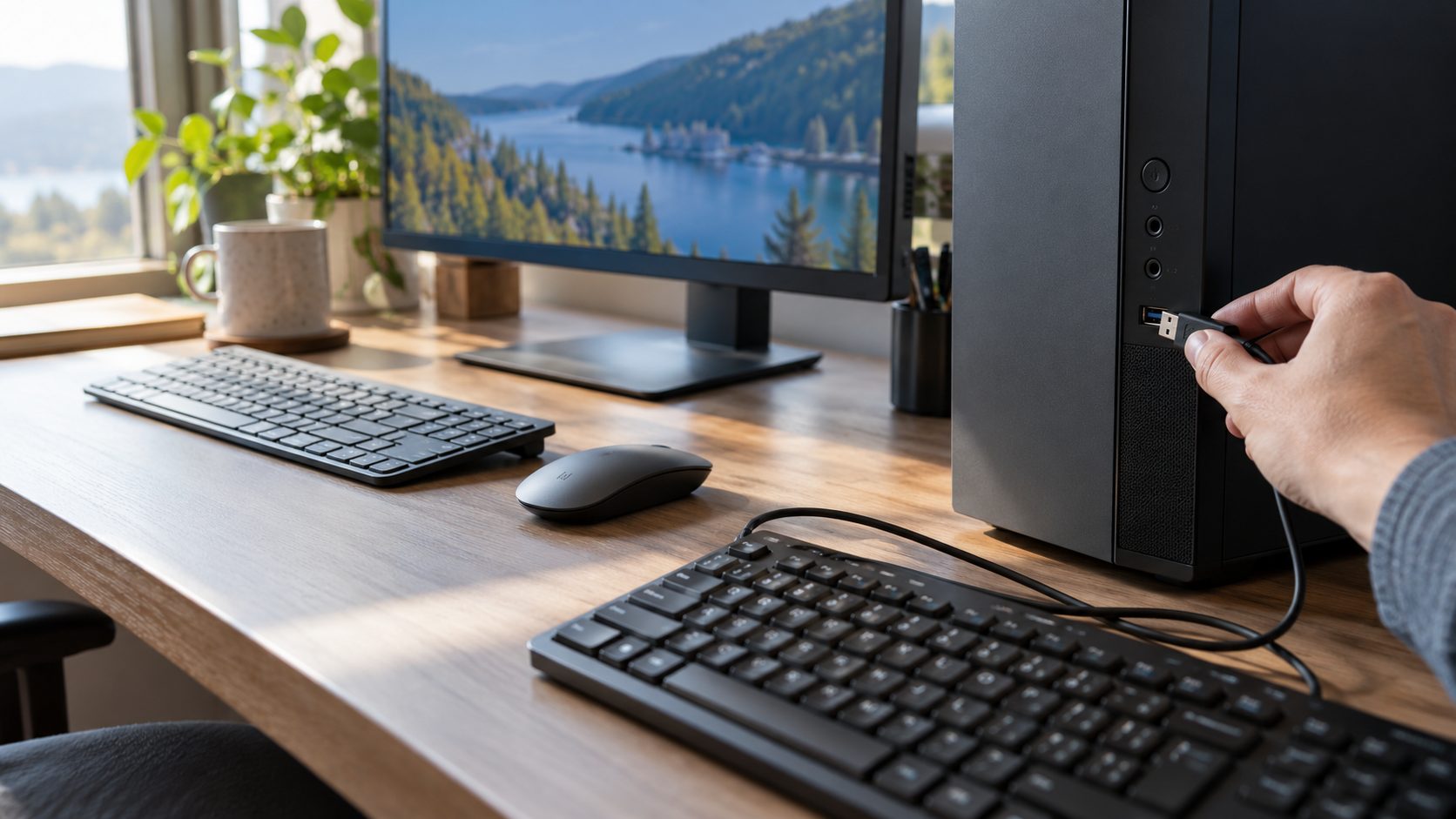
On a Mac, use Apple menu > System Settings > Bluetooth or Control Center. On a desktop Mac, Bluetooth won’t turn off while your only keyboard, mouse or trackpad connects over it, as Apple’s Mac User Guide notes, so plug in a wired one first. With a USB Bluetooth adapter the option may not appear; unplug the adapter instead.
On Windows 11, use Settings > Bluetooth & devices or the Quick Settings tile; on Windows 10, Settings > Devices or Action Center. For a quick workaround, turn on Airplane mode in Quick Settings (Windows + A); it switches Bluetooth off too, unless you turned Bluetooth back on in airplane mode before.
Microsoft links a grayed-out or missing toggle to Windows failing to detect or enable the hardware. If neither route works and Bluetooth won’t turn off in Windows, work up this ladder.
On a desktop PC whose only keyboard and mouse are Bluetooth, step 4 cuts them off. Connect USB ones before you start.
Full shutdown
Open Start > Power, hold Shift and click Shut down. Wait a minute, power on and try the Bluetooth toggle again.
Updates
Install waiting updates, including Optional updates under Windows Update > Advanced options.
Driver and troubleshooter
Press Windows + X, choose Device Manager, expand Bluetooth, right-click the adapter and choose Update driver. Then run the Bluetooth troubleshooter in Get Help.
Disable the adapter
When Bluetooth won’t turn off from Settings, right-click the adapter and choose Disable device; Enable device undoes it.
Skip registry edits and stopping the Bluetooth Support Service; Microsoft warns the latter can make paired devices fail. If Bluetooth later won’t come back, see Bluetooth won’t turn on.
What Stops Working When Bluetooth Is Fully Off
Turning Bluetooth fully off is harmless, though Apple advises keeping it on. You give up:
| Feature | With Bluetooth fully off |
|---|---|
| Apple Watch | Falls back to known Wi-Fi networks, using more power; some features need Bluetooth |
| AirPods, earbuds, hearing aids | Disconnect |
| AirDrop, Quick Share | Stop working |
| Find My, Find Hub | No Bluetooth spotting of nearby items; supported Pixels need it on at shutdown to be found |
| Handoff, Instant Hotspot | May stop working, Apple says |
| Fast Pair, Android Auto | No Fast Pair, wireless Android Auto or car calls |
Frequently Asked Questions
Does airplane mode turn off Bluetooth?
On iPhone, not unless you turned Bluetooth off during airplane mode before. On Android, yes, unless earbuds or hearing aids are connected, in which case it stays on. Once you switch Bluetooth on or off yourself during airplane mode, the phone follows that choice every time, earbuds or not.
Why does Android Auto keep turning Bluetooth on?
Android Auto is built into the phone, so Android 13’s limit on apps switching Bluetooth doesn’t apply. Wireless Android Auto needs Bluetooth to connect, and Android Auto can turn it on for car calls even over a USB cable. So when Bluetooth won’t turn off around your car, start there, and switch it off after the drive. If Android Auto connects but locks up, see Android Auto keeps freezing.
Why won’t my Bluetooth headphones turn off?
Most switch off when you hold the power button, though hold times vary by model and on some a longer hold starts pairing. Many earbuds switch off only in their closed case. If they keep reconnecting, forget them in your phone’s Bluetooth settings.
The Short Version: Use the Real Off Switch
Usually, Bluetooth won’t turn off because the switch you used isn’t the real one, or a scheduled feature brings it back at 5 a.m. Use Settings on iPhone, turn off Automatically turn on tomorrow on Android, add a wired keyboard to a desktop Mac, and use Disable device on a PC.
More wireless fixes are in our internet guides.
Leave a comment