

How to Fix WiFi After a Storm or Power Outage, Step by Step
Power's back but the WiFi isn't? Restart your modem and router in the right order, rule out an area outage and test for surge damage before replacing anything.
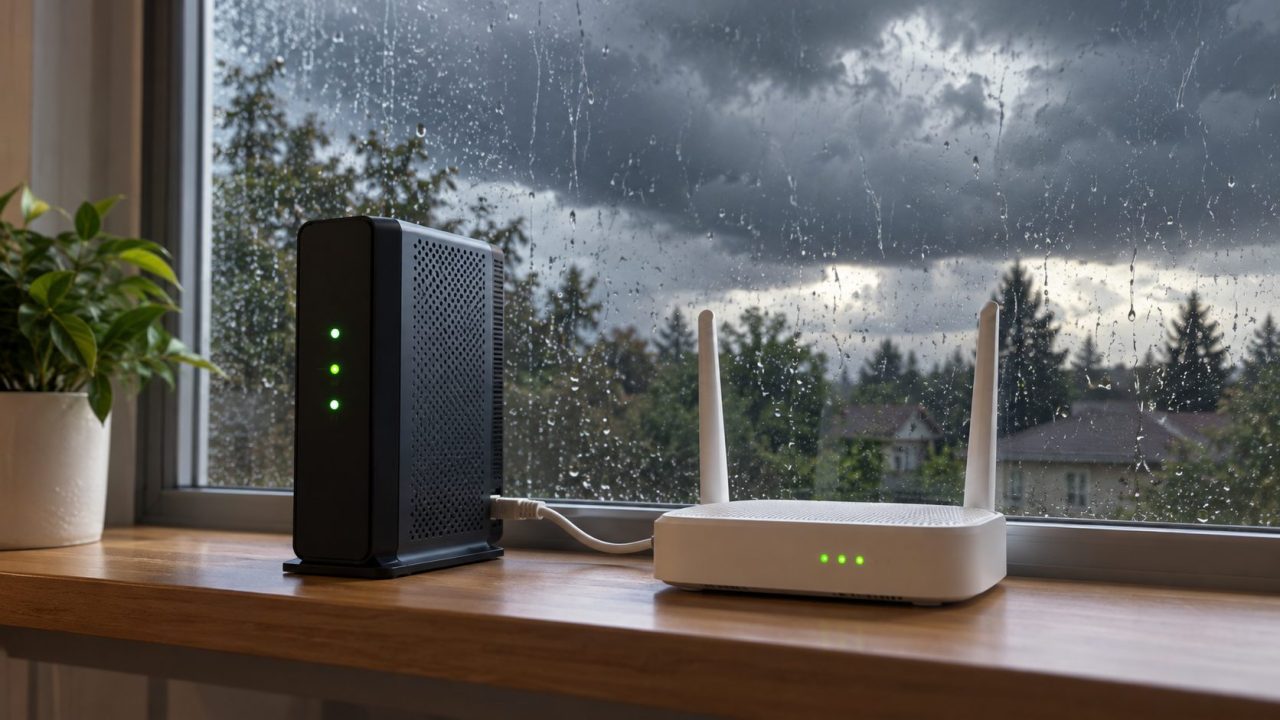
The storm has passed and the power is back, but the internet isn’t. Often nothing is broken: the modem and router restarted out of order, or your provider’s network is still down. Here’s how to fix WiFi after storm outages and power cuts, safest checks first.
If thunder is still around, leave the equipment alone: the US National Weather Service warns against unplugging or touching electrical equipment during a thunderstorm. Don’t touch anything electrical that is wet or smells burnt, or while standing in water, and replace a wet surge protector rather than drying it.
Stay well away from downed lines, cable, phone and fiber included, since they can be tangled with power lines. Report them to the power company or your provider.
Why Is My WiFi Not Working After a Power Outage?
Usually the modem and router came back out of order, or before your provider’s network did. Less often, a surge damaged something. The good news about how to fix WiFi after storm outages: the first two need only patience and the right order.
Rule out an area outage first
Before working out how to fix WiFi after storm outages at home, check whether the whole area is down. Use your provider’s app or status page over mobile data, or ask a neighbor. If it’s area-wide, wait; a phone hotspot can bridge the gap (some carriers limit or charge for tethering).
How to Fix WiFi After Storm or Power Outages: Restart in Order
NETGEAR’s power-cycle guide says devices only reset properly when you turn them back on in sequence. If you remember one thing about how to fix WiFi after storm outages, make it this order. Wait for stable power, and trust the lights over the clock.
Switch everything off
Unplug the router, mesh points and extenders, then the modem (remove its backup battery if it has one). Leave everything off for about 2 minutes.
Start the modem, ONT or gateway alone
Plug in only the box your provider’s line connects to and wait until its lights settle: about 2 minutes in Google’s Nest Wifi recovery steps, 5 or more in NETGEAR’s. On a gateway (modem and router in one), skip step 3.
Then the main router
Check the modem’s cable is in the router’s WAN or Internet port, then plug in the router and give it a minute or two.
Mesh points and extenders last
The primary unit, wired to the modem, goes first; Google adds the rest a minute later, then runs a mesh test in the Google Home app.
Then your devices
Computers, consoles and TVs go last.
Read the Modem and Router Lights
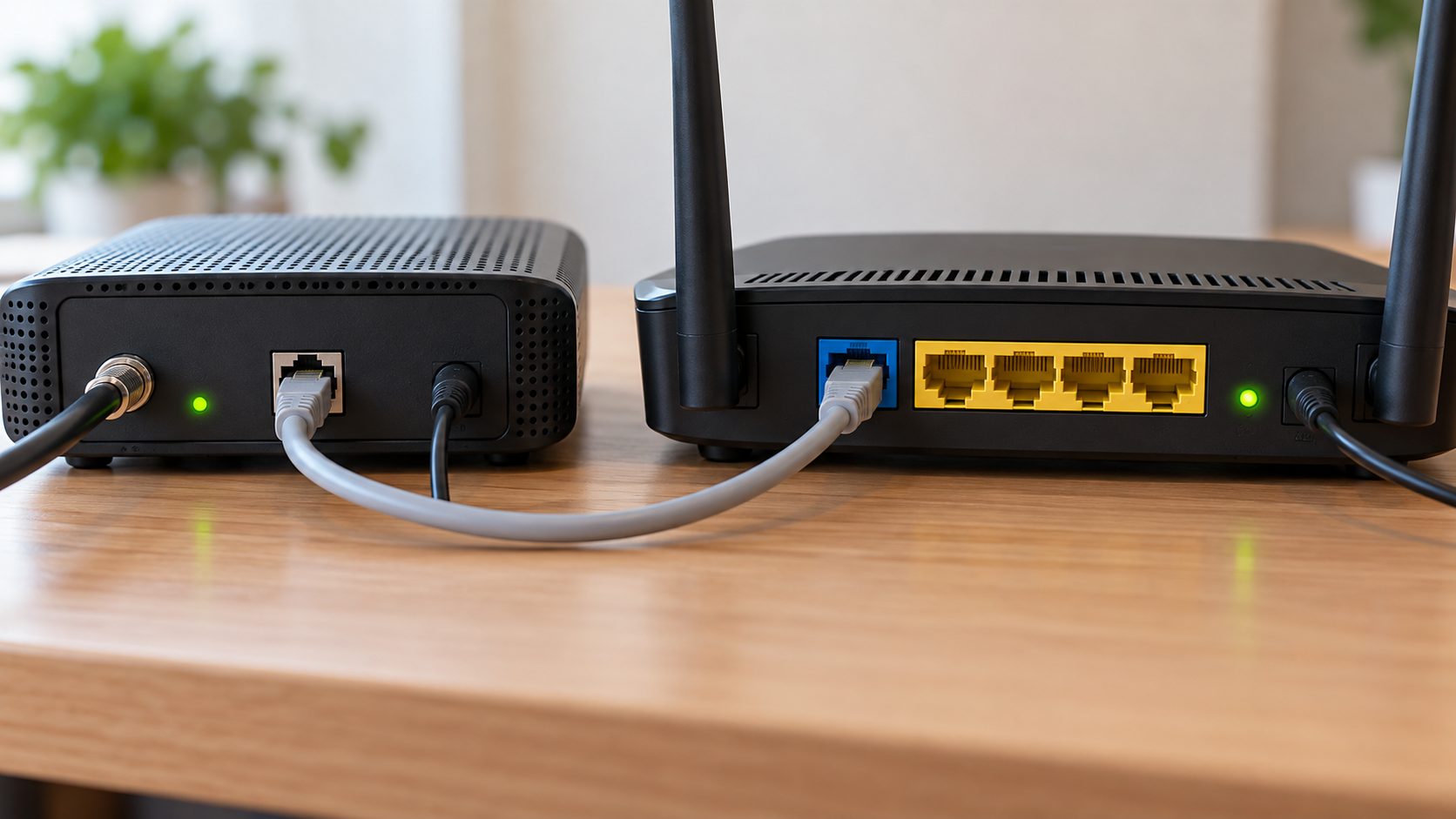
If the restart fails, the lights are your best clue for how to fix WiFi after storm damage. Colors and labels vary by brand; check your model’s guide:
No lights at all. A power problem: the outlet, the strip, the adapter or the unit itself.
Internet or DSL light slowly blinking, red or amber. No sync with your provider; give it time, then check the line. A fast flicker during use is usually just traffic. Our router keeps blinking guide decodes the patterns.
Normal lights, no WiFi. The line is fine; suspect the router’s wireless side or your devices.
Confirm it with a wired test
Plug a laptop into the router by Ethernet. If it gets online, the problem is WiFi. If not, connect it to the modem and restart the modem, since many cable modems only talk to the first device they see. Working there blames the router; failing there points to the modem, line or provider.
Skip this if you log in with PPPoE or your provider requires its own router: a laptop won’t connect straight to the modem or ONT anyway.
Check the Power and the Line Coming Into Your Home
Next, rule out simple power faults, the cheapest part of how to fix WiFi after storm power cuts. Try a known-good wall outlet, check the strip’s switch and push each plug in fully. Reset a tripped GFCI outlet, breaker or RCD only if the area is dry; if it trips again, leave it off and call an electrician.
A surge protector with its “protected” light out or reset button popped probably took the hit: test the router on a wall outlet and replace the protector.
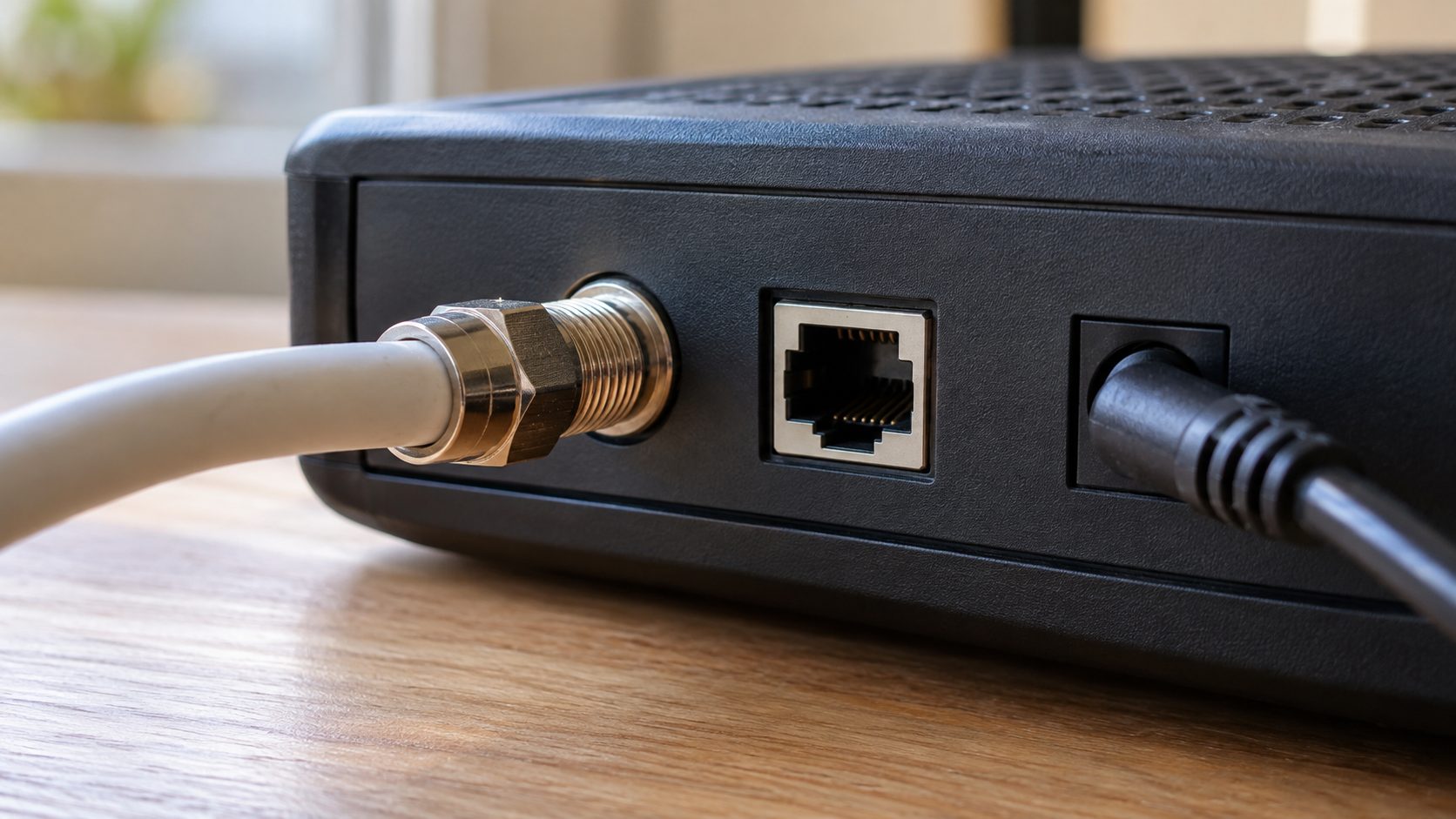
Then check the incoming line: NIST’s guide to surges notes they can arrive through phone, cable and antenna connections, not just power.
- Outside: a downed or torn line from the pole or street box is your provider’s job; don’t touch it.
- Cable: coax connectors are tight at the wall, splitter and modem.
- DSL: the phone cord is seated, with any filter in place.
- Fiber: the ONT, the box where the fiber enters, has power and lights.
Signs the Storm Damaged Your Router or Modem
Still pointing at the hardware? How to fix WiFi after storm damage depends on which part failed, so test before buying anything:
- No lights on a working outlet. Confirm it’s the original adapter, then try a spare with the same DC output voltage, polarity and connector, and at least the same current rating (amps or mA). Still dark? The unit has likely failed.
- A dead Ethernet port. Move a working cable between LAN ports; one dead port suggests damage. If a PC’s port died too, the surge may have come along the cable.
- A WAN port that never links. The modem works with a laptop, but the router’s WAN or Internet light stays off.
- Your usual network name is gone. If one matching the router’s label appears instead, it reset to defaults: log in with the label details and restore your old name and password.
- Wired works, WiFi doesn’t. If WiFi is on in the router’s settings but no network appears, the radio may be damaged.
- A burning smell, smoke or scorch marks. Don’t touch it. If there’s smoke or flame, get out and call emergency services. Otherwise, once the storm has passed, cut power at the wall switch or breaker and don’t power it on again.
Random restarts since the storm? See our router keeps rebooting guide; why routers go bad covers surges, heat and age.
When to call your provider or replace the router
Sometimes how to fix WiFi after storm damage comes down to a phone call. If the modem never syncs after a full restart and line checks, ask your provider for a line test (or a replacement, if it’s rented) and whether your PPPoE login changed. For a dead router you own, check the warranty.
Router Is Back but Your Devices Won’t Connect
The last step in how to fix WiFi after storm outages happens on your devices. If others connect but one doesn’t, forget the network, rejoin and restart that device. iPhone: Settings > Wi-Fi, tap the info button, Forget This Network. Android (menus vary): Settings > Network & internet > Internet, or Connections > Wi-Fi on Samsung; tap the gear, then Forget.
On Windows, run these in Command Prompt as administrator:ipconfig /releaseipconfig /renewipconfig /flushdns
Microsoft recommends Network reset only as a last resort (Windows 11: Settings > Network & internet > Advanced network settings > Network reset; on Windows 10 it’s under Network & Internet > Status). It reinstalls your network adapters, so you may need to reinstall VPN software and re-enter your WiFi password.
Factory reset last. It’s the one step in how to fix WiFi after storm outages you can’t undo: it wipes the router’s WiFi name, password and ISP login, so write them down first.
Protect Your WiFi Before the Next Storm
Protection cuts the odds you’ll need to know how to fix WiFi after storm damage again, but it has a limit: the National Weather Service says typical surge protectors won’t protect equipment from a lightning strike.
- Protect both lines. NIST rates gear wired to power and a phone or cable line as higher risk; use one protector that routes both.
- Add a small UPS. It rides out short power cuts, not provider outages.
- Unplug before, not during. If a storm is forecast, unplug the router and modem, and unscrew the coax or unplug the phone line from the modem too, since surges travel along those lines.
- Stay unplugged through long outages. Ready.gov warns power can return with surges.
How to Fix WiFi After Storm Outages: Quick Answers
Do these steps work for any WiFi outage?
Mostly. The restart order, the lights and the wired test apply to any outage; the surge and safety checks are what’s specific to how to fix WiFi after storm damage.
Should I unplug my router during a thunderstorm?
No. Unplug it before the storm arrives; the National Weather Service warns you could be struck doing it during one.
Do I need to reset my router after a power outage?
Usually not. Restart in order first; a factory reset wipes your WiFi name, password and ISP login.
How to Fix WiFi After Storm Damage, in Short
Stay safe, rule out an area outage, then restart in order: modem, router, mesh points, devices. If the lights still say no, check the power and the line, run a wired test, and only then suspect damage.
That’s how to fix WiFi after storm outages without buying gear you don’t need. More router fixes are in our internet guides.


Leave a comment