

How to Fix WiFi on Xbox Series X|S and Xbox One, Step by Step
Start from the message Test network connection shows, then work through power cycling, reconnecting, signal and band, a wired test and NAT, cheapest checks first.
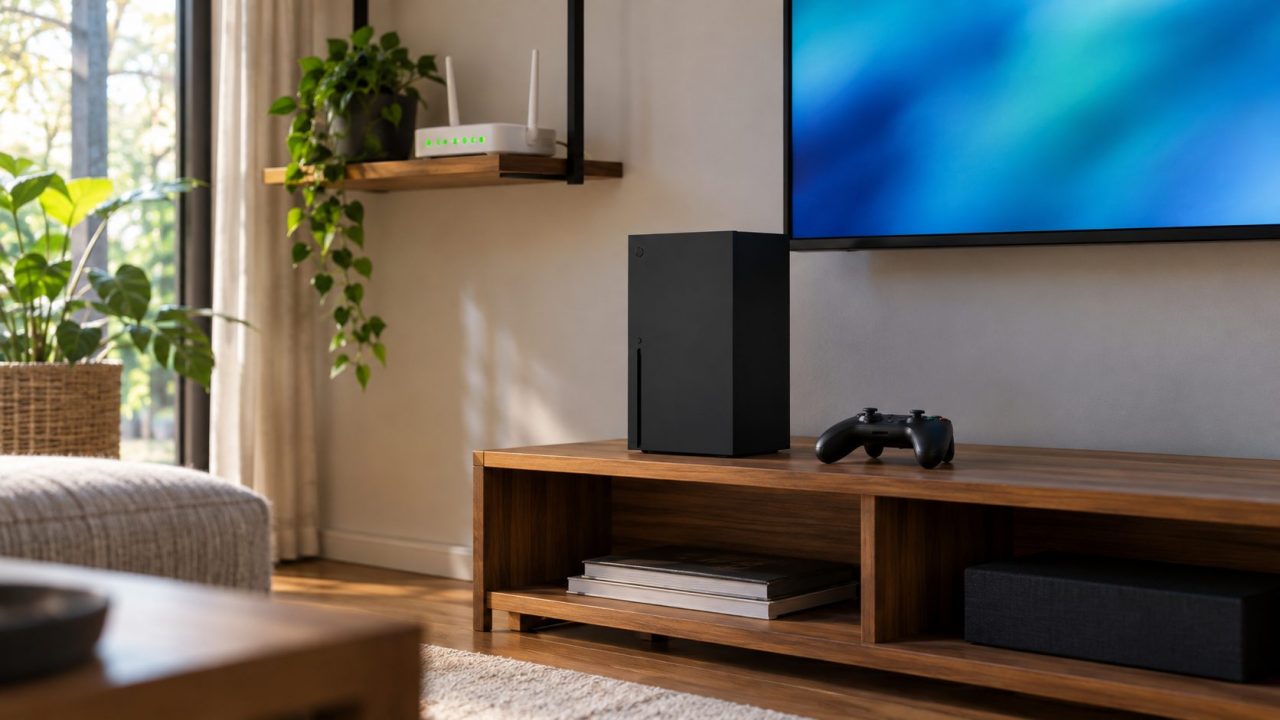
Figuring out how to fix WiFi on Xbox starts with one screen: Test network connection. Its exact message narrows down whether the console, the router or your internet provider is at fault, so you start with the right fix.
The steps below on how to fix WiFi on Xbox apply to Series X|S and Xbox One; router menus vary by maker.
How to Fix WiFi on Xbox: Check Status, Then Run the Test
Every guide on how to fix WiFi on Xbox should start outside your house: open the Xbox status page on your phone and check Devices & networking and Multiplayer gaming. If either shows an alert, wait it out.
Then run the test: press the Xbox button and go to Profile & system > Settings > General > Network settings > Test network connection.
| Message on screen | What it means | Go to |
|---|---|---|
| Can’t connect to your wireless network | The console can’t join | Reconnect |
| Can’t connect to your DHCP server, or any “IP address” message | No usable address from the router | Power cycle |
| DNS isn’t resolving Xbox server names | Name lookups fail | Manual DNS |
| Your security protocol won’t work | Security modes don’t match | Security mode |
| Unplug the network cable | Ethernet is still plugged in | Unplug, retest |
| Can’t connect to the Internet | Joined, but no internet | Signal, then wired test |
| There’s a hardware problem | The console needs repair | Request a repair |
Microsoft’s list of connection errors has 14 messages; the table keeps the ones WiFi users most often hit, and each linked section shows how to fix WiFi on Xbox for that message.
Power Cycle the Right Way: 5 Minutes, Modem First
Forget the usual 30 seconds. Microsoft asks for five minutes, in this order:
- Unplug the modem, router or gateway for 5 minutes.
- Restart the Xbox: hold the controller’s Xbox button, then Restart console > Restart. Frozen? Hold the console’s Xbox button for 10 seconds, then turn it back on.
- Plug in the modem or gateway first and wait for its normal lights.
- Plug in the router, let it start, then test again.
Anyone asking how to fix WiFi on Xbox should do this before touching a router setting. When a later step says “restart everything,” it means this routine.
Reconnect Cleanly: Password, Saved Networks and Filters
If the test says the console can’t join your network, here’s how to fix WiFi on Xbox the simple way: open Network settings > Set up wireless network, pick your network and retype the password (it’s case-sensitive).
- Ten saved networks at most. If the Xbox won’t remember yours, forget an old one.
- A hidden name. Microsoft’s first router check is that the SSID is broadcast; see our guide to a WiFi network that’s hidden or not showing up.
- MAC filtering. If the router admits only listed devices, add the console’s Wireless MAC from Network settings > Advanced settings. On a dorm or apartment network, the admin may need to allow its IP and MAC.
Should you clear the alternate MAC address?
Many guides call it a network reset, but Microsoft documents it only for copying the MAC of a device a managed network (dorm, hotel) already allows.
If Advanced settings > Alternate MAC address holds an old value, choose Clear. If it’s empty, clearing it only restarts the console.
2.4 GHz or 5 GHz? How to Fix WiFi on Xbox With a Weak Signal
Every Xbox One and Series X|S console is dual-band (2.4 and 5 GHz), but none supports WiFi 6 or 6 GHz, so a 6 GHz-only network never appears. 2.4 GHz reaches farther through walls; 5 GHz is faster up close. Two network names on your router? Try the other one.
Network settings > Test network speed & statistics shows what the console receives; Microsoft calls wireless strength below 20% low. If yours is low, placement is the cheapest answer to how to fix WiFi on Xbox:
Headset base stations
Microsoft says third-party headset bases share the router’s frequency. Unplug yours.
5 to 50 feet
Microsoft’s usual ideal range. Lift the router off the floor.
No cabinet
Free the console from enclosed furniture. Concrete, mirrors, metal and tile block signal.
Other transmitters
Microwaves, cordless phones, baby monitors, wireless speakers and nearby networks interfere.
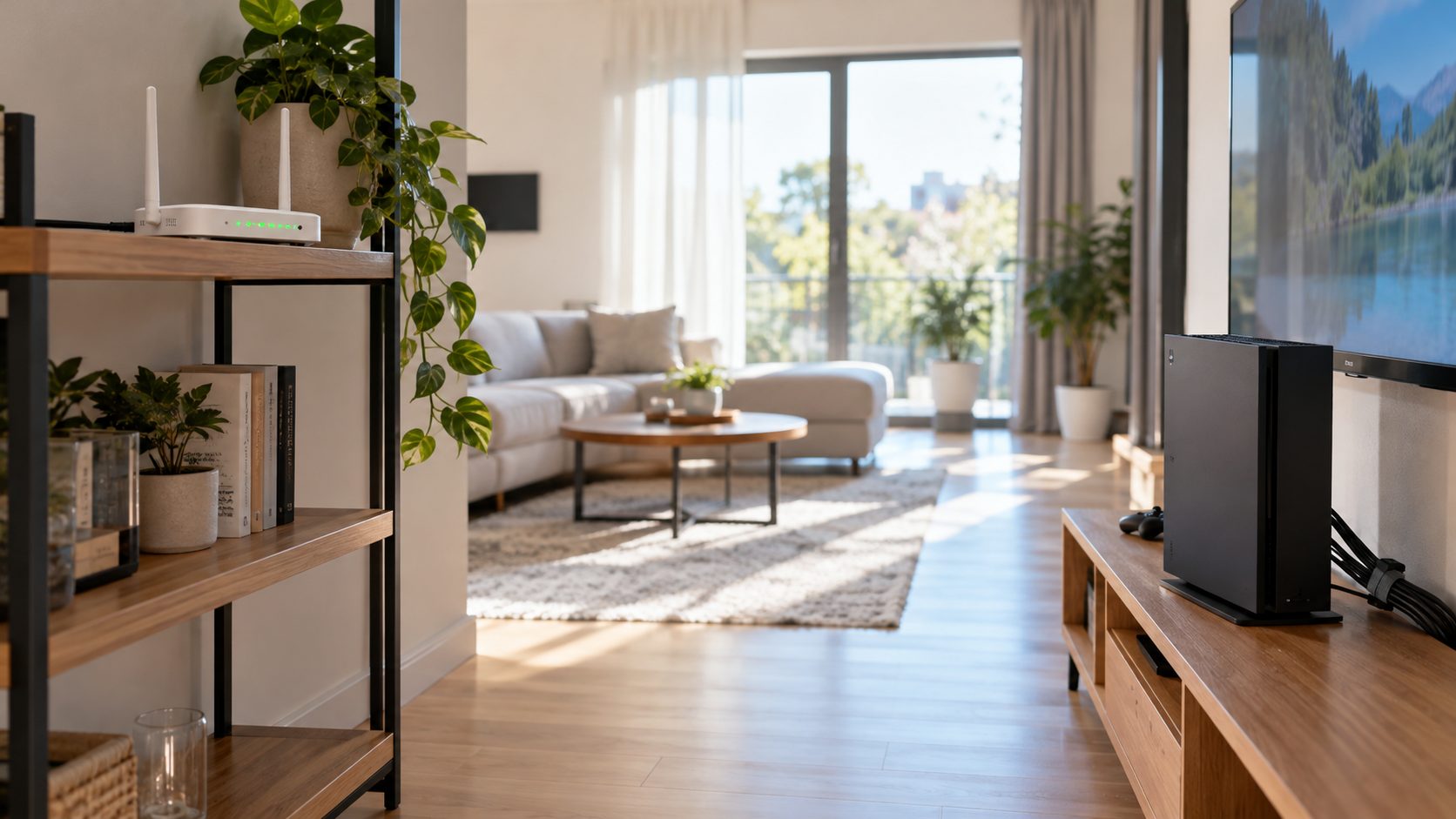
On the router, try another channel. Microsoft says the Xbox prefers 20 MHz channel width: use it on 2.4 GHz, but keep 5 GHz at 40 or 80 MHz unless narrowing it is the only fix. Security modes must match too: if a WPA3-only router triggers “Your security protocol won’t work,” try WPA2 or WPA2/WPA3 mixed mode, since Microsoft lists WPA2, not WPA3.
Plug In a Cable to Find Out What’s Broken
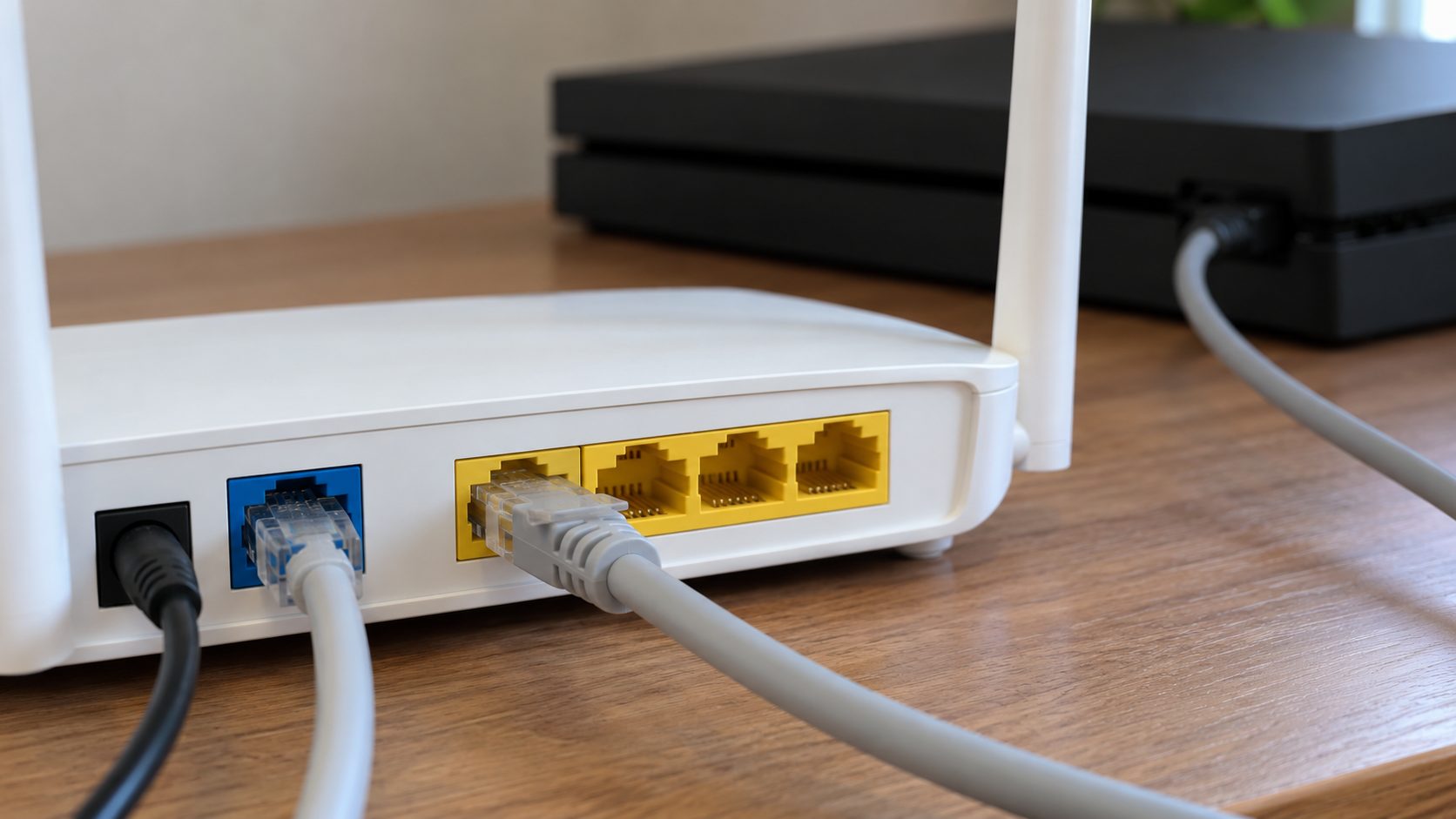
You don’t have to play wired, but a cable test is the fastest way to learn how to fix WiFi on Xbox: it shows which box to blame. Use a cable that works with a PC:
Console to router
Plug in and test. Wired works, WiFi doesn’t? Suspect the router, often its firmware.
Console to modem
Separate modem? Turn the console off and plug the cable into the modem. Unplug the modem for 1 minute, plug it back in and wait for normal lights, then turn the console on and test. Works there? The router is failing or incompatible.
Another home
Fails on the modem too? Test the console at a friend’s house.
Verdict
Works there? Call your ISP. Fails there as well? The console’s network hardware may need repair.
If the cable link itself fails, swap the cable and try a router port that works for a PC.
Why Is My Xbox WiFi So Slow? Read the Statistics
Microsoft says slow play and random disconnects usually come down to connection speed once an outage is ruled out. To figure out how to fix WiFi on Xbox lag, compare Test network speed & statistics with these lines:
- 3 Mbps down, 0.5 Mbps up, ping under 150 ms: Microsoft’s minimums for online gaming, not targets.
- Packet loss above 5%: troubleshoot. On WiFi, interference causing low signal is the leading reason.
- MTU below 1384: the console can’t play on the Xbox network.
For the DNS message, fix the connection first. If it persists, set Advanced settings > DNS settings > Manual, enter Primary then Secondary, press B to save and retest. Microsoft suggests copying the servers ipconfig /all lists on a PC; if that’s only your router’s address (such as 192.168.1.1), use your ISP’s servers or a well-known public resolver.
Fix NAT Type Strict or Unavailable on Xbox
A passing test doesn’t always end the job: when party chat or multiplayer fails, how to fix WiFi on Xbox becomes a question of the router’s NAT. Run Test NAT type: Open plays with anyone; Moderate may not connect with some players and rarely hosts; Strict plays only with Open; Unavailable blocks party chat and some multiplayer.
Note the admin login and screenshot current settings. Never cut power during a firmware update. Bridge mode often turns off the gateway’s own WiFi, so use it only with your router connected.
- Refresh UPnP: turn it off and save, restart everything, then turn it on, save (enable Zero Config too, if listed) and restart the modem and router. Still stuck? Update the firmware.
- Teredo: NAT Unavailable, “Can’t get a Teredo IP address” and error 0x89231906 mean Teredo failed. Allow Teredo or IPv6 tunneling, restart the router and rerun Test multiplayer connection. Still failing? Microsoft’s next step: set Enable IPv6 to No and reboot again.
- QoS tagging: if enabling DSCP or WMM tagging made NAT Unavailable, turn it off and restart the console.
- Double NAT detected (under Current network status): if you run your own router behind an ISP gateway, put the gateway in bridge mode. Then compare the router’s WAN IP with a what-is-my-IP site. If they differ, or the WAN IP is 10.x, 172.16-31.x, 192.168.x or 100.64-127.x (carrier-grade NAT), Microsoft says Open NAT isn’t possible until your ISP gives you a public IP.
Forwarding ports? Use only Microsoft’s published list: UDP 88, UDP/TCP 3074, UDP/TCP 53, TCP 80, UDP 500, UDP 3544, UDP 4500, plus a DHCP reservation for the console. Don’t combine forwarding with UPnP.
How to Fix WiFi on Xbox: Quick Answers
Why does my Xbox say it’s connected to WiFi but won’t go online?
If the test says “It’s all good” but the Xbox network still fails, check Xbox status. If it shows an alert, wait it out; no step on how to fix WiFi on Xbox at home beats an outage. If every service is up, run Test NAT type and Test multiplayer connection, then see the NAT section.
Why can’t my Xbox see my WiFi network when other devices can?
When only your network is missing, how to fix WiFi on Xbox starts in the router: make sure that name isn’t on 6 GHz only and the SSID is broadcast, then try another channel. If the Xbox lists no networks at all after a restart while your phone sees yours, Microsoft says its wireless adapter may need repair.
Why does my Xbox keep disconnecting from WiFi?
Microsoft ties three things to connection problems: wireless strength under 20%, a third-party headset base nearby and packet loss above 5%. The placement fixes above show how to fix WiFi on Xbox when it drops mid-game.
My controller keeps dropping. Is that WiFi?
Not your WiFi network: the controller links to the console directly, not through the router, though wireless gear right beside the console can still interfere. See our guide to a controller that won’t connect to Xbox.
Console, Router or ISP: Who to Call Next
Read the message, power cycle, then let the cable decide: works on the modem means the router, fails on the modem but works elsewhere means your ISP, and fails everywhere points to an Xbox repair. That’s how to fix WiFi on Xbox without guessing.
Same trouble on a PlayStation? Our PS5 WiFi guide follows the same logic, and more router fixes are in our internet guides.
Leave a comment