Why Is My Game Minimizing Itself? Stop Games Dropping to the Desktop
An overlay, pop-up, admin prompt, stray key press or a click on your second screen can steal focus and drop a fullscreen game to the desktop. Here's how to find it.


Step-by-step fixes for phone, computer, internet, gaming and car tech problems.
An overlay, pop-up, admin prompt, stray key press or a click on your second screen can steal focus and drop a fullscreen game to the desktop. Here's how to find it.
If you hear your own voice, the echo usually starts on the other phone. Find whose end it is, then fix speakerphone, Bluetooth, mic holes or Wi-Fi Calling.
When only some devices drop, check power saving, phones switching to mobile data, private addresses the router doesn't recognize, DHCP leases and band steering.
No Wi-Fi button, a missing network, "Can't connect to this network" or constant drops: each has its own cause. Here's how to tell them apart and fix the PC side.
Queued, stuck at 0 bytes, failing with a disk write error or frozen at 100%: each has its own cause. Here's how to read what Steam shows and fix it, safest step first.
Find out why calls go silent, only vibrate or skip to voicemail, then fix the right setting on Pixel, Galaxy or iPhone, from the ring slider to call forwarding.
Set up XP in VirtualBox or Hyper-V Generation 1 with an IDE disk, a network card XP knows and matching Guest Additions, then keep it offline with a clean snapshot.
An external display that stays dark on a MacBook usually comes down to the chip's display limit or a cable without video. Here's what to check, in order.
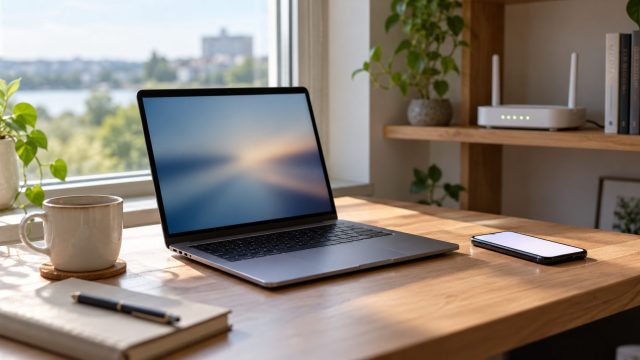
Reveal a saved Wi-Fi password on Windows, Mac, iPhone or Android, find out why the option may be missing, and use the router when no device has it saved.
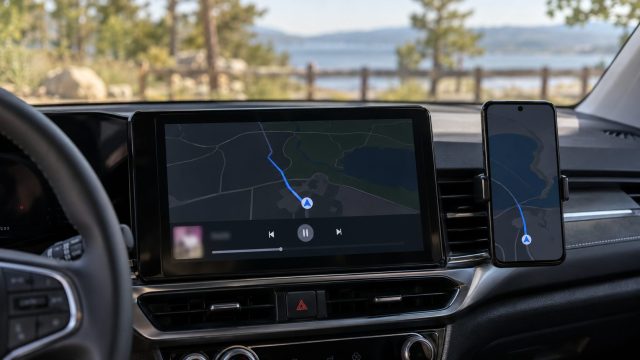
Music pausing at every turn, after a signal blip or only in Spotify? Find the trigger first, then fix prompts, battery limits, cables, volume jumps and autoplay.
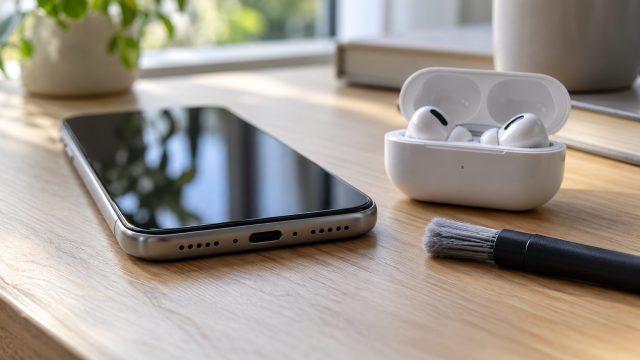
Wrong volume slider, a mode, a hearing-safety limit or lint in the grille? A quick speaker test shows which, then the fixes run from safest to last resort.
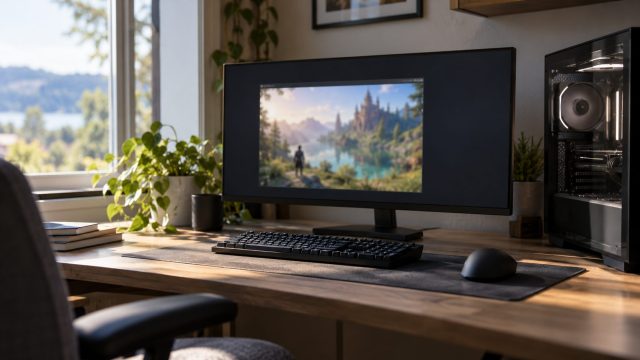
A title-bar window, a borderless view, a small black-barred picture and the wrong monitor all have different causes. Here's how to tell them apart and fix each.