

Android Auto Keeps Pausing? Fix Music Pauses, Volume Jumps, Autoplay
Music pausing at every turn, after a signal blip or only in Spotify? Find the trigger first, then fix prompts, battery limits, cables, volume jumps and autoplay.
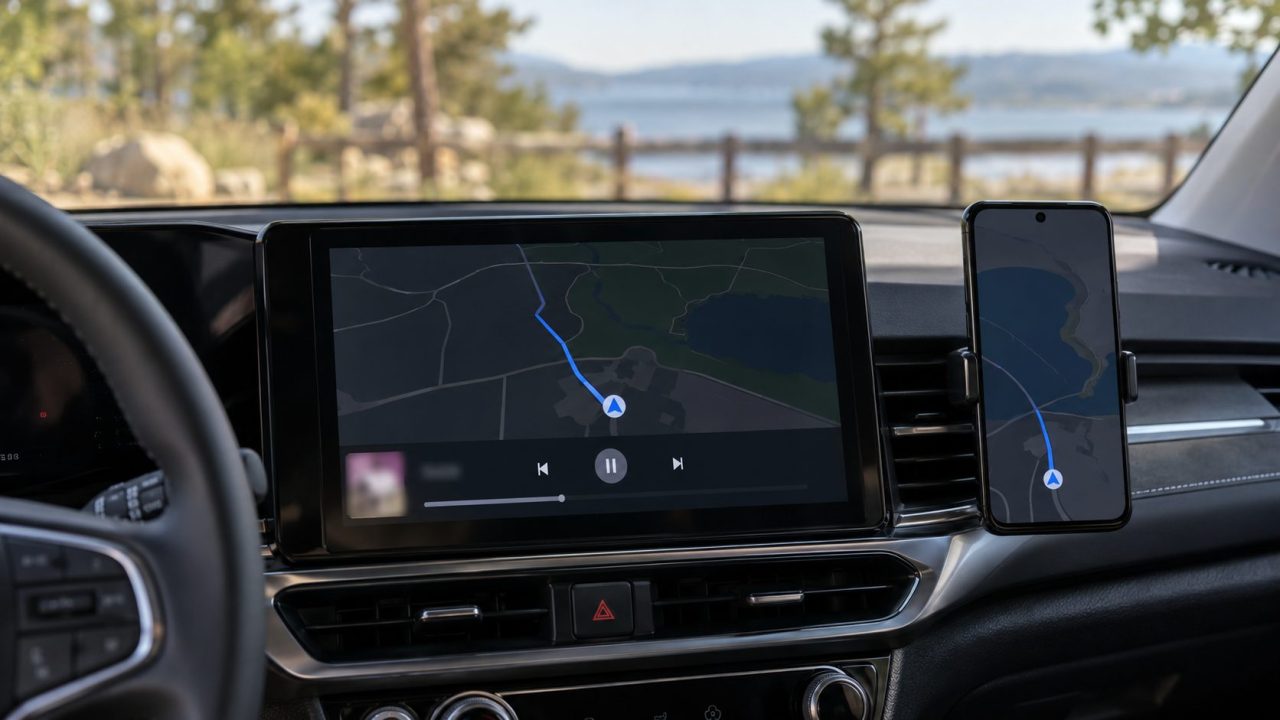
When Android Auto keeps pausing your music or podcast, the moment it stops is your best clue: at every turn, when the screen locks, after a signal blip, or in one app only. Match the trigger, then fix it, cheapest first.
Android Auto Keeps Pausing? Match the Trigger First
Restart the phone and the car’s infotainment system first; it clears one-off glitches. If Android Auto keeps pausing after that, pick the card that matches when the sound stops, and change settings only while parked.
At every turn or message
Maps, Waze, Gemini or a message took over the audio. Prompt fixes
When the screen locks
A battery saver may be putting the music app to sleep. Battery fixes
In one app only
The app, another device on your account, or a dead zone. App fixes
After a bump or signal blip
The audio link dropped for a moment. Dropout fixes
Volume jumps, or music starting by itself? See the volume table or the autoplay fixes.
Android Auto Keeps Pausing When Maps, Waze or Gemini Speaks
Android lets only one app hold audio focus at a time. When Maps or Waze speaks, it borrows focus, and your track pauses or ducks (plays more quietly), depending on how both apps handle it. Google’s audio focus guide calls ducking a good fit for spoken directions.
Spoken content is the exception: Google tells podcast and audiobook apps to pause rather than duck. So when Android Auto keeps pausing your podcast at every turn while music only dips, nothing is broken. On Android 12 and later, when another app takes full audio focus, the system fades your music out.
- Google Maps. On the phone: profile picture > Settings > Navigation > Guidance volume. During a route, the Sound button offers Mute, or Alerts, which drops turn-by-turn directions (see Google’s Maps voice settings). A chime instead of a voice means voice directions haven’t downloaded; keep Maps open online until they do.
- Waze. Switch its sound from Normal to Less chatty, Only alerts or Off; its volume is set on the phone (see the table below).
- Gemini or Google Assistant. Hold the steering-wheel voice button until you hear the tone; a short press can exit Android Auto and stop the music. You may see either name while Google swaps Assistant for Gemini through 2026.
- Messages. Message chimes and read-outs borrow the audio, too; turn them down in Android Auto’s settings on the phone (options vary by version).
Pauses When the Screen Locks: Lift the Music App’s Battery Limits
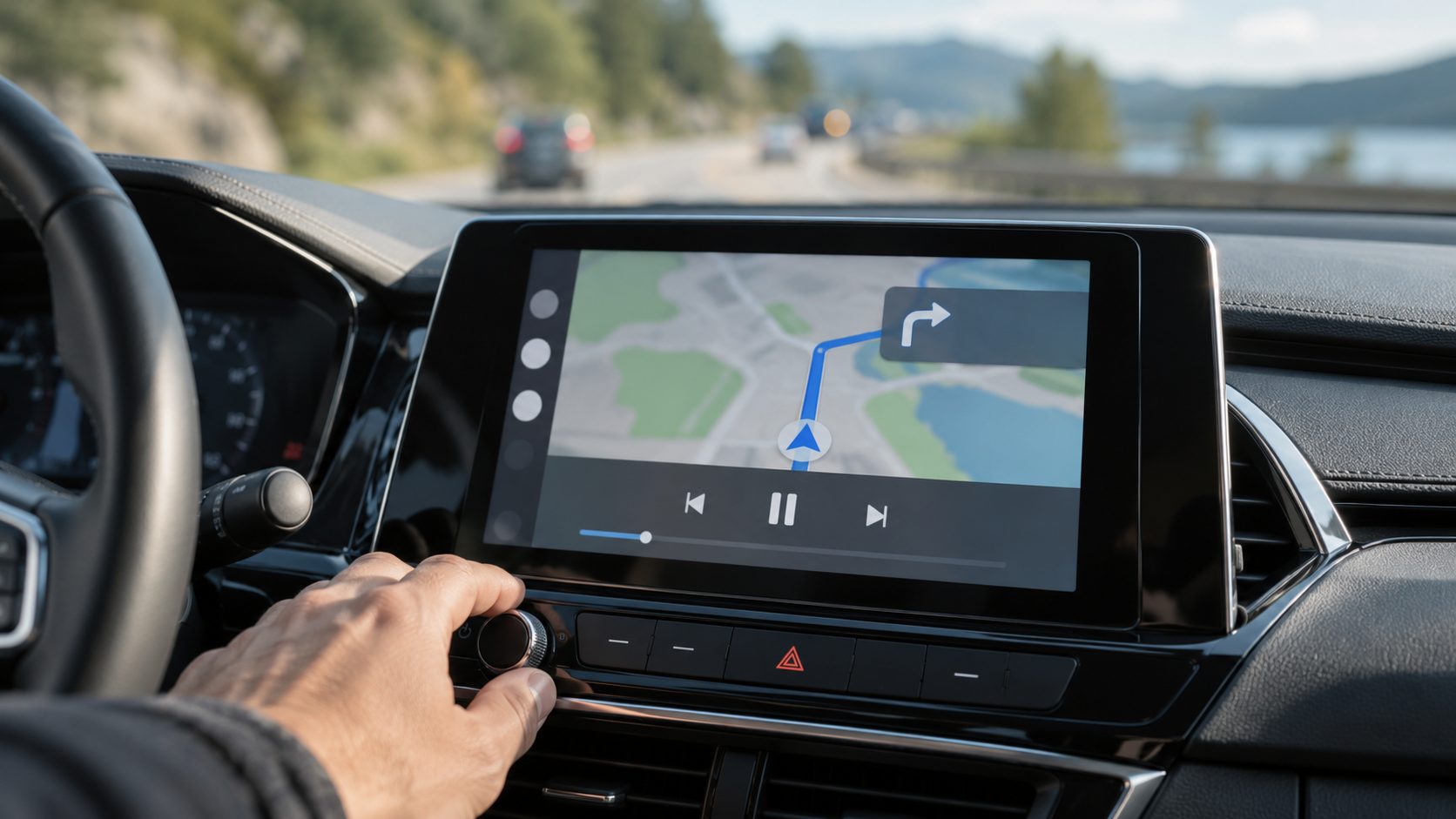
Android Auto keeps pausing a few minutes after the phone screen goes dark? A battery saver may be putting the music app to sleep. Google advises keeping optimization on, so loosen it for the music app only.
Battery Saver off for one drive
If the pauses stop, turn it back on and exempt the music app instead.
Pixel
Android 14 and later: Settings > Apps > See all apps > the app > App battery usage; keep Allow background usage on, tap its name, pick Unrestricted. Android 12 and 13: pick Unrestricted on the app’s battery page in App info. Older: Special app access > Battery optimization.
Samsung
Settings > Battery > Background usage limits (older One UI: Battery and device care, or Device care). Move the app from Sleeping or Deep sleeping apps to Never auto sleeping apps (or Never sleeping apps) with +.
Other brands
Xiaomi, OnePlus and others name their savers differently; in App info, pick the least restricted battery option.
If Android Auto itself closes, not just the music, see why Android Auto keeps stopping.
Only Spotify or YouTube Music Pauses? Fix the App
When Android Auto keeps pausing one app, play a second music app before you set off. If it runs without a break, the car and the link are fine. Then try these:
- Update Android Auto, the music app and the phone’s system software.
- Clear both apps’ cache: App info > Storage & cache > Clear cache. Avoid Clear storage, which wipes the app’s data and downloads.
- Last resort, as it deletes downloads and signs you out: reinstall the music app on Wi-Fi.
Spotify stops when another device plays
A Spotify account plays on one device at a time, so a smart speaker, TV or someone sharing your login can silence the car, a common reason Android Auto keeps pausing Spotify. Check Spotify’s device list to see where playback went. Don’t recognize a device? Use Sign out everywhere on your account page and change your password.
Spotify pauses in dead zones
Download a driving playlist: Spotify says downloads play automatically when the connection drops. Music downloads need Premium (free accounts get podcasts only), and you must go online at least once every 30 days to keep them.
YouTube Music says the account is in use
When Android Auto keeps pausing YouTube Music with a message that your account is in use in another location, another device on your account is playing; each account streams to one device at a time. Stop it there, or sign out of devices you don’t use. In weak signal, Premium’s Smart downloads keep up to 200 recently played songs offline.
Android Auto Music Keeps Cutting Out: Cable, Wi-Fi and Bluetooth
When the audio link to the car drops, Android routes sound to the phone speaker and music apps are expected to pause, so a split-second drop can stop the track. Short dropouts are often why Android Auto keeps pausing on the road, so steady the link:
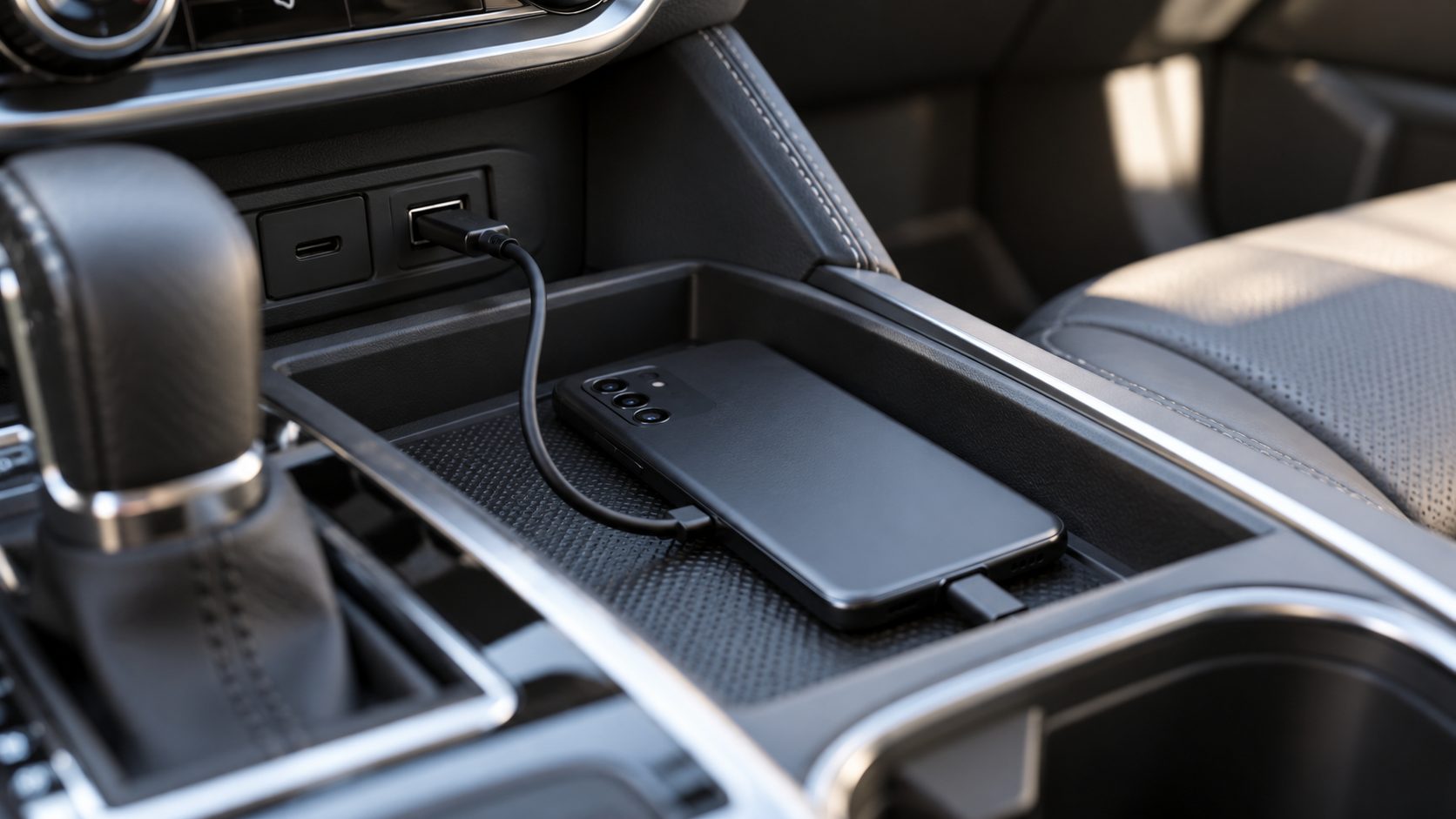
- Wired. Google recommends a high-quality USB cable under 1 meter (3 feet), with no hubs or extensions; if it worked before, a new cable will likely fix it. Use the car’s data port, not a charge-only one.
- Wireless. It runs over 5 GHz Wi-Fi, so a brief drop can pause the stream. Toggle Bluetooth and Wi-Fi, or try a cable for one drive. With a plug-in wireless adapter, update its firmware or test with a cable.
- Other devices. Earbuds paired with your phone, or a passenger’s phone paired to the car, can grab the audio. Google’s Bluetooth help says to check that other devices paired with your phone aren’t playing the music.
- The car. Wheel and head-unit buttons send play and pause through Android Auto, or over Bluetooth (AVRCP) if the phone is also connected as a media device. A bumped button can stop the track.
On a Pixel, some drivers turn off Media audio under Settings > Connected devices > gear next to the car, leaving Phone calls on (Samsung: Connections > Bluetooth > gear, toggle Audio). Google’s Bluetooth help says to keep Media audio on for car music, so treat this only as a short test. If music goes silent, or Android Auto keeps pausing anyway, turn it back on.
If the screen locks up along with the sound, see what to do when Android Auto keeps freezing.
Android Auto Volume Keeps Changing, Dropping or Muting
Some drivers who say Android Auto keeps pausing are hearing volume drops. Android keeps separate media, call, alarm and notification volumes, and Google says some cars control navigation, media and voice levels separately.
| What you notice | Likely cause | Where to change it |
|---|---|---|
| Music dips during directions | Ducking | Fewer prompts: Maps Alerts, Waze Less chatty or Only alerts; the car’s navigation mix setting, if any |
| Directions or voice too loud or quiet | A separate car level (some cars) | Car audio settings, owner’s manual |
| Waze volume won’t change | Its level is set on the phone | Disconnect, then Waze Settings > Voice and sound > Guidance volume |
| Silent during a call | Android 12 and later mute media when a call comes in | Nothing; it returns after the call |
Music Starts Playing by Itself When You Connect
Google’s rules say media apps mustn’t autoplay when Android Auto connects; Android Auto or the car resumes playback. So if Android Auto keeps opening Spotify and playing, check these:
- Android Auto’s settings. Open them on the phone (Pixel: Settings > Connected devices > Connection preferences > Android Auto; elsewhere, search Settings). Under Startup, turn off Start music automatically, if your version has it. Start Android Auto automatically only decides whether Android Auto launches, not what plays.
- The head unit. Some cars send their own play command or return to their last source or the radio on connection, even with that toggle off. Check the audio menu and owner’s manual.
- Not Spotify’s Autoplay. It only plays similar songs after an album or playlist ends.
Android Auto Keeps Pausing? Quick Answers
Android Auto keeps pausing podcasts but not music. Why?
Spoken-word apps are told to pause for prompts, not duck. Set Maps to Alerts or Waze to Only alerts.
What if Android Auto keeps pausing only on wireless?
Lock-screen pauses point to a battery saver, so exempt the music app; random ones point to the Wi-Fi link, so try a cable for one drive.
Why does the car switch to the radio when Android Auto keeps pausing?
Some head units fall back to the radio or their last source when Android Auto’s audio stops. Select Android Auto again and check the car’s audio settings.
Why does YouTube stop when I start driving?
Where a car and region offer video apps, they’re for parked use: Google’s rules stop their audio once you drive, unless the app supports audio-only playback.
Still Pausing? Fix It in This Order
Restart both ends, soften the prompts, lift battery limits, fix the app, then check the cable, Wi-Fi and paired devices. If Android Auto keeps pausing after all that, send Google a bug report (it needs Developer options turned on first; set it up while parked).
More fixes are in our car tech guides.
Leave a comment