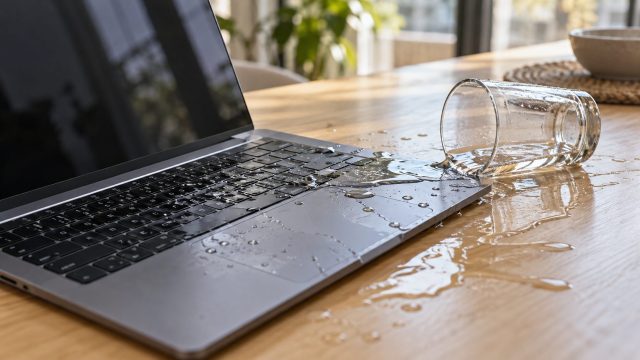
How to Fix Laptop Water Damage: What to Do in the First 72 Hours
The first minute and first hour after a spill, why soda needs a same-day repair while plain water may dry out, and how to protect your files before a repair.


Step-by-step fixes for phone, computer, internet, gaming and car tech problems.
The first minute and first hour after a spill, why soda needs a same-day repair while plain water may dry out, and how to protect your files before a repair.
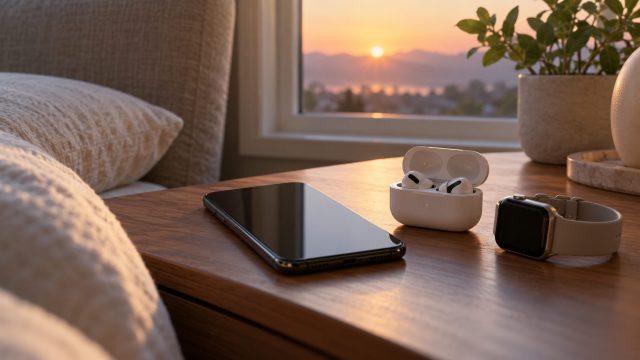
Control Center, a 5 a.m. auto-on and airplane-mode memory can all bring Bluetooth back. Find the cause, then use the real off switch on each device.
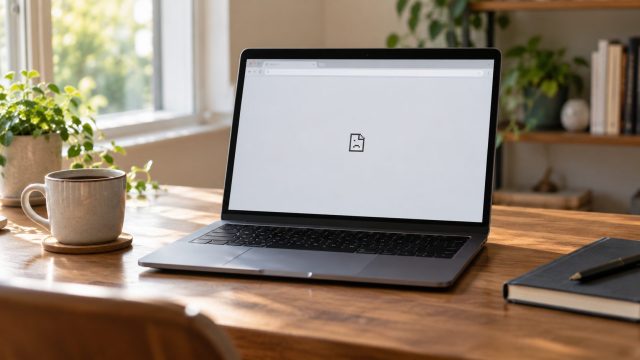
Sort the crash by what you actually see, decode Chrome's error codes, test Guest and a fresh profile safely, and fix freezes and black windows without losing data.
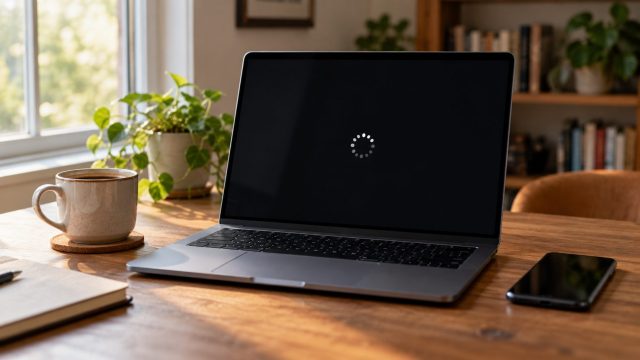
Spinning dots, a stuck update or no Restart option? How to tell a busy PC from a hung one, when holding the power button is OK, and the fixes in a safe order.
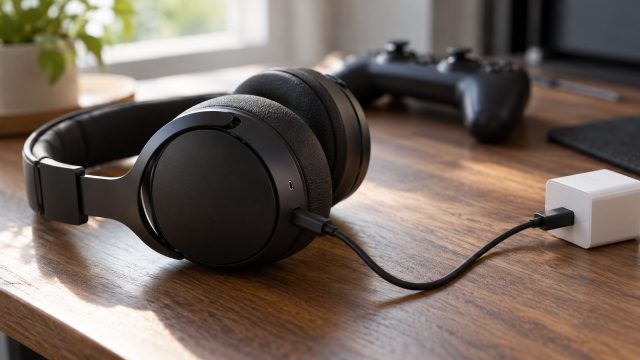
No charging light, a light but no power, or a battery that dies fast? Cable, power source, port, dock, deep-discharge, reset and battery checks in order.
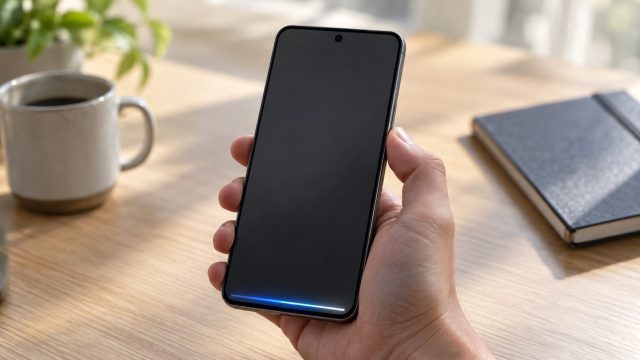
Holding the button opens Bixby or Gemini instead of the power menu? Use the right two-button combo, remap the long press or force restart a frozen phone.
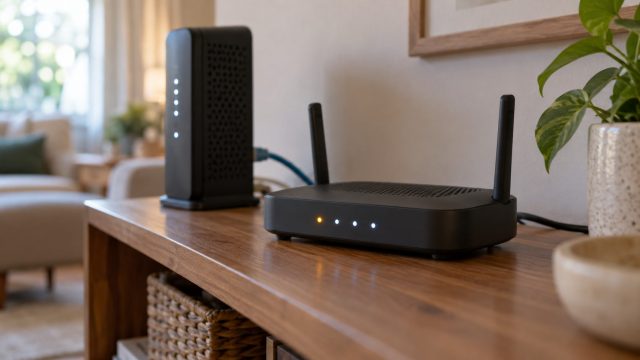
Which light is blinking matters more than its color. Tell traffic from trouble, check six brands' meanings, and fix an amber Internet light or a stuck startup.

A frozen car screen can start in the phone, the cable or Wi-Fi link, or the head unit. Find which in a few minutes, then fix heat, cables and settings in order.
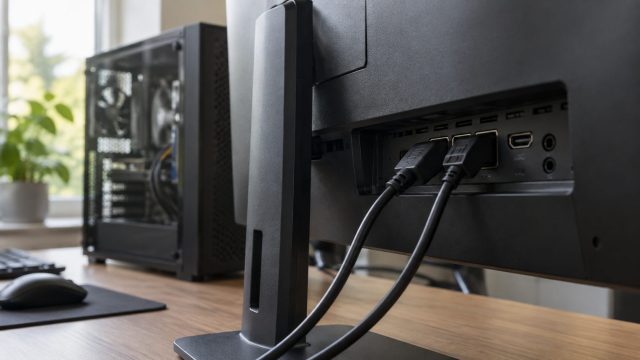
Check what Windows is really sending, match your port and cable to your resolution, clear monitor-menu, driver and dock limits, and try custom modes with a way back.
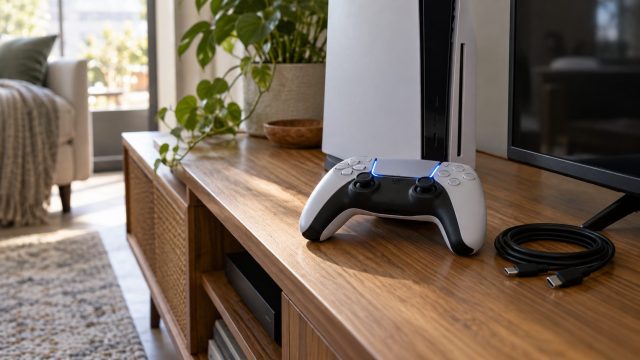
A charge-only cable, a controller paired elsewhere or an overwritten slot: the fix order from cable to Safe Mode, plus what changes on a PS4 with a DualShock 4.
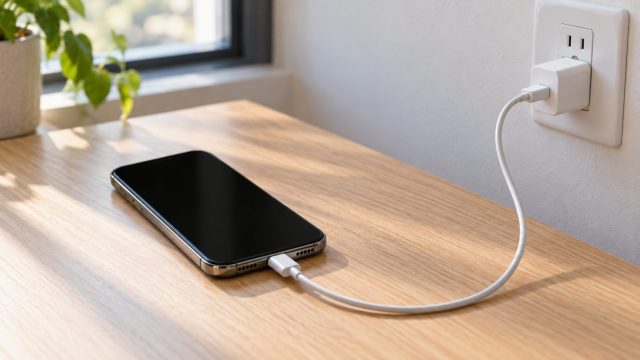
Dead, frozen or stuck on the Apple logo? Work through Apple's order: the right force restart, an hour on a known-good charger, then recovery-mode Update before Restore.
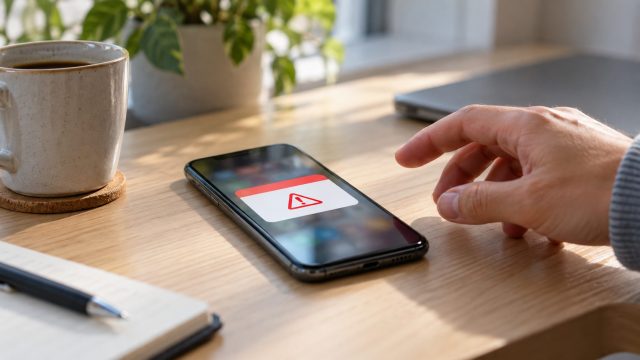
Most phone "virus" alerts are website notifications, not malware. Tell them apart, then clean up Android or iPhone in order, saving the factory reset for last.