
Windows Won’t Let Me Download Chrome? S Mode, SmartScreen and More
Match the exact block message to its cause, from S mode and the Store-only setting to SmartScreen, Smart App Control and Windows 7, and fix it safely.


Step-by-step fixes for phone, computer, internet, gaming and car tech problems.
Match the exact block message to its cause, from S mode and the Store-only setting to SmartScreen, Smart App Control and Windows 7, and fix it safely.

Your VPN says Connected, yet pages won't load or your location won't change. Pinpoint DNS, kill switch, MTU, IPv6 and split-tunnel causes and fix them safely.
Windows quietly recompresses JPEG wallpapers, and Fill enlarges any picture smaller than your screen. Here's how to tell which one blurs yours and fix it.
Five planning rules for Google Maps, Apple Maps or your car's own navigation, and why making the charger the car's destination can warm the battery.
A blank page, an error and a Market notice need different fixes. Check Valve's side first, then repair the built-in browser without triggering a 7-day Market lock.
Decode the message and fix it: iCloud space versus iPhone space, the power, lock and Wi-Fi rule, stalled backups, Finder and Apple Devices errors, and photo imports.
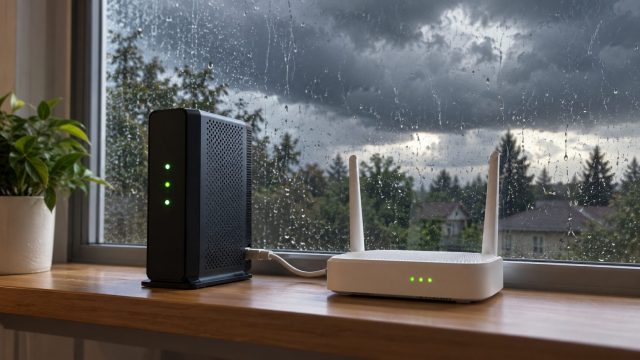
Power's back but the WiFi isn't? Restart your modem and router in the right order, rule out an area outage and test for surge damage before replacing anything.
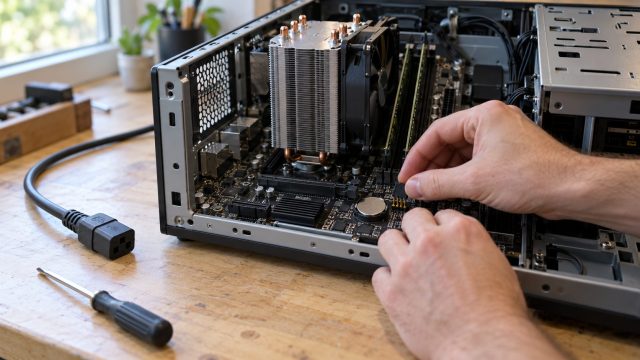
Reset BIOS with the CMOS jumper, button or coin cell the safe way, then fix a PC stuck booting to BIOS, a missing SSD boot option or an XMP crash.
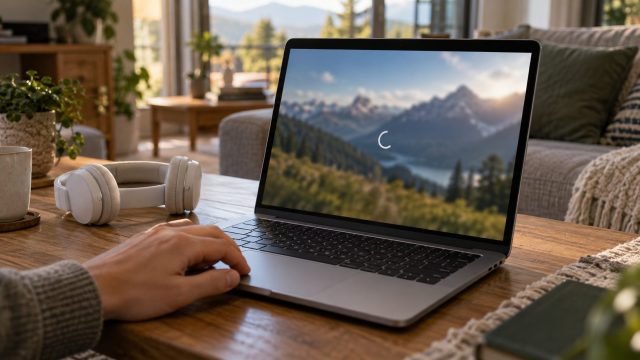
One quick test separates network buffering from decoding stalls, then the fixes: hardware acceleration, AV1 on older GPUs, Netflix's Widevine and self-pausing videos.
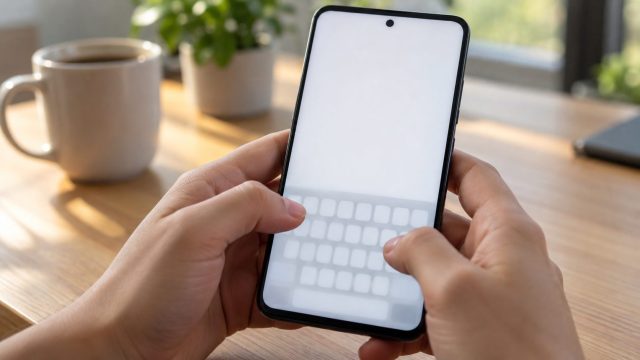
Match the fix to the symptom: a keyboard that won't appear, lags, types wrong letters or won't close. iPhone and Android steps side by side, with reset warnings.
Black flashes, flicker in menus and shimmering textures each have a different cause. Here's how to tell them apart and fix each one on PC, PS5 and Xbox.
One dead port or all of them? Prove where the fault is, then work through cables, Windows errors, power saving, drivers, USB-C icons and physical damage.