

OBD2 Scanner Not Connecting to Your Car? Causes and Fixes
Dark scanner, adapter that won't pair, link error or no codes? A step-by-step order of checks, from the fuse and ignition to pairing, protocols and EOBD dates.
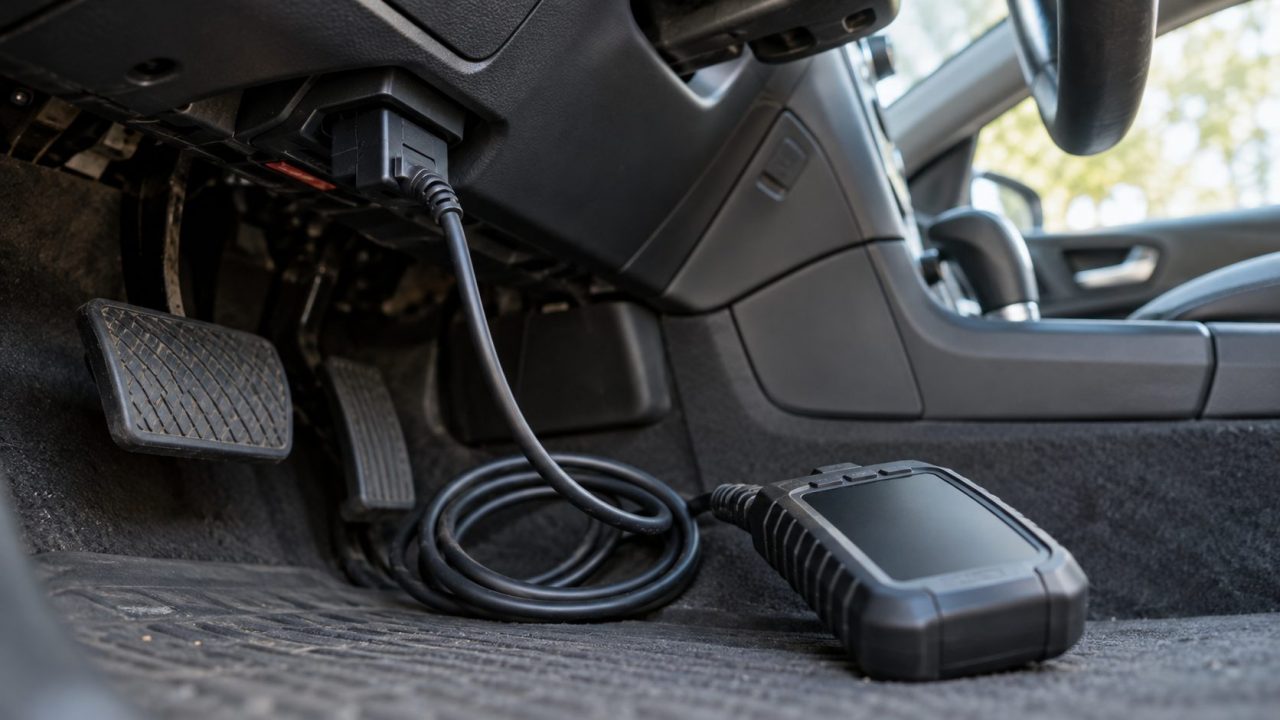
OBD2 scanner not connecting? Before blaming the tool, rule out the usual culprits: no power at the port, a car computer that isn’t answering, or a wireless adapter that hasn’t paired.
OBD2 Scanner Not Connecting: Six Checks to Do First
Park safely with the parking brake set. These free checks rule out the most common causes of an OBD2 scanner not connecting:
- Ignition ON, not accessory. The dash warning lights should come on. With push-button start, that often takes two presses without the brake. If a tool needs the engine running, work outdoors: carbon monoxide builds up fast in a garage, even with the door open.
- Plug fully seated. Push it into the port (usually under the dash, near the steering column) until it doesn’t wobble.
- Nothing else on the port. Unplug insurance dongles, trackers and splitters.
- A healthy battery. Charge it if it cranks slowly or reads under about 12.2 V engine off. Low voltage can reset adapters.
- A car that’s OBD2 at all. US: 1996+ cars and light trucks (1997+ diesel); heavier pickups and vans came later. EU: petrol from 2001, diesel from 2004. Other countries below.
- A second car. Works there? The fault is on your car’s side. Fails on both? Update the scanner or its app.
Dark Screen, No Pairing, Link Error or No Codes?
An OBD2 scanner not connecting can look like any of these four problems. Find yours:
| What you see | What it means | Check first |
|---|---|---|
| Screen or LED stays dark | No power at the port, or a dead tool | Power outlet fuse |
| Adapter lit, phone can’t find it | Pairing or permissions | In-app pairing |
| Powers on, then “Link error” | ECU not answering | Ignition, then protocol |
| Connects, then “No codes found” | Usually worked, unless the check engine light is on | Which light is on |
OBD2 Scanner Won’t Turn On or Isn’t Getting Power? Check the Port
On most cars, pin 16 carries battery power even with the key out, and pins 4 and 5 are grounds. A dark screen or LED is the simplest case of an OBD2 scanner not connecting: no power, or a dead tool (a second car tells you which).
BlueDriver says no light may mean a blown fuse, often the one shared with the cigarette lighter. Test that 12 V socket with a charger, ignition on. Dead too? Suspect the shared fuse. Working? The port may still have its own fuse.
Find and replace the fuse
The owner’s manual or fuse box lid shows which fuse feeds the port (look for DLC, OBD, CIGAR, AUX or POWER OUTLET). With the ignition off, pull it and check the metal strip, or test it for continuity.
Use only a fuse of the same amperage rating. A higher rating, foil or a wire bridge can overheat the wiring.
If the new one blows too, there’s a short. Unplug the scanner and anything in the 12 V sockets, then fit one more fuse of the same rating. If that blows, stop and have it diagnosed.
Check the terminals and the plug
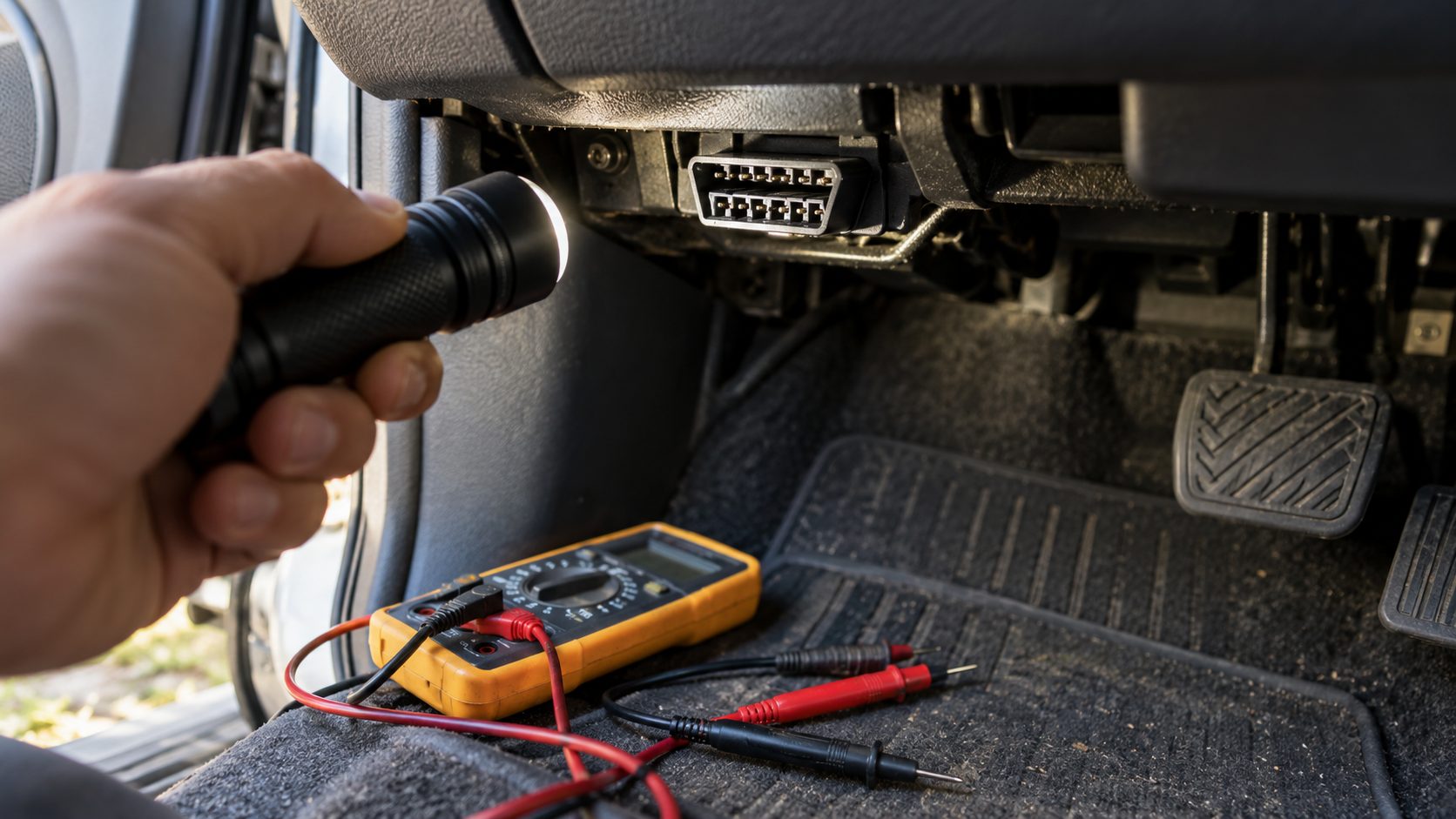
Fuse fine but still dark? With a flashlight, look for pushed-back or corroded terminals, debris, a port loose in its bracket, or bent scanner pins.
Set a multimeter to DC volts, engine off. Facing the port, wider edge up, pin 16 is bottom right and pins 4 and 5 are top center. Red probe on 16, black on 4, then 5: both should read battery voltage. Probe gently (forcing spreads the terminals) and never bridge pin 16 to ground.
Bluetooth OBD2 Scanner Not Connecting to Your Phone
A wireless OBD2 scanner not connecting while its light is on has a pairing or permission problem. iPhones need a Bluetooth LE, Wi-Fi or Apple-certified (MFi) adapter. A classic-Bluetooth clone won’t even show up.
- Pair in the right place. Bluetooth LE scanners (BlueDriver units marked “LE”, OBDLink CX) pair inside their app, not in phone settings. Paired one there by mistake? Tap Forget This Device (iPhone) or Unpair (Android) first. Some show up only briefly after plug-in, so replug if needed.
- Classic Bluetooth. Pair in the phone’s Bluetooth menu, then select the adapter in the app. OBDLink MX+ and LX need their pairing button pressed first. Clones often take PIN 1234 or 0000.
- Wi-Fi. Join the adapter’s network and stay connected when the phone warns there’s no internet. Then pick Wi-Fi in the app’s settings (many clones use 192.168.0.10, port 35000).
- Permissions. Android: Settings > Apps > your OBD app > Permissions, then allow Nearby devices (on Android 11 and older, allow Location and switch it on). iPhone: Settings > Privacy & Security > Bluetooth (Local Network for Wi-Fi adapters), then switch the app on.
- One connection at a time. Close other OBD apps (OBDLink adapters serve one at a time) and switch off Bluetooth on other paired phones, which BlueDriver warns can grab the scanner.
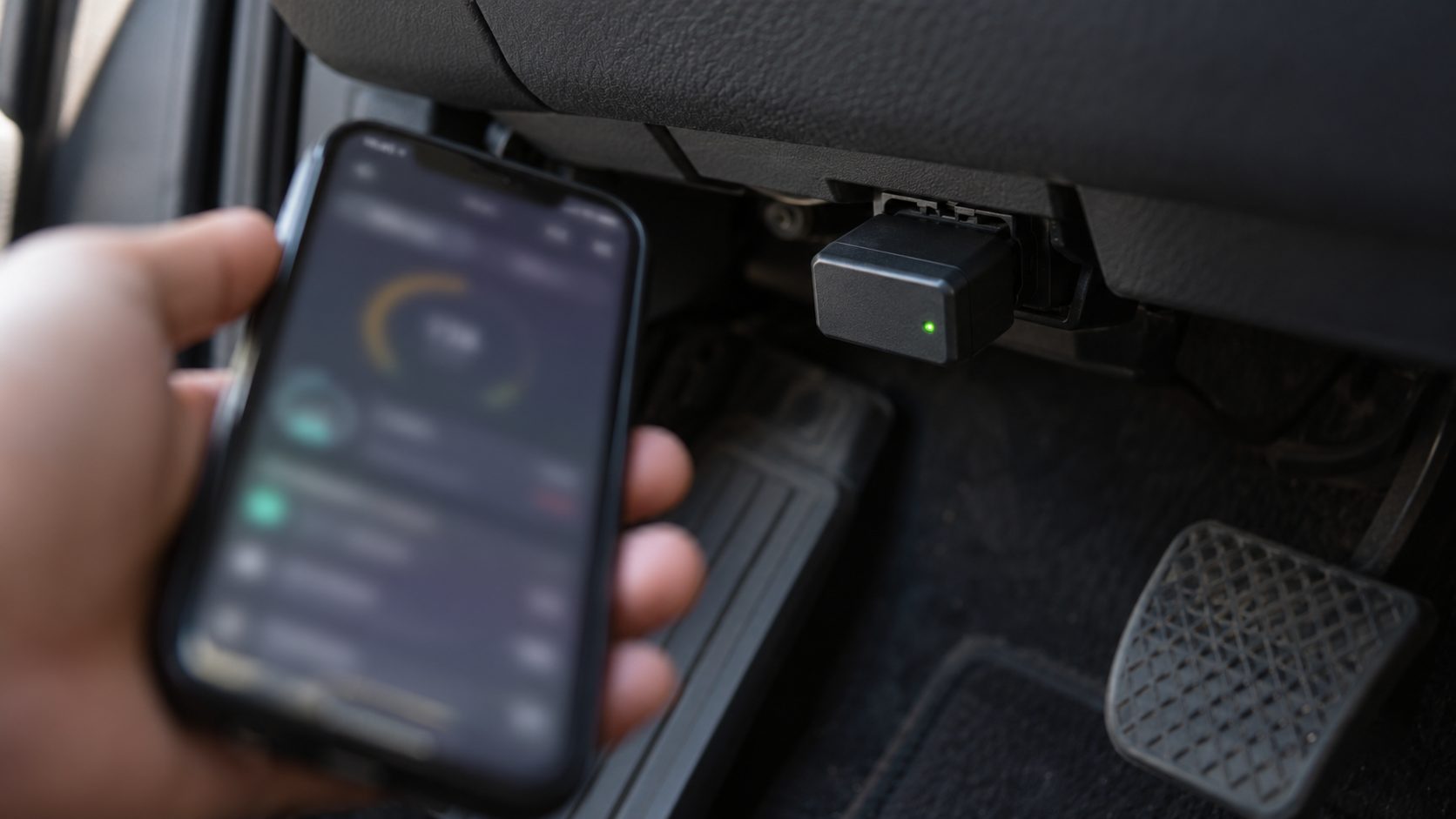
Pull over before reading the screen, or let a passenger watch. Keep the cable clear of the pedals.
OBD2 Scanner Not Connecting to the ECU (Power Is Fine)
A link error means the engine computer isn’t answering (“UNABLE TO CONNECT” on cheap ELM327-based dongles).
Ignition position
The ELM327 datasheet only asks for the key on. OBDLink’s guide says to start the engine. If one fails, switch off for 10 seconds and try the other.
Protocol support
US cars since 2008 use CAN, one of five OBD2 protocols. OBDLink says its BMW-focused CX won’t work on GM, Ford and some FCA vehicles built before 2008. Set the app to Automatic (OBDLink: Settings > Preferences > Communications > OBD-II Protocol).
If the scanner works on other cars and pin 16 has power, the likely cause of an OBD2 scanner not connecting is the car’s data wiring or a failed module: shop work.
Is Your Car OBD2 or EOBD Compliant? Dates by Region
A 16-pin port doesn’t prove the car speaks OBD2. On an older or imported car, an OBD2 scanner not connecting may mean it was never required to support OBD2 or Europe’s EOBD. What counts is where the car was first sold, not built.
The California Air Resources Board notes a few 1994-1995 gasoline models had it early. Check the emission label under the hood for “OBD II”. US pickups and vans over 8,500 lb GVWR, such as many older 3/4- and 1-ton diesels, came under later rules and may need a make-specific tool.
OBDLink rates the first EU years (2001 petrol, 2004-2006 diesel) as limited, so expect some gaps. Its table lists Canada from 1998, Australia from 2006 (petrol) and Japan from 2008.
EVs and motorcycles may need make-specific apps instead, OBDLink says.
OBD2 Scanner Not Reading Codes? What “No Codes Found” Really Means
“No codes found” is often mistaken for an OBD2 scanner not connecting, but it usually means the scan worked. Generic OBD2 reads engine and emissions faults (P codes).
ABS, airbag and body faults (mostly C, B and U codes), plus many transmission faults, need make-specific “enhanced” support.
First, confirm the link: live RPM or coolant temperature on screen means it’s talking to the car. Then check which light is on: ABS, airbag and tire-pressure warnings aren’t the check engine light.
If the check engine light is on steady and the tool finds no codes, don’t trust the scan. Check its MIL status (Mode 01), try another app or scanner, or have a parts store read them.
No light at all? Open the Pending codes screen, since pending codes don’t turn the light on. A recent code clear or battery disconnect also erases stored codes.
A blinking light means a severe fault, such as a misfire, that could be damaging the catalytic converter. Reduce speed and load. If it keeps flashing or the engine runs rough, stop somewhere safe and have it towed or checked right away.
OBD2 Scanner Not Connecting: Quick Answers
Why is my OBD2 scanner not connecting to one car but working on another?
Different protocols, or a non-compliant car. Compare model years and your scanner’s protocol list.
Is my OBD2 scanner not connecting because of a blown fuse?
Likely, if the scanner stays dark. Start with the power outlet fuse.
It worked last week. Why is my OBD2 scanner not connecting now?
Usually something changed: a blown fuse, a weaker battery, or a new phone grabbing the adapter first.
Could a cheap clone be the problem?
It can be. Genuine ELM327 chips are no longer made, so cheap “ELM327” dongles are clones. If a name-brand tool reads the car, blame the clone.
Still Not Connecting? When to Call a Mechanic
Work cheapest first: key, plug, battery and model year, then fuse, pairing and protocol. That covers most cases of an OBD2 scanner not connecting. See a shop if the fuse keeps blowing, or a scanner that works elsewhere still can’t reach your car.
Browse more cars and tech guides or our English home page. And if your phone stops at 80% on the car charger, that’s usually on purpose.

Leave a comment