

Gaming Headset Not Charging? Cable, Port, Battery and Reset Checks
No charging light, a light but no power, or a battery that dies fast? Cable, power source, port, dock, deep-discharge, reset and battery checks in order.
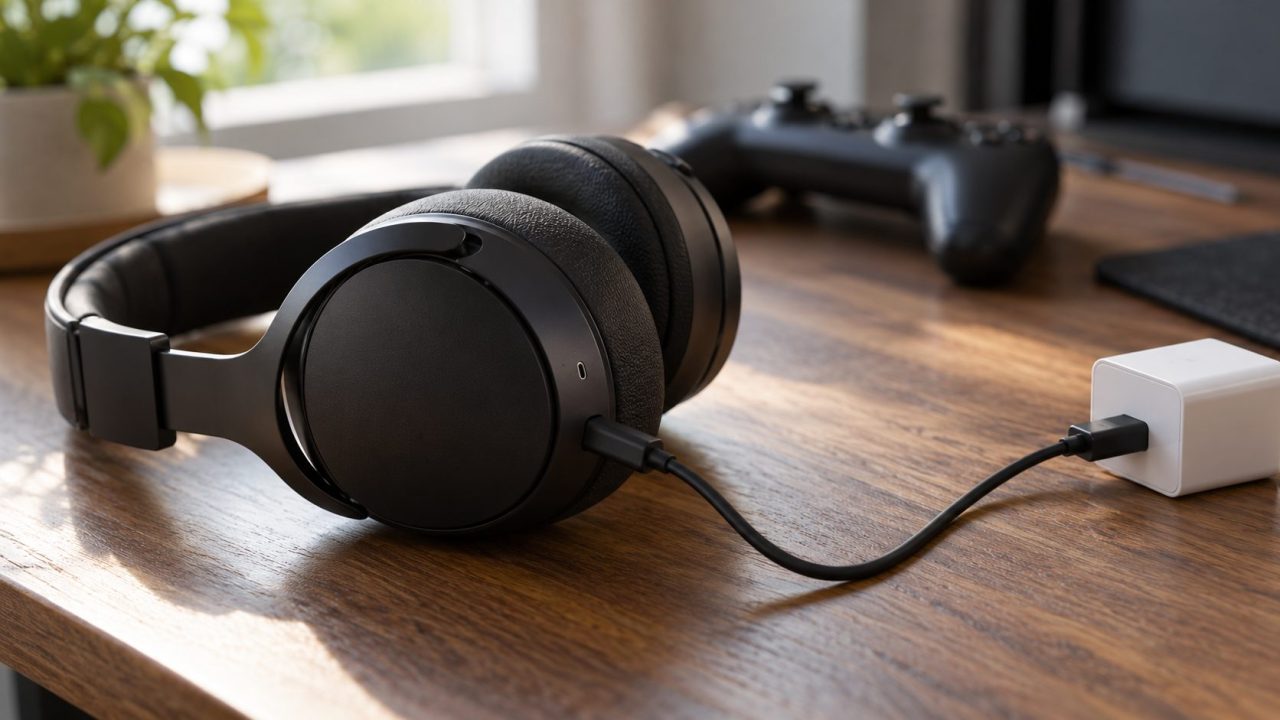
A gaming headset not charging doesn’t always have a dead battery. Rule out the cheap causes first: a worn cable, a sleeping PC or console, lint in the port, or a headset not seated on its dock. The light tells you where to start.
A bulging ear cup, heat while charging or a chemical smell: unplug it and stop using it. Don’t press, puncture or open it; contact the maker.
Gaming Headset Not Charging or Not Turning On? What the Light Says
Plug it into a wall adapter with the supplied cable and wait a few minutes. A gaming headset not charging with no light points to the cable, port or power source. A light with the headset still off points to a flat battery or a reset.
| What you see | Likely cause | Go to |
|---|---|---|
| No light | Cable, power, port or dock, or already full on some models | Cable and power, Light meanings |
| No light after months unused | Deep discharge | Long charge |
| Light on, won’t power on | Too low, or needs a reset | Reset |
| Light flashes or pulses | Often normal charging or low battery | Light meanings |
| Dies fast or stops at 80% | Reading, charge limit or worn battery | Battery readings |
Powers on, but no sound or mic? See our gaming headset not working guide.
What the charging light is telling you
A red or flashing light can look like a gaming headset not charging when it’s only a warning. Patterns vary by brand; these come from the makers’ pages, including Sony’s INZONE indicator guide:
- Pulsing or steady: charging. A G PRO X 2 pulses green; a G533 glows orange, then green when full.
- Dark when done: a G533 charged while off goes dark once full, and so does a Sony INZONE H9/H7.
- Red on a G PRO X 2: 10% or less. Low, not broken.
- INZONE, slow orange flash for about 15 seconds: 20% or less. Charge it.
- INZONE, repeated double flash: the battery is too hot or cold (Sony’s charging range is 5-35 °C, 41-95 °F). Let it reach room temperature and replug.
- INZONE, repeated slow flashing while charging: a charging error. If a replug doesn’t clear it, Sony says to consult a dealer.
Gaming Headset Not Charging? Check the Cable and Power Source First
Sony’s INZONE charging checklist and Logitech’s charging advice both start here:
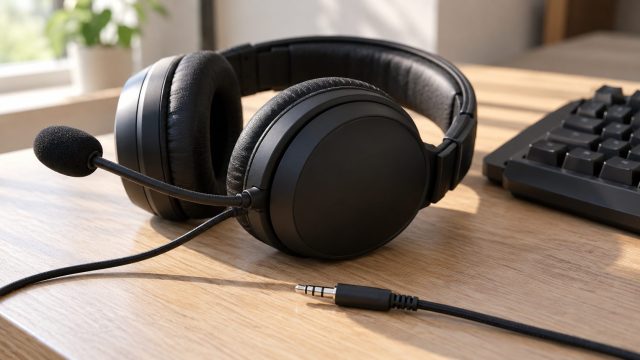
The supplied cable
Sony warns other cables may fail; Logitech says a same-spec cable is fine. Seat both ends fully and check for fraying.
A second cable
Try one that charges your phone. If it works, replace the original.
Another source
Plug straight into the PC: Sony says hubs can block charging, and Logitech says ports differ in power. Or try a wall adapter (INZONE minimum: 0.5 A).
An awake PC or PS5
Sony says the INZONE H9/H7 can’t charge from a sleeping PC or a PS5 in rest mode without USB power.
A gaming headset not charging overnight may simply have had no power. On the PS5, set Settings > System > Power Saving > Features Available in Rest Mode > Supply Power to USB Ports to Always (3 Hours stops after three hours), as in our controller won’t connect to PS5 guide.
Still nothing? Sony also suggests updating the OS or PS5 software and restarting.
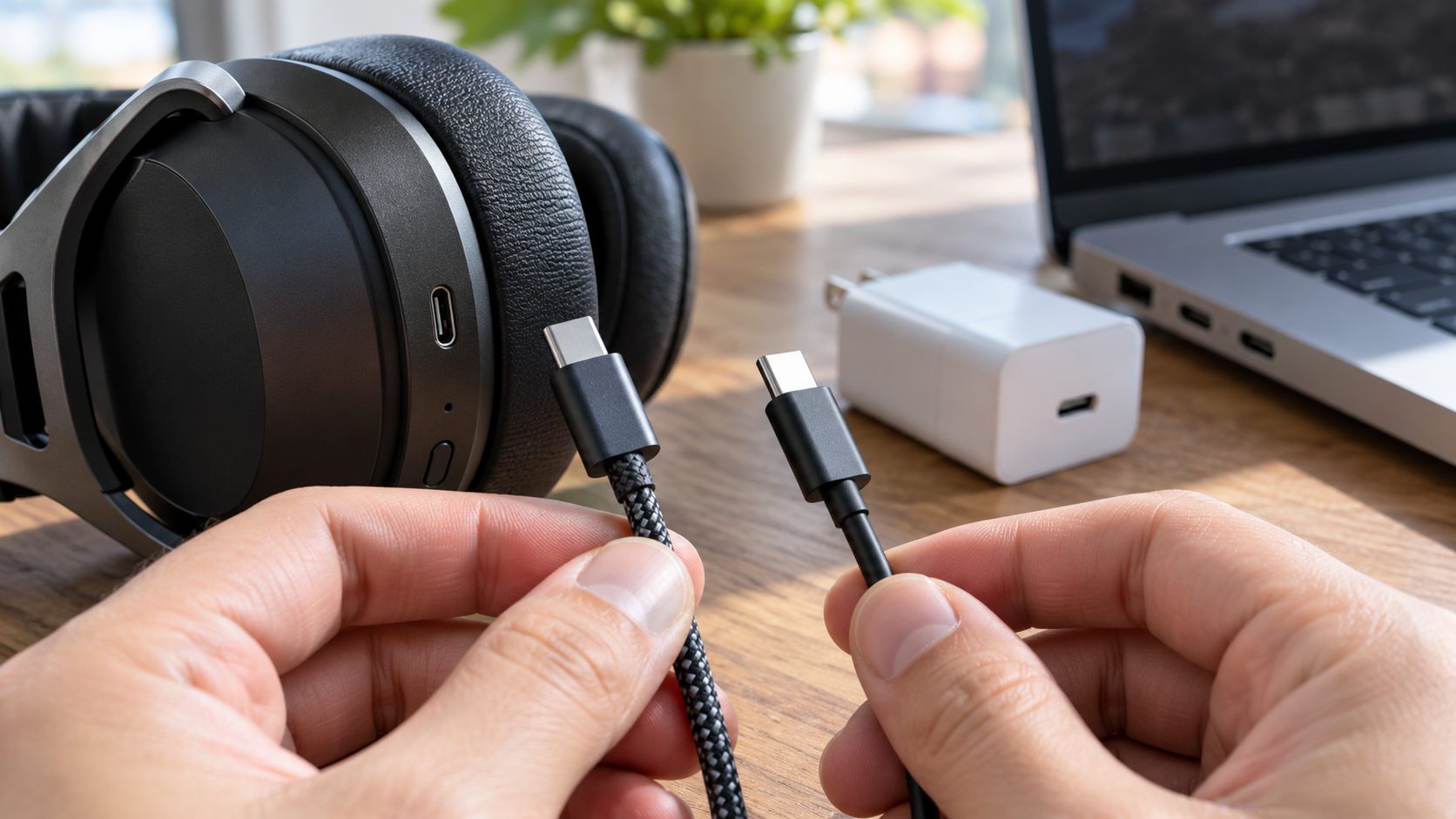
Clean the Charging Port and Check the Dock Contacts
Lint can pack into a USB-C port until the plug no longer seats, leaving a gaming headset not charging on a good cable. Switch it off and shine a light in.
Lift debris out with a wooden toothpick, without levering on the contacts. No metal, no liquids. If the port looks corroded or got wet, contact the maker.
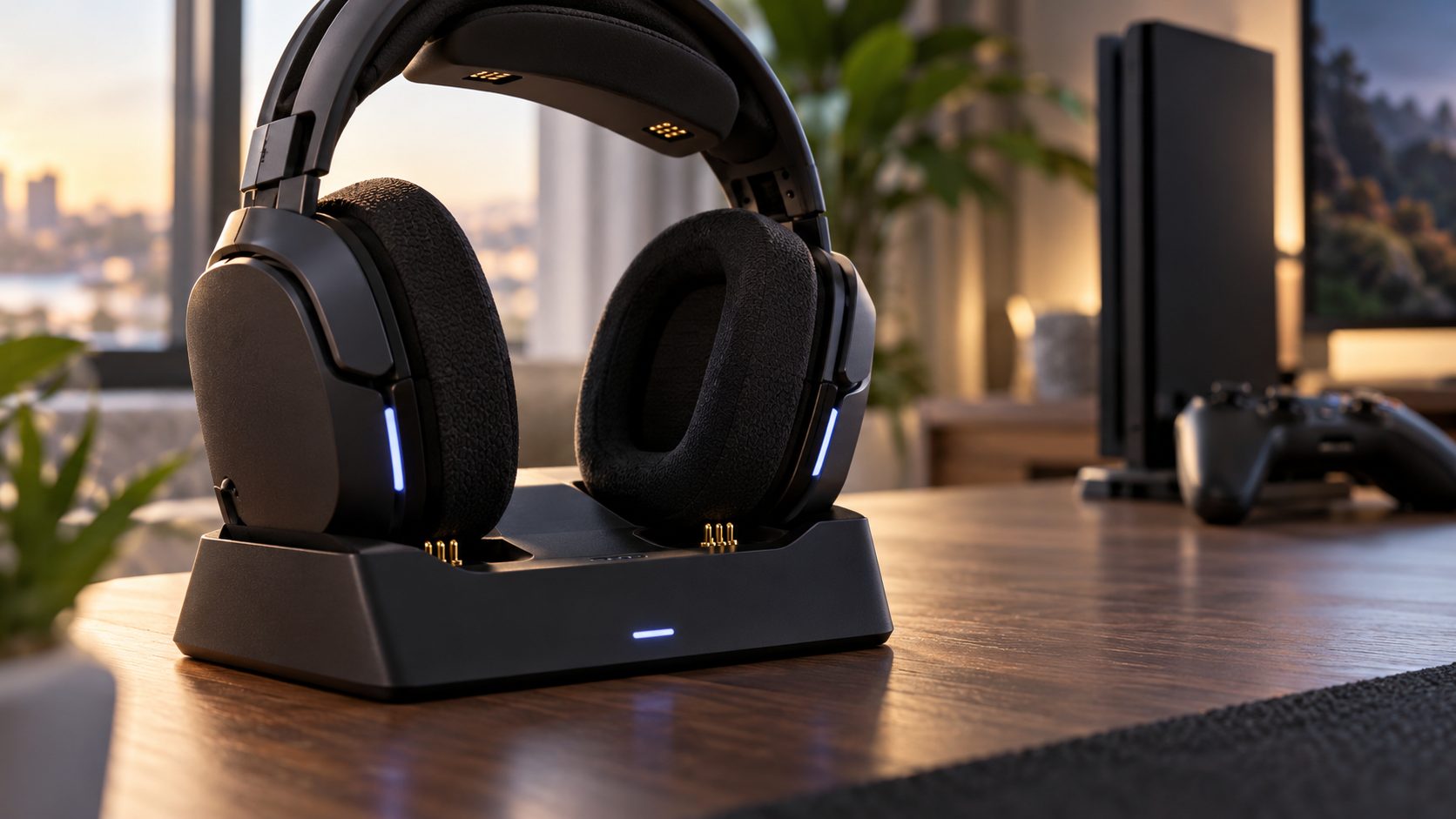
Astro gaming headset not charging on the base station
These dock steps fit the A50 Gen 3 base station only. Logitech’s Gen 3 guide puts the mic in the left slot, with the headset’s two gold plates (bottom left) and gold prong (bottom right) on the base’s prongs; its front LEDs then flash. Set the side switch to Console (red light) for PS4 or Xbox One, or PC (white).
The A50 X has a USB-C charging port on the headset, and its base runs on its own supplied adapter, per Logitech’s spec page. An A50 X gaming headset not charging on the dock but charging over USB-C points to the dock or adapter. For other generations, see your model’s Logitech G support page.
Reviving a Headset That Sat Dead for Months
Apple says a lithium-ion battery stored empty can fall into a deep discharge state and stop holding a charge. A wireless gaming headset not charging after months in a drawer needs patience, and may not recover:
- Plug it into a wall adapter at room temperature.
- Wait several minutes; Sony says the light may lag after long storage.
- Still dark? Replug after a few seconds.
- Leave it for hours on a hard surface away from bedding, checking now and then. Unplug at once if it gets warm, swells or smells. Sony’s INZONE H9/H7 needs about 3.5 hours from empty.
Still dark after a long charge on a known-good adapter? The cell probably didn’t survive. Skip “jump-start” tricks and see the battery section.
If it wakes, runtime may start short and improve over a few cycles, Sony says. For storage, charge it every six months (Sony) to about half (Apple). Routine full drains aren’t needed, Logitech and Apple say.
Charged but Still Won’t Turn On? Use the Maker’s Reset
Power-cycle it first, then use the reset your maker documents; combos differ by brand and model.
Sony INZONE H9 and H7
Plugged into a wall outlet through a USB AC adapter (orange light on), hold power and Bluetooth for about 8 seconds or longer. Pairing and settings stay; Sony’s next step is a factory initialization.
Logitech G PRO X 2 factory reset (headset must power on)
For a PRO X 2 that turns on but misbehaves: with it switched on, remove the left ear pad, push a pin into the pinhole below the driver while pressing Bluetooth, and wait about 10 seconds for the chime. It can clear pairings and settings; if the dongle link drops, Logitech says to replug the dongle.
A PRO X 2 that won’t power on at all needs a long wall-adapter charge, then Logitech support.
An Ozeino or RYR wireless gaming headset not charging gets the same checks. Like Binnune and Captain 200, these brands publish little official support, so take resets from the printed or seller’s manual, never another brand’s. Razer, Turtle Beach, HyperX or Alienware Pro Wireless? Use your model’s support page.
Update Firmware and Fix a Wrong Battery Reading
A Logitech gaming headset not charging can be a firmware issue: for the G933, Logitech lists a faulty cable, a hardware reset or a firmware update. Update through the maker’s app (G HUB, SteelSeries GG, Corsair iCUE).
For a G533 that won’t charge or turn on, Logitech’s fix is the pinhole reset plus a firmware update through its older Logitech Gaming Software tool, which it no longer maintains. Use the supplied cable: recovery needs one that carries data.
Shows full, then dies early? Stops at 80%?
Both can look like a gaming headset not charging properly while the battery is fine. Logitech says the G733’s G HUB reading drifts with age and temperature: update G HUB and charge to 100%. Then power it on off the charger; at 99% or less, top it up with G HUB running.
Stuck at 80% on a Logitech G522? Battery Protection Mode caps it there to extend battery life. Turn it off in G HUB under the gear icon > Device Settings.
When It’s the Battery: Wear and Replacement
Lithium-ion capacity drops slightly with every complete charge cycle, Apple explains. Still have a gaming headset not charging after every check above? These signs point to the battery:
- Shrinking runtime month after month, even after recalibrating.
- Drains in minutes. Logitech says a G933 that still does after a reset and firmware update needs replacing.
- A fault light on an INZONE that keeps flashing at room temperature after a replug.
- No light after a long charge on a known-good adapter, and no response to a reset.
Don’t open it or swap the cell yourself; Sony says to have the battery replaced through a dealer. Start with the warranty.
The US EPA says lithium-ion devices, wireless headphones included, don’t go in household trash or recycling: use a battery or hazardous waste drop-off. Elsewhere, use local e-waste collection.
Frequently Asked Questions
Why is my gaming headset not charging when it’s plugged in?
Usually the power path: a damaged cable, a loose plug, lint in the port, or a sleeping PC or PS5. Try the supplied cable in a wall adapter before blaming the battery.
Can I use a phone charger?
Usually, if it meets your manual’s rating; Sony notes some adapters may not work. A gaming headset not charging from a USB-C charger but charging from USB-A with an A-to-C cable isn’t faulty; that’s its port design.
Why won’t my headset turn on after charging all night?
It may not have charged: a sleeping PC, or a PS5 without rest-mode USB power, supplies nothing. If the light came on, try the maker’s reset, then contact the maker.
Recap: Gaming Headset Not Charging? Work Through It in This Order
For a gaming headset not charging, check the light, cable, power source and port or dock first. Then try a long charge, the maker’s reset and a firmware update. Blame the battery last, and stop at once if it’s swollen or hot.
More fixes are in our gaming guides.
Leave a comment