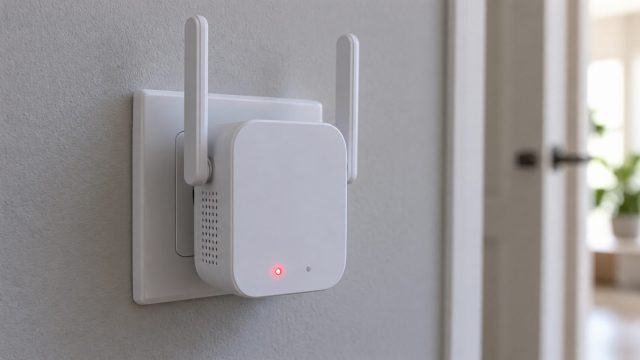
Why Is My WiFi Extender Blinking? Fix No Internet, Drops and Slowdowns
Find out which light is blinking first, then fix what it points to: a boot or update, a weak spot, a lost link after a router change, no internet, drops or slow speed.


Step-by-step fixes for phone, computer, internet, gaming and car tech problems.
Find out which light is blinking first, then fix what it points to: a boot or update, a weak spot, a lost link after a router change, no internet, drops or slow speed.
A drive Steam won't take is often not ready in Windows yet. Match Steam's error message to a fix, then sort out Linux mounts, stuck uninstalls and leftover folders.
Catch the app or setting behind a random buzz on iPhone or Android, from dismissed notifications and charging to Music Haptics, then turn off only that source.
Yellow, gray, inverted and flashing screens each have their own cause. Match the tint to Night light, a monitor preset, a color filter or the cable, then fix it.
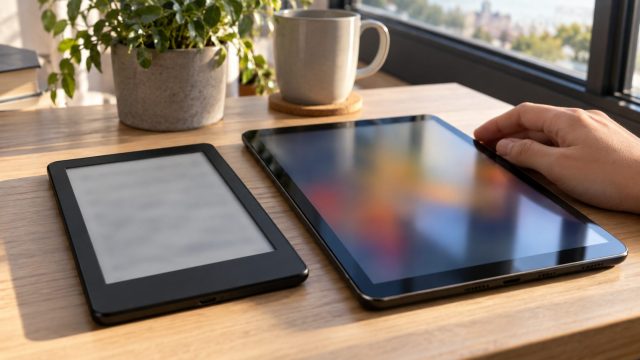
Ads on your Kindle's lock screen, or pop-ups on a Fire tablet? Tell Amazon's own ads from real malware, then clean the device in order, with a factory reset last.
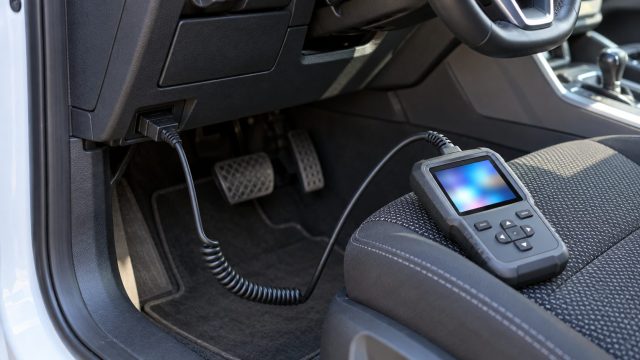
Read a scan in the right order: status screen, code lists, the five-character code, freeze frame and readiness monitors, then diagnose before you clear anything.
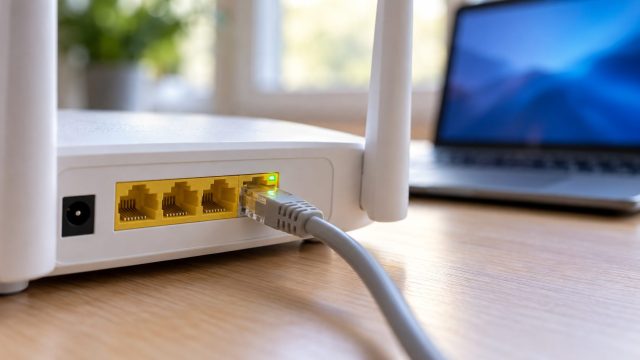
Read the Ethernet link speed on Windows or Mac first, then fix what it points to: a worn cable, a 10/100 port, PC power saving, powerline or a mesh satellite.

HDMI and DisplayPort carry no USB, so a monitor's hub needs its own upstream cable. Then check pairing, KVM, USB-C Prioritization, Windows or Mac settings and audio.

Turning off by design or dropping mid-game? One cable test tells a hardware fault from a radio one; then fix the batteries, interference, pairing or firmware.

Bars showing but every call fails? Start with the cheap checks: Airplane Mode, a carrier update, the line your Dual SIM iPhone dials from, and Wi-Fi Calling.

Find what is wiping your cookies, stop Chrome deleting site data on close, clear Sync paused and break verify and CAPTCHA loops without turning off 2-Step Verification.

A floppy screen, a creaking lid that cracks the case, or a bulging gap: match the symptom, then tighten, replace or repair without tearing the display cable.