

Bluetooth Won’t Turn On? Fixes for iPhone, Android, Windows 11 and Mac
Switch spins, vanishes or drops off? Match the symptom, then work from a restart up to driver and settings resets on iPhone, Android, Windows 11 and Mac.
When Bluetooth won’t turn on, the switch fails in one of three ways: it spins or flips back off, it’s missing or grayed out, or it turns on and then drops off. Match yours below, then work from a free restart up to deeper resets on Windows 11, Mac, iPhone and Android.
Bluetooth Won’t Turn On? Match Your Symptom First
This guide is for when Bluetooth won’t turn on or stay on. If it turns on but earbuds won’t pair, that’s a separate connection problem.
| What you see | Likely cause | Go to |
|---|---|---|
| Phone switch spins, stays gray or flips back off | A stuck setting, a downloaded app, a work-phone restriction or a failed radio | iPhone, Android |
| Windows 11 toggle missing or grayed out | Driver or firmware error, or no Bluetooth hardware | Windows 11 |
| Mac shows Bluetooth as not available | Stuck Bluetooth process, startup software or hardware | Mac |
| Turns on, then switches itself off | Power saving, automation or a failing radio | Drops off |
Quick Checks Before You Change Anything
Try these before any reset when Bluetooth won’t turn on. None of them can delete a pairing.
Airplane mode
It can switch Bluetooth off. On Windows 11, press Windows + A for Quick settings; on a phone, check Quick Settings or Control Center.
A true power-off
On Windows, open Start > Power, hold Shift and click Shut down. Wait a minute, then power on. Microsoft prefers this to Restart because it fully powers off the Bluetooth hardware.
USB adapters and hubs
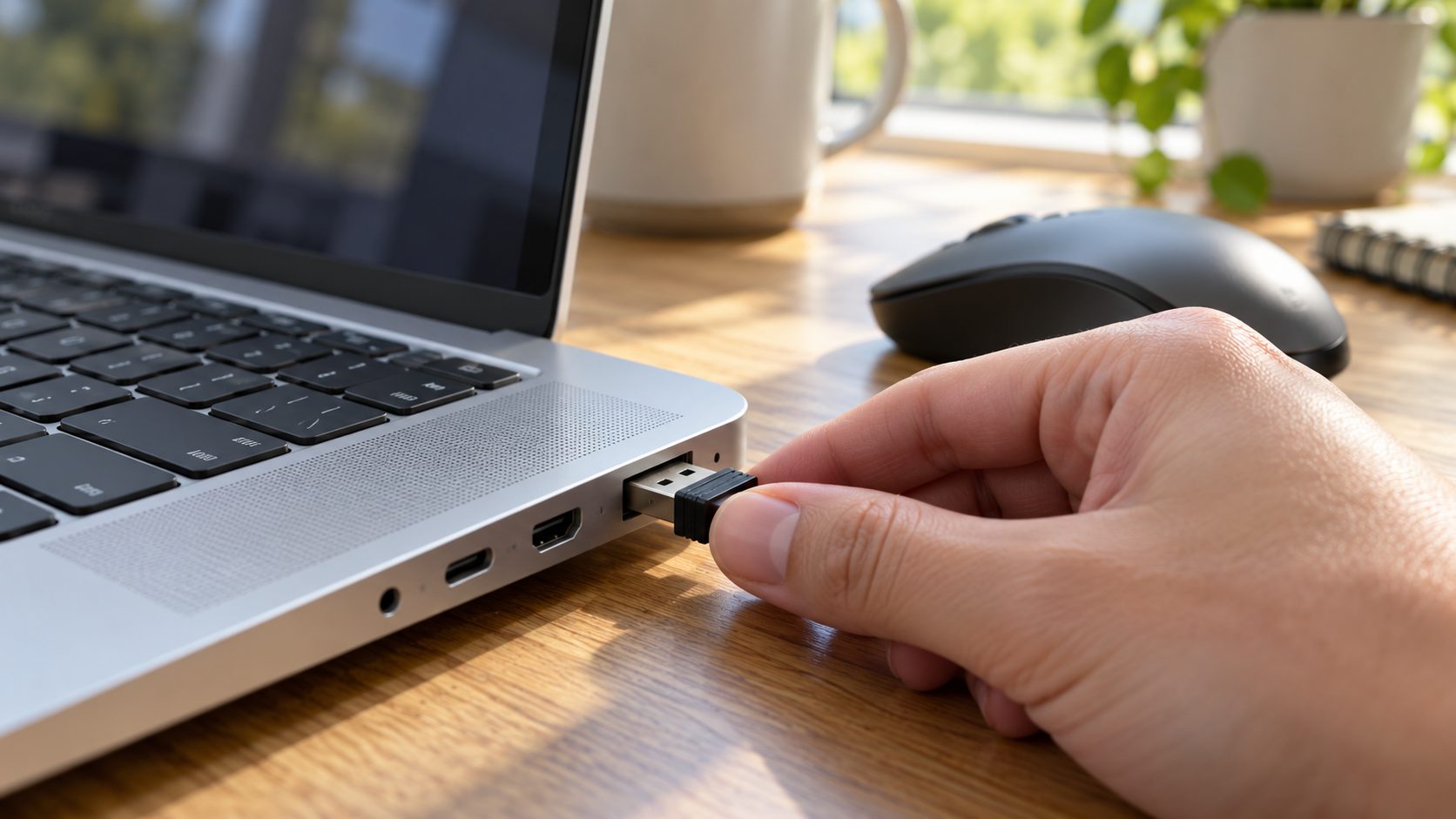
Unplug dongles, hubs and docks, then restart. On a Mac with an external USB Bluetooth adapter, Apple notes the on/off option may not appear; unplug it to rule it out.
Updates and work devices
Install waiting system updates. On a company-managed phone or PC, an admin policy can block Bluetooth; if the switch says it’s managed by your organization, ask IT.
Bluetooth Won’t Turn On in Windows 11
First confirm the PC has Bluetooth at all (Microsoft notes some don’t) and that any laptop wireless switch is on.
Troubleshooter
Run it from the Get Help app, or Settings > System > Troubleshoot > Other troubleshooters > Bluetooth > Run.
Restart the service
Press Windows + R, type services.msc, right-click Bluetooth Support Service and choose Restart (Start if it’s stopped). If its Startup type is Disabled, set it back to Manual in Properties, then start it.
Update or roll back
In Device Manager, right-click the adapter > Update driver > Search automatically for drivers. If Bluetooth broke after an update, use Properties > Driver > Roll Back Driver.
Reinstall the adapter
Right-click it (the name may include “radio”) > Uninstall device, then shut down and power on. If it doesn’t return, use Action > Scan for hardware changes.
Firmware
Check Settings > Windows Update > Advanced options > Optional updates for BIOS or firmware updates, or the PC maker’s support site.
Bluetooth won’t show up in Windows 11 at all
When Bluetooth won’t turn on because the toggle is missing or grayed out, Windows can’t detect or enable the hardware. Microsoft says the PC maker’s drivers or firmware are the usual cause. If the adapter isn’t under Bluetooth in Device Manager, check Other devices and View > Show hidden devices.
A yellow warning on the adapter shows a code: Code 28 means no driver is installed and Code 10 that the device cannot start (try steps 3 and 4). For Code 43, contact the PC maker, as Microsoft’s missing Bluetooth guide advises. If Bluetooth won’t work on a PC with no Bluetooth category in Device Manager, a USB adapter adds it.
Bluetooth Won’t Turn On on a Mac
On current macOS, Bluetooth is in Control Center and in Apple menu > System Settings > Bluetooth. Apple’s support advice when Bluetooth won’t turn on is a restart, so restart with USB hubs and adapters unplugged.
On a desktop Mac, use a wired keyboard and mouse, or a Magic Keyboard or Trackpad on its cable: Bluetooth input is down too, and startup keys need a keyboard.
Next, safe mode shows whether startup software is to blame. On Apple silicon, shut down, hold the power button until “Loading startup options” appears, select your disk, then hold Shift and click Continue in Safe Mode. On Intel, hold Shift at startup until the login window appears.
Apple documents neither. This Terminal command restarts the Bluetooth process without changing settings (enter your Mac password when asked):sudo pkill bluetoothd
A common workaround, removing /Library/Preferences/com.apple.Bluetooth.plist and restarting, erases every pairing, Bluetooth keyboard and mouse included, so cable them first. Move the file to the Desktop rather than deleting it.
Apple removed the Bluetooth menu bar icon’s Shift-Option-click Debug > Reset the Bluetooth module option in macOS Monterey, though forums still cite it. NVRAM and SMC resets are for Intel Macs only; Apple silicon needs neither. To reset NVRAM, hold Option-Command-P-R for about 20 seconds at startup. Apple doesn’t list Bluetooth among SMC symptoms, so an SMC reset is a long shot (on a desktop, shut down and unplug it for 15 seconds; laptop steps vary by model).
Bluetooth Won’t Turn On on iPhone
A gray icon in Control Center doesn’t mean Bluetooth won’t turn on. Tapping it there only disconnects accessories until 5 AM or a restart; Bluetooth stays on. Settings > Bluetooth shows the real state.
If that switch spins or won’t move, force restart: press and release volume up, then volume down, then hold the side button until the Apple logo appears (iPhone 8 and later), then install any iOS update. On a supervised work phone, an admin’s “Modify Bluetooth settings” restriction can lock the switch.
Apple’s next step is Settings > General > Transfer or Reset iPhone > Reset > Reset All Settings, not Reset Network Settings, whose description doesn’t mention Bluetooth. Photos, apps and messages stay.
Per Apple’s reset article, it removes every Bluetooth pairing, your Apple Watch pairing, Wi-Fi passwords, Apple Pay cards and Face ID or Touch ID. If Bluetooth won’t turn on even after this, back up and restore the iPhone as new, which erases it.
Bluetooth Won’t Turn On on Android
Menus vary by brand and Android version; the paths below are Pixel and Samsung examples. Restart and update first.
Next, try safe mode, which runs without downloaded apps. On a Pixel 6 or later, press Power + Volume Up, then touch and hold Power off or Restart until the prompt appears; other phones differ. Pixel turns airplane mode on in safe mode, so switch it off before testing. If Bluetooth works there, uninstall recent apps one at a time, restarting after each.
If Bluetooth won’t turn on in safe mode either, Pixel 6 and later have Settings > Connected devices > Bluetooth diagnostics, covered in Google’s Pixel Bluetooth help.

All three options below delete every saved Bluetooth device, and both resets also forget Wi-Fi networks. None of them can be undone.
- Pixel: Settings > System > Reset options > Reset Bluetooth & Wi-Fi > Reset settings (Reset Wi-Fi, mobile & Bluetooth on older versions).
- Samsung Galaxy: Settings > General management > Reset > Reset Wi-Fi and Bluetooth settings (Reset network settings on older One UI).
- Clear storage: Settings > Apps, show system apps, open Bluetooth (if two appear, pick the one holding data), then Storage & cache > Clear storage on Pixel or Storage > Clear data on Samsung.
Turns On, Then Drops Off: Power Saving or Failing Hardware?
If Bluetooth won’t stay on, something may be switching it off. On Windows 11, clear Allow the computer to turn off this device to save power on the adapter’s Power Management tab in Device Manager, if it has one. On a Galaxy, check Settings > Modes and Routines; on iPhone, the Shortcuts app’s Automation tab.
Sometimes Bluetooth won’t turn on because the radio has failed, which no setting fixes; book a repair with the maker. Strong signs:
- Apple Diagnostics shows NDL001 or NDL002. Apple says the Bluetooth hardware may have an issue. Unplug accessories except keyboard, mouse and power, hold the power button until startup options appear, then press Command-D (Apple silicon), or hold D at startup (Intel). On macOS Tahoe 26 or later, choose the relevant test.
- It fails after a factory reset or restore as new. That points away from software.
- Wi-Fi and Bluetooth fail together. They often share one chip, so that’s a strong hint, not proof.
- Code 43 survives a driver reinstall and a BIOS/firmware update.
If Wi-Fi acts up too, rule out the network: see Wi-Fi connected but no internet, or a router that keeps rebooting if every device drops at once.
Frequently Asked Questions
Why is my Bluetooth not opening at all?
When Bluetooth won’t turn on at all, check in this order: airplane mode or a work-device restriction, a restart and updates, a stuck service or a third-party app (safe mode), a bad driver or a settings reset, then failed hardware.
What if Bluetooth won’t turn on after a Windows update?
Roll back the driver (Properties > Driver > Roll Back Driver, if available). The PC maker’s site may also have a newer driver than Windows offers.
Why won’t Android let me clear the Bluetooth cache?
Clear cache is often grayed out because nothing is cached (0 B), and Samsung notes that some system apps may not allow data to be cleared. Clear storage works where offered, but deletes every pairing.
The Short Version: Work Up the Ladder
Match the symptom, do the free checks, then the resets, warnings first. If Bluetooth won’t turn on after a clean restore, or a diagnostics test flags the hardware, book a repair.
More wireless fixes are in our internet guides.


Leave a comment