

Bluetooth Won’t Play Audio in Car? Fix Silent Music When Calls Work
Calls work but music is silent? Match the symptom, then check the stereo's source, the car's audio setting, Media audio or the iPhone output, updates and pairing.
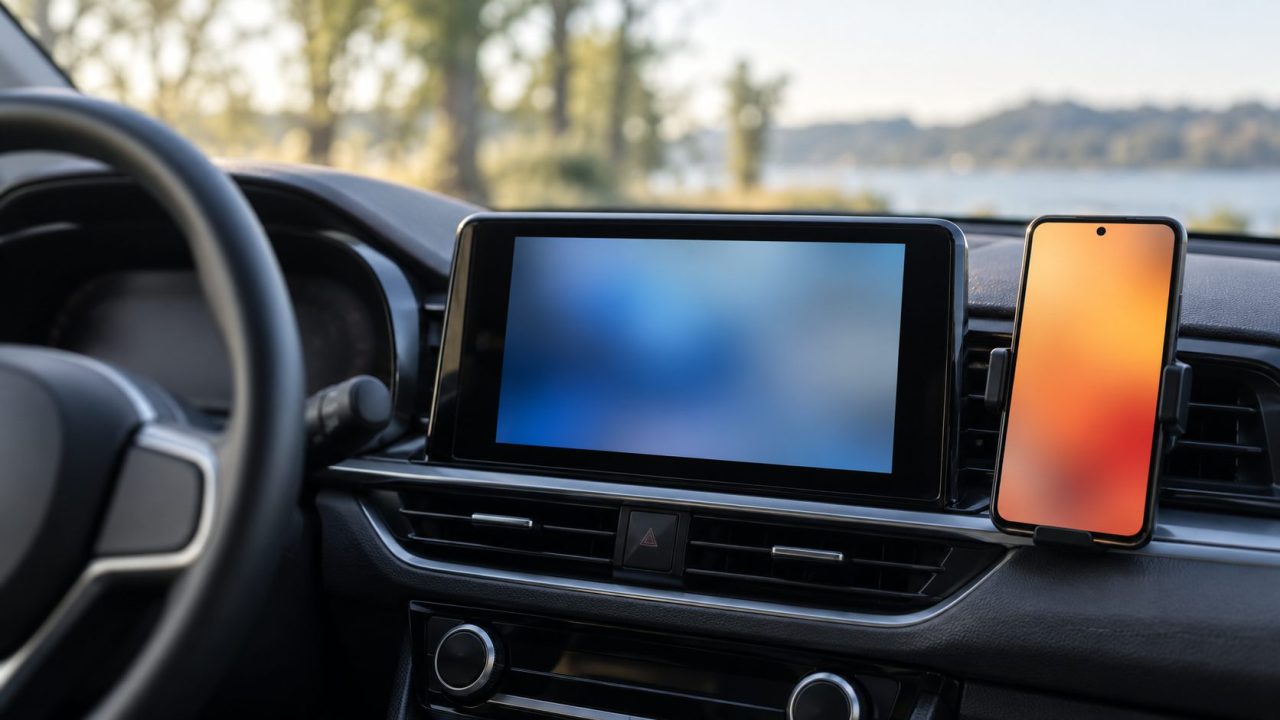
When Bluetooth won’t play audio in car speakers but calls go through, the pairing is often fine. The sound gets lost on the way: the stereo is on the wrong source, a volume is down, media stays on the phone’s speaker, or the car never supported music streaming. Find which one, and the fix is often a single setting. Car menus vary by make and model, so keep the owner’s manual handy.
Bluetooth Won’t Play Audio in Car? Match the Symptom First
Each symptom points to a different fix:
Calls work, music is silent
Check the car’s audio setting, Media audio and whether the car streams music.
Music works, calls are silent
On Android, turn on Phone audio for the car. On iPhone, set Settings > Accessibility > Touch > Call Audio Routing to Automatic.
Song title shows, no sound
The link is up; the sound stops at the stereo. Check the source and volume.
One more clue: if Bluetooth won’t play audio in car stereos with any phone, suspect the car. If a passenger’s phone works, start with yours.
Pull over somewhere safe before tapping through phone or dashboard menus; never change these settings while driving.
Switch the Stereo to Bluetooth Audio and Check Both Volumes
A call connection doesn’t always switch the stereo to Bluetooth. Press the car’s source or media button and pick the Bluetooth input, which may say BT Audio, Bluetooth or Media.
Next, check the volume on both ends, as Google’s Bluetooth troubleshooting page advises. Raise the phone’s media volume while a song plays, since ringer and call volumes are separate, then turn up the car and check mute.
Sound there but faint? See our phone too quiet guide.
Check the car’s side too: Bluetooth won’t play audio in car stereos that have your phone connected for calls only. Open your phone’s entry in the car’s Bluetooth list and make sure audio or media is on; some units let another phone take the audio role. Delete phones nobody uses anymore, and check the manual for menu names.
Android: Turn On Media Audio for Your Car
Android keeps separate call and music switches for each paired device, so Bluetooth won’t play audio in car speakers while Media audio is off, even if calls work. If the car connects for calls but not for audio, turn it on:
- Open Settings > Connected devices.
- Find the car (under Saved devices if needed) and tap the gear icon next to its name.
- Turn on Media audio, or Phone audio if calls are the silent part.
These are Google’s stock steps; some need Android 8.0 or later. On a Samsung Galaxy, open Settings > Connections > Bluetooth and tap the gear next to the car; switch names vary by One UI version.
Since Android 11, the output button in the Quick Settings media controls lists the phone speaker and connected Bluetooth audio devices, so you can tap the car. Changed the Bluetooth codec or AVRCP version in Developer options (Settings > System on a Pixel)? Set both back to the options marked Default.
Pixels have a quick test for when Bluetooth won’t play audio in car speakers: Settings > Connected devices > Bluetooth diagnostics (Fold included). It checks media audio and hands-free calling separately; sharing device details with Google is optional.
iPhone: Pick the Car as the Playback Destination
On an iPhone, a common reason Bluetooth won’t play audio in car speakers is that the sound is going somewhere else. Start a song, tap the Playback Destination button and choose the car. The same picker is on the Lock Screen and in Control Center.
Car missing from the list? Tapping Bluetooth in Control Center doesn’t turn it off; it disconnects accessories until you reconnect, restart the phone or 5 a.m. local time arrives. Tap it again, pick the car in Settings > Bluetooth or choose it in the playback picker; our Bluetooth won’t turn off guide explains this quirk.
Reset, Then Rule Out Other Phones, Earbuds and Apps
Settings look right but Bluetooth won’t play audio in car speakers anyway? Turn Bluetooth off, wait about five seconds and turn it back on. On iPhone, do it in Settings > Bluetooth, as Apple’s car connection steps say, since Control Center won’t turn it off. Then restart the phone and switch the car off and on.
Still silent? Something else may have the sound:
- Your own earbuds or speaker. Google says to make sure other devices paired with your phone aren’t playing the music; disconnect them for a test.
- Another phone. Some head units stream from one phone at a time, so a second driver’s phone may hold the audio. Turn off its Bluetooth or pick your phone in the car’s list.
- Rename your iPhone if several phones have paired with this car: Settings > General > About > Name.
- Try another app. If a built-in player works but one streaming app is silent, update that app, then contact its developer.
- Rule out CarPlay or Android Auto. While either runs, music usually plays through that mode, not BT Audio. If Android Auto keeps switching Bluetooth on, see why Android Auto keeps turning on Bluetooth.
Why Bluetooth Won’t Play Audio in Car Stereos That Handle Calls
Calls go over the Hands-Free Profile (HFP), music streams over A2DP (Advanced Audio Distribution Profile), and AVRCP (Audio/Video Remote Control Profile) carries play, pause, skip and track details.
A feature works only when both the phone and the car support its profile. That’s why Bluetooth won’t play audio in car systems that still ring through perfectly. It also explains a song title with no sound: AVRCP delivers the details, but the A2DP stream is off, unsupported or routed elsewhere.
Some cars simply can’t stream music, and Nissan says Bluetooth compatibility varies by model and trim, so check the manual for audio streaming or A2DP before re-pairing.
Aftermarket stereo? If Bluetooth won’t play audio in car stereos you installed yourself, check the maker’s current support page or manual for phone compatibility and firmware updates. Older lists, like KENWOOD’s, may not cover recent phones.
Update Both Ends, Then Re-Pair as a Last Resort
Software is the next suspect when Bluetooth won’t play audio in car stereos that used to work. Update the phone (Settings > General > Software Update on iPhone, Settings > System > Software updates on a Pixel, Settings > Software update on Samsung), then ask the car maker or dealer about newer stereo firmware, as Apple advises.
Volkswagen in the US: Software Updates and Manuals
In the US, most 2020 and newer VW models are eligible for free over-the-air updates through the myVW app when VW releases them (cellular coverage required; some updates may come through dealers). Installation runs with the ignition off and can take up to three hours; VW doesn’t list a specific Bluetooth fix.
US owners can find manuals by VIN on VW’s owner’s manual page (2023 and newer) or at maintenance.vw.com (2012 to 2022). Elsewhere, use your country’s VW site (vw.ca in Canada) and your market’s manual.
Still silent? Re-pairing is the last step when Bluetooth won’t play audio in car speakers. Based on Google’s steps, clear the pairing on both sides:
Forget the car
Android: Saved devices, gear icon, Forget; drop unused devices too. iPhone: Settings > Bluetooth, info button, Forget This Device.
Clear the car’s list
Delete your phone and any unused phones from the car’s Bluetooth menu, per the manual.
Pair and recheck
Pair from the phone or the car, as the manual says, then recheck the audio settings and source.
Frequently Asked Questions
Why won’t my VW play music over Bluetooth when calls work fine?
Check the source and your phone’s audio setting in the car, then Media audio or the playback destination. Next, confirm streaming support in the manual and update through your market’s VW app or a dealer where offered.
Why does music cut out right after I connect?
KENWOOD notes for its units that a phonebook download during A2DP playback can interrupt audio; other head units may do the same. Let the stereo finish syncing contacts.
Do I have to re-pair when Bluetooth won’t play audio in car speakers?
Not first. Re-pair only after the source, volumes, output settings, other devices and updates are ruled out.
Fix It in This Order
When Bluetooth won’t play audio in car speakers, go cheapest first: source and volumes, the car’s audio setting, Media audio or the playback destination, quick resets, other devices and apps, updates, then a clean re-pair. If the manual says the car only handles hands-free calls, no phone setting will add music.
More connection fixes are in our internet guides.
Leave a comment