

Why Is My WiFi Hidden or Not Showing Up? Fixes for One Device or All
Missing on every device or just one? Find out whether the router stopped broadcasting or your device can't use the band, then fix it or join the network by hand.
Why is my WiFi hidden when it was in the list yesterday? Either the router stopped broadcasting its name, or your device can’t use the band or channel the network runs on.
Network listed and connected, but nothing loads? That’s a different fault: see WiFi connected but no internet.
Why Is My WiFi Not Showing Up? Check One Device vs Every Device
Why is my WiFi hidden? Missing on every device: the router isn’t broadcasting (radio off or Hide SSID on). Missing on one device: that device can’t use the band or channel, or its driver is at fault.
- No networks at all? Start with the device: check its WiFi toggle, Airplane mode and any laptop wireless switch.
- Only the “-5G” or 6 GHz name is missing? The device likely lacks that band: see one device only.
- Why is my WiFi hidden upstairs but fine next to the router? That’s range, not a setting. Move closer and test again.
- Why is my WiFi hidden from an older laptop after a router upgrade? A Wi-Fi 6, 6E or 7 network may need a newer driver: see the Windows fixes.
Missing on Every Device: Get the Router Broadcasting Again
Why is my WiFi hidden on every device at once? Then it’s the router. If nothing can join, reach its settings from a laptop wired to a LAN port, then work through these:
Check the WiFi light
Most routers show a lit or flashing WiFi or WLAN light while the radio works. Dark with the power light on? The radio may be off, unless night or LED-off mode is set; for one-light mesh units, check the app.
Check the WiFi button
Some routers have an easy-to-bump WiFi button, often held for a few seconds. Read its label first: holding a WPS/RESET button resets the router. In the app, make sure every band is on.
Restart in order
Unplug the router and modem for at least 30 seconds. Plug in the modem first, then the router, and wait a few minutes.
Factory reset, last
It wipes every setting, including any ISP login, so call your ISP first if they supplied the router. Afterwards, look for the default name on the label.
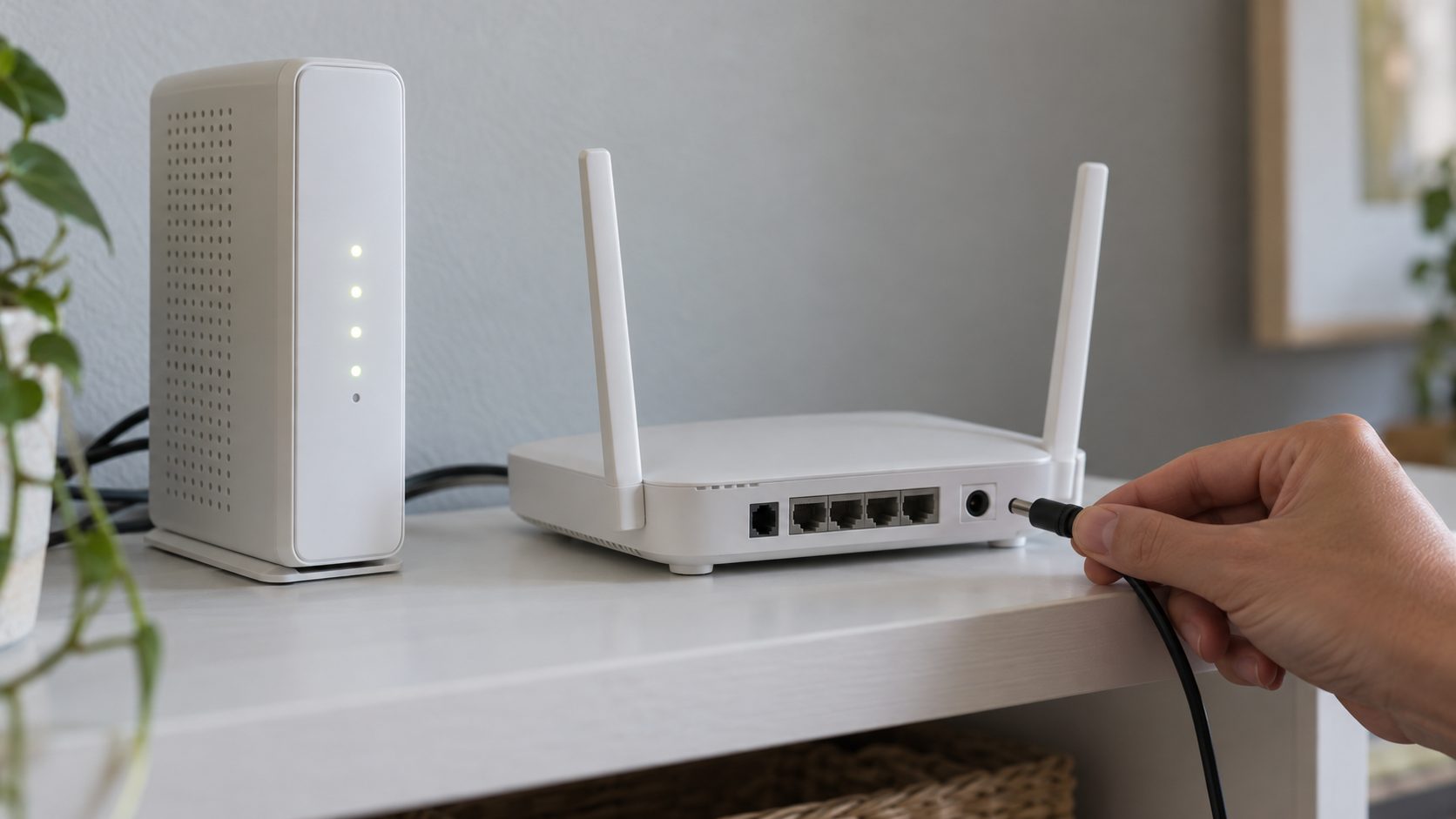
Why Is My WiFi Hidden? The Router’s Hide SSID Setting
Router light on, neighbors’ networks visible, yours missing everywhere? Someone probably told the router to stop broadcasting its name.
In the router’s app or admin page, turn off Hide SSID (or Hidden network), or turn on SSID broadcast. Apple notes that some routers say closed for hidden and broadcast for visible.
Apple’s recommended router settings say to set Hidden network to Disabled: hiding doesn’t conceal the network or stop unauthorized access, and it might expose information that identifies you and your home network. Use WPA3 or WPA2 with a strong password instead.
How to Join a Hidden WiFi Network on iPhone, Android, Mac and Windows 11
Why is my WiFi hidden but my old laptop still connects? It already has the network saved. Other devices can join by hand with the exact, case-sensitive name, security type (such as WPA2 Personal) and password.
iPhone
Settings > Wi-Fi, turn Wi-Fi on and tap Other. Enter the name, security type and password.
Android
Settings > Network & internet > Internet > Add network. Enter the name and security, set Hidden network to Yes under Advanced options and tap Save. Menus vary; Google notes some options need Android 12 or later.
Mac
Wi-Fi menu in the menu bar > Other Networks > Other (Join Other Network on older macOS). Enter the details and click Join.
Windows 11
Settings > Network & internet > Wi-Fi > Manage known networks > Add network. Enter the details, tick Connect even if this network is not broadcasting and click Save.
Missing on One Device Only: Bands and Channels It Can’t Use
When the rest of the house sees it, why is my WiFi hidden from this one device? Usually it’s on a band or channel the device can’t hear.
5 GHz and 6 GHz bands
- 2.4 GHz-only devices, including many smart plugs and cameras, can’t see a 5 GHz network.
- 6 GHz (Wi-Fi 6E and 7) needs WPA3 and a 6 GHz-capable device; a PC also needs Windows 11. Among iPhones, Apple lists only the 15 Pro, 15 Pro Max and later, excluding the iPhone 15, 15 Plus, 16e and 17e. Some countries also limit 6 GHz.
- Split names. Many routers list “Home” and “Home-5G” separately; Microsoft suggests trying the other one, and Apple recommends one name across all bands.
Channels 12 and 13, and DFS radar channels
Why is my WiFi hidden on a laptop bought in the US? It may be on 2.4 GHz channel 12 or 13, allowed in the UK, EU, India and Australia but often unseen by North American devices (1-11). Set 1, 6 or 11 by hand (Auto can pick 12 or 13 again) and never change the router’s country setting.
On 5 GHz, channels 52-64 and 100-144 (100-140 in the UK and EU) are DFS channels that need a radar check. Some devices, especially older or travel adapters, skip them; setting the router’s 5 GHz channel to 36 avoids DFS.
Windows 11 Won’t Show WiFi Networks: Adapter, Band and Driver Fixes
Why is my WiFi hidden on the PC when every phone sees it? Microsoft’s Wi-Fi troubleshooting guide names two causes: the adapter doesn’t support the band, or (less commonly) its driver filters it out.
- See what the PC hears. Restart, then in Command Prompt run:
netsh wlan show networks mode=bssid
It lists every network the adapter hears, with its channel. If it asks for location permission (Windows 11 24H2 and later), turn on Location services and Let desktop apps access your location under Settings > Privacy & security > Location. - Band setting.
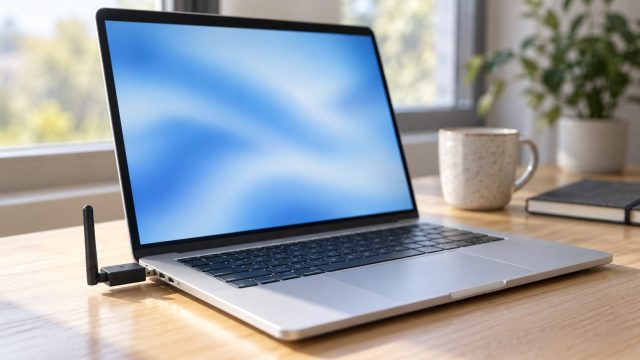
netsh wlan show driverslists the adapter’s bands under Number of supported bands (on older Windows, 802.11a or ac means 5 GHz). Then in Device Manager > Network adapters, right-click the wireless adapter, choose Properties > Advanced and set Wireless Mode, Band or Preferred Band to allow your band. - Driver age. On a PC with an Intel adapter, a missing Wi-Fi 6, 6E or 7 network usually means an outdated driver; update it from Intel or your PC maker. End-of-life Intel AC 7260, 3160 and 7265 (Rev. C) cards get no new drivers, so use a USB WiFi adapter.
- Network reset, last. Settings > Network & internet > Advanced network settings > Network reset. It reinstalls your network adapters and restarts the PC, and VPN apps may need reinstalling, so keep your WiFi password handy.
No Wi-Fi section in Settings, or no wireless adapter in Device Manager? Then Windows can’t detect the adapter at all: check the laptop’s WiFi switch or key, then reinstall its driver.
Android Phone or iPhone Won’t Detect the WiFi Network
Why is my WiFi hidden on my phone when the laptop sees it? The band and channel limits above apply to phones too.
Android. Google’s first tip is to wait for the list to refresh; then toggle WiFi, check Airplane mode and restart. Listed but won’t join? See Android phone won’t connect to WiFi.
iPhone. Apple says a missing network may be hidden or may not follow its recommended router settings. Its last resort, Reset Network Settings, erases saved WiFi passwords plus cellular, VPN and APN settings; see iPhone won’t connect to WiFi.
Frequently Asked Questions
Why is my WiFi hidden and listed as “Hidden Network” on my laptop?
Windows hears a network that isn’t broadcasting its name, often a neighbor’s. If it’s yours, select it and type the name, or turn off Hide SSID on the router.
Why is my WiFi hidden from my smart plug or camera?
Many smart-home devices are 2.4 GHz-only, including most of TP-Link’s Tapo cameras. Make sure the router’s 2.4 GHz band is on and broadcasting.
Why did my WiFi disappear, then come back later?
On 5 GHz, it may be radar: Cisco Meraki says an access point that detects radar on a DFS channel drops its clients and switches channel. Consumer routers vary; 2.4 GHz and channel 36 aren’t affected.
Why is my WiFi hidden after a router reset?
It may not be hidden at all. A factory reset restores the default name and password printed on the router’s label; look for that name, then set your own.
Why is my WiFi hidden after my internet provider set it up?
The installer may have turned on SSID hiding or fitted a router with a new default name. Turn hiding off in the provider’s app, or ask the ISP if it’s locked.
Recap: Router First, Then the One Device
So, why is my WiFi hidden? On every device, it’s the router; on one device, it’s a band, channel or driver that device can’t handle. If the name is only hidden, you can still join by hand.
Neither your name nor the label’s default name after a reset? The router may be faulty: contact your ISP or the router maker. More fixes are in our internet guides.

Leave a comment